
Access
Public Access Groups
Let anyone use your agents without logging in, with configurable usage limits.
Public access groups let anyone use your agents without logging in. They group deployments and portals together and apply rules and usage limits to control the experience — the "front door" of most funnels.
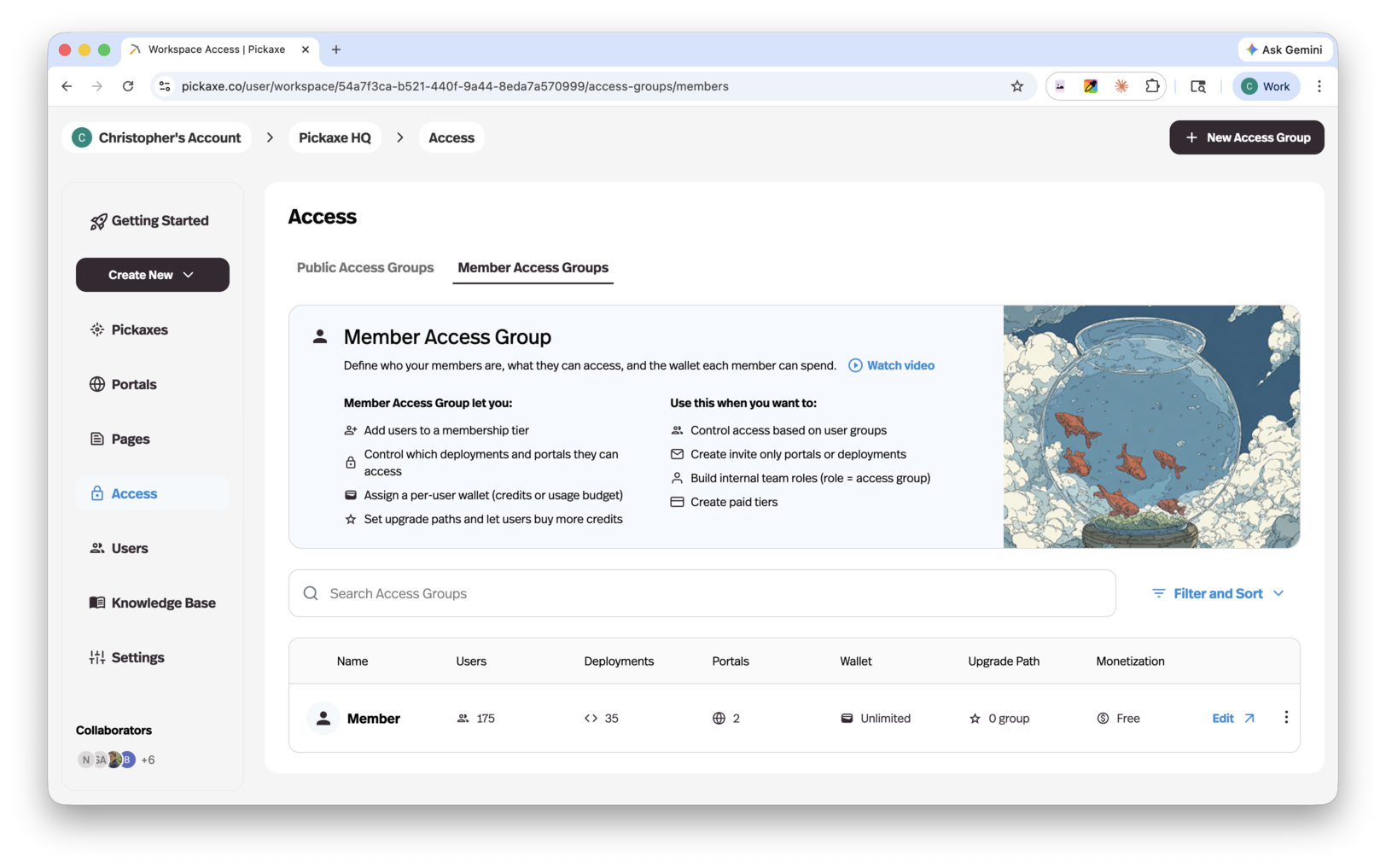
What you can do with public access groups
- Set public usage limits — define how many uses or credits an anonymous visitor gets. Note that public limits apply per deployment, not across all tools connected to the group.
- Decide what happens when limits are reached — show a custom limit-reached message and choose the next step: upgrade to a members group, or link out to an external site.
- Offer upgrade paths to memberships — connect one or more member access groups as upgrade tiers, and preview the pricing page users will see.
- Auto-assign an access group on sign-up — when a public user signs up, drop them straight into a (free) members group of your choice instead of showing the pricing page.
When to use public access groups
- Offer a free trial — let people try your agents before committing to a paid plan.
- Share tools publicly — make your agents available to anyone without requiring sign-up.
- Control public usage before monetizing — set boundaries on free access to drive conversions to paid tiers.
Public groups use the same editor as member access groups — the Users tab and monetization options simply don't apply to them, since public users are anonymous and unbilled.