
Get Started
Quick Start
A quick-start guide to understanding Pickaxe and building your first AI agent.
What is Pickaxe?
Pickaxe is a no-code platform for building, launching, and managing custom AI agents. It gives you everything you need to go from idea to live product — without writing a single line of code.
With built-in monetization, user management, and online portals, Pickaxe makes it easy for creators and consultants to turn AI into real, shareable products.
Who is Pickaxe for?
Pickaxe is built for anyone who wants to create AI-powered tools without a technical background:
- Creators and solopreneurs looking to package their expertise into AI products
- Consultants and agencies who want to offer AI-powered services to clients
- Businesses and teams that need custom AI agents tailored to their workflows
- Educators and coaches who want to scale personalized guidance
What can you build?
With Pickaxe, you can build AI agents that handle a wide range of tasks — from answering questions using your own content, to guiding users through multi-step workflows, to connecting with external tools and services.
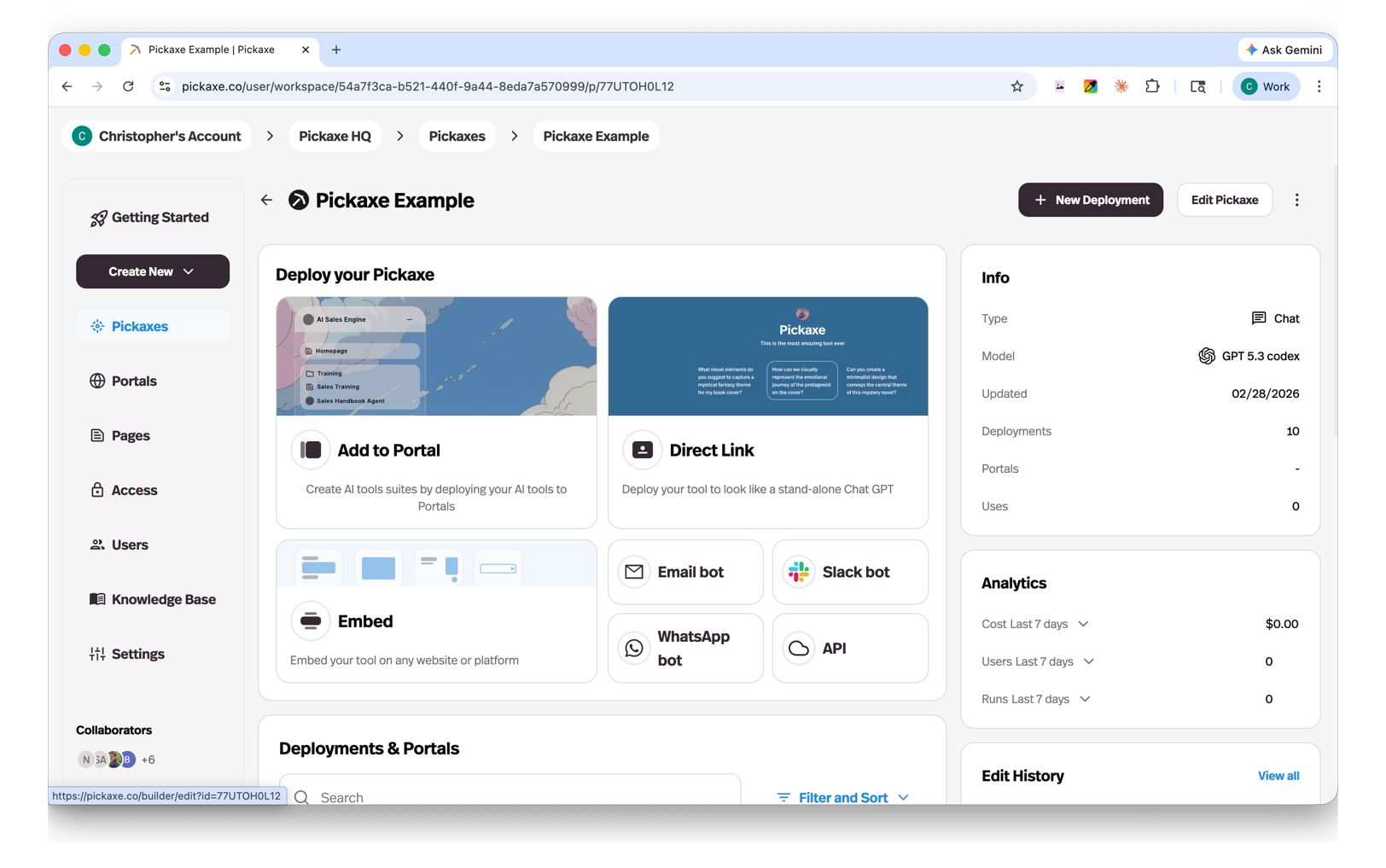
Your agents can be deployed anywhere: on a branded portal, embedded on your website, connected to email, WhatsApp, Slack, your meetings, or accessed through an API.
Key features
- No-code agent builder — Design and configure AI agents visually with the Agent Builder.
- Knowledge base — Upload documents, websites, and other content to give your agents context and expertise.
- Actions — Connect your agents to external tools and APIs so they can do more than just chat.
- Multiple AI models — Test, compare, and switch between leading AI models to find the best fit for each agent.
- Flexible deployment — Launch agents on portals, web pages, embeds, email, WhatsApp, Slack, meetings, or via API.
- User management — Control who can access your agents with public access groups, member-only groups, and individual user settings.
- Built-in monetization — Charge users for access to your agents with credits and usage-based pricing.
- Centralized AI stack — Manage all of your agents, models, and usage from one dashboard. Share context across agents and keep costs low.
How it works
Getting started with Pickaxe takes just a few steps:
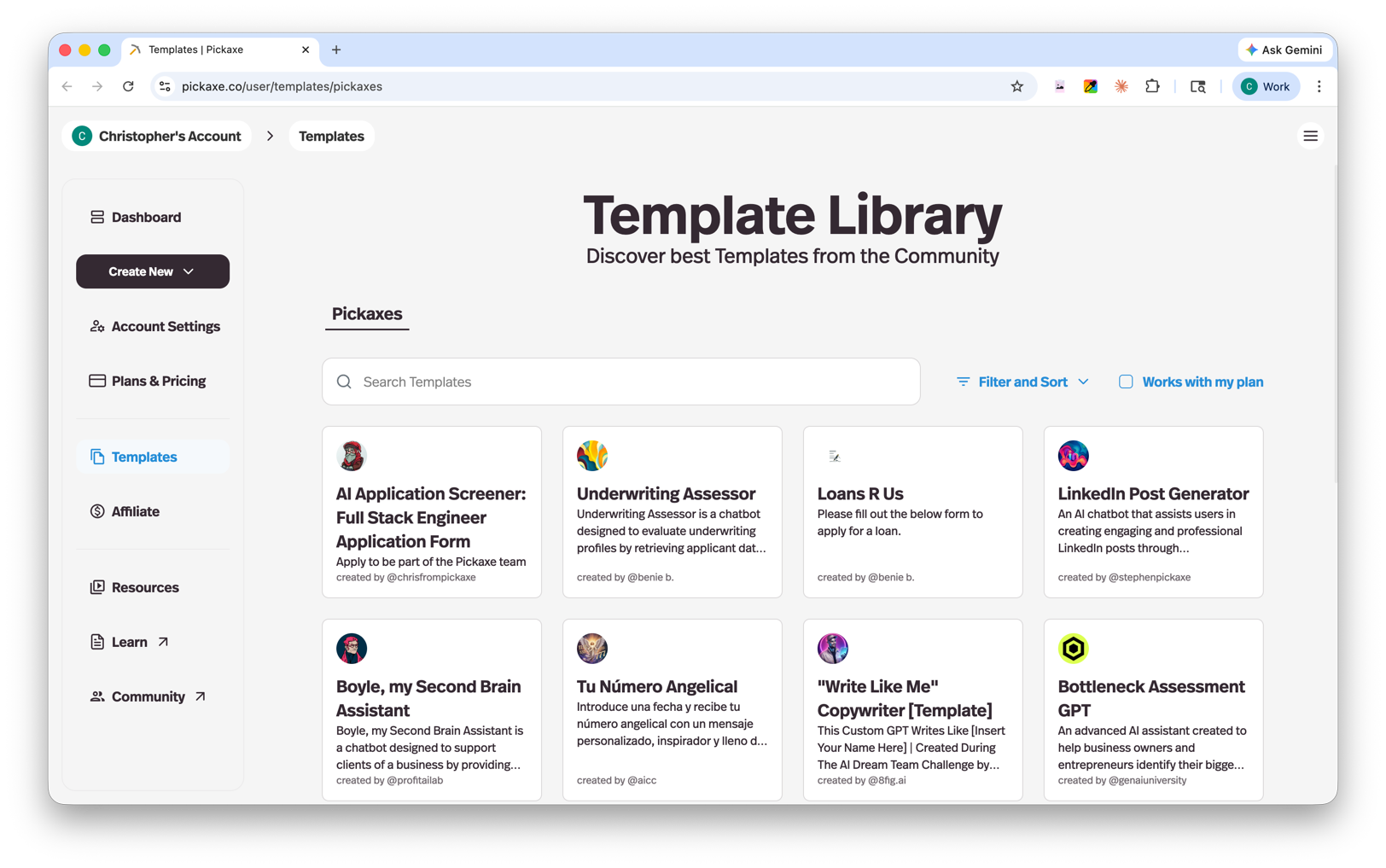
- Create an agent — Open the Agent Builder and describe what you want your agent to do. Add instructions, personality, and any rules it should follow. You can also start from a template in the Template Library.
- Add knowledge — Upload documents, links, or text to give your agent the information it needs to respond accurately.
- Choose a model — Pick the AI model that best fits your use case. You can experiment and switch models at any time.
- Deploy — Launch your agent on a portal, embed it on your site, or connect it to a messaging platform.
 5. Share and monetize — Invite users, set up access controls, and start charging if you'd like.