
I read a lot of "best AI writing tools" lists before writing this one, and they all have the same problem.
They put fifteen tools in a row, give each one a paragraph and a star rating, and leave you to work out which is which.
But Grammarly and Jasper are not competitors. Sudowrite and Clearscope are not competitors. Putting them in the same ranked list is like ranking a hammer against a tape measure.
So I approached this differently. I looked at what these tools are actually built to do, and they sort cleanly into six jobs — not one category.
Once you know which job you're doing, the shortlist collapses from fifteen tools to two or three, and the decision gets easy.
That's what this guide is. The six jobs, the tools that genuinely serve each one, honest pricing as of August 2026, and two significant things that most of these lists have not caught up with yet — including one tool that has quietly stopped being an AI writing tool at all.
The six jobs AI writing tools actually do
Here's the framework. Find your row first, then read only the sections that apply to you.
| The job | What you're really asking for | Tools that do it well |
|---|---|---|
| 1. Draft something from nothing | A blank page and an idea | ChatGPT, Claude, Gemini |
| 2. Produce on-brand content at volume | Consistency across a team and a calendar | Jasper, Writesonic |
| 3. Improve writing you already did | Your words, sharper | Grammarly, Wordtune, Lex, Notion AI |
| 4. Write things that have to rank or get cited | Search and AI-answer visibility | Surfer SEO, Frase, Clearscope |
| 5. Write a novel | Voice and continuity over 80,000 words | Sudowrite |
| 6. Do the same writing job 500 times | A repeatable process, not a chat window | A custom agent (Pickaxe) |
Most people reading a list of AI writing tools think they're in job 1 or 2. A surprising number are actually in job 6 and don't know it yet — I'll come back to that at the end, because it's the one nobody writes about.
Quick comparison: 15 AI writing tools at a glance
Full table first, then the detail. Prices are the publicly listed rates as of August 2026 and move around, so check the vendor before you buy.
| Tool | Job it's for | Starting price | Best at | Weak spot |
|---|---|---|---|---|
| ChatGPT | 1. Drafting | Free / $19.99 mo | Research, structure, breadth | Default voice is recognisable |
| Claude | 1. Drafting | Free / $20 mo | Prose quality, tone control, long docs | Fewer bolt-on features |
| Gemini | 1. Drafting | Free / $19.99 mo | Google Workspace, huge context | Least distinctive prose |
| Jasper | 2. Brand volume | $39 seat/mo | Brand Voice, team governance | Expensive for one person |
| Copy.ai | — (see below) | $36 mo | GTM sales workflows | No longer a writing tool |
| Writesonic | 2 + 4 | $39 mo | Writing plus AI-visibility tracking | Jack of all trades |
| Grammarly | 3. Editing | Free / ~$12 mo | Catching what you missed, everywhere | Parent company now chasing a bigger prize |
| Wordtune | 3. Editing | Free / ~$6.99 mo | Rephrasing, non-native English | Narrow feature set |
| Notion AI | 3. Editing | $10 member/mo | Writing where your docs already live | Requires living in Notion |
| Lex | 3. Editing | Free / ~$16 mo | Serious writers who want feedback, not filler | Not for marketing ops |
| Surfer SEO | 4. Ranking | $49 mo | On-page optimisation while you write | Score-chasing is a trap |
| Frase | 4. Ranking | $49 mo | Research → brief → draft in one loop | Data less clean than Clearscope |
| Clearscope | 4. Ranking | $179 mo | The cleanest data in the category | Price |
| Sudowrite | 5. Fiction | ~$10–44 mo | Novel continuity, fiction-trained model | Useless for business writing |
| Pickaxe | 6. Repeatable | See pricing | Turning one writing process into a reusable agent | Overkill for one-off drafts |
Job 1: Draft something from nothing
If you write occasionally and mostly need help getting past a blank page, you almost certainly do not need a dedicated AI writing tool. You need one of the three frontier chat assistants, and the $20 you'd spend on any of them beats the $39 you'd spend on a specialised platform.
The frontier models have absorbed most of what the first generation of AI writing tools sold. Templates, tone sliders, outline generators — that's a prompt now, not a product.
ChatGPT
Best for: research-heavy drafting, structure, and anything where you want the model to go find things before it writes.
ChatGPT is the default for a reason. It's the strongest all-rounder, the research and browsing tooling is excellent, and the ecosystem around it — custom instructions, projects, connectors — means you can shape it into something that fits your workflow without leaving the app.
For writing specifically, its strength is getting the shape right. Ask it to outline a 2,000-word piece with a specific argument and it will give you a genuinely usable skeleton.
Its weakness is that the default voice has become recognisable. Enough of the internet is now written by it that readers have developed an ear for the rhythm, and a chunk of the "how to spot AI writing" discourse in 2026 is really "how to spot unedited ChatGPT."
That's a prompting problem more than a model problem — feed it 800 words of your own writing and tell it to match the cadence, and it improves sharply. Our guide to prompt engineering covers how to do that properly.
Pricing: a capable free tier, Plus at $19.99/month, Pro at $200/month for heavy users. Current plans.
Claude
Best for: prose quality, tone control, and working through long documents.
If the output is going to be read by a human rather than scanned by a crawler, Claude is the one I reach for. It writes with more restraint, it takes voice instructions more literally, and it's noticeably better at not reaching for the same five transitional phrases.
It's also the strongest of the three at editing a long document in place — you can paste 6,000 words in and ask for structural feedback rather than a rewrite, and it will actually give you structural feedback.
The trade-off is fewer bells and whistles. Anthropic ships fewer consumer features than OpenAI, and if you want a tool that also generates images and browses aggressively, it's not the pick.
One genuinely funny detail from 2026: of the major models, Claude is the only one that still uses em dashes more often than human writers do, because the others were tuned away from them after the em dash became the internet's favourite AI tell. Which now means the tell has inverted, and people get accused of using AI for writing the way they've always written.
If you're choosing between Anthropic's tiers for an agent rather than a chat window, we broke that down in Claude Opus vs Sonnet vs Haiku.
Pricing: free tier, Pro at $20/month, Max at $100 and $200/month. Current plans.
Gemini
Best for: teams already inside Google Workspace, and anything involving enormous source documents.
Gemini's writing is competent rather than characterful, but that's not really the point. The point is that it's already inside Docs and Gmail, which removes the copy-paste tax that quietly kills most AI writing workflows.
The context window is the other draw. If your writing job starts with "read these forty PDFs," Gemini handles that ingestion better than the alternatives.
Google also runs the cheapest paid entry point in the category — AI Plus at $4.99/month as of mid-2026 — which makes it the obvious pick if you want more than the free tier but can't justify $20.
Pricing: free tier, AI Plus at $4.99/month, AI Pro at $19.99/month, AI Ultra from $99.99/month.
Which of the three?
Short version: Claude if the writing matters, ChatGPT if the research matters, Gemini if you live in Google Docs.
And if you're building something on top of a model rather than chatting with one, the choice changes entirely — we compared the current frontier lineup for agent work in our LLM roundup and covered how to mix providers in multi-model AI agents.
Job 2: Produce on-brand content at volume
This is where dedicated AI writing tools still earn their price — but only if you're a team, and only if brand consistency is an operational requirement rather than a nice-to-have.
The value here isn't better prose. A frontier model writes as well as any of these platforms. The value is governance: a brand voice that persists across twelve people, templates that stop everyone reinventing the wheel, permissions, and an audit trail.
If you are one person writing four posts a month, skip this whole section. You are paying $39 for features designed to solve a coordination problem you don't have.
Jasper

Best for: marketing teams producing content daily where everything has to sound like the same company.
Jasper is the survivor of the 2022 AI copywriting wave, and it survived by moving up-market. In 2026 it's less "template library" and more brand-governed workspace: Brand Voice trained on your existing content, Knowledge assets, a style guide, agents, and Business-tier permissions and security controls.
The Brand Voice feature is the actual product. You upload examples, URLs and documents, and it applies that voice across chat, the editor, and its agents. For a team of eight where half the writers are contractors, that is worth real money.
The honest caveat: Creator is $39/seat/month annually and Pro is $59/seat/month annually, per seat, and one seat with one Brand Voice is not obviously better than a $20 Claude subscription with a well-written style prompt.
Jasper makes financial sense at around four or more seats, or when brand consistency is something a client is paying you to guarantee. Below that, you're buying process you could get for free.
Copy.ai — and why it's no longer an AI writing tool
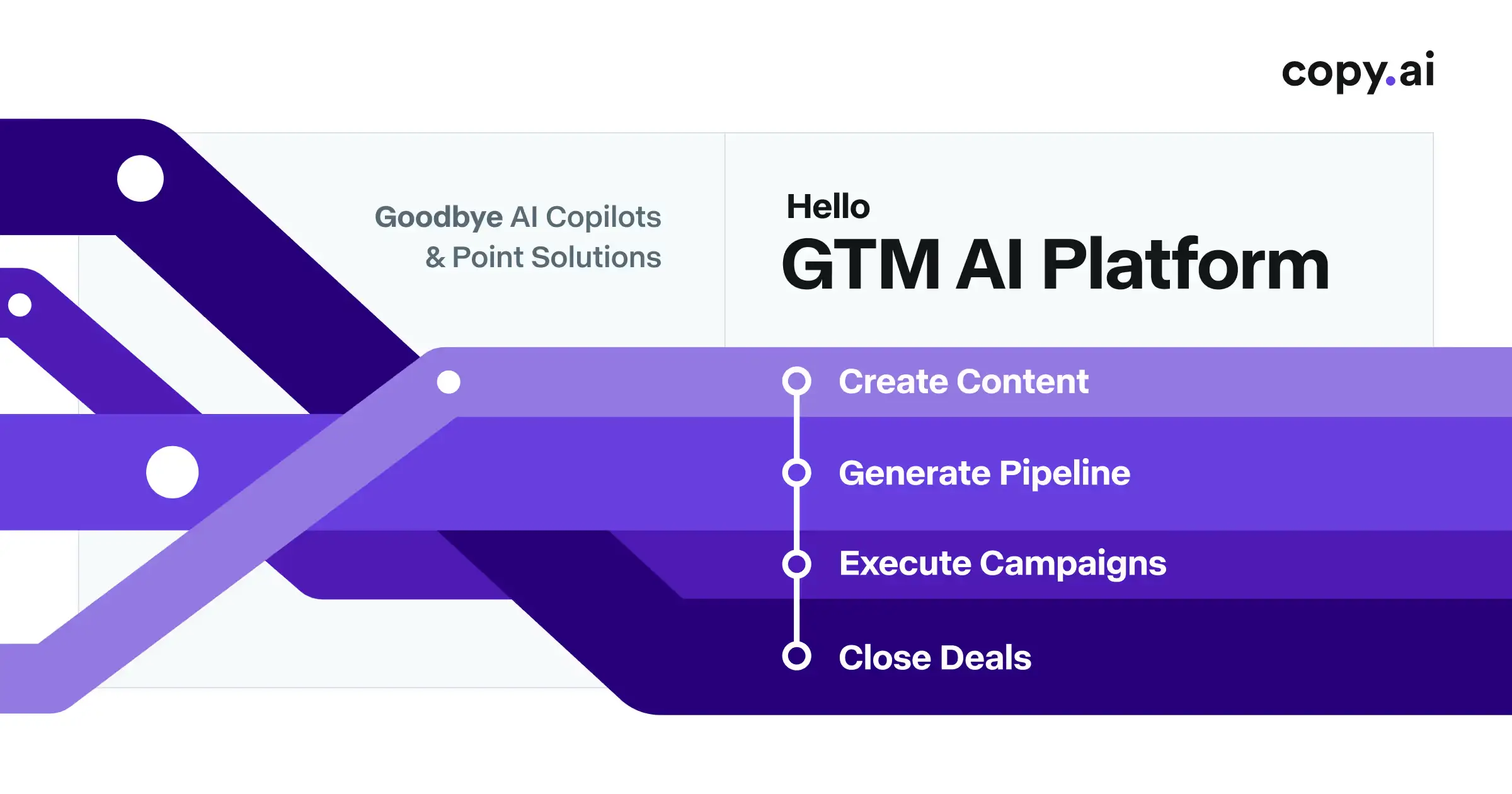
This is the thing most "best AI writing tools" lists have not updated for, and it matters if you're about to spend money.
Copy.ai has repositioned itself as a "GTM AI Platform." Not a writing tool. A go-to-market automation product for sales teams — lead enrichment, CRM integration, multi-agent workflows where one agent researches a prospect, another writes outreach, and a third personalises against CRM data.
The old template-based copywriting features still exist. They just are not where the engineering investment goes anymore, and the pricing structure and roadmap now point squarely at the enterprise sales stack.
If you found Copy.ai on a listicle and signed up expecting a blog-post writer, you will be confused by what you get. It's a capable product — it's just a capable product for a different job.
Worth noting the pattern, because it's happening across the category: the tools that started as "AI writes your marketing copy" have almost all had to become something else, because the thing they sold in 2022 is now a $20 chat subscription. Copy.ai went to sales ops. Writesonic went to AI visibility. Jasper went to brand governance. That's not three coincidences, that's a category being eaten from below.
Pricing: Starter around $36/month annually, Advanced around $186/month annually. Current plans.
Writesonic
Best for: teams that want long-form writing and AI-search visibility tracking in one subscription.
Writesonic made the same move as Copy.ai but in a different direction — it repositioned around Generative Engine Optimisation, tracking whether your brand shows up when someone asks ChatGPT, Perplexity, Gemini, Claude, Copilot or Grok a question.
It monitors more AI engines than anything else in the category, built on a large dataset of AI chatbot conversations. If "are we getting cited by the answer engines?" is a question your client asks, this is one subscription instead of two.
The fair criticism is that it's a writing tool with GEO bolted on rather than a purpose-built visibility platform, and the GEO features only really open up at the $249/month tier. The writing side starts at $39/month.
Breadth over polish. Good if you want one bill; not the best-in-class at either half.
Job 3: Improve writing you already did
This is the most underrated category, and it's where I'd point most people who write for a living.
Generating text is the easy part now. The bottleneck moved to editing — knowing which of the four AI drafts on your screen is actually good, and fixing the one that is.
Tools in this category don't write for you. They sit next to what you wrote.
Grammarly (and the Superhuman rebrand you should know about)
Best for: catching what you missed, in every app you write in.
Grammarly is still the most useful piece of writing software most people will install, precisely because it's ambient. It works in Gmail, in Docs, in Slack, in your CMS. You don't have to remember to use it.
The 2026 context you should have: in October 2025, Grammarly's parent company rebranded itself as Superhuman, taking the name from the email client it acquired earlier that year, and pulled Grammarly, Coda and Superhuman Mail under a single Superhuman Suite alongside a new assistant called Superhuman Go.
The Grammarly product still exists and still has its name. But the company's centre of gravity has moved from "writing assistant" to "AI productivity suite," which is worth knowing before you standardise a team on it.
Pricing: genuinely useful free tier, Premium around $12/month annually, Business around $15/user/month. Current plans.
Wordtune

Best for: rephrasing, and for anyone writing in English as a second language.
Wordtune does one thing: you highlight a sentence, it offers you several other ways to say it — shorter, more formal, more casual.
That sounds trivial next to a frontier model that can do the same thing. The difference is friction. Highlight-and-click is a half-second interaction; opening a chat window, pasting, prompting and pasting back is a thirty-second one. Over a working day that gap is the whole product.
It's also the tool I'd recommend most confidently to non-native English speakers, because it shows you options rather than replacing your text with something you can't evaluate.
Pricing: free tier, Advanced from about $6.99/month, Teams from about $7.99/seat/month annually.
Notion AI
Best for: teams whose documents already live in Notion.
Notion AI's advantage is proximity. It writes where your notes, briefs, meeting records and specs already are, which means it can reference them without you assembling context by hand.
That context advantage is real and it's underrated. Most of the effort in getting good output from an AI writing tool is loading it with the right background — and if the background is already in the same workspace, that step disappears.
At $10 per member per month as an add-on, with no credit metering, it's also one of the few tools in this list that doesn't make you ration your usage.
The catch is obvious: it's only worth it if you're already committed to Notion. Don't move your company's documentation to unlock a writing feature.
Lex
Best for: essayists, newsletter writers and journalists who want an editor, not a generator.
Lex is the one on this list I'd most want to defend, because it's built on a genuinely different premise: the AI should make you a better writer rather than write instead of you.
It's a clean, distraction-free document editor where you type ++ to get a suggestion, and where the marquee features are line-level Checks, saved custom prompts, Style Guides trained on your own samples, and Knowledge Bases that carry project context between sessions.
The Checks are the bit that stands out. Instead of rewriting your paragraph, it tells you the paragraph is doing two jobs and the second one is buried — which is what a good editor says.
It will not help you produce forty product descriptions. It's not for that. It's for people whose byline is on the thing.
Pricing: free tier with a limited monthly AI allowance, Pro around $16/month.
Job 4: Write things that have to rank or get cited
These aren't really writing tools. They're measurement tools that happen to have an editor attached.
What they do is analyse what's already ranking for a query, extract the topics and entities those pages cover, and score your draft against that set while you write.
That's genuinely useful. It's also the category where I'd warn you hardest about the failure mode, which I'll get to.
Surfer SEO
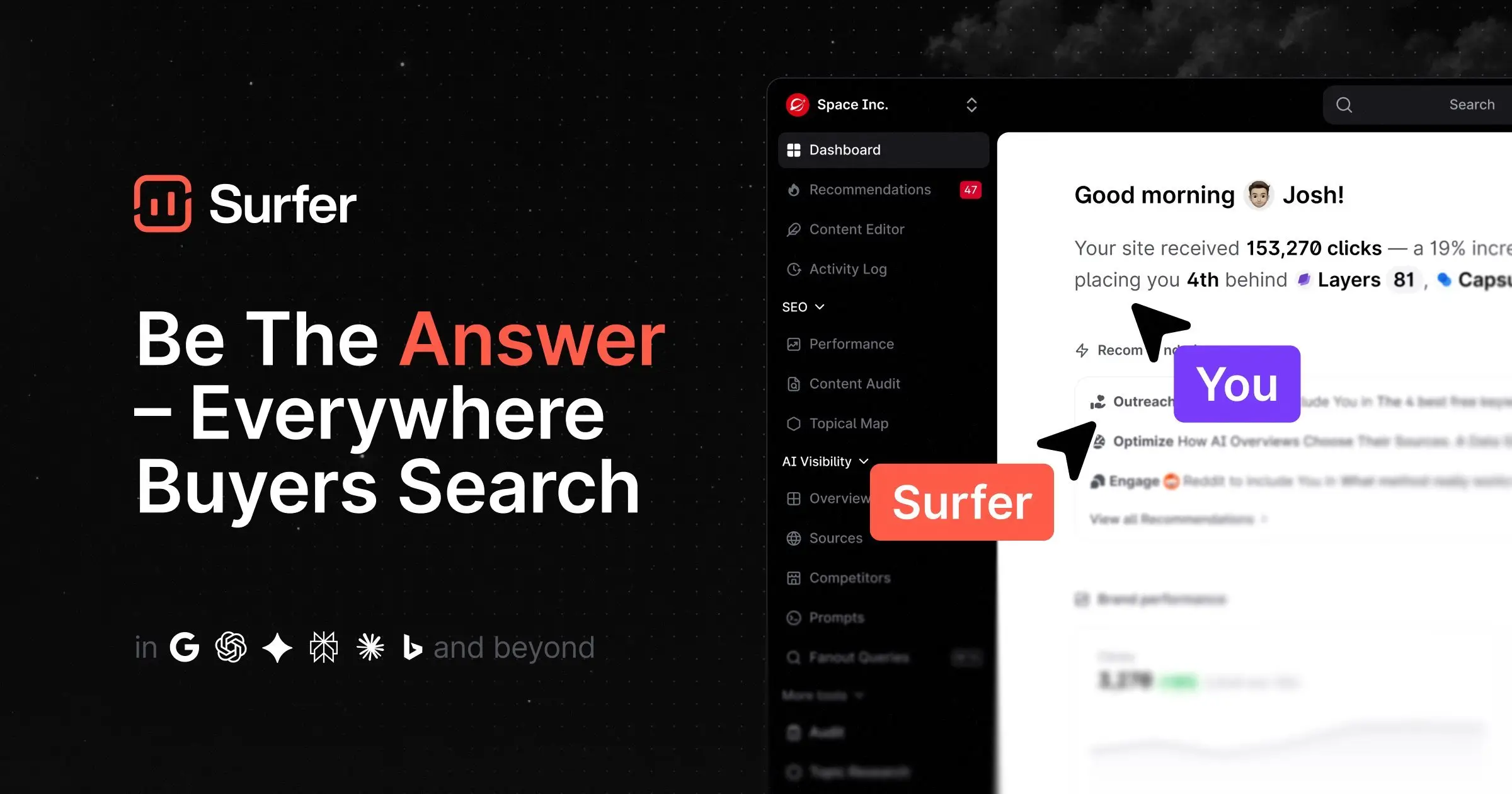
Best for: writers who want a live optimisation score in the editor as they type.
Surfer's Content Editor is the most polished implementation of the idea. You get a target word count, a set of terms to include, headings pulled from the SERP, and a score that moves as you write.
It also integrates natively with Jasper, so a team can generate a draft and optimise it in one place.
Entry pricing starts around $49/month, with the SERP Analyzer and auto-optimisation features from about $99/month.
Frase
Best for: solo writers and lean teams who want research, brief, draft and optimise in one loop.
Where Surfer and Clearscope treat AI drafting as an add-on to optimisation, Frase built the whole workflow around it: SERP research, automatic outlines, AI-assisted drafting, and scoring — all in one pass.
It's also the cheapest serious option in this group, at around $49/month for a team plan with a monthly document allowance. Frase has leaned into AI-answer visibility too, which puts it in the same conversation as Writesonic on the GEO side.
The trade-off is data quality. Frase's term recommendations are noisier than Clearscope's, which shows up as suggestions that don't quite make sense for the piece.
Clearscope
Best for: in-house content teams and agencies where the cost of a bad brief exceeds the cost of the software.
Clearscope is the expensive one and it's expensive on purpose. Its term data is cleaner than the alternatives, and its Content Grade tends to track actual SERP performance more reliably.
Starter runs around $179/month for a limited number of content reports, with Business around $399/month. That's a real budget line, and it's only defensible when a single underperforming article costs you more than the subscription.
If you're an agency billing clients for content, it usually is. If you're publishing twice a month, it isn't.
The trap in this whole category
Do not write for the score.
These tools measure term coverage. Term coverage correlates with ranking; it does not cause it. A piece that hits a 95 content grade by stuffing in every suggested phrase reads worse than one that hits 78 and actually answers the question.
Use the term list as a checklist for completeness — "did I forget to mention pricing?" — and then ignore the number.
Job 5: Write a novel
Sudowrite
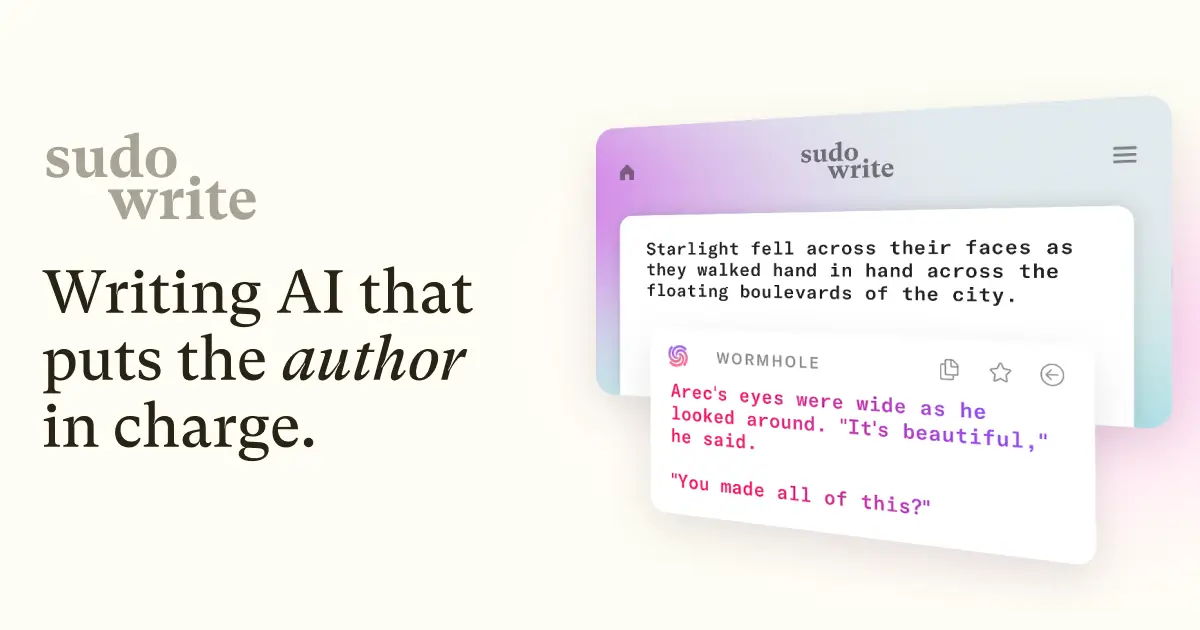
Best for: novelists. Nobody else.
Sudowrite is the clearest example of why the six-jobs framing matters. It is unquestionably the best tool in this article for one job and completely irrelevant for the other five.
Two things make it work. The first is Muse, a fiction-trained model built specifically around blocking, dialogue, humour and prose rhythm, and tuned with author feedback to strip clichés — the failure mode that makes general models unusable for fiction.
The second is Story Bible, which holds characters, worldbuilding, genre, synopsis and outline as a single source of truth that both you and the model reference. That's what keeps a character consistent across 80,000 words, and it's the problem no chat window solves.
Honest limitation, and Sudowrite's own users say it: Muse tends to rush toward plot beats without building tension. Treat the output as a first draft to edit, not prose to paste.
Pricing: roughly $10–$44/month annually depending on credits, with rollover on the top tier. Current plans.
Job 6: Do the same writing job 500 times
Here's the category that no "best AI writing tools" list covers, and the one I think a lot of readers are actually in.
Every tool above assumes a person sits down and writes a thing. That's the right assumption for a person writing a thing.
It's the wrong assumption when the writing is a process that repeats. Product descriptions for every new SKU. A weekly client report. Case studies from a transcript, in the same format, every time. Onboarding emails for every new customer.
In those situations the bottleneck isn't drafting speed. It's that the process lives in someone's head — the brief, the tone rules, the reference documents, the things you must never say — and it gets re-explained to a chat window every single time, slightly differently, with slightly different results.
What you want there isn't a writing tool. It's a writing agent: the instructions, the reference material and the output format captured once, so the fifth run and the five-hundredth run are identical.
Building one with Pickaxe
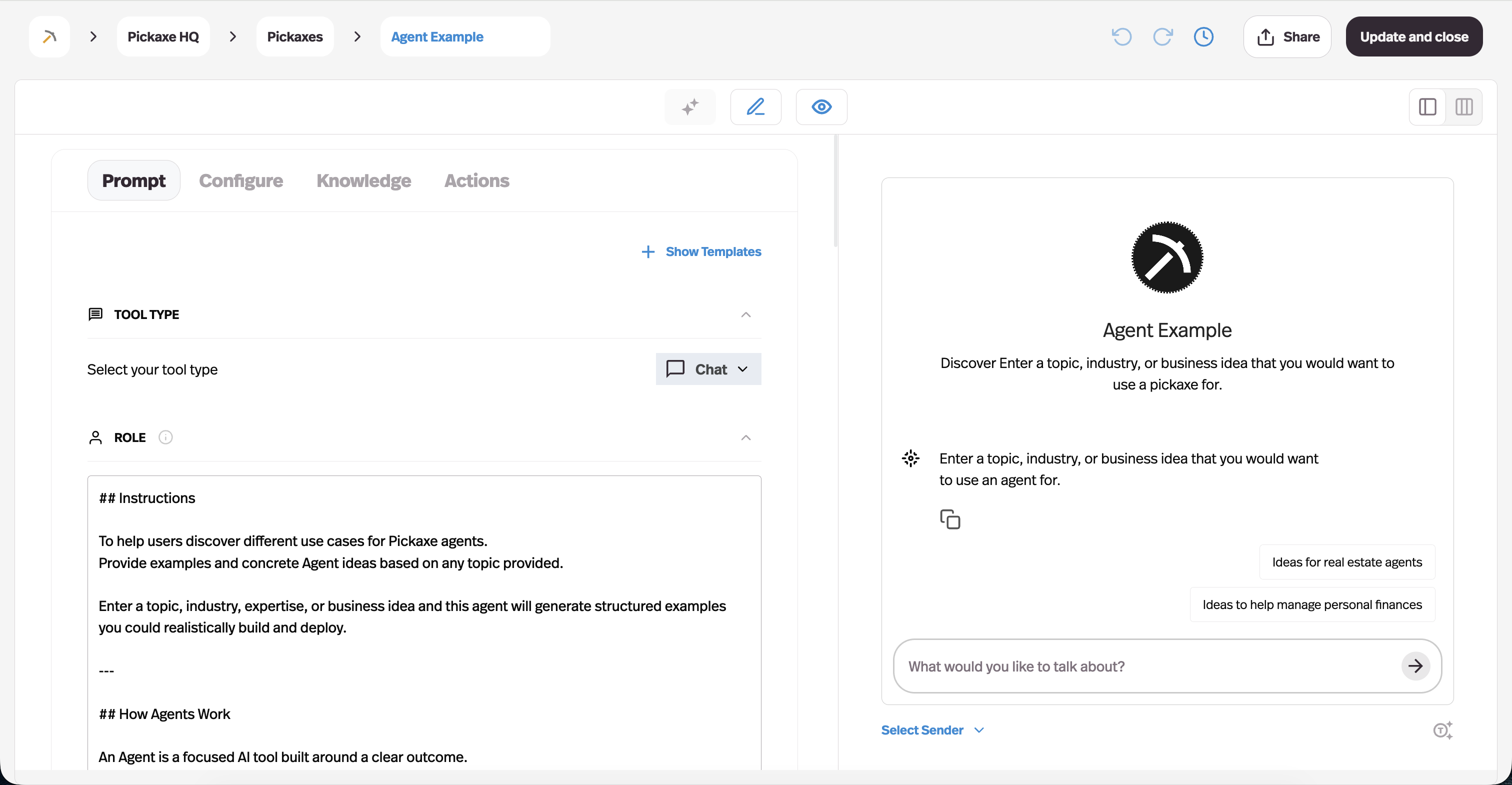
This is what Pickaxe is for, and it's a different shape of product from everything above.
You write the instructions once — the role, the voice, the structure, the rules about what never to claim. You load a knowledge base with the brand guidelines, past approved pieces, and the product facts the agent must not get wrong. You pick a model. Then anyone on the team — or the client — runs it by filling in a box.
Three things follow from that which the tools above can't do:
- Consistency by construction. The voice isn't re-prompted each time. It's in the agent.
- Delegation. A client or a junior can run a process they couldn't have prompted themselves. They don't need to know what a good brief looks like — the brief is baked in.
- It can be a product. Deploy the agent behind a branded portal with access control and billing, and the writing process you built for one client becomes something you can sell to fifty. We covered that model in how to monetize AI agents.
A concrete version of the shape: a discovery-call transcript goes in, an agent loaded with the proposal template and a handful of past winning proposals runs it, and a first-draft scope document comes out in the house voice. Same input shape, same output shape, every time. The senior person edits rather than writes.
If you want to chain several of these — research, then draft, then edit, then format — that's a multi-step workflow rather than a single agent, and we walked through the pattern in how to build an AI content factory.
The honest boundary: this is overkill for one-off writing. If you write one different thing a day, use Claude. The agent approach pays off at repetition, and only at repetition.
It's also worth being clear about what an agent is and isn't — AI agents vs agentic workflows vs automation covers where the line sits.
What the numbers say about AI writing adoption
Some context on how normal this has become, because it changes what "using AI writing tools" signals about you.
- 97% of content marketers planned to use AI in their content work in 2026 — up from 90% the year before and roughly 65% in 2023, per Siege Media's compilation of AI writing statistics.
- 72% use it to generate a first draft and 70% use it to edit something they wrote themselves — which lines up with the six-jobs split above. Drafting and editing are the two dominant jobs; everything else is a minority use case.
- The AI writing assistant market is projected to grow from around $3.6B in 2025 to roughly $9B by 2033.
- And on the other side of the ledger: an analysis reported by The Register found roughly a quarter of posts on X are fully AI-authored, with another 23% AI-assisted — leaving barely half written by a person.
The first three numbers say the tools work. The fourth says the differentiator has moved.
When almost everyone has the same drafting capability, having it stops being an advantage. What's left is judgement about what to publish — and that's not something on this list.
Does Google penalise AI-written content?
Short answer: no, and this question is asked backwards.
Google's spam policies target scaled content abuse — producing many pages primarily to manipulate rankings rather than help users. The method of production isn't the trigger. Human-written spam and AI-written spam get the same treatment.
What actually gets sites hurt is volume without oversight. Reporting on Google's 2026 core updates describes sites publishing hundreds or thousands of unreviewed AI pages taking 50–80% traffic hits, while sites using the same tools with an editor in the loop were fine.
The practical line is human oversight. Content a knowledgeable person reviewed, fact-checked and shaped for a real audience sits inside policy. Content generated and published at volume without review does not.
Which has a straightforward implication for how you use everything in this article: use AI writing tools to get to a good draft faster, then spend the time you saved editing rather than publishing more.
How to actually pick, in four questions
If you skipped to the end, here's the whole article compressed.
- Do you write occasionally, and differently each time? Get Claude or ChatGPT for $20. Stop reading. You do not need a dedicated AI writing tool.
- Are you a team where everything has to sound the same? Jasper, at four-plus seats. Below that, a $20 subscription and a shared style prompt does the same job.
- Does the writing have to rank? Frase if you're lean, Clearscope if a bad brief costs more than $179/month. Use the score for completeness, not as a target.
- Is it the same job over and over? Build an agent. This is the one where the tools above genuinely can't help, because they all assume a person at the keyboard.
And one thing that isn't a tool question: feed it your own writing. The single biggest quality jump available in any of these products comes from pasting 500–1,000 words you wrote yourself and telling the model to match the rhythm. It beats every tone slider and brand-voice feature I've seen, and it's free. Our library of prompt templates has patterns for this.
FAQ
What is the best AI writing tool overall?
There isn't one, and any list that names a single winner is comparing tools built for different jobs. For most individuals, Claude produces the best prose and ChatGPT is the best all-rounder. For teams needing brand consistency, Jasper. For fiction, Sudowrite. For SEO, Clearscope or Frase.
Are free AI writing tools good enough?
For a lot of people, yes. The free tiers of ChatGPT, Claude and Gemini are genuinely capable, and Grammarly's free tier catches most of what matters. Pay when you hit rate limits often enough to be annoyed, not before.
Do AI writing tools still get flagged by AI detectors?
Often, and the surface-level tells have shifted. The em dash was the famous giveaway; most models were tuned away from it, and as of 2026 Claude is the only major model that uses them more than human writers do. Detectors measure deeper statistical patterns than punctuation, so cosmetic edits don't reliably help. Substantive rewriting does — which is another argument for treating output as a draft.
Can AI writing tools replace a writer?
They replace the drafting part of writing, which was never the hard part. The hard parts — knowing what's worth saying, whether a claim is true, and whether the piece is any good — are unchanged. What's realistically changed is the ratio: writers now spend more time editing and deciding than typing.
Which AI writing tool is best for a marketing agency?
Depends on which half of the work you mean. For producing client content at volume with brand consistency, Jasper plus an SEO tool. For turning a repeatable client deliverable into something you can hand off or sell, build an agent — that's the more defensible business, and we covered the economics in monetizing AI agents. Our roundup of AI tools for marketers goes wider than writing.
What's the difference between an AI writing tool and an AI writing agent?
A tool is something you operate — you open it, prompt it, and it responds. An agent is something you configure once and then run: the instructions, reference material and output format live inside it, so it produces the same shape of result every time, and someone who doesn't know how to prompt can still use it.
The bottom line
The category called "AI writing tools" stopped being one category a while ago, and the ranked lists haven't caught up.
Frontier models ate the drafting layer, which is why Copy.ai went to sales ops, Writesonic went to AI visibility, Jasper went to brand governance, and Grammarly's parent renamed itself Superhuman. None of those were pivots into a growth market — they were escapes from a commoditised one.
What that leaves you with is simpler than it looks. Pay $20 for a good model. Add Grammarly or Wordtune if editing is your bottleneck, an SEO tool if ranking is, Sudowrite if you're writing fiction.
And if you find yourself explaining the same brief to a chat window for the twentieth time this month, that's the signal you're in job 6 — and the fix isn't a better writing tool, it's turning that brief into an agent that already knows it.
If you want to try that, you can build one on Pickaxe without writing any code — instructions, knowledge base, model, deploy. Our learn docs walk through the setup, and pricing is here.