
I've been rotating through AI productivity tools for the better part of two years now. New ones show up every week promising to "10x your workflow" or "replace your entire team." Most of them don't survive a month in my actual routine.
But some do. And the ones that stick tend to share a few traits: they solve a real problem, they don't require a PhD to set up, and they actually save time instead of creating a new form of busywork.
The numbers back this up. The AI productivity tools market hit $17 billion in 2026, growing 25% year-over-year. And according to recent workforce studies, workers using AI tools save an average of 5.4% of their weekly hours — roughly 2.2 hours per week. That's not world-shattering, but it compounds fast.
Here's my honest take on the 15 AI productivity tools that have actually earned a spot in my workflow (or someone on my team's workflow) in 2026. No fluff, no affiliate-driven rankings — just what works.
Quick Comparison: Best AI Productivity Tools at a Glance
| Tool | Best For | Starting Price | Free Tier | Standout Feature |
|---|---|---|---|---|
| ChatGPT | General AI assistant | $20/mo | Yes | GPT-4.1 reasoning + image generation |
| Claude | Deep work & writing | $20/mo | Yes | 200K context window + Artifacts |
| Perplexity | AI-powered research | $20/mo | Yes | Cited answers from 40+ sources |
| Notion AI | All-in-one workspace | $10/mo add-on | Limited | AI built into your existing docs |
| Grammarly | Writing enhancement | $12/mo | Yes | Works everywhere you type |
| Jasper | Marketing content | $49/mo | No | Brand voice + campaign workflows |
| Motion | AI scheduling | $19/mo | No | Auto-schedules tasks around meetings |
| Zapier | Workflow automation | Free / $19.99/mo | Yes | 8,000+ app integrations with AI Copilot |
| Fireflies.ai | Meeting notes | $10/mo | Yes | Auto-transcribes + AI search across meetings |
| Gamma | Presentations | $8/mo | Yes | AI-generated decks in minutes |
| Canva | Visual design | $13/mo | Yes | Magic Studio AI for any visual asset |
| Cursor | AI coding | $20/mo | Yes | Full codebase context + agentic editing |
| Midjourney | Image generation | $10/mo | No | Best aesthetic quality for marketing visuals |
| Descript | Video & audio editing | $24/mo | Yes | Edit video by editing text |
| Pickaxe | Custom AI agents | $19/mo | No | Build & deploy productivity agents without code |
1. ChatGPT — The Swiss Army Knife
Best for: General-purpose AI assistance across writing, analysis, coding, and brainstorming.
There's a reason ChatGPT has 700+ million weekly users. It does almost everything reasonably well. Writing emails, debugging code, summarizing documents, generating images, analyzing data — it's the default starting point for most knowledge workers (we compared all the major options in our top AI assistants guide).
What's changed in 2026 is the reasoning depth. GPT-4.1 and the o-series models handle multi-step problems that would have stumped earlier versions. I use it daily for things like drafting client proposals, brainstorming headlines, and quick data analysis.
What stands out:
- Native image generation that actually follows instructions
- Custom GPTs let you build specialized tools for your workflow
- Deep research mode for complex questions
- Canvas for collaborative document editing with AI
- Plugin ecosystem connects to thousands of services
Where it falls short: Can be confidently wrong. The free tier is increasingly limited. And for long, nuanced writing, it tends toward generic phrasing.
Pricing: Free tier available. Plus is $20/month. Team is $25/user/month. Enterprise pricing varies.
2. Claude — The Deep Work Partner
Best for: Long-form writing, document analysis, coding projects, and tasks that need careful reasoning.
Claude is my go-to when I need quality over speed. Where ChatGPT gives you a fast first draft, Claude gives you something that actually sounds like it was written by someone who thought about it.
The 200K context window is the killer feature. I routinely dump entire project repositories, long contracts, or research papers into Claude and get analysis that actually tracks the full context. That's not a gimmick — it fundamentally changes what you can do with an AI assistant.
What stands out:
- Artifacts feature creates interactive documents, code, and visualizations
- Best-in-class instruction following for complex, multi-step tasks
- 200K token context window handles entire codebases
- More careful and nuanced writing style than competitors
- Projects feature lets you organize work with persistent context
Where it falls short: No native image generation. Can be overly cautious with certain requests. Smaller plugin ecosystem than ChatGPT.
Pricing: Free tier available. Pro is $20/month. Team is $25/user/month.
3. Perplexity — Research Without the Tab Explosion
Best for: Quick research, fact-checking, competitive analysis, and staying current on industry trends.
I used to open 15 browser tabs to research a single topic. Now I open Perplexity and get cited answers from dozens of sources in seconds.
What makes Perplexity different from just asking ChatGPT is the citations. Every claim links back to its source. That matters when you're writing content, preparing a report for a client, or trying to verify whether something is actually true or just AI hallucination.
What stands out:
- Pulls from 40+ sources per answer with inline citations
- Deep Research mode for comprehensive topic exploration
- Spaces for organizing research by project or topic
- Pro Search uses multiple AI models for better answers
- Real-time information (not frozen at a training cutoff)
Where it falls short: Not great for creative tasks or generation. Pro plan queries are limited. Can sometimes prioritize recency over accuracy.
Pricing: Free tier with limited daily searches. Pro is $20/month with more searches and better models.
4. Notion AI — Intelligence Inside Your Existing Workspace
Best for: Teams already using Notion who want AI woven into their docs, databases, and project management.
The best AI tool is the one you don't have to switch to. That's Notion AI's core advantage — it lives inside the workspace where your team already spends its time. No context-switching, no copy-pasting between apps.
I watched a teammate use Notion AI to summarize two weeks of meeting notes into action items in about 10 seconds. That would have taken 30 minutes manually. It also generates first drafts, fills database properties, and answers questions about your own docs.
What stands out:
- AI that understands your workspace context (wikis, docs, databases)
- Auto-fill database properties based on page content
- Q&A across all your team's knowledge base
- AI-powered writing assistance in any document
- Connected to your project management workflows natively
Where it falls short: Only useful if you're already on Notion. The AI add-on cost adds up for large teams. Quality varies — simple tasks work great, complex reasoning less so.
Pricing: Notion AI is included in paid plans. Notion Plus starts at $10/user/month. Business is $15/user/month.
5. Grammarly — The Writing Guard Rail You Forget Is There
Best for: Anyone who writes emails, docs, or messages and wants consistent quality without thinking about it.
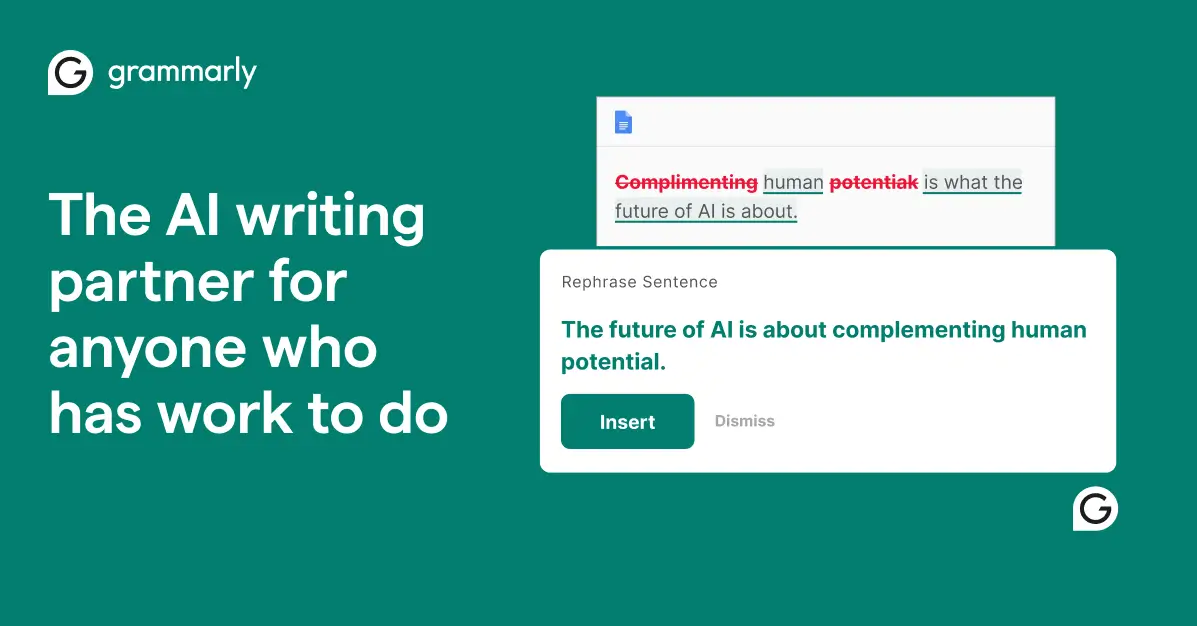
Grammarly is boring in the best possible way. It just works, everywhere you type, catching mistakes you'd miss on the third re-read. But the 2026 version has evolved well beyond grammar checking.
The AI rewriting features are genuinely useful now. I use "adjust tone" constantly — turning casual Slack messages into professional emails, or verbose paragraphs into punchy copy. It's the lowest-friction AI tool on this list because it requires zero behavior change.
What stands out:
- Works across every app — email, docs, browsers, Slack, social media
- Tone detection and adjustment for different audiences
- Full paragraph rewriting with style options
- Brand voice settings for team consistency
- Plagiarism detection for content teams
Where it falls short: The free tier is very limited now. Can be overly aggressive with suggestions for creative writing. Desktop app is heavier than it should be.
Pricing: Free basic plan. Premium is $12/month (annual). Business is $15/member/month.
6. Jasper — Marketing Content at Scale
Best for: Marketing teams producing high volumes of blog posts, ad copy, social content, and email campaigns.

If you're running marketing for a business and need to produce content at scale, Jasper is purpose-built for that job. It's not a general AI assistant — it's a marketing content engine with guardrails that keep everything on-brand. Where it lands against the rest of the field is mapped out in our guide to AI writing tools.
The brand voice and knowledge features are what separate it from just using ChatGPT. You feed it your brand guidelines, tone examples, and product info, then everything it generates matches your voice. For agencies managing multiple clients, that's worth the premium alone.
What stands out:
- Brand voice training keeps all content consistent
- Campaign workflows for end-to-end marketing content
- Templates for every content type (ads, emails, blogs, social)
- Marketing-specific AI that understands conversion copy
- Team collaboration with approval workflows
Where it falls short: Expensive for solo users. Not great for non-marketing content. Requires investment in brand training to get good results.
Pricing: Creator starts at $49/month. Pro is $69/month. Business is custom pricing.
7. Motion — Your Calendar Runs Itself
Best for: Busy professionals who struggle with scheduling, time-blocking, and prioritizing tasks.
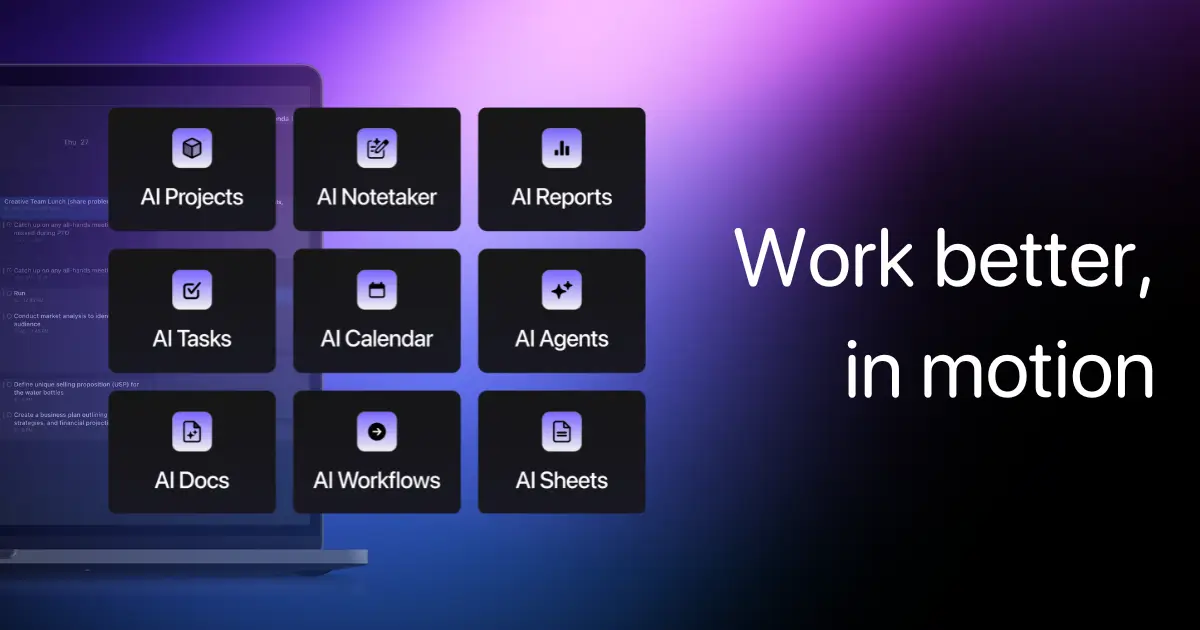
Motion is the tool that made me stop manually dragging tasks around my calendar. You tell it what needs to get done and by when, and it automatically builds your schedule around your meetings, energy levels, and priorities.
The magic happens when your day falls apart — which it always does. A meeting runs long, a new urgent task drops in, and Motion automatically reshuffles everything so nothing falls through the cracks. That alone saved me the mental load of constant re-planning.
What stands out:
- Autonomous scheduling that builds your ideal day
- Auto-rescheduling when plans change
- Deadline-based prioritization across all your tasks
- Project management with AI task dependencies
- Meeting booking links that account for focus time
Where it falls short: User reviews are mixed — some love it, others find the AI makes unexpected scheduling choices. The price point is high for what's essentially a smart calendar. Learning curve is steeper than you'd expect.
Pricing: Pro AI is $19/seat/month (annual). Business AI is $29/seat/month. 7-day free trial available.
8. Zapier — The Glue Between Everything
Best for: Automating repetitive workflows across your entire tool stack without writing code.
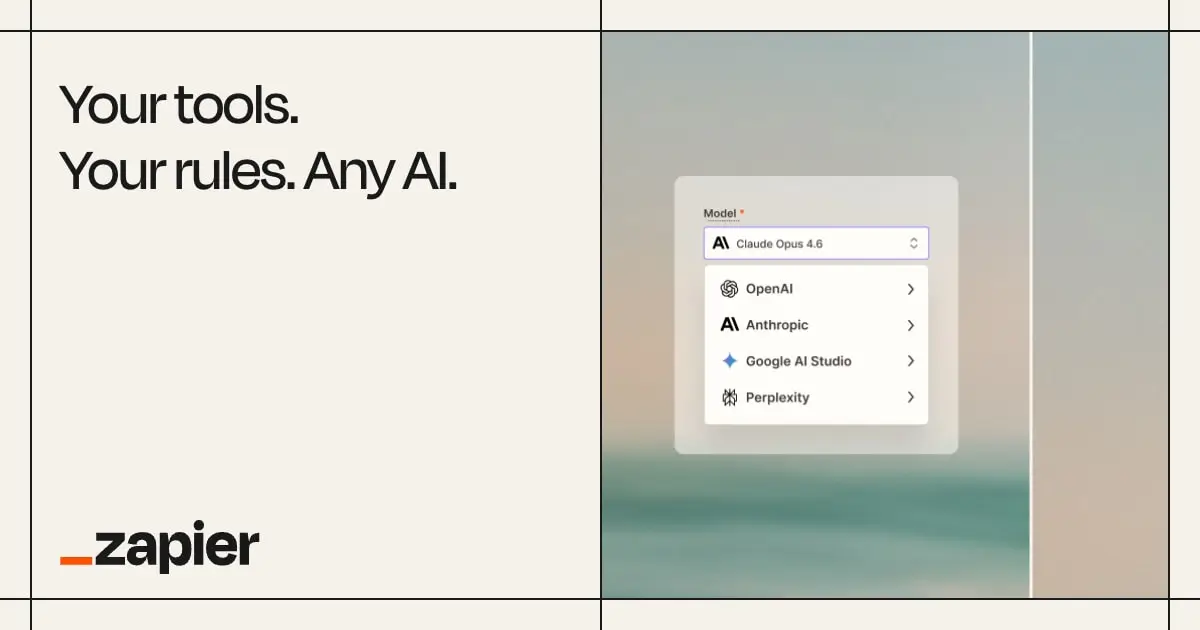
Zapier has been around forever, but the AI additions in 2026 transformed it from "useful automation" to "surprisingly intelligent automation." The AI Copilot helps you build complex Zaps by describing what you want in plain English. And Zapier Agents can now handle multi-step processes autonomously.
I use it for the boring stuff that eats hours: syncing form submissions to CRM records, routing support tickets, publishing content across platforms, and triggering notifications based on complex conditions. If you're doing any repetitive digital task more than twice, Zapier can probably automate it.
What stands out:
- 8,000+ app integrations — connects literally everything
- AI Copilot builds automations from natural language descriptions
- Zapier Agents handle multi-step autonomous workflows
- Tables feature for lightweight database needs
- Canvas for visual workflow building
Where it falls short: Gets expensive fast at scale — pricing is per-task. Complex multi-step Zaps can be fragile. The AI Copilot occasionally misunderstands intent.
Pricing: Free tier (100 tasks/month). Starter is $19.99/month. Professional is $49/month. Team and Enterprise available.
9. Fireflies.ai — Never Miss a Meeting Detail Again
Best for: Teams that run lots of meetings and need automatic transcription, summaries, and searchable archives.
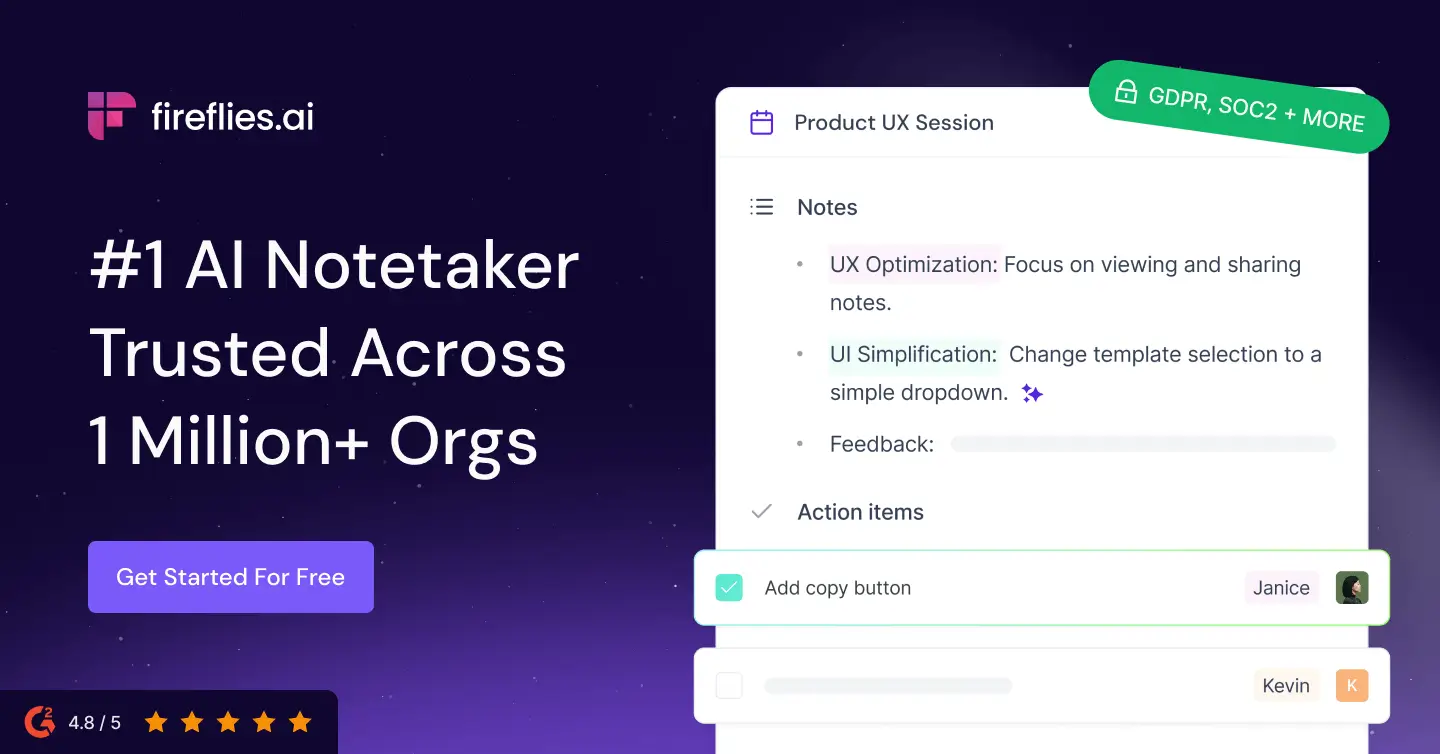
Fireflies.ai joins your meetings (Zoom, Teams, Google Meet — all of them), records everything, and gives you AI-generated summaries with action items. Sounds simple. But once you have months of searchable meeting history, it changes how you operate.
I've used it to settle "who said what" debates, pull up exact quotes for follow-up emails, and generate weekly standup summaries automatically. The Talk to Fireflies feature (powered by Perplexity) even lets you ask questions during meetings and get real-time web results. That's genuinely useful in client calls.
What stands out:
- Automatic meeting transcription in 100+ languages
- AI-generated summaries with action items and decisions
- Searchable meeting archive across your entire history
- Talk-time analytics (who dominated the call?)
- CRM integrations auto-log meeting notes to deals
Where it falls short: AI credits run out fast for power users — heavy usage can cost 2-3x the base price. The free tier is very limited (20 AI credits/month). Some team members find it creepy having a bot in every call.
Pricing: Free tier (limited). Pro is $10/user/month (annual). Business is $19/user/month. Enterprise is $39/user/month.
10. Gamma — Presentations That Don't Take All Day
Best for: Creating professional presentations, pitch decks, and visual documents quickly.
I used to spend 3-4 hours building a decent slide deck. With Gamma, I get a solid first draft in under 5 minutes. You describe what you want, and it generates a full presentation with layout, visuals, and structure. Then you refine from there.
What's improved in 2026 is the Gamma Agent — it researches topics, refines content, and restyles entire decks through conversation. It also now generates websites and documents, not just slides. For client proposals and internal presentations, it's become indispensable.
What stands out:
- Full presentation generation from a text prompt
- Gamma Agent researches and refines content autonomously
- Beautiful templates that don't look AI-generated
- Also creates websites, documents, and social content
- AI image generation built in for custom visuals
Where it falls short: Export to PowerPoint can be glitchy. Limited control over micro-layout details. Some generated content feels generic without heavy editing.
Pricing: Free tier (400 AI credits, Gamma branding). Plus is $8/month. Pro is $15/month. Ultra available for power users.
11. Canva — AI Design for Non-Designers
Best for: Creating any visual asset — social posts, presentations, videos, logos, marketing materials — without design skills.
Canva has evolved far beyond simple templates. Magic Studio is a full AI design suite: generate images from text, remove backgrounds instantly, resize designs for any platform, animate static content, and even generate short videos.
For small teams without a dedicated designer, Canva's AI features close the gap remarkably well. I use it for social media graphics, presentation slides, and quick marketing assets that would otherwise require a designer or hours in Figma.
What stands out:
- Magic Studio: text-to-image, background removal, expand, and animate
- Brand Kit keeps all your visual assets consistent
- Thousands of templates for literally any use case
- Video editing with AI-powered features
- Real-time team collaboration
Where it falls short: Pro designers will find it limiting. AI image generation quality trails Midjourney. Can feel overwhelming with too many options.
Pricing: Free tier available. Pro is $13/month (annual) for one person. Teams is $10/person/month (minimum 3).
12. Cursor — Coding at the Speed of Thought
Best for: Software developers who want AI-assisted coding with full codebase awareness.
Cursor is what happens when you build a code editor around AI from the ground up instead of bolting it on later. It understands your entire codebase as context, so when you ask it to implement a feature or fix a bug, it knows about your project's patterns, dependencies, and architecture.
Research shows developers work up to 55% faster with AI coding tools. Cursor is the most complete implementation of that promise. Tab completion, multi-file editing, natural language commands — it's like pair programming with someone who's read every file in your project.
What stands out:
- Full codebase context — understands your entire project
- Agentic editing across multiple files simultaneously
- Natural language commands for complex refactors
- Inline chat for asking questions about specific code
- Works with Claude, GPT-4, and other frontier models
Where it falls short: Subscription cost adds up (on top of other AI tools). Can be overconfident in suggestions. VS Code extensions don't all transfer perfectly.
Pricing: Free tier (limited AI usage). Pro is $20/month. Business is $40/user/month.
13. Midjourney — When Your Visuals Need to Be Extraordinary
Best for: Generating high-quality marketing imagery, concept art, and visual content that looks professional.
Midjourney still produces the most aesthetically pleasing AI images. Period. For blog hero images, social media visuals, pitch deck graphics, and marketing materials, nothing else consistently delivers the same level of quality. For anything generated automatically rather than prompted by a person, the ranking changes — we compared the three image models worth wiring into an agent.
The v6 model handles text, complex compositions, and photorealistic styles better than ever. I use it for all our blog imagery and marketing visuals — it replaced what used to be expensive stock photo subscriptions or hours in Photoshop.
What stands out:
- Best-in-class aesthetic quality for professional visuals
- Strong style consistency across a brand's visual language
- Web interface (no longer Discord-only) with powerful editing tools
- Excellent at following complex, detailed prompts
- Multiple style options: photorealistic, illustration, abstract
Where it falls short: No free tier. Still struggles with hands and text sometimes. Less photorealistic than some competitors for specific use cases. Can be addictively fun to use (time sink warning).
Pricing: Basic is $10/month. Standard is $30/month. Pro is $60/month. Mega is $120/month.
14. Descript — Video Editing by Editing Text
Best for: Content creators, marketers, and teams who need to produce polished video and audio content without being professional editors.
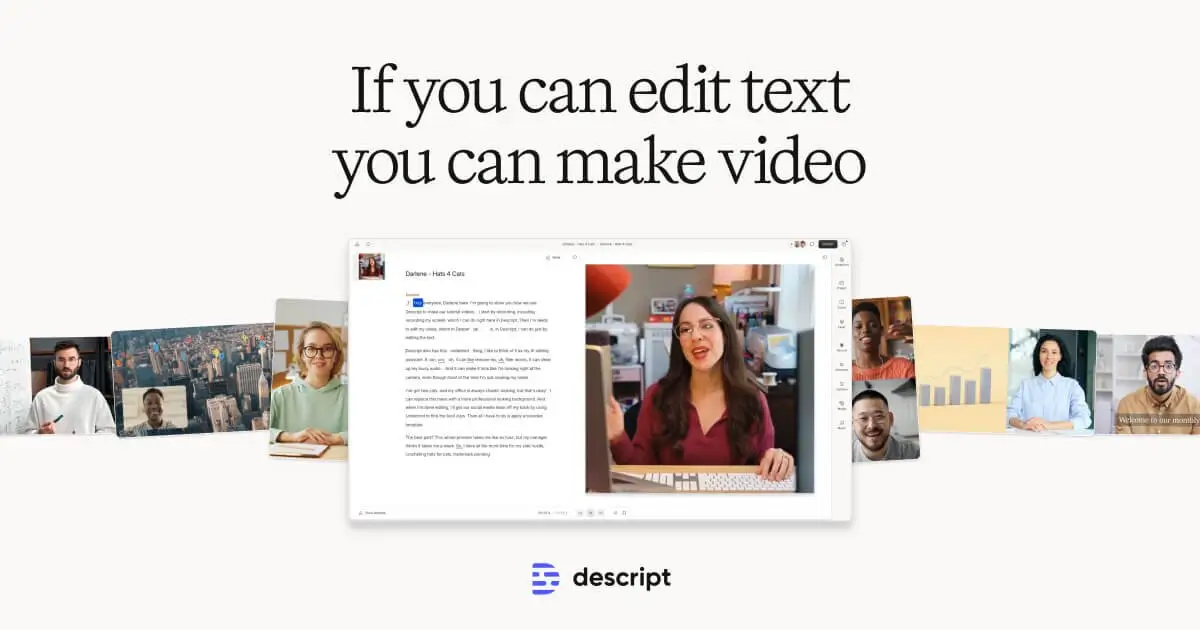
Descript flipped video editing on its head. You don't drag clips on a timeline — you edit a transcript, and the video follows. Delete a sentence from the text, and it disappears from the video. It's an absurdly intuitive approach that makes video editing accessible to anyone who can use a word processor.
For podcast production, YouTube content, course creation, and marketing videos, it cuts production time dramatically. The AI features keep expanding — automatic filler word removal, AI voice cloning for overdubs, eye contact correction, and studio-quality sound from mediocre recordings.
What stands out:
- Text-based video editing (edit the transcript, not the timeline)
- Automatic filler word and silence removal
- AI voice cloning for overdub corrections
- Studio Sound makes any recording sound professional
- AI-generated short clips from long-form content
Where it falls short: Heavy projects can be slow. Advanced editing still needs traditional tools. The subscription model means you're paying even during quiet months.
Pricing: Free tier (limited exports). Hobbyist is $24/month. Creator is $33/month. Business is $40/month.
15. Pickaxe — Build Your Own AI Productivity Agent
Best for: Professionals and teams who want custom AI tools tailored to their exact workflows — without writing code.
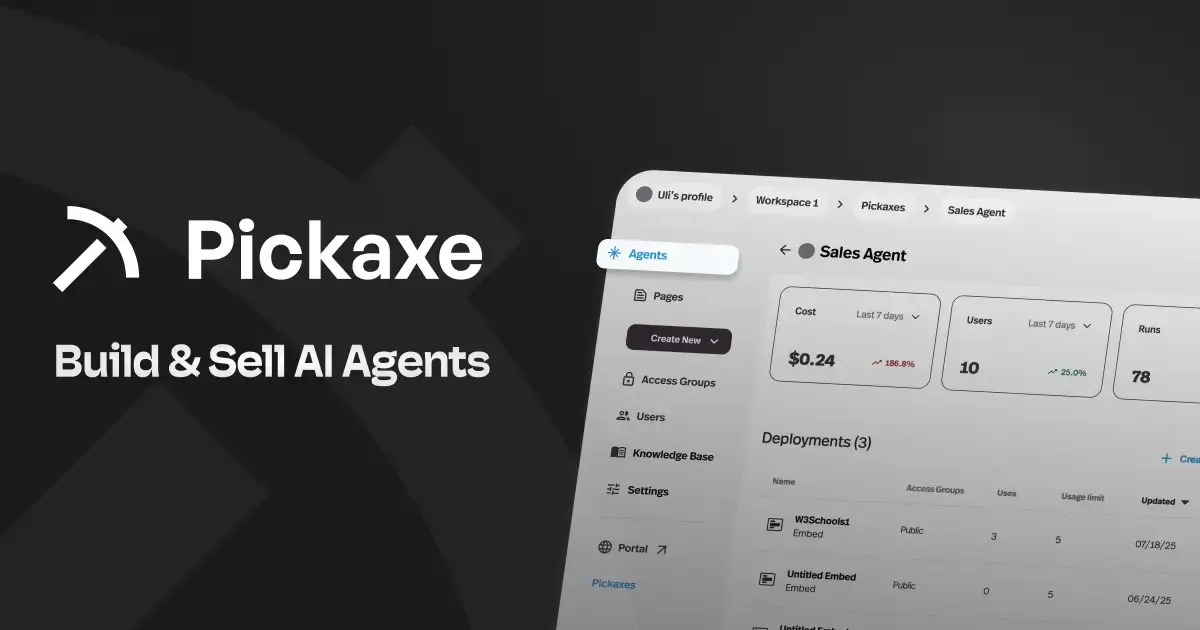
Here's the thing about every other tool on this list: they're general-purpose. They solve broad categories of problems for millions of users. But your specific workflow is unique. The way you onboard clients, generate reports, answer support questions, or process data — no off-the-shelf tool nails that perfectly.
That's where Pickaxe fits. It lets you build custom AI agents that do exactly what you need. Feed it your knowledge base, connect it to your tools via actions, and deploy it as a chat widget, API endpoint, or standalone portal. We use it internally for everything from client onboarding flows to content research assistants.
What stands out:
- Build custom AI agents without any coding
- Connect to external tools via actions (Gmail, Notion, Slack, APIs)
- Upload your own knowledge base for domain-specific answers
- Deploy as embedded chat, shared link, or API
- Monetize your agents with built-in usage-based billing
Where it falls short: Requires initial setup time to build your agents. Best value comes when you have a specific, repeatable workflow to automate. Learning curve for advanced features like actions.
Pricing: Starter is $19/month. Pro is $49/month. Business is $99/month. All plans include multiple agents and credit-based AI usage.
How to Choose the Right AI Productivity Tools
After two years of experimenting, here's my framework for deciding which AI tools are actually worth adding to your stack:
Start with your biggest time sink. Don't adopt AI tools because they're cool. Identify the task that eats the most time relative to the value it produces, and find the AI tool that addresses it specifically.
Avoid the "AI for everything" trap. The temptation is to add AI to every workflow at once. That creates tool fatigue and means you never go deep enough with any single tool to get real value. Pick 2-3 and master them.
Consider the integration layer. A tool that plugs into your existing workflow (like Grammarly or Notion AI) creates less friction than one that requires you to switch contexts (like jumping to a separate ChatGPT tab). Integration matters more than features.
Watch for the "AI tax." Many tools now charge extra for AI features on top of their base price. Calculate the actual per-user cost when AI is included — it adds up faster than you'd expect across a team.
Build what's missing. If no off-the-shelf tool fits your exact need, consider building a custom agent. Platforms like Pickaxe make it possible to create purpose-built AI tools without engineering resources.
The Real AI Productivity Stack (What I Actually Use Daily)
For transparency, here's my personal daily stack:
- Claude for writing, analysis, and complex reasoning
- Perplexity for research and fact-checking
- Grammarly running in the background everywhere
- Fireflies auto-capturing every meeting
- Midjourney for visual content
- Zapier for the automation glue between tools
- Pickaxe for custom agents our team uses daily
That's 7 tools. Not 15. Because the goal isn't to use more AI — it's to get more done with less friction.
The tools that survive in my rotation are the ones where the time saved clearly exceeds the time spent managing and prompting them. That's the real bar.
Frequently Asked Questions
What's the best free AI productivity tool in 2026?
ChatGPT's free tier is still the most capable free option for general productivity. For research specifically, Perplexity's free tier is excellent. And Grammarly Free covers basic writing improvement across all your apps.
Can AI productivity tools actually replace employees?
No — and that framing misses the point. The data shows that 91% of businesses use AI, but 80% see no bottom-line impact. The tools that work best augment what people already do, rather than replacing roles entirely. A marketer with Jasper produces more content, not zero marketers.
How much do AI productivity tools cost per month?
A typical "AI-augmented" professional stack runs $60-$150/month. That usually includes one general AI assistant ($20), one specialty tool ($15-50), and one or two lighter tools ($10-30 each). For teams, multiply per-seat pricing — a 10-person team can easily spend $500-$1,500/month on AI tools.
Which AI productivity tool has the best ROI?
Based on my experience: Grammarly for the best effort-to-value ratio (zero behavior change, instant quality improvement), and Zapier for the highest time savings (automations run 24/7 without your input). For knowledge workers specifically, a good AI assistant (ChatGPT or Claude) typically delivers 10-30x ROI on the subscription cost in time saved.
Are AI productivity tools safe for sensitive business data?
It depends on the tool and plan. Enterprise and Team plans from major providers (OpenAI, Anthropic, Google) generally include data privacy agreements, SOC 2 compliance, and promises not to train on your data. Free tiers often do use your inputs for training. Always check the privacy policy for your specific plan level.
Need something more specific than these tools?
Build a custom AI agent that handles your exact workflow — client onboarding, lead qualification, research automation, whatever.
Bottom Line
The AI productivity tool landscape in 2026 is mature enough that every knowledge worker should be using at least 2-3 of these tools. The question isn't whether to adopt AI — it's which specific tools match your work.
Start with your biggest pain point. If you write a lot, Claude or Grammarly. If you're in meetings all day, Fireflies. If you're drowning in repetitive tasks, Zapier. If nothing off-the-shelf fits, build something custom with Pickaxe.
The tools that win aren't the ones with the most features. They're the ones that disappear into your workflow so completely that you forget they're even AI.