
I spend an embarrassing amount of my week in meetings. Depending on the season it's client calls, internal syncs, sales demos, and the occasional "this could have been an email" standup.
The numbers say I'm not alone. The average knowledge worker now sits in around 15 hours of meetings a week, and Microsoft's Work Trend Index has flagged that most of us now spend more time in meetings than doing focused work.
That's exactly why AI meeting assistants and notetakers exploded. They join (or quietly listen to) your calls, transcribe every word, and hand you a clean summary with action items before you've even closed the tab.
The category is now huge. The AI meeting transcription market is projected to grow from roughly $3.9 billion to nearly $29 billion by 2034, and transcription accuracy on top platforms has effectively caught up with human transcribers — around 99% under good audio conditions.
But here's the thing most listicles won't tell you: these tools are far more similar than their marketing suggests. Nearly all of them record, transcribe, and summarize. The real differences are in three places — whether a bot joins your call, how the notes get into your actual workflow, and how much of it you get for free.
So I looked into 14 of the most popular AI meeting assistants and notetakers, from free consumer apps to enterprise revenue-intelligence platforms and the built-in options hiding inside Zoom, Teams, and Google Meet. Here's what stood out.
Quick Comparison: Top AI Meeting Assistants in 2026
| Tool | Best For | Bot or Bot-Free | Free Tier | Paid From |
|---|---|---|---|---|
| Otter.ai | Real-time collaboration | Bot | 300 min/mo | $16.99/mo |
| Fathom | Best free tier | Bot | Unlimited | $15/user/mo |
| Fireflies.ai | CRM & integrations | Bot | 800 min/mo | $10/user/mo |
| Granola | Bot-free notes | Bot-free | Limited history | $14/user/mo |
| tl;dv | Video-first sales teams | Bot | Unlimited (3-mo) | $18/mo |
| Fellow | Enterprise security | Both | 5 notes/mo | $7/user/mo |
| Avoma | Revenue intelligence | Bot | Limited | $19/user/mo |
| Read AI | Meeting analytics | Bot | Yes | ~$15/user/mo |
| Circleback | Clean action items | Bot | Trial | $25/user/mo |
| Notta | Multilingual transcription | Bot | 120 min/mo | ~$9/user/mo |
| Sembly AI | Budget team option | Bot | Yes | ~$10/user/mo |
| Zoom AI Companion | Zoom-native teams | Built-in | With paid Zoom | Included |
| Teams Copilot | Microsoft 365 shops | Built-in | No | ~$30/user/mo |
| Gemini in Meet | Google Workspace teams | Built-in | With Workspace | Included |
Prices shift constantly and most of these have annual discounts, so treat the "paid from" column as a starting point, not gospel. Now let's dig into each one.
What I Looked At
Before the list, a quick note on how I evaluated these. I wasn't just checking "does it transcribe" — they all do that competently now. I paid attention to:
- Bot vs. bot-free: Does a visible AI notetaker join your call (which can feel awkward with external clients), or does it capture audio quietly in the background?
- Summary quality: Are the action items actually usable, or a wall of bullet points you have to re-read anyway?
- Workflow fit: Does it push notes into your CRM, Slack, Notion, or task manager — or does it trap everything in its own app?
- Pricing honesty: How generous is the free tier, and where do the paywalls actually bite?
- Accuracy and languages: How well does it handle accents, cross-talk, and non-English calls?
If you're building AI into your business more broadly, a lot of these criteria echo what I look for in any AI productivity tool — it has to save real time and fit the way you already work. Let's dig in.
1. Otter.ai — Best for Real-Time Collaboration
Otter is the tool most people think of first when you say "AI meeting notes," and it's held up better than you'd expect for one of the originals.
What still sets Otter apart is real-time interaction. It's the one tool here that genuinely shines during the meeting — live transcription you can highlight, comment on, and search while the call is still running.
Its OtterPilot joins your Zoom, Meet, and Teams calls automatically, and the newer AI chat lets you ask questions across all your past meetings ("what did the client say about the timeline?"). Accuracy is a genuine strength, typically landing in the 93–95% range in good conditions.
Pricing: Free plan with 300 monthly transcription minutes; Pro at $16.99/month; Business at $30/user/month.
What stood out:
- Best-in-class live, collaborative transcription
- Strong mobile app for in-person conversations
- "Otter AI Chat" across your whole meeting history
What could be better:
- The free tier's minute cap fills up fast if you're in a lot of calls
- Summaries are solid but less structured than Fellow or Circleback
- The bot is very visibly present in calls
2. Fathom — Best Free Tier, Full Stop
If you want a genuinely great notetaker without paying a cent, Fathom is where I'd start. It quietly upended the market by giving away features competitors charge $20+/month for.
Individuals get unlimited recording, transcription, and AI summaries for free — no trial, no minute cap on the core features. And it's fast: summaries are typically ready within about 30 seconds of the call ending, which is noticeably quicker than most rivals.
The summaries themselves are clean and skimmable, with clickable timestamps that jump you back to the exact moment in the recording. For solo founders, consultants, and anyone who just wants their calls captured, it's hard to beat.
Pricing: Free for individuals (unlimited core features); Team Edition starts around $15/user/month for CRM sync and team features; Premium individual plans around $29/month.
What stood out:
- The most generous free tier in the category
- Lightning-fast, well-formatted summaries
- Clean, no-nonsense interface
What could be better:
- The heavier team analytics and CRM automation live behind the paid plans
- Fewer deep integrations than Fireflies
- Still a bot that joins the call
Turn your meeting notes into finished work
Build a no-code AI agent that drafts recaps, updates your CRM, and sends follow-ups automatically.
3. Fireflies.ai — Best for CRM and Integrations
Fireflies is the one I'd recommend to sales and revenue teams who live inside a CRM. Its whole personality is "get meeting data everywhere it needs to go."
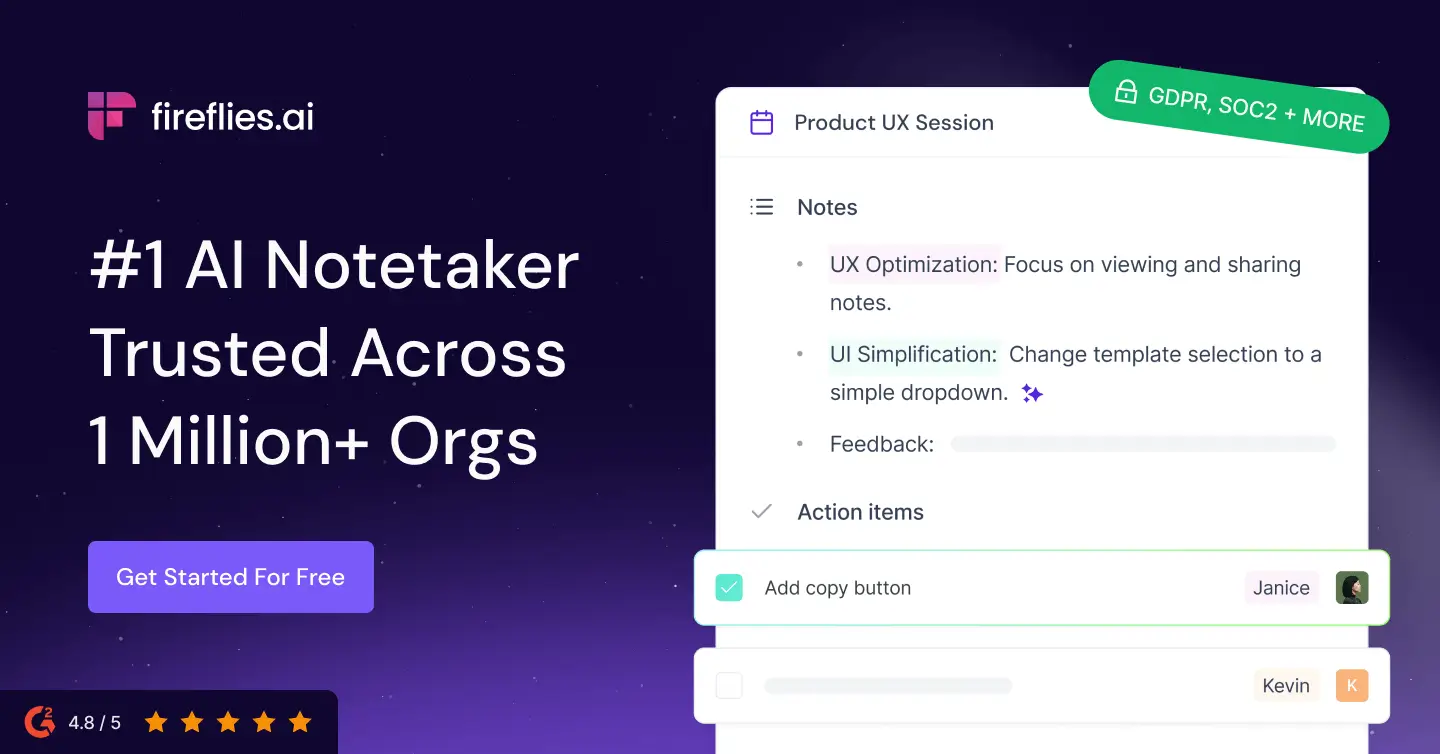
With 70+ native integrations and field-level sync into Salesforce, HubSpot, and Pipedrive, Fireflies automatically logs call notes to the right contact record without you lifting a finger. That alone justifies it for a lot of teams.
In early 2026 it upgraded its AI layer with AskFred, now powered by Perplexity, which the company markets as a "Global Brain" across your entire meeting history. You can ask questions that span dozens of calls and get sourced answers back.
If connecting tools together is your bottleneck, it's worth reading up on the best AI integrations in general — Fireflies is essentially an integration engine wearing a notetaker's clothes.
Pricing: Free plan with 800 monthly transcription minutes; Pro at $10/user/month; Business at $19/user/month.
What stood out:
- Deepest CRM sync of any tool here
- Conversation intelligence — topic tracking, sentiment, team metrics
- Cheaper paid tiers than Otter
What could be better:
- The interface can feel busy for people who just want notes
- Summary quality is good, not category-leading
- The most valuable analytics need the Business plan
4. Granola — Best Bot-Free Notetaker
Granola is the darling of 2026, and honestly, the hype is mostly earned. It's the tool that made "bot-free" a selling point everyone now copies.
Instead of sending a bot to join your call, Granola runs locally on your Mac and captures your system audio directly. No awkward "Granola Notetaker has joined the meeting" moment in front of clients — it just listens quietly and enhances the rough notes you jot down yourself.
That approach clearly resonated. Granola went from a small London startup to a $1.5 billion valuation in under three years, raising $192 million largely on word of mouth from founders and execs.
The output is the cleanest in the category for a certain kind of user — you type a few shorthand notes during the call, and Granola weaves them together with the full transcript into a genuinely coherent summary.
Pricing: Free plan (with a 30-day limit on in-app note history); Business at $14/user/month for unlimited history; Enterprise from around $35.
What stood out:
- No bot — feels invisible and privacy-friendly
- Beautiful, minimal interface
- The "your notes + AI" hybrid produces excellent summaries
What could be better:
- Historically Mac-first (Windows support arrived later and lags)
- Local-audio capture means it can't join a call you're not attending
- Free tier's 30-day history limit pushes you to paid quickly
5. tl;dv — Best Video-First Option for Sales
tl;dv leans harder into video than anyone else here. If you actually rewatch clips of your calls — for coaching, for sharing customer quotes — it's built for you.
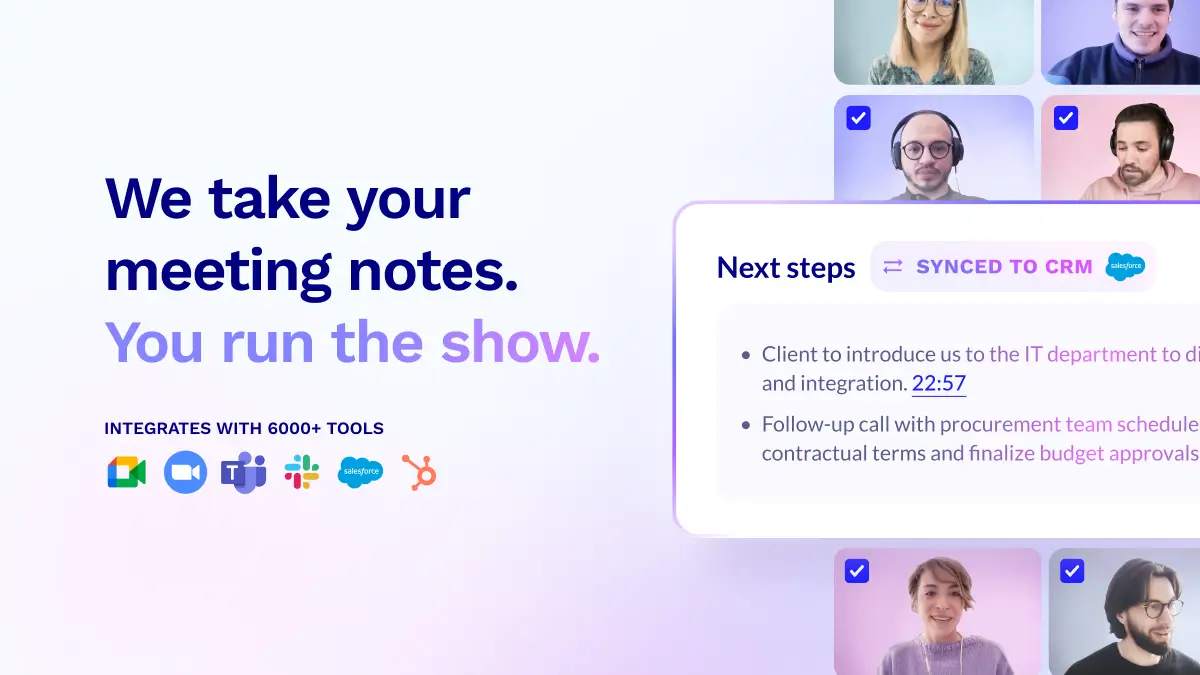
It records unlimited video and audio across Zoom, Meet, and Teams, then lets you clip and share "moments" — a specific 45 seconds where the customer described their pain point, dropped straight into Slack or a highlight reel.
It's built on a privacy-first, GDPR-compliant, SOC 2 foundation and markets integrations with thousands of tools so meeting outcomes can flow into your CRM and stack automatically.
Pricing: Free plan with unlimited recording (older recordings auto-delete after ~3 months); Pro around $18/month removes the deletion and adds unlimited AI notes.
What stood out:
- Best-in-class video clipping and highlight reels
- Genuinely unlimited free recording
- Strong multilingual support
What could be better:
- The 3-month auto-delete on free is a real catch
- Video-first focus is overkill if you only want text notes
- A bot joins the call
6. Fellow — Best for Enterprise Security
Fellow is the pick I'd point a security-conscious enterprise team toward. It pairs strong meeting notes with the compliance checkboxes IT actually asks about.
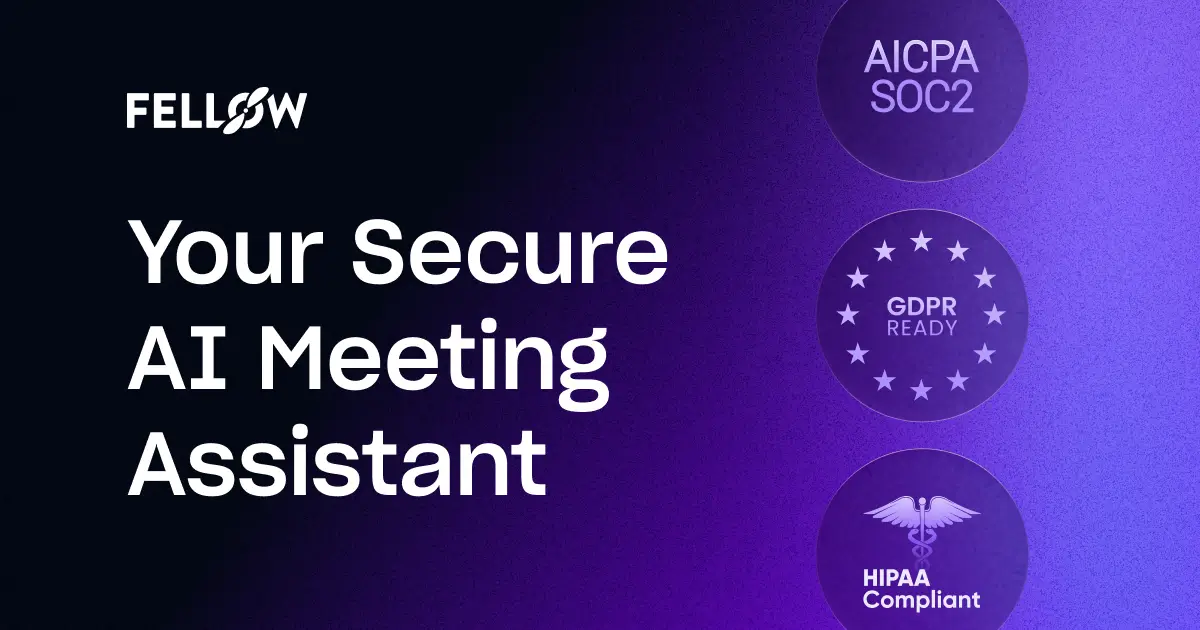
It offers SOC 2 Type II security, HIPAA compliance, and — usefully — both bot and botless recording options, so you can pick per meeting whether a notetaker visibly joins. Its outputs are among the most structured in the category, with clear decisions, action items, and owners.
Fellow also grew out of a meeting-management product, so it's strong on the surrounding ritual: agendas, talking points, and follow-ups, not just the transcript. It integrates with Salesforce, HubSpot, Jira, and Asana.
Pricing: Free tier with 5 AI notes/month (with power features included); paid Team access starts around $7/user/month, with higher enterprise tiers.
What stood out:
- Enterprise-grade security and compliance
- Choice of bot or botless per meeting
- Highly structured, decision-oriented notes
What could be better:
- Free tier's 5-note limit is tight
- The broader meeting-management features can feel like more than a solo user needs
- Less consumer-slick than Granola or Fathom
7. Avoma — Best for Revenue Intelligence
Avoma isn't really competing to be your notetaker — it's competing to be your sales team's coaching and pipeline-intelligence layer. Notes are almost a byproduct.
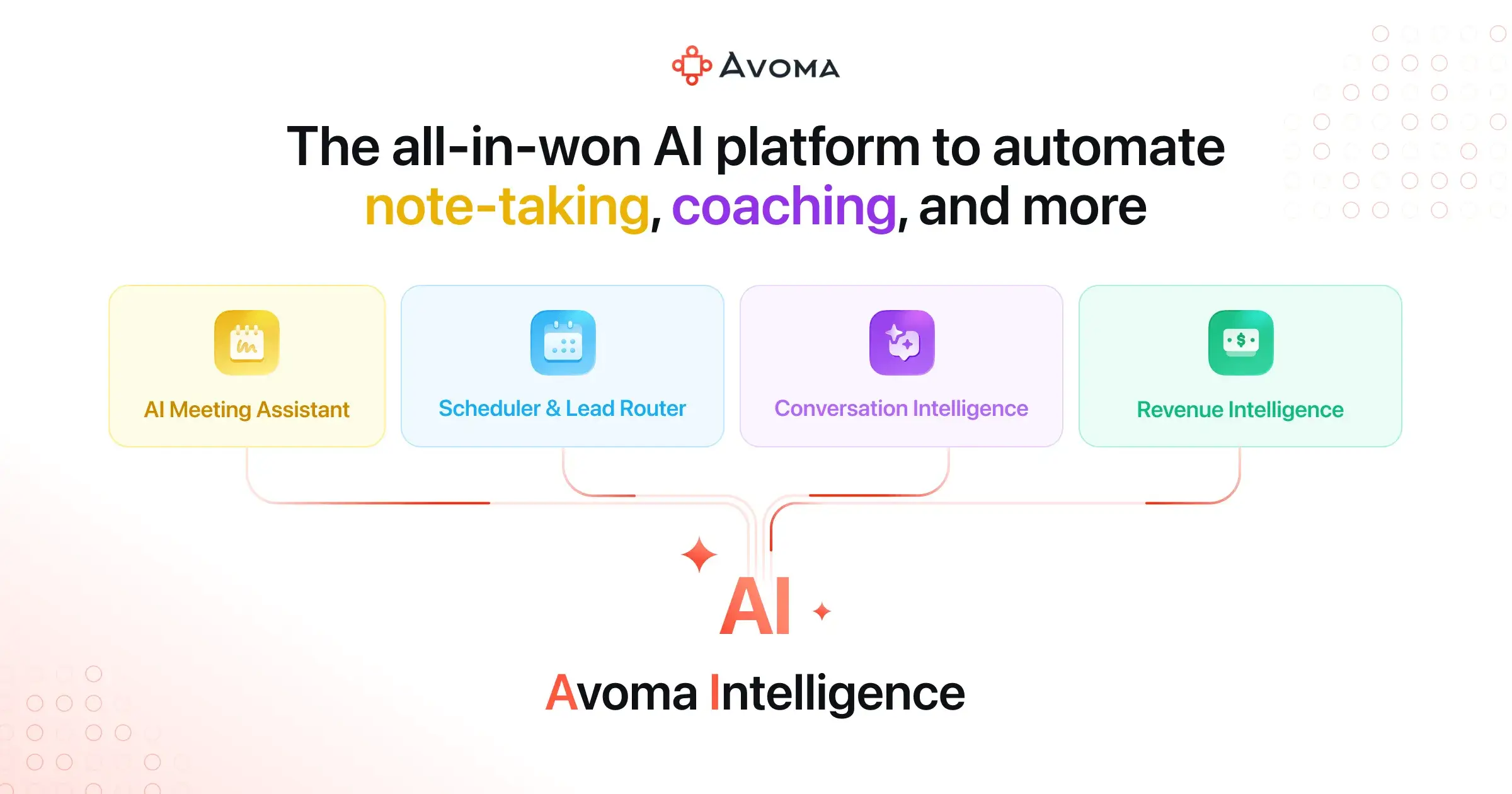
On top of transcription and summaries, Avoma layers in AI scorecards for sales methodologies like MEDDIC, SPICED, and BANT, talk-pattern intelligence (talk-to-listen ratios, monologue detection), automatic CRM field updates, and a live answer assistant that surfaces answer cards during the call.
For a sales manager trying to understand why deals slip, that's a different product category than "here are your notes." It's overkill for a solo user and right at home in a revenue org.
Pricing: Paid plans start around $19/recorder/month (billed annually), with conversation-intelligence and revenue tiers above that.
What stood out:
- Deep sales methodology scorecards and coaching
- Talk-pattern analytics that actually inform behavior
- Automatic CRM updates
What could be better:
- Far more than most non-sales teams need
- Pricing climbs quickly for the good analytics
- Steeper learning curve
Want an agent, not just a transcript?
Pickaxe lets you build a custom AI agent that acts on your meeting content — no code required.
8. Read AI — Best for Meeting Analytics and Coaching
Read AI is the tool that's less interested in the transcript and more interested in the meeting itself — how engaged everyone was, who talked too much, and whether the meeting should have happened at all.
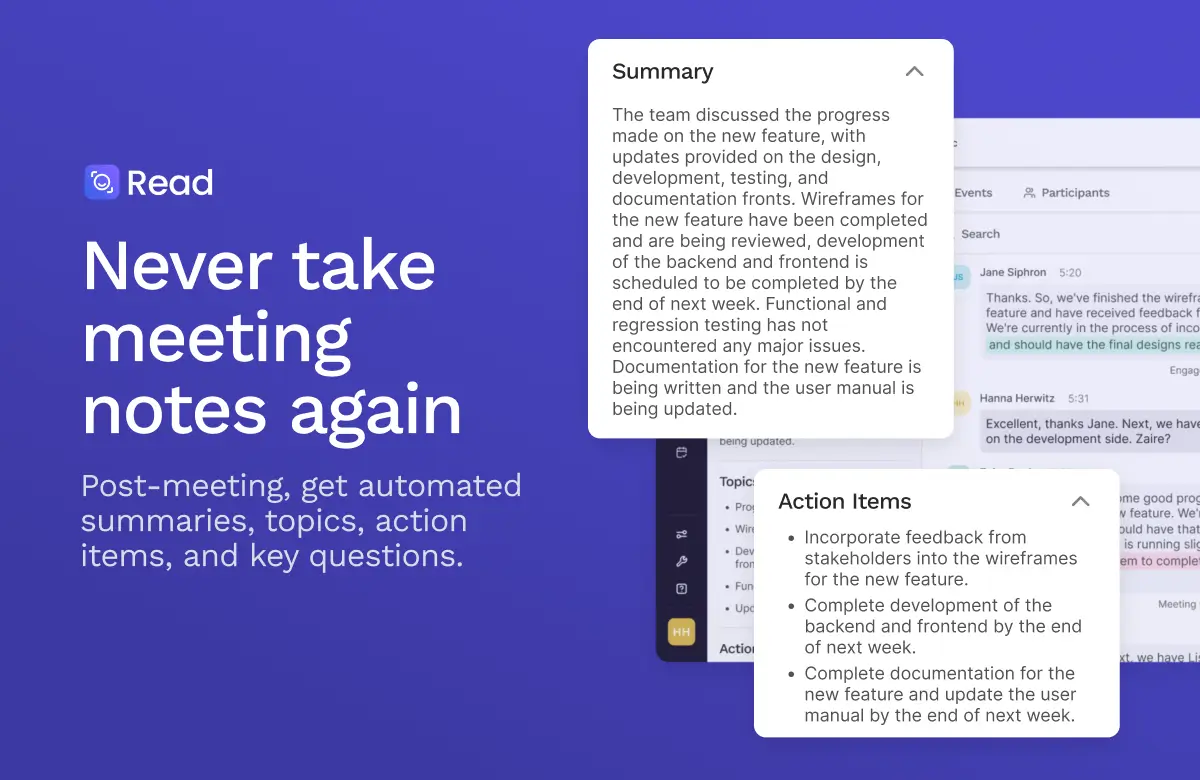
It generates the usual summaries and action items, but layers on engagement scores, sentiment, and speaker analytics. A nice touch: it can join calls on your behalf when you can't attend, so meetings still get captured while you're heads-down elsewhere.
Read AI has also expanded beyond meetings into email and messaging summaries, positioning itself as a broader "connected intelligence" layer across your workday.
Pricing: Free plan available; paid tiers start around $15/user/month.
What stood out:
- Unique engagement and sentiment analytics
- Can attend meetings you can't make
- Expanding across email and chat, not just calls
What could be better:
- The analytics can feel like surveillance to some teams
- Core notes are good but not the standout feature
- The multi-surface ambition means it's doing a lot at once
9. Circleback — Best for Clean Action Items and Automations
Circleback quietly makes some of the best-organized meeting notes I've seen, and pairs them with automations that actually do something after the call.
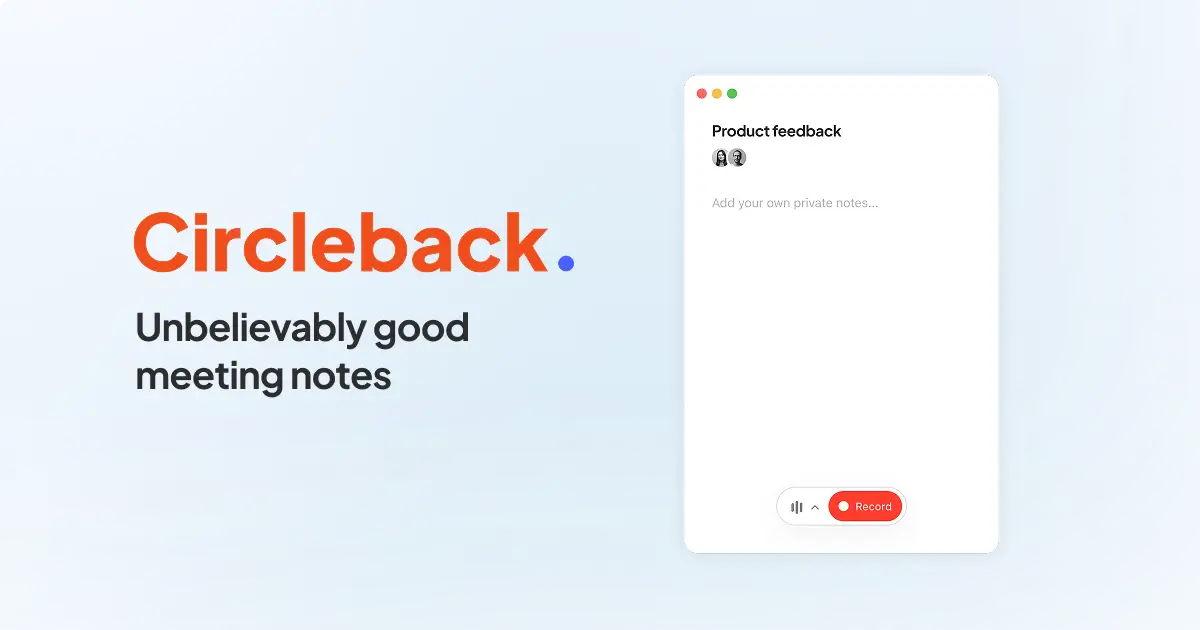
It works across Zoom, Google Meet, Microsoft Teams, Slack huddles, and in-person conversations, and supports 100+ languages. The notes are notably tidy — clear action items with owners, and automations that can trigger workflows (create a task, send a follow-up, update a record) based on what was said.
In head-to-head note-quality comparisons it consistently ranks near the top for accuracy and structure. It's a strong pick if the after of the meeting matters more to you than rewatching the video.
Pricing: Free trial to start; Individual plans around $25/month, with higher Professional and team tiers.
What stood out:
- Exceptionally clean, well-structured action items
- Post-meeting automations that reduce busywork
- Broad language support and in-person capture
What could be better:
- No permanently free plan like Fathom or tl;dv
- Fewer integrations than Fireflies
- Less known, so smaller community and template ecosystem
10. Notta — Best for Multilingual Transcription
If your meetings happen in more than one language, Notta is the specialist. Transcription and translation are its core strength, not an afterthought.
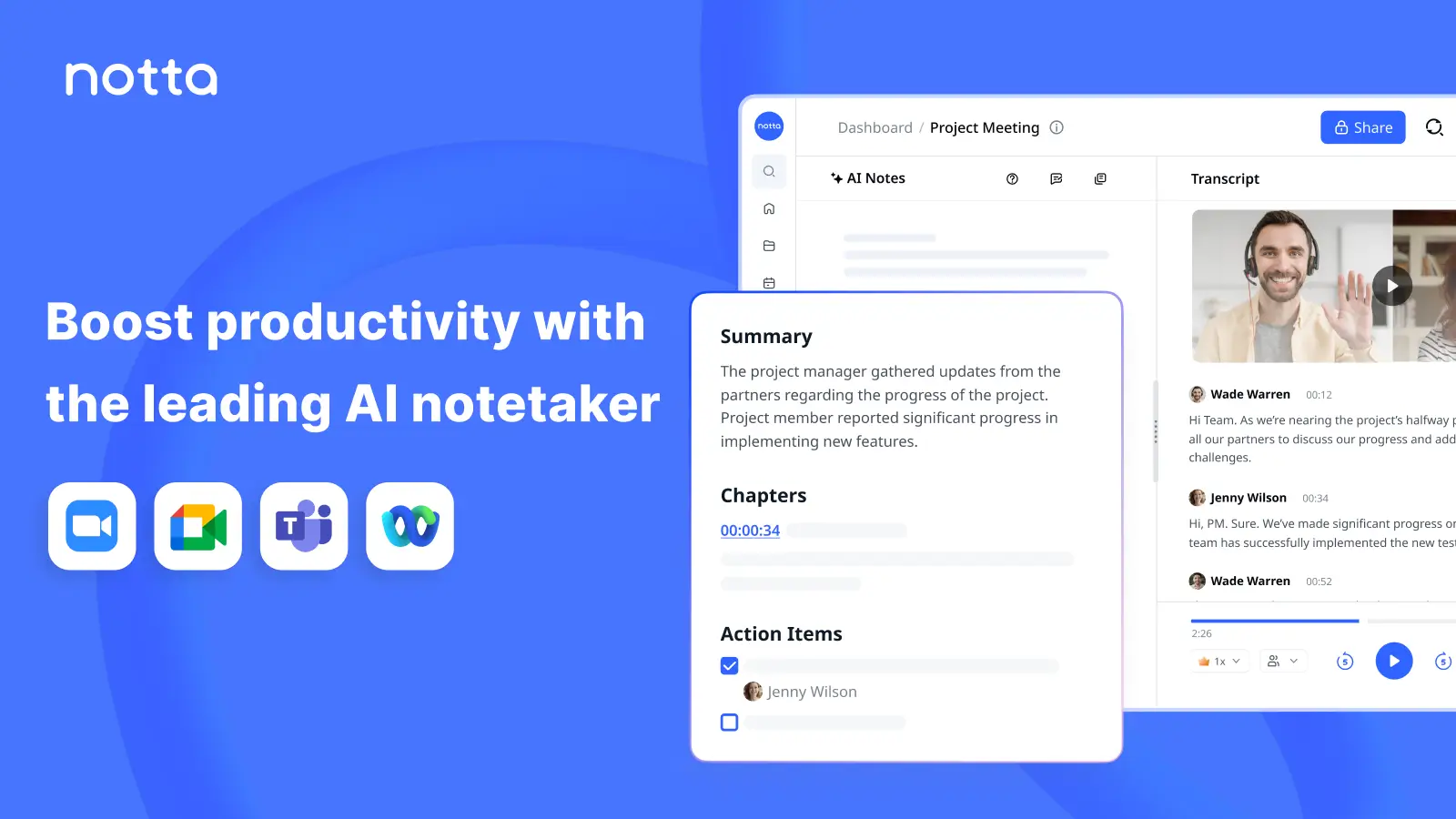
Notta transcribes in dozens of languages and offers real-time translation, which makes it a favorite for globally distributed teams and anyone doing cross-border calls. It handles both live meetings (via a bot) and uploaded audio/video files, so it doubles as a general-purpose transcription tool. We compare that capability with dedicated real-time AI translation tools for customer-facing work.
The AI summaries are solid, and the bilingual transcript view — original and translation side by side — is genuinely useful in a way most competitors don't match.
Pricing: Free plan with ~120 monthly minutes; Pro from roughly $9/user/month (annual), with Business tiers above.
What stood out:
- Best-in-class multilingual transcription and translation
- Handles both live calls and uploaded files
- Affordable entry pricing
What could be better:
- Fewer workflow automations than Circleback or Fireflies
- Free minute cap is low
- Less of a "meeting intelligence" story, more pure transcription
11. Sembly AI — Best Budget Team Option
Sembly is the value pick — a capable team notetaker with a chatbot on top, usually cheaper than the better-known names for comparable features.
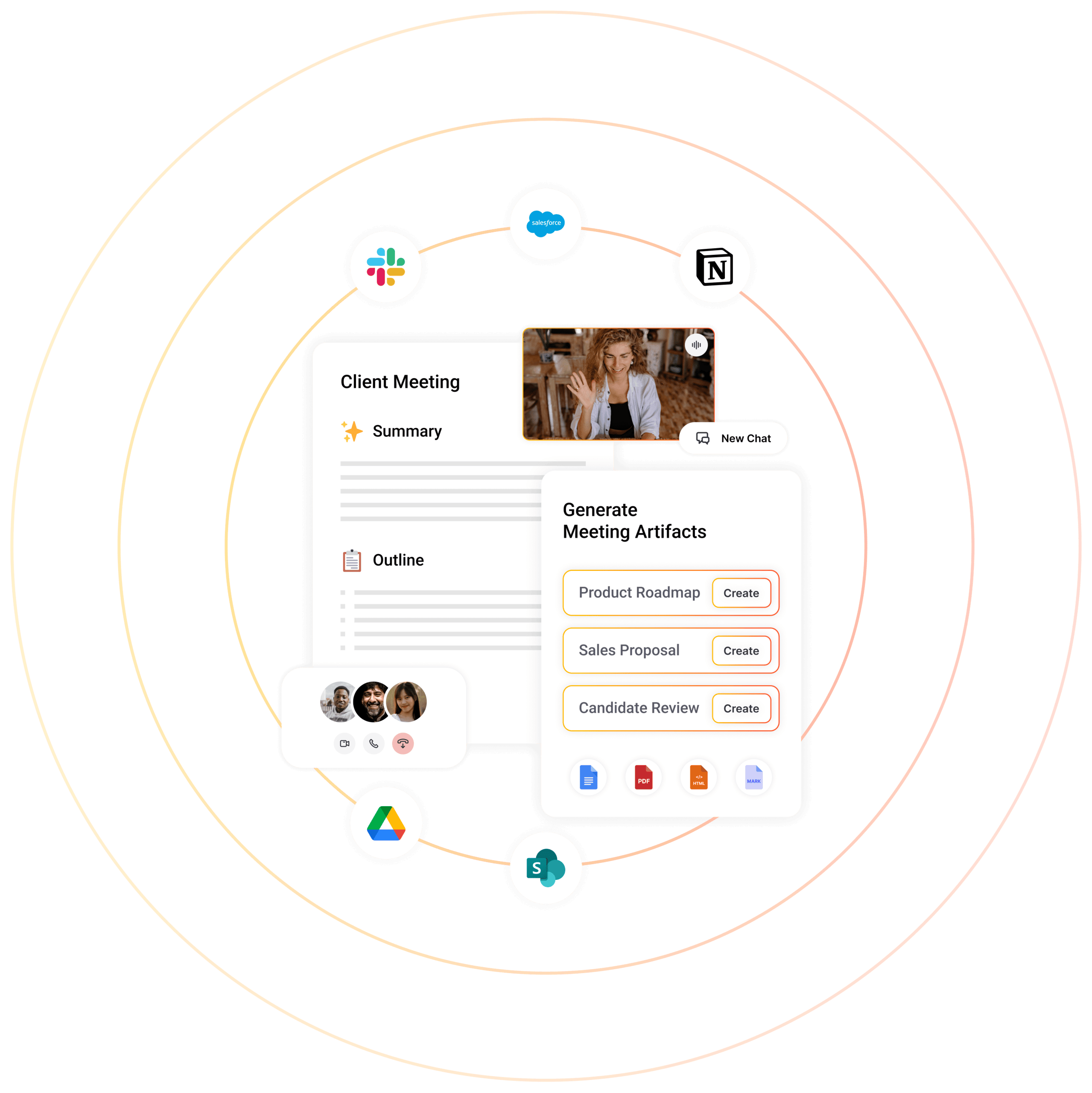
It records and transcribes across the major platforms, generates summaries and action items, and includes Semblian, an AI chatbot you can query across your meetings. It supports transcription in dozens of languages and is frequently recommended as an affordable alternative to Circleback and Otter.
It's not the flashiest tool here, but for a small team that wants proper meeting notes and search without a per-seat bill that stings, it earns its place.
Pricing: Free plan available; paid tiers start around $10/user/month.
What stood out:
- Strong feature-to-price ratio
- Semblian chatbot across your meeting history
- Good multilingual support
What could be better:
- Brand recognition and community are smaller
- Summaries are good, not exceptional
- Fewer premium integrations
12. Zoom AI Companion — Best if You Live in Zoom
If most of your meetings are on Zoom and you're on a paid plan, the assistant you're looking for might already be switched off in your settings.
Zoom AI Companion generates meeting summaries, next steps, and lets you ask questions about the call — and it's included at no extra cost with most paid Zoom plans. There's no bot to add and nothing to install; it's baked into the client you're already using.
It won't match a dedicated tool like Fireflies on CRM depth or Granola on note elegance, but "free, native, and zero setup" is a genuinely strong pitch. For a lot of teams, it's the sensible default before they go shopping.
Pricing: Included with paid Zoom plans (Zoom Workplace Pro and up).
What stood out:
- Free with your existing Zoom subscription
- Zero setup, no bot to invite
- Decent summaries and in-meeting Q&A
What could be better:
- Only works inside Zoom
- Shallow integrations compared to standalone tools
- Admins have to enable it, and some disable it by default
13. Microsoft Teams Copilot — Best for Microsoft 365 Shops
For companies already all-in on Microsoft 365, Copilot's Intelligent Recap is the path of least resistance — meeting notes that live right next to your email, docs, and chat.
Copilot summarizes Teams meetings, surfaces action items, and — because it's Microsoft — can reason across your emails, documents, and chats too. Intelligent Recap even timelines the meeting by speaker and topic so you can jump to the part you care about.
The catch is price: Microsoft 365 Copilot is an add-on at around $30/user/month on top of your existing M365 subscription. That's steep if all you want is meeting notes — but if you'll use Copilot across the whole Office suite, the meeting piece comes along for the ride.
Pricing: Microsoft 365 Copilot add-on, roughly $30/user/month (annual) on top of M365.
What stood out:
- Deep integration across the entire Microsoft 365 suite
- Reasons over email and docs, not just the meeting
- Enterprise-grade security and admin controls
What could be better:
- Expensive if you only want meeting notes
- Only meaningfully useful inside the Microsoft ecosystem
- Rollout and licensing can be confusing
14. Google Gemini in Google Meet — Best for Workspace Teams
Google's "Take notes for me" is the Workspace-native answer, and for teams that live in Gmail, Docs, and Meet it's the frictionless choice.
Gemini can automatically capture notes during a Google Meet call and drop a summary straight into a Google Doc, shared with attendees afterward. Because it's part of Workspace, there's nothing to install and no bot to invite — you toggle it on and it handles the rest.
It's less feature-rich than a dedicated notetaker, but the tight loop of "meeting → Doc → shared with the team → searchable in Drive" is exactly what a lot of Google-first companies want.
Pricing: Included with eligible Google Workspace plans (Business Standard and up, or with the Gemini add-on).
What stood out:
- Native to Google Meet and Workspace — zero setup
- Notes land directly in a shared Google Doc
- No bot in the call
What could be better:
- Only works inside Google Meet
- Fewer analytics and integrations than standalone tools
- Availability depends on your Workspace tier
Bonus: Build Your Own Meeting Agent with Pickaxe
Here's the angle none of the tools above will pitch you: sometimes you don't want a general-purpose notetaker — you want an agent that does something specific with your meeting content, in your brand, for your clients.
That's the gap I've been filling with Pickaxe. Instead of another off-the-shelf app, you can build a custom AI agent that takes a meeting transcript and turns it into exactly the output your business needs — a formatted client recap email, a filled-in project brief, a follow-up proposal, or a task list pushed into your tools via Actions.
A few things make this practical rather than a science project:
- No code. You describe what the agent should do in plain language, the way you would in a good prompt for an AI agent.
- Actions and integrations. Connect the agent to Gmail, Notion, Slack, Google Sheets, and more so the output lands where your team already works.
- Your brand, your clients. Deploy it on your own portal and even white-label it — useful if you're an agency reselling AI services.
- Choice of models. Pick the model that fits the task from the available models, from fast-and-cheap to top-tier reasoning.
You could even pair it with a scheduled agent that compiles all of your team's meeting recaps into a single Monday-morning digest. That's the difference between "a tool that takes notes" and "an agent that runs a slice of your workflow."
Build your own meeting agent free
Describe what you want in plain English and deploy it on your own branded portal.
Bot vs. Bot-Free: The Debate That Actually Matters
If there's one dividing line worth understanding before you pick, it's this one.
Bot-based tools (Otter, Fathom, Fireflies, tl;dv, most of this list) send an AI participant to join your call. Pros: they work on any platform, can attend meetings you skip, and capture everything cleanly. Cons: clients see "AI Notetaker has joined," which can feel awkward or even prompt consent conversations.
Bot-free tools (Granola, and the botless mode in Fellow) capture your device audio locally. Pros: invisible, privacy-friendly, no awkward moment. Cons: they generally can't join a call you're not physically in, and setup is per-device.
Built-in options (Zoom, Teams, Google Meet) sit in between — native to the platform, no third-party bot, but locked to that one ecosystem.
There's no universally right answer. If you sell to enterprise clients who care about privacy, bot-free or built-in is safer. If you need coverage across every platform and meetings you can't attend, a bot-based tool wins. And whichever you choose, get familiar with the consent and compliance side — recording laws vary by state and country, which is exactly the kind of thing I flagged in our guide to what AI agents are and where the responsibility sits.
How I'd Choose (My Actual Recommendations)
Fourteen tools is a lot, so here's how I'd cut it down fast:
- Just want free, great notes? Start with Fathom. Nothing beats its free tier.
- Hate the bot / sell to privacy-sensitive clients? Granola.
- Sales team living in a CRM? Fireflies for sync, or Avoma if you want deal coaching.
- Enterprise with a security review? Fellow.
- Multilingual meetings? Notta.
- Already paying for Zoom, Teams, or Workspace? Turn on the built-in option first before you buy anything.
- Want to turn transcripts into a branded product or workflow? Build it on Pickaxe.
Most people over-shop this category. Pick one that fits your platform and your privacy stance, use it for a month, and only switch if it's genuinely getting in your way.
Frequently Asked Questions
What is the best AI meeting assistant in 2026?
There's no single winner — it depends on your setup. For a free, no-fuss notetaker, Fathom is the strongest pick. For bot-free notes, Granola leads. For sales teams, Fireflies or Avoma. And if you're already paying for Zoom, Teams, or Google Workspace, their built-in assistants are worth trying before you buy anything new.
Are AI meeting notetakers accurate?
On top platforms, yes — transcription accuracy now reaches around 99% under good audio conditions. Accuracy drops with poor microphones, heavy accents, cross-talk, and background noise, so real-world results vary. Otter tends to edge ahead at 93–95% on typical business calls.
Is it legal to record meetings with an AI notetaker?
It depends on where you and the other participants are. Some U.S. states and many countries require all-party consent to record. Most tools announce themselves or add a visible bot partly for this reason. When in doubt, tell people the meeting is being recorded — it's both safer and better etiquette.
What's the difference between a bot and a bot-free notetaker?
A bot-based notetaker joins your call as a visible participant and works across any platform. A bot-free tool (like Granola) captures your computer's audio locally without joining, so nothing shows up in the participant list. Bot-free is more discreet; bot-based has broader coverage.
Can I use an AI meeting assistant for free?
Yes. Fathom offers unlimited free recording for individuals, and Otter, Fireflies, tl;dv, Read AI, and Sembly all have free tiers with varying limits. If you're on a paid Zoom or Google Workspace plan, you likely already have a capable assistant included at no extra cost.
Do I need a separate tool if my meeting platform has a built-in assistant?
Not necessarily. If all your meetings happen on one platform, the native option (Zoom AI Companion, Teams Copilot, Gemini in Meet) may be enough. You'll want a standalone tool if you meet across multiple platforms, need deeper CRM integration, or want to route transcripts into a custom workflow — which is where building your own agent on Pickaxe comes in.
The Bottom Line
The AI meeting assistant space has matured to the point where you almost can't pick a bad one — they all transcribe well and summarize competently. The differences that matter now are workflow fit, whether a bot joins, and how much you pay.
My honest take: start free with Fathom or your platform's built-in option, and only upgrade to a paid specialist once you hit a real limitation — CRM sync, bot-free privacy, multilingual, or enterprise security.
And if you ever find yourself thinking "I don't just want notes, I want the AI to do something with them" — draft the follow-up, update the CRM, generate the client recap — that's the moment to stop shopping for notetakers and start building an agent. You can spin one up on Pickaxe in an afternoon, connect it to the tools you already use, and turn every meeting into finished work instead of another transcript to read later.