
Every company I've worked with has the same problem, and almost none of them describe it the same way.
Support says "our help center is out of date." Ops says "nobody can find the SOP." Engineering says "the runbook is in three places." Sales says "I asked in Slack and got two different answers."
It's one problem wearing four costumes: the knowledge exists, but nobody can retrieve it at the moment they need it.
The numbers back this up in a way that's genuinely uncomfortable. Estimates of how much of the workday goes to hunting for information cluster somewhere between 1.8 and 2.5 hours — IDC's often-cited figure puts it near 30% of the workday. Asana's Anatomy of Work research puts 62% of the workday into repetitive, mundane tasks — searching, switching, chasing, confirming.
That's the gap AI knowledge base tools are trying to close. Instead of you searching a wiki and reading five articles, you ask a question and get an answer with citations.
But this category has quietly become a mess. "AI knowledge base" now describes at least three genuinely different products that don't compete with each other, and buyers routinely end up with the wrong one — a $50/seat enterprise search tool when they needed a $12/seat wiki, or a public help center when they needed something to feed an agent.
So I looked into 13 of the most credible AI knowledge base tools, pulled current pricing from each vendor's own page, and sorted them by the job they actually do. Here's what stood out.
Quick Comparison: The Best AI Knowledge Base Tools in 2026
| Tool | Category | Best For | Pricing From |
|---|---|---|---|
| Glean | Internal AI search | Large orgs, search across everything | ~$45–50/user/mo (quoted) |
| Guru | Internal wiki | Keeping answers verified | Quote-only |
| Notion AI | Internal wiki | Teams already in Notion | $20/member/mo (Business) |
| Confluence + Rovo | Internal wiki | Jira-centric engineering orgs | ~$5.42/user/mo |
| Slite | Internal wiki | Small teams wanting AI-first | $10/user/mo |
| Slab | Internal wiki | Budget-conscious teams | Free / $6.67/user/mo |
| Tettra | Internal wiki | Slack-native Q&A | $8/user/mo (10 min) |
| Document360 | Customer help center | Large public documentation | Quote-only |
| Help Scout | Customer help center | Small support teams | Free / $25/user/mo |
| Intercom (Fin) | Customer help center | High-volume deflection | $0.99/resolution |
| Stonly | Customer help center | Interactive walkthroughs | Quote-only |
| Pickaxe | Agent knowledge base | Client-facing branded agents | $29/mo (annual) |
| CustomGPT.ai | Agent knowledge base | Very large document corpora | $89/mo (annual) |
Pricing checked against each vendor's own pricing page in July 2026. Several vendors in this category have moved to quote-only pricing, which I've flagged where it applies.
First: "AI Knowledge Base Tools" Means Three Different Things
This is the single most useful thing to get straight before you look at a single demo, because it eliminates about two-thirds of the market for you immediately.
Job 1 — Help employees find internal answers. Your policies, runbooks, SOPs, and tribal knowledge. The user is an employee. Success means fewer "hey does anyone know…" messages in Slack. Glean, Guru, Notion AI, Confluence, Slite, Slab, and Tettra all live here. That job has its own roundup: the best employee portal and internal AI hub tools.
Job 2 — Help customers answer their own questions. A public help center with AI search on top, usually wired into a support inbox. The user is a customer. Success means ticket deflection. Document360, Help Scout, Intercom, and Stonly live here. Deflection math looks different when you run the desk for other companies, which is the angle we took in our rundown of AI tools for MSPs.
Job 3 — Give an AI agent something accurate to reason over. Here the knowledge base isn't a destination at all. No human ever browses it. It's the retrieval layer behind an agent that does something — qualifies a lead, onboards a client, answers a technical question in your product. Pickaxe and CustomGPT.ai live here.
These sound adjacent. In practice they have different buyers, different success metrics, and wildly different price tags.
The costly mistake is buying for Job 1 when you need Job 3. Enterprise search tools are built for humans reading results. Agent knowledge bases are built for a model consuming chunks. A tool optimized for one is usually mediocre at the other, and you don't find out until you're six weeks into a rollout.
If you're not sure which job you're solving, our guide on the AI agent tech stack maps where the knowledge layer sits relative to everything else.
How I Picked These Tools
A few ground rules, so you know what this list is and isn't.
- The AI has to be real. Plenty of wikis bolted "AI" onto a search box in 2024 and changed nothing. I looked for retrieval that actually cites sources and answers in natural language.
- Pricing had to be verifiable. I pulled every number from the vendor's own pricing page in July 2026. Where a vendor has gone quote-only, I say so rather than quoting a stale number from a review site.
- It had to be in production somewhere serious. No pre-launch tools, no single-founder projects that might vanish.
- I weighted maintenance heavily. Every knowledge base decays. Tools that actively fight decay — verification workflows, staleness reports, ownership — scored higher than tools that just store text.
I have an obvious interest here: I write for Pickaxe, which makes one of the tools on this list. It's in the Job 3 group, it's genuinely not a fit for Jobs 1 and 2, and I've tried to be specific about where it loses. Judge that for yourself.
1. Glean — Best for Enterprise-Wide AI Search
Glean is the most serious product in this category, and its numbers make the case better than its marketing does. The company has announced it passed $300M in ARR, on the back of a $150M Series F at a $7.2B valuation. Whatever you think of the category, enterprises are clearly paying for this.

The core idea: Glean doesn't ask you to move your knowledge anywhere. It indexes what you already have — email, docs, chat, tickets, CRM — into a permissions-aware knowledge graph, then answers questions across all of it.
That permissions piece is the hard part, and it's why Glean costs what it costs. If a contractor asks about compensation bands, the answer has to respect what they're allowed to see. Getting that right across a dozen source systems is genuinely difficult engineering.
What stood out: the breadth. Glean is the only tool here that credibly answers "where is that thing" when the thing could be in any of 40 systems.
Where it loses: price and floor size. Reported pricing lands around $45–50/user/month plus an AI add-on, typically with a seat minimum around 100. It is not a tool a 30-person company buys.
Best for: organizations above roughly 500 people with knowledge genuinely scattered across many systems.
2. Guru — Best for Keeping Internal Knowledge Verified
Guru's differentiator has always been the least glamorous feature in the category, and I think it's the most important one: verification.
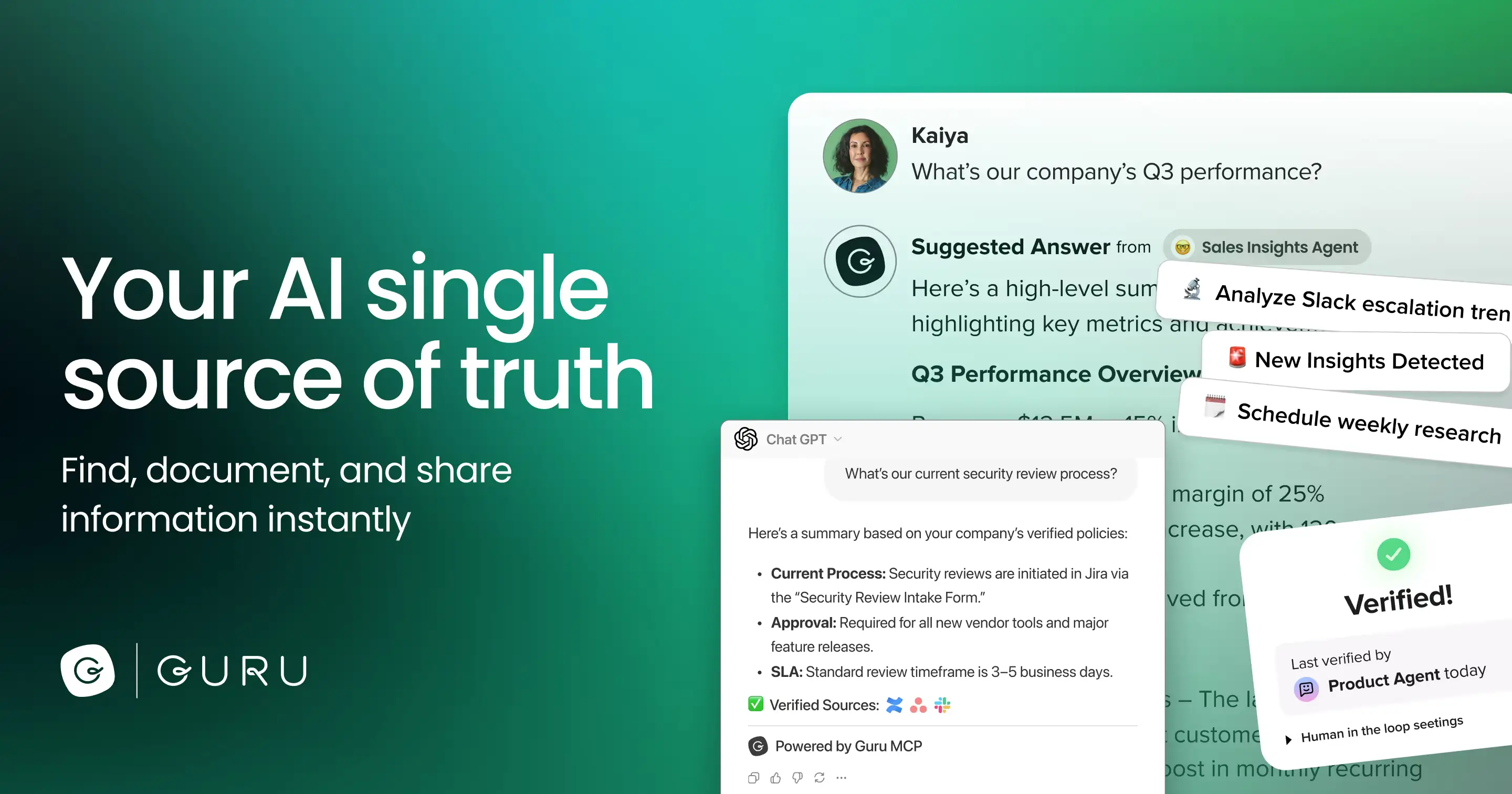
Every card has an owner and an expiration date. When it goes stale, the owner gets nudged to re-verify it. If nobody does, the card is visibly flagged as unverified.
That sounds like process overhead until you've watched an AI assistant confidently quote a pricing policy that changed 14 months ago. An AI knowledge base doesn't fix wrong content — it broadcasts it faster and with more authority. Verification is the only real defense.
Guru layers AI search and "Knowledge Agents" on top, giving cited, permission-aware answers in Slack, Teams, or the browser extension.
Where it loses: Guru has moved to quote-only pricing, which is a real downgrade for small teams that just want to swipe a card and start. There's no self-serve free tier on the pricing page anymore.
Best for: support and sales teams where a wrong answer has an immediate cost.
3. Notion AI — Best If Your Team Already Lives in Notion
The honest case for Notion AI is that it's already there. If your company runs on Notion, adding a separate knowledge tool means maintaining two sources of truth, and the second one always loses.
Notion now bundles AI into paid plans rather than selling it as an add-on. On the Business plan at $20/member/month you get the full set: Notion Agent, AI Meeting Notes, and Enterprise Search that reaches into connected tools like Slack and GitHub. Free and Plus get limited trial access.
What stood out: bundling AI instead of metering it removes the "should I use this?" hesitation that kills adoption of per-query tools.
Where it loses: Notion's structure is as good as your team's discipline. It has no real opinion about staleness — no verification workflow, no owner-and-expiry model. A messy Notion becomes an AI that confidently answers from a 2023 draft nobody deleted.
Best for: teams already standardized on Notion who want AI search without adding a vendor.
4. Confluence + Atlassian Rovo — Best for Jira-Centric Engineering Orgs
If your engineering org runs on Jira, Confluence is the path of least resistance, and the economics changed meaningfully when Atlassian folded Rovo into the base plans rather than selling it separately.

Confluence Standard runs about $5.42/user/month, dropping with annual billing and volume — comfortably the cheapest per-seat option among the serious internal tools.
The catch is credits. Rovo access comes with a monthly credit pool per seat that varies by tier — roughly 25 on Standard, 70 on Premium, 150 on Enterprise, per third-party breakdowns of the tiering. Heavy AI use means either upgrading or buying more credits, so the headline price isn't the whole story.
Where it loses: the Free plan caps at 10 users, 2GB, and importantly no Rovo at all — so you can't evaluate the AI without paying. And Confluence's information architecture tends toward sprawl, which retrieval quality punishes.
Best for: engineering-led organizations already paying Atlassian.
5. Slite — Best Lightweight AI Wiki for Small Teams
Slite has leaned harder into "the knowledge base maintains itself" than anyone else at its price point, and it's the positioning I find most convincing for teams under about 100 people.
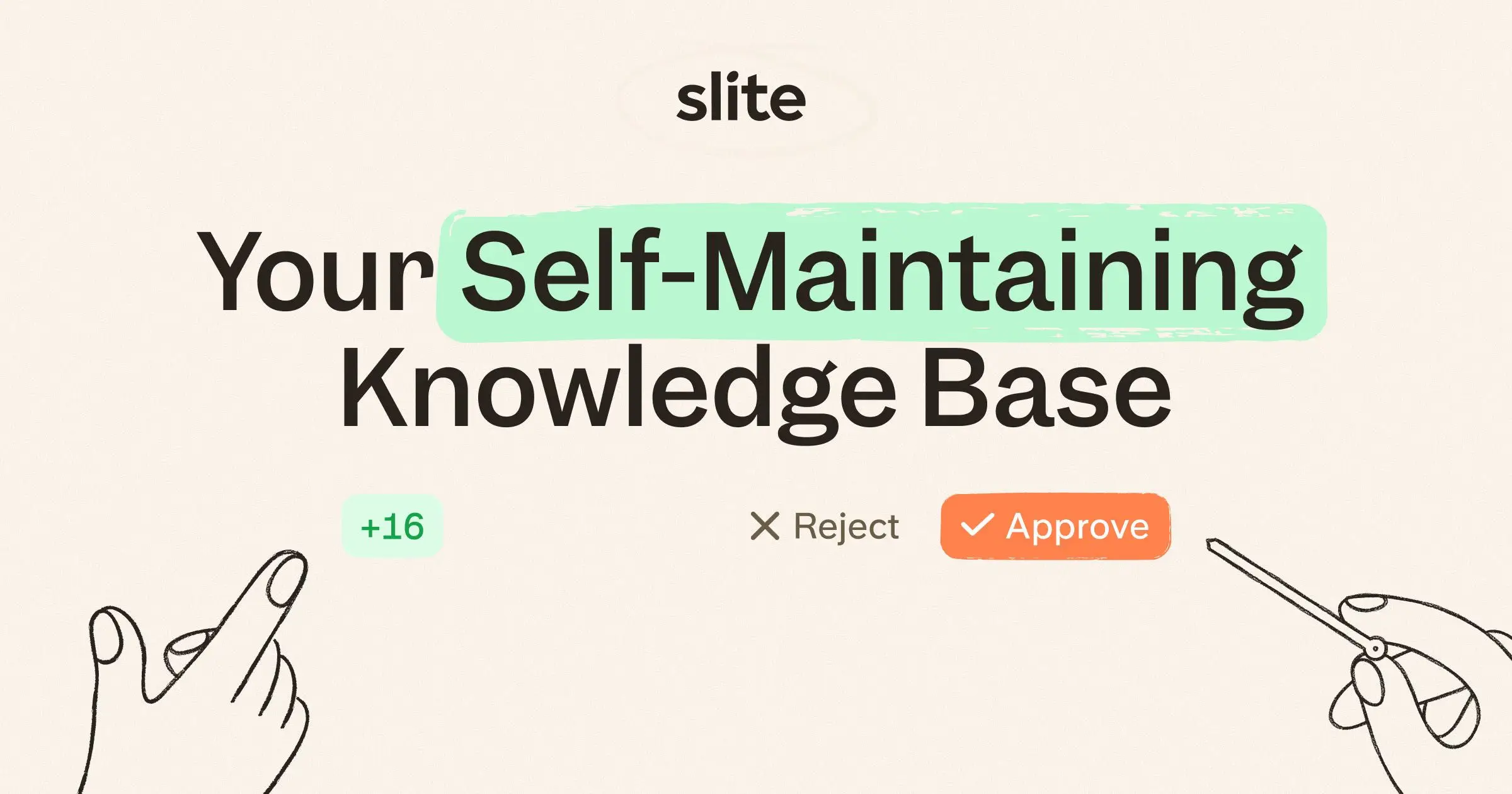
Basic is $10/user/month and includes Ask (AI search with answers), a doc verification workflow, and a Knowledge Management Panel that surfaces what's decaying. Pro at $20/user/month adds the Slite Agent, search across connected tools like Slack, HubSpot, Linear, Jira, and Drive, plus doc fact-checking with suggested fixes.
What stood out: fact-checking that suggests specific fixes is a meaningfully different thing from flagging a doc as old. It's the closest thing here to a knowledge base that repairs itself.
Where it loses: AI questions are metered per seat — 30/month on Basic, 50 credits on Pro. For a team that adopts it enthusiastically, that ceiling arrives quickly.
Best for: small and mid-size teams who want verification without Guru's enterprise motion.
6. Slab — Best Budget Internal Wiki
Slab is the value pick, and unusually for this list, it has a genuinely usable free tier.
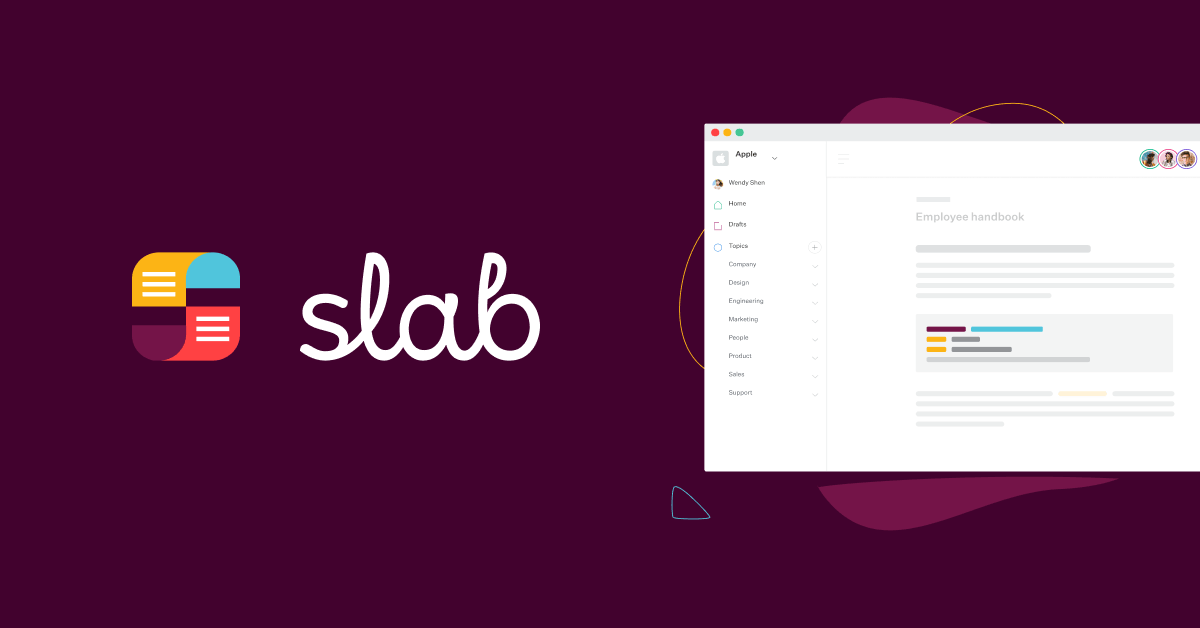
Free covers up to 10 users. Startup is $6.67/user/month billed annually, Business $12.50. Unified Search is on every plan including free.
The important caveat: the AI features — AI Ask, AI Autofix, AI Predict — are Business-tier and up. Free and Startup users get search, not AI answers. So if you're here specifically for AI, your real entry price is $12.50/user/month.
What stood out: the editing experience is clean and fast, and the 30-day money-back guarantee lowers the risk of trying it.
Where it loses: it's a wiki with AI on top rather than an AI-first product. There's no verification-and-ownership model like Guru's or Slite's.
Best for: small teams who want a good wiki cheaply and treat AI as a bonus.
7. Tettra — Best Slack-Native Knowledge Base
Tettra's bet is that your knowledge base should live where questions actually get asked, which for most companies is Slack.
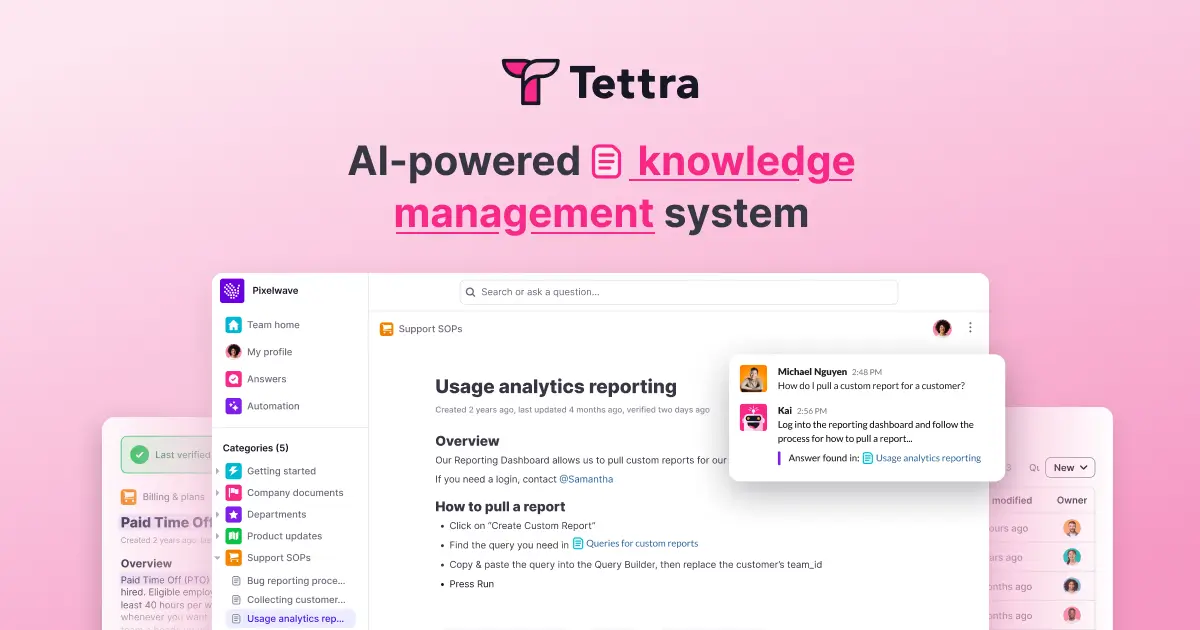
Its AI bot sits in Slack, answers from your documented knowledge, and — the clever part — logs the questions it couldn't answer. That becomes a running list of your documentation gaps, generated by real demand instead of guesswork.
Scaling is $8/user/month with a 10-user minimum, so the practical floor is $80/month. It includes AI answers, AI page tagging, AI FAQ generation, content verification, and reports on stale and unowned pages.
What stood out: the gap list. Most tools tell you what you have; Tettra tells you what you're missing.
Where it loses: it's narrower than the others. If your team doesn't run on Slack, most of the appeal evaporates.
Best for: Slack-first companies between 10 and 200 people.
8. Document360 — Best for Large Public Documentation
Document360 is the pick when documentation is the product — developer docs, complex software manuals, multi-language help centers with real information architecture.
Its AI layer, Eddy, handles AI search and answers, content and FAQ generation, auto-generated glossaries, and duplicate content detection. Notably, it now ships MCP Server support — meaning your docs can be exposed directly to AI agents as a tool rather than scraped. If that's unfamiliar, our plain-English guide to the Model Context Protocol covers why it matters.
What stood out: versioning, workflow, and localization are first-class here, not afterthoughts. For a docs team of five publishing in six languages, nothing else on this list is close.
Where it loses: Document360 has moved fully to custom quotes, arguing that "a flat tier would either overcharge small teams or undercharge enterprises." Reasonable, but it means you can't price it in an afternoon, and third-party estimates put it well into the hundreds per month.
Best for: dedicated documentation teams with real scale and localization needs.
9. Help Scout — Best for Small Support Teams
Help Scout is the most straightforward option in the customer-facing group, and its pricing is refreshingly legible in a category drifting toward "contact us."
There's a free plan for up to 5 users with 1 inbox and 1 Docs site. Standard is $25/user/month, Plus $45, Pro $75. AI Drafts and AI Summarize come with Standard and up; the Docs knowledge base is on every plan.
AI Answers — the customer-facing chatbot — is a separate add-on at $0.75 per resolution. I actually prefer this to bundling: you pay when it works, and the knowledge base that powers it is included regardless.
What stood out: a real free tier with a real help center. For a startup that needs docs plus a shared inbox today, this is the lowest-friction start on the list.
Where it loses: at scale, per-seat plus per-resolution gets expensive, and Help Scout's AI is less sophisticated than Intercom's.
Best for: support teams under about 20 people.
Want your knowledge base to answer, not just store?
Upload your docs to Pickaxe and it becomes an agent your clients can actually talk to.
10. Intercom (Fin) — Best for High-Volume Support Deflection
Fin is the most aggressive outcome-priced AI agent in the category, and Intercom has bet the company on it.
Fin is $0.99 per resolution — charged when the customer confirms the issue is solved or Fin completes a workflow, once per conversation regardless of how many questions it fields. The help center is bundled into the plan; Advanced and Expert add private and multilingual help centers.
The pricing model is the product decision worth studying. Paying per outcome rather than per seat aligns cost with value, and it means your incentive is to make the knowledge base better, because a better knowledge base resolves more at the same unit price.
Where it loses: outcome pricing is unpredictable. A viral incident or a bad release means a spike in conversations and a spike in your bill, at exactly the moment things are already going badly. Model your worst month, not your average one.
Worth noting: Zendesk competes directly here with a similar structure — outcome-based pricing starting around $1.50 per automated resolution on committed volume. I've left it out of the numbered list because it's really a full support suite rather than a knowledge base tool, but if you're already on Zendesk, evaluate it before adding a vendor.
Best for: support teams handling thousands of conversations a month.
11. Stonly — Best for Interactive Step-by-Step Guides
Stonly is the odd one out, and it earns its place by rejecting the article format entirely.
Instead of a page of text, you build interactive guides and decision trees. The customer answers one question at a time and gets walked to the specific resolution for their situation.
For troubleshooting, this is simply better than an article. "Reset your router" is a bad answer to eleven different failure modes. A decision tree that asks two questions first is a good one.
Pricing is a Small Business plan (under 100 employees, 4,000 guide views/month, 5 team members) and a custom Enterprise plan with AI Agents and automations. There's a 14-day trial that drops to a limited Basic plan at 400 views/month.
Where it loses: guides are much more work to build than articles, and view-based limits are easy to blow through if you embed them widely.
Best for: products with genuinely branching troubleshooting.
12. Pickaxe — Best for Turning a Knowledge Base Into a Client-Facing Agent
This is the tool I work on, so weigh accordingly — but it solves a different problem than everything above, and that difference is the point.
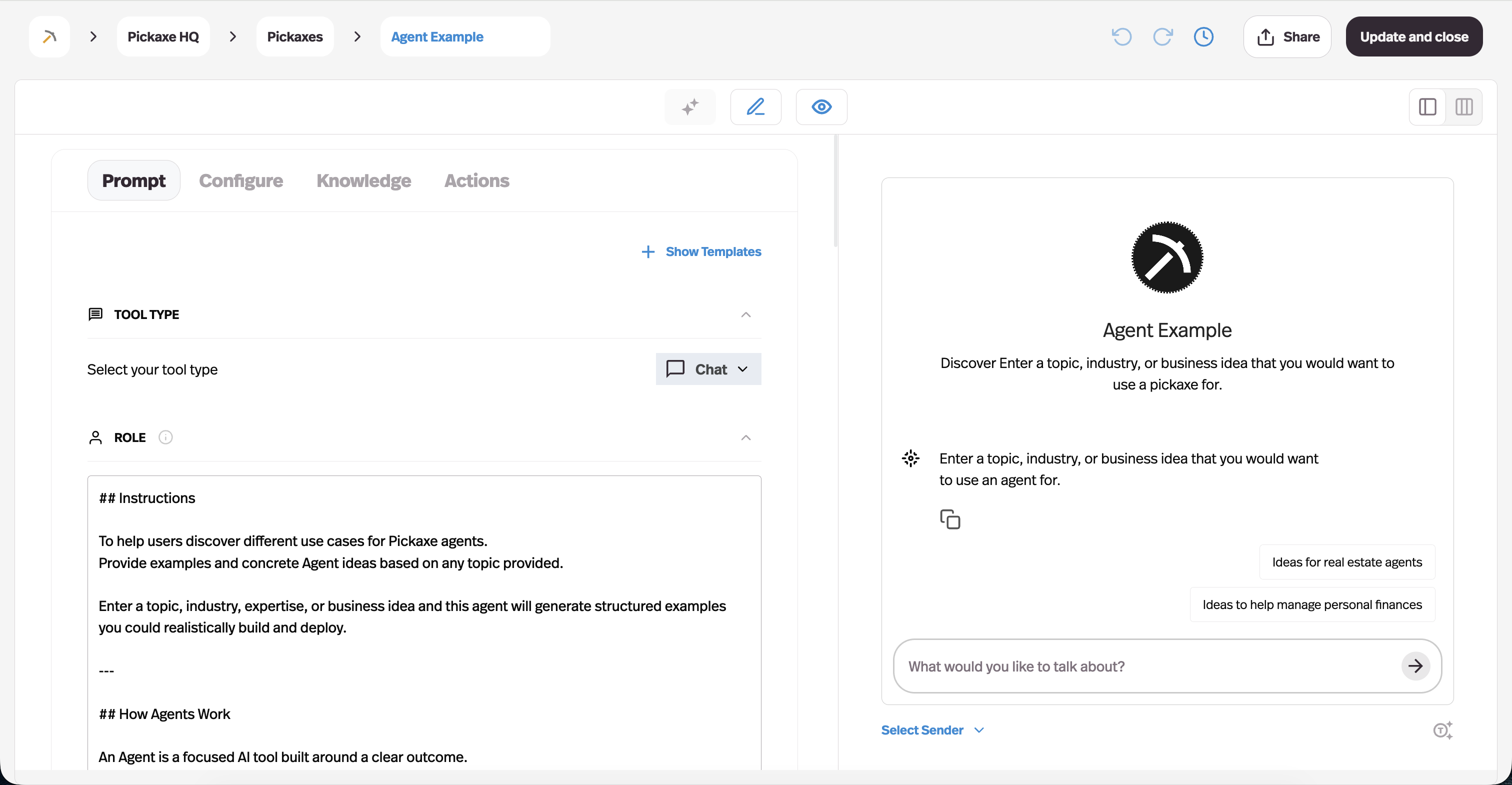
Everything in Jobs 1 and 2 assumes a human reads the answer. Pickaxe assumes an agent uses it. You upload documents, URLs, audio, video, or connect Notion, Google Drive, OneDrive, or SharePoint, and that becomes the retrieval layer behind an agent that does a job — onboarding a client, qualifying a lead, answering technical questions inside a product you sell.
A few specifics that matter in practice. The knowledge base works at two levels: workspace-level, shared across agents, and agent-level, scoped to one agent with optional instructions for how to use each source. Files are broken into chunks for retrieval, and sources auto-refresh daily so a changed doc doesn't quietly go stale. For the step-by-step version of wiring that up, see how to add a knowledge base to your AI agent.
Because these agents are meant to be deployed and often sold, the knowledge base sits behind access groups, portals, and monetization — you can put an agent behind a login, a paywall, or a client-specific portal on your own domain. That's the part general knowledge tools don't do at all.
Pricing starts at $29/month billed annually on Gold ($37 monthly), with Pro at $116/month annually and Business from $597/month. Plans include monthly credits, where $1 of credit equals $1 of AI usage. There's no free plan — worth knowing up front.
Where it loses: it is not an internal wiki and shouldn't be sold as one. There's no verification workflow, no staleness reporting, no browsing experience for employees. If you want your team to search company policies, buy Guru or Slite instead.
Best for: consultants, agencies, and software companies who want a knowledge base that acts rather than one people read. If that's the shape of your problem, our primer on AI agents is a better starting point than any tool comparison.
13. CustomGPT.ai — Best Dedicated RAG Chatbot for Large Corpora
CustomGPT.ai is the most focused Job 3 tool here: point it at a very large pile of content and get an accurate, citing chatbot out the other side. For the client delivery decision around that assistant, read our Pickaxe vs CustomGPT.ai comparison.
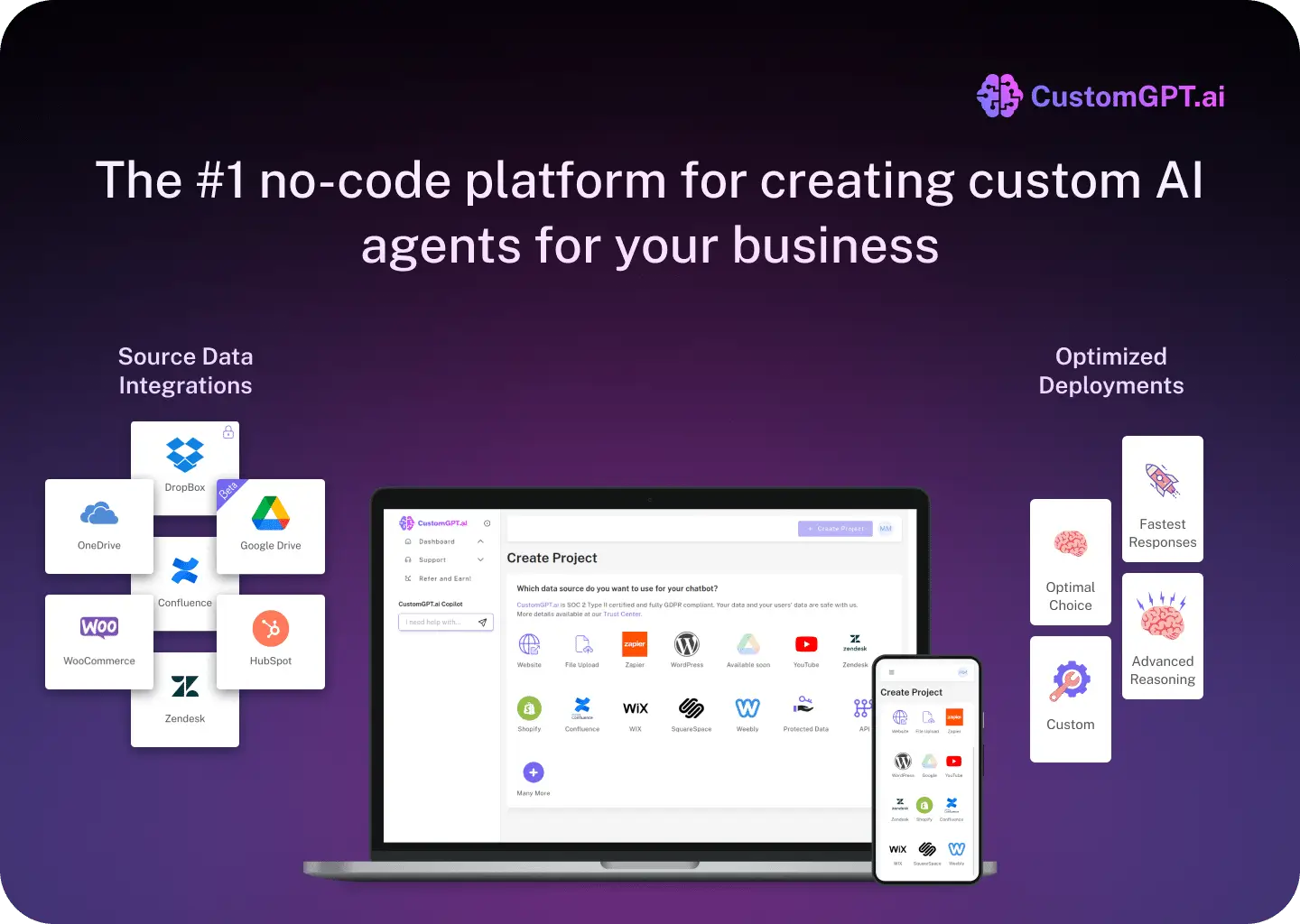
The document ceilings are the headline. Standard at $89/month annually gives 2 agents and 5,000 documents per agent; Premium at $449/month gives 5 agents, 20,000 documents each, and white-label branding. Enterprise is custom.
What stood out: anti-hallucination is the explicit product promise, and citations are consistent. For a research library, a compliance corpus, or a decade of published content, the scale here is unmatched at this price.
Where it loses: it's a chatbot, not an agent. It answers from documents; it doesn't take actions, call APIs, or run workflows. And $89/month for 2 agents is steep if you only need one small bot.
Best for: organizations with tens of thousands of documents and a pure question-answering use case.
What Actually Makes an AI Knowledge Base Work
Here's the part vendors underplay, because it's the part they can't sell you.
The model is almost never the bottleneck. The knowledge base is. Guidance across the RAG field in 2026 converges on the same conclusion: retrieval quality is a function of content quality and structure, not model capability.
Four levers do most of the work.
1. Chunking. Documents get split into pieces before retrieval, and how you split matters enormously. Current practice is to start with recursive ~512-token splits and only graduate to semantic or hierarchical chunking when your metrics justify the cost. Hierarchical chunking — small chunks for finding, larger ones for understanding — has become the common production pattern because it resolves the precision-versus-context tradeoff.
2. Hybrid retrieval. Semantic search alone misses exact matches like error codes and SKUs. Keyword search alone misses paraphrases. Running both and merging beats either.
3. Reranking. Retrieve generously, then use a reranker to order results before they reach the model. Cheap, and one of the largest single quality gains available.
4. Metadata. Every chunk should carry source, owner, version, and effective date. That's what lets an agent cite properly, prefer current policy over superseded policy, and expire stale content instead of averaging it with the new one.
That last point is where most projects quietly fail. A knowledge base with both the old and new refund policy in it doesn't produce a confused answer — it produces a confident wrong one. If you're feeding an agent, our guide to building an AI research agent that cites its sources goes deeper on getting citations to hold up.
It's also worth separating retrieval from memory. Retrieval is what the agent looks up; memory is what it carries between turns. They solve different problems and conflating them causes strange bugs — AI agent memory explained covers the distinction.
How to Roll One Out Without Wasting a Quarter
The tool is maybe 20% of the outcome. The rollout is the rest, and the teams that get value fast tend to follow roughly the same shape.
Weeks 1–2: pick one painful question set. Not "all of support." One category — refunds, onboarding, a single product line. Narrow scope makes quality measurable, and a visible win buys you the political capital for the wider rollout.
Pull the actual questions from somewhere real: your ticket queue, your Slack history, your sales call notes. Ranked real demand beats a documentation plan written from imagination every time.
Weeks 3–4: fix the content before you index it. This is the step everyone skips and the one that determines the result. For your top 20 questions, make sure exactly one document answers each, delete or archive the superseded versions, and stamp each with an owner and a date.
You will find contradictions. That's not a detour — that's the project. Every contradiction you resolve now is a confident wrong answer you don't ship later.
Weeks 5–6: pilot with a friendly group. Internal team or a small customer segment. Instrument it from day one: what got asked, what got answered, what got escalated, and how answers were rated.
Watch the unanswered questions more closely than the answered ones. The failures are your content roadmap; the successes just tell you the plumbing works.
Weeks 7–12: widen, and set a maintenance cadence. Expand category by category, and — non-negotiably — put a recurring review on someone's calendar with their name attached. A knowledge base without a named owner is a knowledge base with an expiry date.
Budget for this properly. If you're using outcome-priced or credit-based tools, usage climbs as adoption climbs, and the bill follows. Our breakdown of AI agent token economics is a useful sanity check before you commit to an annual contract.
The Mistakes That Kill AI Knowledge Base Projects
Five patterns show up over and over.
Dumping everything in on day one. The instinct is to index all of it. The result is conflicting chunks, duplicated policies, and an assistant that averages three contradictory documents into something that was never true. Start with the 20 documents that answer 80% of questions.
Treating launch as the finish line. Knowledge bases decay from the moment they ship. Without an owner and a review cadence, quality degrades to worse-than-useless within a year — which is exactly why verification-first tools like Guru and Slite justify their price.
Ignoring permissions until late. Retrofitting access control onto an indexed corpus is painful and risky. If some content is sensitive, decide that before indexing, not after someone surfaces a salary band in a chat window. We covered the broader failure modes in AI agent security risks.
Skipping the "I don't know" path. An assistant that must answer will invent. One that can say "I don't have that documented — here's who to ask" is more useful and far more trusted. Tettra's unanswered-question log is this idea turned into a feature.
Not measuring anything. If you can't see deflection rate, unanswered questions, and answer ratings, you can't improve the content — and content is the whole game.
Per-Seat vs Per-Resolution: The Pricing Shift Nobody Warns You About
One structural change is worth understanding before you sign anything, because it quietly moves risk from the vendor onto you.
Internal tools still charge per seat. Predictable, budgetable, and it scales with headcount rather than usage. You know your bill twelve months out.
Customer-facing AI has moved to outcome pricing. Intercom's Fin is $0.99 per resolution, Help Scout's AI Answers $0.75, Zendesk around $1.50–$2.00. The pitch is that you only pay when it works, which is genuinely fairer than paying for a seat that sits idle.
But it inverts your exposure. Per-seat costs are driven by how many people you employ. Per-resolution costs are driven by how many problems your customers have — and that number spikes exactly when something has gone wrong.
Ship a bad release, have an outage, or run a big promotion, and your support volume and your AI bill rise together. Model that scenario explicitly rather than budgeting off a normal month.
The third model — credit pools, as in Confluence's Rovo credits or Pickaxe's usage credits — sits in between. Predictable up to a ceiling, then either throttled or billed. Find out which before you're at the ceiling.
None of these is inherently better. But there's an asymmetry worth naming: with outcome pricing, improving your knowledge base raises your bill. Deflecting more tickets is the goal and also the cost. Make sure whoever owns the budget understands that before the first invoice lands.
How to Choose the Right AI Knowledge Base Tool
Work down these in order. It resolves most cases in about a minute.
- Who reads the answer — employee, customer, or an agent? That picks your group and eliminates roughly two-thirds of this list.
- How many people and how many systems? Under 100 people in one or two systems: Slite, Slab, or Tettra. Over 500 across many systems: Glean.
- What does a wrong answer cost? If it's expensive — regulated advice, pricing, medical, legal — prioritize verification and buy Guru or Slite. If it's cheap, optimize for adoption instead.
- Are you already on a platform? Deep in Atlassian, buy Confluence. Deep in Notion, buy Notion AI. The second source of truth always loses to the first.
- Does the knowledge need to do something? If the answer should trigger an action — book, quote, update a record — you need Job 3. Look at Pickaxe or CustomGPT, and read up on connecting agents to your other tools.
- Model your real usage. Per-seat is predictable; per-resolution and credit pools are not. Multiply out your worst month before signing.
One more thing worth internalizing, and it's the thread running through this whole category: the industry conversation has moved from "which model" to what context you give it. That's what people mean by context engineering, and as dex has argued, the scaffolding around the model increasingly matters more than the model. Allie K. Miller's 2026 outlook puts context and memory at the top of the list for the same reason.
Your knowledge base is that context. Which is a good argument for spending less time comparing vendors and more time fixing your documentation.
Build an agent on top of your docs
Connect Notion, Drive, or SharePoint, pick a model, and deploy it on your own domain.
Frequently Asked Questions
What is an AI knowledge base?
A knowledge base where retrieval is handled by an AI model rather than a keyword search box. You ask a question in plain language and get a synthesized answer with citations, instead of a list of articles to read.
What's the difference between an AI knowledge base and RAG?
RAG — retrieval-augmented generation — is the technique; an AI knowledge base is the product built on it. Every tool here is doing some version of RAG under the hood. The difference is how much of the chunking, retrieval, and reranking they expose to you.
Do AI knowledge base tools hallucinate?
They can, but grounded retrieval reduces it substantially versus asking a model directly. The bigger practical risk isn't invention — it's confident retrieval of outdated content. That's a content-hygiene problem, not a model problem, and it's why verification workflows matter more than model choice.
How much do AI knowledge base tools cost?
Roughly three bands. Internal wikis run $5–20/user/month. Enterprise search runs $45–50/user/month with seat minimums. Customer-facing AI is increasingly outcome-priced at $0.75–$2.00 per resolution. Agent-facing knowledge bases run $29–$449/month flat.
Can I use one tool for both internal and customer-facing knowledge?
Usually a bad idea. The content differs (internal knowledge is blunter), the permissions differ, and the tone differs. Most teams who try it end up sanitizing everything for the customer-facing side and losing the value internally.
Which AI knowledge base tool is best for a small business?
For internal use, Slab's free tier or Slite at $10/user/month. For customer support, Help Scout's free plan. For an agent that does something with your knowledge, Pickaxe at $29/month annually.
My Picks
If I had to compress 13 tools into five recommendations:
- Large org, knowledge everywhere: Glean. Nothing else matches the breadth, and the ARR trajectory suggests the market agrees.
- Answers that must be right: Guru. Verification is the feature that matters most and the one most tools skip.
- Small team, best value: Slite at $10/user/month. Verification and AI search at a price a 20-person company can absorb.
- Customer support at volume: Intercom's Fin. Outcome pricing aligns incentives — just model your worst month.
- Knowledge that needs to act: Pickaxe. Biased, but it's a genuinely different job from the other twelve.
The larger point: every tool here is a retrieval layer over content you have to maintain. None of them fixes a knowledge base nobody owns.
Pick the cheapest tool that fits the right job, assign an owner, and spend the saved money on actually writing the documentation. That ordering beats the reverse every time.
If your knowledge base needs to do something rather than just be read, that's what Pickaxe is built for — upload your docs, pick a model from the model list, and deploy an agent your clients can actually use.