Most people don't go looking for custom GPT alternatives because they dislike building custom GPTs. They go looking because they built one that people actually use, and then discovered what happens next.
Which is: not much.
Your GPT lives inside ChatGPT. Only paying ChatGPT users can reach it. It carries OpenAI's branding, not yours. You can't see who's using it in any meaningful way. You can't email them. And the revenue program — the thing that made the GPT Store sound like an app store — pays out on opaque engagement metrics, at somewhere around three cents a conversation. Most creators reportedly clear under $200 a month regardless of how much their GPT gets used.
That's fine if you built a fun thing. It's a problem if you built something a business would pay for.
So I went through the platforms people actually move to. Fourteen of them, sorted by what you're trying to do rather than by feature count — because "which is best" depends almost entirely on whether you want to sell the thing, embed it, self-host it, or hand it to an enterprise IT department.
Fair warning before we start: Pickaxe is our platform, and it's first on the list. I've tried to be specific about where it fits and where it doesn't, and there are several tools below I'd genuinely pick over it for particular jobs. Judge the reasoning, not the ordering.
The Five Walls You Eventually Hit
Worth naming these precisely, because which wall you hit determines which alternative is right. Most people hit two or three at once and can't articulate why the whole thing feels stuck.
Wall 1: You can't charge for it
The big one. There is no mechanism to say "this costs $29 a month" and have money arrive. The revenue program is a pool distributed by engagement, not a price you set, and OpenAI is the merchant of record regardless.
If you built something a business would happily pay for, this is not a limitation you can work around — you can only leave.
Wall 2: Your users have to be ChatGPT subscribers
Custom GPTs are gated behind a paid ChatGPT account. That's a hard ceiling on who can use what you made.
For a consumer tool it's an inconvenience. For client work it's fatal — you cannot tell a client's customers to go buy a ChatGPT subscription before they can use the intake form you built.
Wall 3: It's OpenAI's brand, not yours
Your agent lives on their domain, in their interface, with their name on it. For a consultant or agency, the tool is supposed to make you look capable. Handing a client something that visibly belongs to someone else undercuts that. Our Microsoft Copilot Studio alternatives guide applies that same client-delivery test to seven platforms.
Wall 4: You learn almost nothing about usage
You get very little insight into who is using your GPT, what they ask, where it fails, or whether the same people come back. Which means you can't improve it in any disciplined way, and you can't follow up with anyone.
You don't own the customer relationship. You don't even really observe it. Our piece on AI agent analytics covers what you should be tracking — nearly none of which is available to you here.
Wall 5: It only lives in one place
A custom GPT works inside ChatGPT. It doesn't go on your website, into Slack, onto WhatsApp, or behind an API for another system to call. If a website bot is the goal, our comparison of AI chatbot builders sorts the options by the job they do best.
Most real deployments need the agent to be where the work already happens, and that's usually not a chat app the user has to remember to open.
Every platform below solves some subset of these five. None solves all five equally well, which is why the honest answer to "what's the best custom GPT alternative" is a question rather than a name.
Quick Comparison
| Platform | Best for | Can you charge for it? | Self-host? | Starts at |
|---|---|---|---|---|
| Pickaxe | Selling agents under your own brand | Yes — built in | No | $29/mo |
| Poe | Reaching an existing audience of AI users | Yes — platform program | No | Free tier |
| Chatbase | A support bot on your website | Indirectly | No | ~$40/mo |
| CustomGPT.ai | Document-heavy Q&A | Indirectly | No | ~$99/mo |
| MindStudio | Publishing many small AI apps | Yes | No | Free tier |
| Relevance AI | Multi-agent teams doing real work | Indirectly | No | Free tier |
| Voiceflow | Designed conversation flows | Indirectly | No | Free tier |
| Botpress | Developer-grade control | Indirectly | Yes | Free tier |
| Stack AI | Enterprise workflows and compliance | Indirectly | Yes (enterprise) | ~$199/mo |
| Dify | Open-source LLM app platform | Build it yourself | Yes | Free (OSS) |
| Flowise | Visual chains, fully self-hosted | Build it yourself | Yes | Free (OSS) |
| Copilot Studio | Microsoft 365 shops | No | No | ~$200/mo |
| Gemini Gems | Google Workspace shops | No | No | Workspace plan |
| Chatling | The simplest possible site bot | Indirectly | No | Free tier |
Pricing moves constantly — treat those as rough tiers rather than quotes.
1. Pickaxe — Best If You Want to Sell What You Build
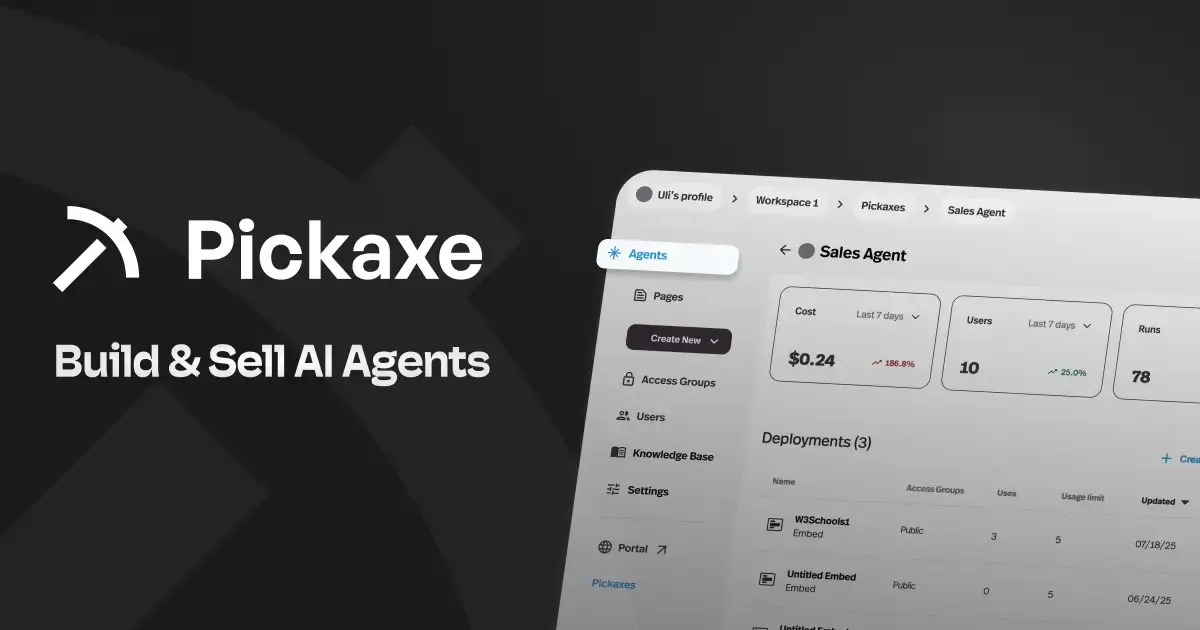
Full disclosure repeated: this is us. The reason it leads the list is that it addresses the specific complaint that sends most people looking in the first place — you built something valuable and have no way to charge for it.
The model is closer to Shopify than to ChatGPT. You build an agent, you put it behind your own branded portal on your own domain, you decide who can access it, and you charge them — subscription, one-time, or pay-per-use. Stripe handles the money and it lands in your account, not a revenue pool you can't inspect.
Practically, the build is the same thing you'd do in a custom GPT: write instructions, upload a knowledge base, wire up integrations. What's different is everything after: access groups, member logins, usage tracking per user, white-labeling, and deployment to a site embed, WhatsApp, Slack, email, or an API rather than only inside one chat app. If you already have one to move, follow our visual guide to rebuilding a Custom GPT on Pickaxe.
What's genuinely good: the monetization is not bolted on. Access control, billing, and usage limits are the same system, which is why it takes an afternoon rather than a sprint. And the branding is complete enough that clients don't know what it's built on.
Where I wouldn't use it: if you want your agent discovered by strangers browsing a marketplace, this is the wrong shape — there's no built-in audience, you bring your own. If you need to self-host for compliance, look at Dify, Flowise, or Botpress. And if you're a developer who wants to write the orchestration yourself, a no-code builder will feel like a cage.
Pricing: paid plans start at $29/month, with platform fees on what you sell that drop as you move up tiers. See current pricing.
Verdict: the closest thing to "custom GPT, but it's yours and you can charge for it." If your goal is revenue rather than reach, start here. Our guide on monetizing AI agents covers the pricing side in more depth.
2. Poe — Best If You Want Discovery You Don't Have to Build
Poe is Quora's answer to the same problem, and it's the only entry here that competes with the GPT Store on its actual strength: an existing audience of people looking for bots to use.
You create a bot, set its prompt and base model, and publish it. Other Poe users can find it. There's a creator monetization program that pays based on usage, and unlike the GPT Store you can pick which underlying model powers your bot — Claude, GPT, Gemini, and various open-weight options all sit alongside each other.
What's genuinely good: multi-model choice on one subscription is a real advantage, and the discovery is the thing you can't manufacture yourself. If your bot is a consumer-ish tool with broad appeal, being findable matters more than owning the relationship.
Where it falls short: you've swapped one walled garden for another. It's still someone else's brand, someone else's payout formula, and someone else's audience that you don't get to email. For client work or B2B, it's the wrong instrument entirely.
Verdict: the best like-for-like replacement for the GPT Store. Just be clear that it fixes the model-choice complaint and the payout-rate complaint, not the ownership one.
3. Chatbase — Best for a Support Bot on Your Site
Chatbase has stayed narrow and gotten very good at one thing: point it at your website and documents, and it produces a support chatbot you embed with a snippet. If that narrow use case fits, our Chatbase alternatives comparison covers the closest substitutes.
Setup is genuinely quick. Crawl your site, upload the PDFs, adjust the tone, drop in the widget. It handles lead capture, escalation to a human, and gives you the conversation logs — which, notably, is more visibility than a custom GPT ever gave you.
What's genuinely good: time-to-working-bot is among the fastest here, and the analytics are good enough to actually improve the thing over time.
Where it falls short: it's a website chatbot, not an agent platform. If you want it to take actions across other systems, run multi-step work, or be something you sell as a product rather than run for yourself, you'll hit the edges fast.
Verdict: the right answer for "I need to deflect support tickets on my own site," and the wrong answer for almost everything else on this page.
4. CustomGPT.ai — Best for Document-Heavy Question Answering
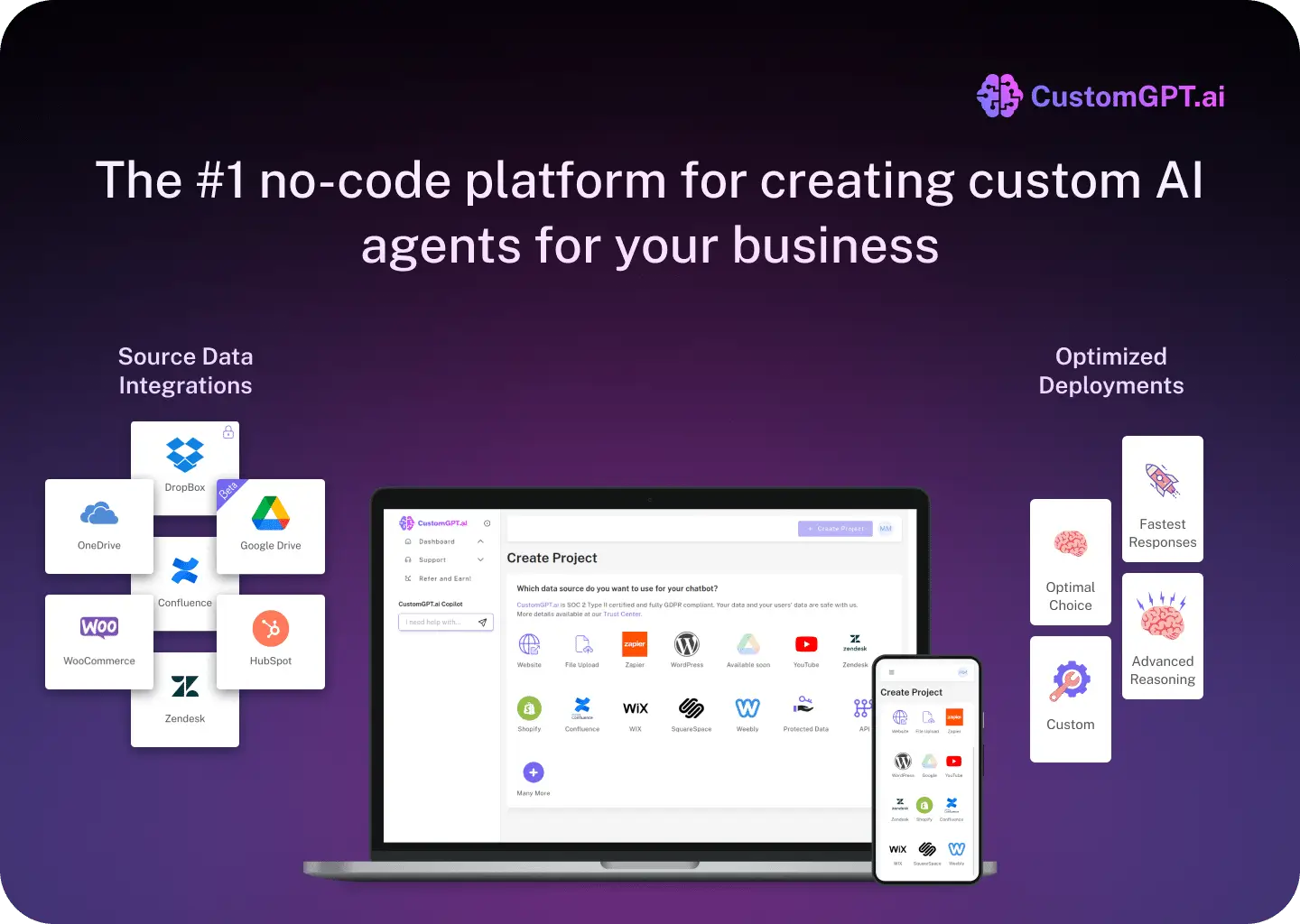
The name is doing deliberate SEO work, but CustomGPT.ai is a real product with a real specialty: retrieval quality over large document collections.
If your use case is "we have 4,000 pages of policy documents and people need accurate answers with citations," this does that better than most general-purpose builders. Citation handling and anti-hallucination behavior are where it puts its effort.
What's genuinely good: the retrieval is more carefully tuned than the average platform's, and the citations are trustworthy enough to put in front of regulated users.
Where it falls short: pricing starts meaningfully higher than most of this list, and it's focused on Q&A rather than agents that do things. If you don't have a large document corpus, you're paying for the part you don't need.
Verdict: a specialist. Excellent for knowledge-base Q&A at volume; overkill otherwise. If retrieval is your whole problem, our guide to adding a knowledge base to an AI agent is worth reading first — you may need less machinery than you think.
5. MindStudio — Best for Publishing Lots of Small AI Apps
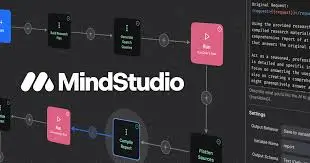
MindStudio sits between a chatbot builder and a workflow tool. You build "AI apps" — often more structured than a chat interface, with defined inputs and multi-step logic behind them — and publish them.
It's a good fit if your instinct is to make many small purpose-built tools rather than one conversational assistant. The visual workflow editor handles branching and multiple model calls per run without much fuss.
What's genuinely good: the multi-step workflow model is more capable than a single system prompt, and the publishing story is decent.
Where it falls short: the monetization and client-facing branding story is thinner than a platform built around selling. And the workflow editor, like all of them, gets unwieldy past a certain complexity.
Verdict: strong middle ground if you think in workflows rather than conversations.
6. Relevance AI — Best for Multi-Agent Teams
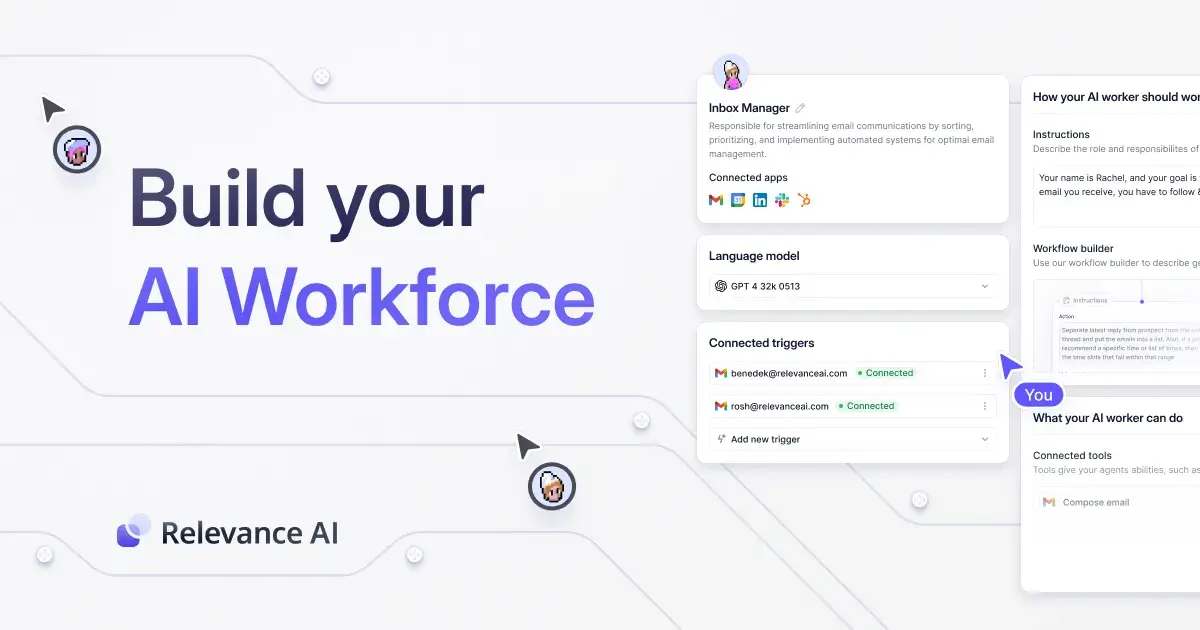
Relevance AI is built around a different mental model: instead of one assistant, you assemble a team of agents with distinct roles that hand work to each other.
The sales-development use case is where you see it most — a researcher agent finds prospects, a writer agent drafts outreach, a third handles replies. It's genuinely well-suited to that shape of problem.
What's genuinely good: the multi-agent orchestration is more thought-through than bolt-on versions elsewhere, and the tool library is broad.
Where it falls short: the complexity is real, and multi-agent systems fail in ways single agents don't — we wrote about that in multi-agent systems explained. For a single well-defined job, this is more machinery than the job deserves.
Verdict: the right tool when the work genuinely has several distinct stages. Not a replacement for a simple custom GPT.
7. Voiceflow — Best for Designed Conversations

Voiceflow comes from the conversation-design tradition — it started in voice apps — and it shows in the best way. You get real control over dialogue paths rather than hoping the model behaves.
For anything where the conversation must follow a defined path — regulated intake, structured qualification, scripted troubleshooting — that control is worth a lot. Teams collaborate on flows the way designers collaborate on mockups.
What's genuinely good: deterministic control over paths, strong team collaboration, mature product.
Where it falls short: that structure is overhead if what you wanted was a smart assistant that figures things out. And it's built for you to run agents, not sell them.
Verdict: best-in-class if the conversation needs to be designed rather than emergent.
8. Botpress — Best for Developer-Grade Control
Botpress is the answer for people who found every no-code builder frustrating. There's a visual editor, but underneath it you can write code, define custom logic, and self-host.
It's genuinely powerful, with a large integration library and an active community, and the open-source heritage means you're not fully captive.
What's genuinely good: the ceiling is high. When you hit something the visual editor can't express, you drop into code rather than filing a feature request.
Where it falls short: the learning curve is real and non-technical users bounce off it. Cloud pricing scales with usage in a way that surprises people.
Verdict: the best pick on this list if you can code and want control. A poor pick if you were drawn to custom GPTs because they required no engineering.
9. Stack AI — Best for Enterprise and Compliance

Stack AI aims squarely at organizations with a security review process. SOC 2, HIPAA, on-premise deployment options, SSO, audit trails — the checklist that determines whether a tool can be used at all in regulated environments.
The builder itself is a competent visual workflow editor. The differentiator is everything wrapped around it.
What's genuinely good: it clears procurement. If you've ever had a project killed by an infosec questionnaire, that's the entire value proposition.
Where it falls short: priced for companies, not individuals. Starting tiers are well above what a solo builder wants to spend.
Verdict: right when the buyer has a compliance department. Wrong for everyone else. Our AI agent compliance checklist covers what those reviews actually ask for.
10. Dify — Best Open-Source All-Rounder
Dify is the open-source project I'd point most self-hosters at first. It covers a lot of ground — chat apps, workflows, retrieval, agent tools, prompt management — in one reasonably coherent package.
You can run the cloud version or deploy it yourself, and the self-hosted version isn't a crippled edition of the paid one, which is not always true in this category.
What's genuinely good: the breadth is impressive for an open-source project, and self-hosting means your data and your costs are yours.
Where it falls short: you're now running infrastructure. Upgrades, uptime, and scaling are your problem, and there's no billing layer — if you want to charge users, you're building that yourself.
Verdict: the strongest option if self-hosting is a requirement rather than a preference.
11. Flowise — Best for Visual Chains You Fully Own

Flowise is the drag-and-drop face of the LangChain world. You wire nodes together — models, retrievers, tools, memory — and get an API endpoint out the other end.
It's lighter than Dify and closer to the underlying primitives, which is either a feature or a burden depending on how much you enjoy understanding what a retriever is.
What's genuinely good: excellent for prototyping and for learning how these systems actually fit together. Free, self-hosted, no vendor.
Where it falls short: it's a builder, not a product platform. No user management, no billing, no polished end-user interface. You're assembling an engine, not a car.
Verdict: great for developers and tinkerers. Not a path to something you sell.
12. Microsoft Copilot Studio — Best Inside Microsoft 365
If your organization runs on Microsoft, Copilot Studio has an advantage nothing else here can match: it already has permissioned access to your SharePoint, Teams, and Outlook data, under the identity system your IT department already administers.
That's a genuinely large deal. Half the work of an internal agent is plumbing and permissions, and that's pre-solved.
What's genuinely good: native access to the data your company actually keeps, with the governance already applied.
Where it falls short: it's for internal agents, full stop. You cannot sell what you build, and outside the Microsoft ecosystem it makes no sense at all. Licensing is also its own small discipline.
Verdict: the obvious choice for internal tools at a Microsoft shop. Irrelevant to anyone trying to build a product.
13. Google Gemini Gems — Best Inside Google Workspace
Gems are the closest structural analogue to custom GPTs anywhere — a saved set of instructions and files that gives Gemini a persistent role. Same idea, different walled garden. If you already rely on one, my Google Gems retirement guide walks through account-specific notices and migration planning.
The upside is Workspace integration: a Gem that can reach your Drive, Docs, and Gmail in context is useful in a way a standalone bot isn't.
What's genuinely good: effortless to create, and the Workspace context is real leverage if your work already lives there.
Where it falls short: every limitation that sent you looking for alternatives applies here too. No monetization, no branding, no audience ownership, confined to Google's surface.
Verdict: a lateral move, not an escape. Useful for personal productivity; not a business.
14. Chatling — Best for the Simplest Possible Site Bot
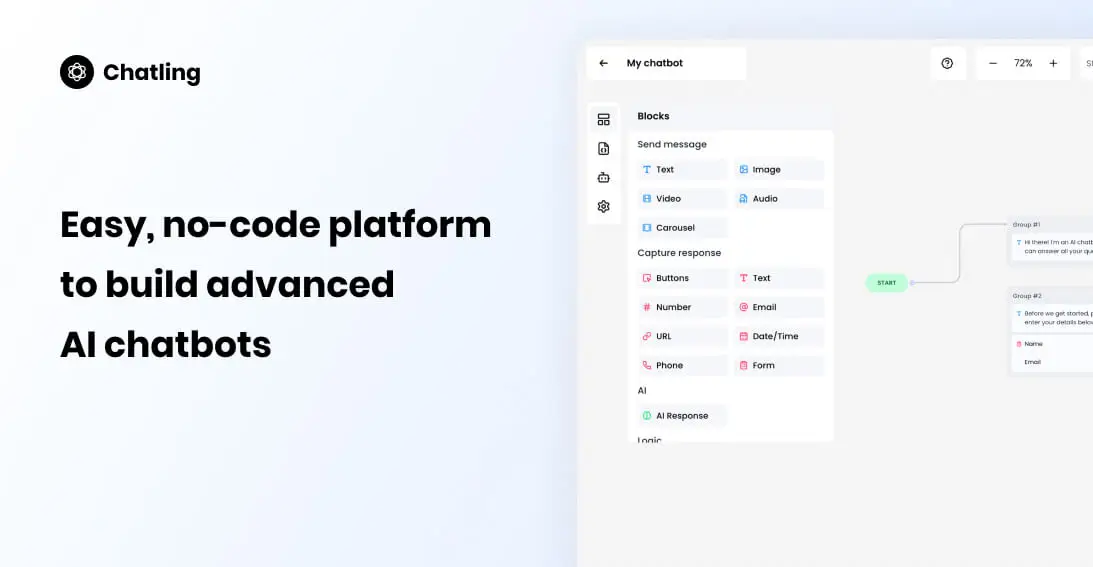
Chatling earns its spot by being unpretentious. Point it at your content, customize the widget, embed it. That's the product.
It's the cheapest fast path to a working site chatbot, with a usable free tier and pricing that stays sane for small sites.
What's genuinely good: low cost, low friction, no learning curve worth mentioning.
Where it falls short: the ceiling is low by design. Simple Q&A and lead capture is the whole scope.
Verdict: good for a small business site. Not a platform to grow into.
How I'd Actually Choose
Sorting by feature list is how people end up on the wrong platform. Sort by what you're trying to do instead:
| If your goal is… | Look at |
|---|---|
| Charging money for what you built | Pickaxe, MindStudio |
| Being discovered by new users | Poe |
| Deflecting support tickets on your site | Chatbase, Chatling |
| Answering questions over lots of documents | CustomGPT.ai |
| Work with several distinct stages | Relevance AI, MindStudio |
| Conversations that must follow a script | Voiceflow |
| Writing your own logic | Botpress, Flowise |
| Passing a security review | Stack AI |
| Keeping data on your own servers | Dify, Flowise, Botpress |
| Internal tools at a Microsoft or Google shop | Copilot Studio, Gemini Gems |
The single most useful question: does someone pay for this, and who do they pay? If the answer is "a client pays me," you need branding, access control, and billing, and that eliminates most of this list immediately. If the answer is "nobody, it's internal," you should optimize for data access instead and the ranking inverts.
Move your GPT somewhere you can charge for it
Your branding, your domain, your customers, your Stripe account.
What Custom GPTs Still Do Better
It would be convenient for this article if custom GPTs were simply bad. They aren't, and pretending otherwise would make the rest of this less trustworthy.
Nothing is faster to a working prototype. You can go from idea to a usable assistant in ten minutes with no account setup, no deployment, no configuration. Every platform on this list is slower, most of them substantially. For testing whether an idea is any good, that speed is worth a lot.
The model is excellent and you never think about it. No model selection, no token budgeting, no cost monitoring. For people who don't want to know what a context window is, that's a genuine feature rather than a limitation.
Distribution inside ChatGPT is real. Hundreds of millions of people already have the app open. It's not a marketplace you can fully exploit, but it's not nothing either — and every alternative here hands the distribution problem back to you.
It's included. If you already pay for ChatGPT, building custom GPTs costs nothing more. Most alternatives start at $29–$199 a month.
The honest framing: custom GPTs are a superb prototyping environment and a poor product platform. Use them to find out whether anyone wants the thing. Move when the answer is yes and someone offers to pay.
Quite a few of the most successful agents I've seen started life as a custom GPT that got embarrassing amounts of use before anyone thought about charging.
Moving Your GPT: A Practical Checklist
Migration is less work than people expect. Most of a custom GPT is text you already have. That holds for the newer shutdown too, if you built on Agent Builder, which OpenAI is retiring on November 30.
1. Export what you actually have
Copy the instructions verbatim, download every uploaded file, list the conversation starters, and note which capabilities were on (browsing, code interpreter, image generation). Screenshot the configuration screen so you don't lose a setting you forgot mattered.
2. Rebuild the instructions, then tighten them
Paste the instructions in as-is first, so you have a working baseline. Then improve them — custom GPT prompts tend to be loose because the environment forgave it. Most platforms give you more control over structure, output format, and refusal behavior, and it's worth using. Our guide to prompt engineering for AI agents covers what to tighten.
3. Re-upload the knowledge, and reconsider it
The files transfer directly. But this is a good moment to check whether all of them earn their place — retrieval quality usually improves when you remove the documents that were never getting used.
4. Test the cases you're afraid of
Different platform, different model, different retrieval — the behavior will not be identical. Run the ten questions you most care about and compare answers side by side before you send anyone a link.
5. Decide who's allowed in
This is the new decision that didn't exist before. Public link, or login required? Free, or paid? One tier or several? If you're charging, AI agent pricing models walks through the options.
6. Leave the original running
Don't delete the custom GPT. It costs nothing to keep, it keeps working for whoever already uses it, and it's a reasonable free tier that points at the paid version you just built.
Realistically: an afternoon for a simple agent, a couple of days if it has heavy integrations.
How I Picked These
Fourteen from a much longer list. The filters:
- You can build without engineering. Flowise and Dify stretch this, but both have visual builders. Pure frameworks like LangChain are a different category.
- It solves at least one real GPT Store limitation — monetization, branding, deployment reach, data control, or model choice. Tools that replicate the same constraints didn't make it.
- It's actually maintained. This category produces abandonware at an impressive rate.
- It's reachable for a small team. A few enterprise-only platforms were cut for having no entry point below five figures a year.
I've spent real time in some of these and less in others. Where I'm going on documentation and community reports rather than extended use, I've tried to keep the claims correspondingly modest.
FAQ
Can I move my existing custom GPT to another platform?
The instructions and uploaded files, yes — copy the system prompt and re-upload the knowledge files, and you're most of the way there. What doesn't transfer is your GPT Store listing, its usage history, and any ranking it had. Budget an hour or two for a straightforward one. If you are here because of the custom GPT changes specifically, our migration writeup covers what changed and the steps to move.
Is the GPT Store revenue program worth pursuing?
Only if you already have enormous distribution. Payouts run around three cents per conversation on opaque engagement criteria, which means tens of thousands of conversations a month to reach meaningful income. Charging ten customers $50 is a shorter path to $500 than earning it three cents at a time.
What's the cheapest way to replace a custom GPT?
Self-hosted Flowise or Dify, where the software is free and you pay only for model usage and a server. That's genuinely cheap if your time is free. If it isn't, a $29–$49/month hosted platform is usually cheaper in practice than the hours you'd spend on maintenance.
Do I need a different platform for each channel?
No, and needing one is a sign you picked wrong. Several tools here deploy the same agent to a web embed, Slack, WhatsApp, email, and an API. We covered the tradeoffs between channels in deploying an AI agent.
Which of these can I white-label for clients?
Pickaxe, Botpress, Stack AI, and the self-hosted options. Poe, Gemini Gems, and Copilot Studio cannot be white-labeled in any meaningful sense — the platform's brand is the point. If reselling is the plan, white-label AI tools for agencies goes deeper.
Will OpenAI eventually fix the monetization problem?
Possibly. But even a generous revenue program leaves the structural issue intact: the customer is OpenAI's, not yours. You can't email them, price them, or take them with you. That's a platform-design decision, not a missing feature.
The Short Version
Custom GPTs are a good place to prototype and a poor place to build a business. The prototyping is genuinely excellent — nothing gets you to a working assistant faster.
The moment it becomes something people rely on, the constraints that didn't matter start to matter all at once: no branding, no customer relationship, no billing, no reach beyond one chat app.
If you want discovery, Poe is the closest like-for-like swap. If you want control and self-hosting, Dify or Botpress. If your buyer has a compliance team, Stack AI. If your agent lives on your website, Chatbase.
And if what you actually want is for the thing you built to be yours — your brand, your customers, your pricing — that's the gap Pickaxe was built for, and it's why we put it first despite the obvious bias in doing so.