
Every company I've looked at has an intranet graveyard.
Somewhere there is a SharePoint site nobody has opened since onboarding. A Notion wiki with three current pages and forty stale ones. A #general channel where the real answers live, buried under 4,000 messages.
And every few years someone buys new employee portal software, migrates the same content into it, and watches the same thing happen again.
I went looking for why. The answer is not that the tools are bad — most of the ones below are genuinely good. It's that most companies buy the wrong shape of tool for the problem they actually have.
So this guide is organised differently from the usual ranked list. I've sorted 13 tools into four shapes of employee portal software, because a tool from shape one and a tool from shape two are not competitors — they solve different problems, and picking between them is the actual decision you're making.
Pricing is as of August 2026, and where a vendor doesn't publish pricing I say so, because that's information too.
Why most employee portals fail (the destination problem)
Here is the uncomfortable thing about a traditional intranet: it is a place people have to remember to go.
Nobody wakes up wanting to visit the intranet. They wake up wanting to know whether they can expense a flight, when the payroll cutoff is, or which template the new client deck uses.
They ask in Slack. Someone answers from memory. The answer is sometimes wrong.
The scale of the problem is real. Fortune 1000 leaders reportedly spend more than 25% of their time searching for the information they need to make decisions — and that's the people with the best access in the building. Knowledge sits scattered across email, chat, cloud drives, HR systems, ticketing tools, and colleagues' heads.
And the underlying content is often not in good shape either. IBM reported in January 2026 that 43% of COOs put data quality at the top of their priority list, with more than a quarter of organisations estimating that poor data quality costs them over $5 million a year — a reminder that a search box over bad content just finds bad content faster.
So the 2026 version of this question isn't "which intranet should we buy." It's "where should the answer show up?"
There are only really four answers to that, and they map onto the four shapes below.
The four shapes of employee portal software
Find your row first. Then read only the sections that apply — it'll save you twenty minutes.
| Shape | Where the answer appears | Best when | Tools |
|---|---|---|---|
| 1. The AI answer layer | In search, Slack, or Teams — no new destination | Your content already exists but nobody can find it | Glean, Guru, Atlassian Rovo, Microsoft 365 Copilot, Sana |
| 2. The full intranet | A branded destination site and mobile app | You need company-wide comms, not just answers | Simpplr, Staffbase, Workvivo, Happeo, Unily, Blink |
| 3. The workspace-as-portal | Inside the docs tool your team already lives in | You're under ~200 people and want one system | Notion |
| 4. The internal AI hub you build | A chat interface answering in your company's own words | You want specific answers and specific actions, scoped by team | Pickaxe |
The single most common buying mistake I see is a company with a shape-one problem (nobody can find anything) buying a shape-two product (a beautiful new homepage). They migrate the content, launch with a fanfare, and six months later usage is back to zero — because the content was never the problem. The findability was.
The reverse mistake also happens. A company with a genuine internal-communications problem — a distributed workforce, no shared culture, deskless staff who have never had a company email address — buys an AI search tool and wonders why morale didn't move.
Shape 1: The AI answer layer
These tools do not ask your team to visit anywhere new. They index the systems you already have — Google Drive, Slack, Confluence, Jira, Salesforce, Zendesk, GitHub — and answer questions in natural language, with citations, respecting each person's existing permissions.
This is the fastest-growing category in employee portal software, and for most knowledge-work companies it's the correct first purchase.
1. Glean — the enterprise standard, at an enterprise price

Glean is what most people mean when they say "AI search for work." It indexes 100+ connectors, builds a knowledge graph of your company including who works on what, and answers questions with links back to the source.
What stood out to me: the permission handling. Glean respects source-system permissions at query time, so an answer drawn from a document you can't open simply doesn't surface for you. That sounds obvious and it is not — it's the hardest part of this category to build.
The people-search is also genuinely useful. "Who knows about our SOC 2 evidence collection?" is a question a wiki cannot answer and Glean can.
Where it gets hard: the price. Glean doesn't publish rates, and third-party marketplace data puts it in the region of $40–50 per user per month, with a roughly 100-seat minimum and an annual floor north of $60,000. Contracts are annual.
That is a serious number, and it prices out most companies under a few hundred people. Glean has published its own cost-comparison argument for why that's worth it at scale, and at scale the argument holds. Below scale, it doesn't.
Best for: 500+ employee companies with sprawling tool estates and a real budget line for this.
2. Guru — the answer layer most mid-size teams can actually buy
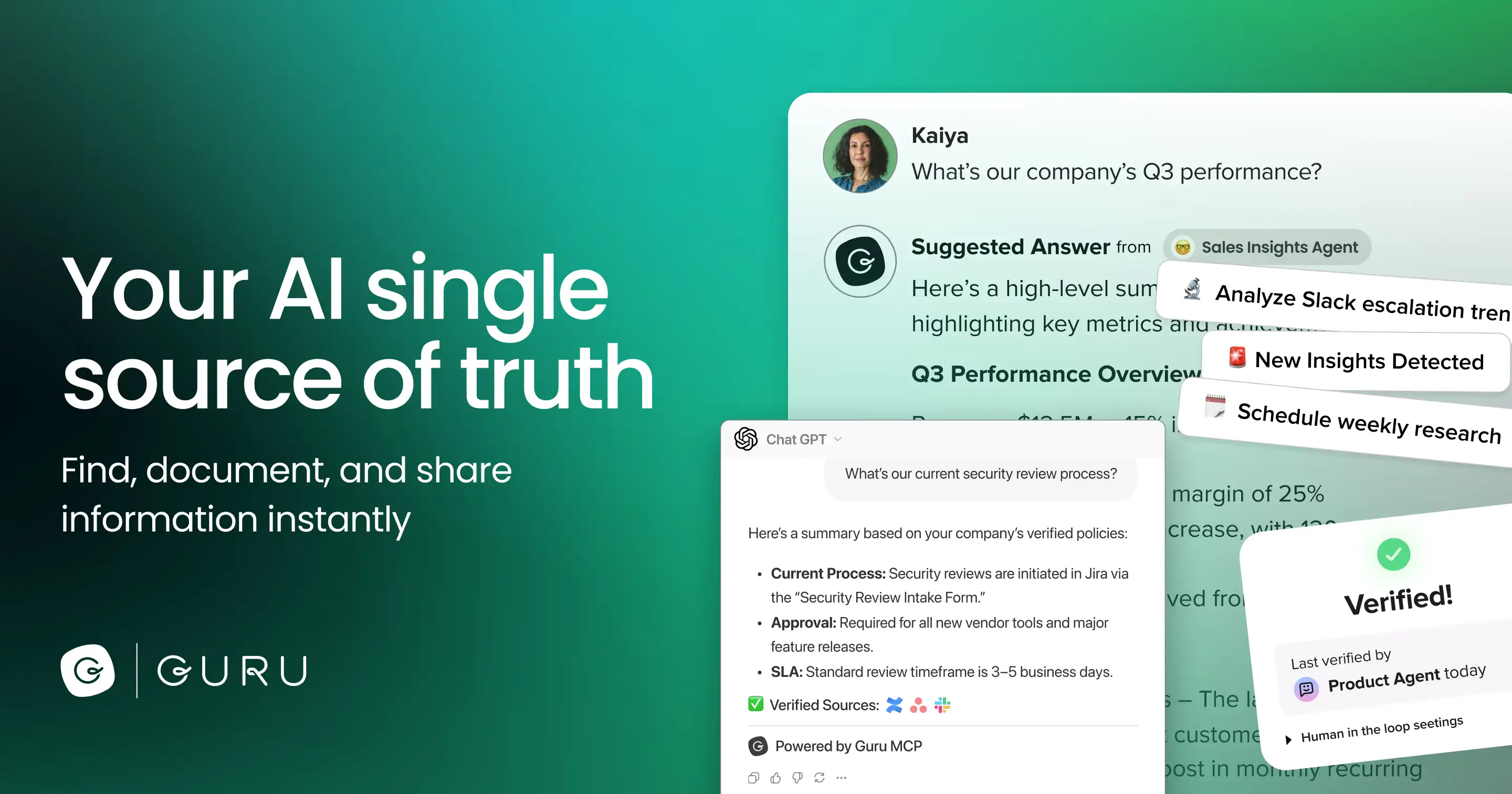
Guru occupies the space Glean priced itself out of. It combines an AI answer engine with something the pure-search tools lack: verification.
Every card in Guru has an owner and an expiry. When it goes stale, the owner gets nudged. When someone reads it, they can see it was verified three weeks ago by the person who actually owns the policy.
That single mechanic solves the failure mode that kills wikis — nobody trusts the content because nobody knows if it's current.
Pricing: self-serve runs about $25 per seat per month with a 10-seat minimum, so realistically $250/month to start. The enterprise tier is sales-led. Guru's 2026 model also charges AI credits for automated work rather than pure per-seat fees, which helps when only part of the org uses the AI features heavily.
Where it gets hard: Guru works best when someone owns the content. If you deploy it and assign no owners, you get a search box over the same stale documents you had before.
Best for: 50–500 person companies, especially support, sales, and ops teams who need answers to be right, not just findable.
3. Atlassian Rovo — check whether you already own this

If your company runs on Jira and Confluence, stop and read this section before you buy anything else.
Rovo is Atlassian's AI search, chat, and agent layer, and as of 2026 it is included at no additional per-user cost in Atlassian Premium and Enterprise cloud plans. Confluence Standard runs roughly $5.42/user/month with 25 Rovo credits; Premium about $10.44/user/month with 70 credits; Enterprise is custom with 150.
Rovo Search itself uses no credits at all. Chat and agents cost 10 credits per request, and Deep Research costs 100.
It connects to 50+ apps beyond Atlassian's own — Google Drive, Slack, GitHub, Figma, Salesforce, Teams, SharePoint, Notion.
Where it gets hard: there's no full Rovo chatbot living natively inside Slack or Teams, which means people have to leave the tool they're in to ask the question. That's a small friction and it matters more than it sounds — the whole premise of shape one is meeting people where they already are.
A standalone Rovo tier has also been in open beta with a published rate of $5 per user per month to follow, which would make it one of the cheapest serious options in this category.
Best for: anyone already on Atlassian Premium. You may be paying for this today.
4. Microsoft 365 Copilot + Viva Connections — the default if you're a Microsoft shop

These are two products that together do the job of one. Viva Connections is the destination — a customisable employee portal that lives inside Teams, pulling from SharePoint. Copilot is the answer layer over your Microsoft 365 content.
What stood out to me: the fact that it's inside Teams. If your company already spends its day in Teams, a portal that appears as a Teams tab beats a portal that requires a browser tab and a bookmark. That's the destination problem, solved by default.
Where it gets hard: Viva Connections on its own is genuinely limited compared to a purpose-built intranet — the design flexibility is modest and the publishing experience will feel primitive to a comms team coming from Staffbase or Simpplr. And the Copilot licence is a meaningful per-seat addition on top of your existing M365 bill.
Best for: Microsoft-first organisations who want something workable without adding a new vendor.
5. Sana — the AI-native option that also teaches

Sana is the interesting outlier. It started as a learning platform and grew an AI assistant, so it does something the pure-search tools don't: it turns your internal knowledge into training, not just answers.
For onboarding, that distinction is real. A new hire doesn't only need to look things up — they need a structured path through what matters.
Where it gets hard: pricing is quote-based and sits in the enterprise band, and if you don't have a learning-and-development mandate you're paying for half a product you won't use.
Best for: companies where onboarding and enablement are the actual pain, not general search.
A cautionary tale: Dashworks
Dashworks was, until recently, on every list like this one. It was a well-liked AI search tool at $9.99/user/month — by far the cheapest credible option in the category.
Then HubSpot acquired it in April 2025 for around $25 million, and the standalone product was sunset that July. The technology now lives inside HubSpot's Breeze AI.
I'm including this because you will still find Dashworks on "best employee portal software 2026" listicles, and because it's a live warning about the shape of this market: a thin AI layer over other people's data is a very acquirable business, and when it gets acquired your portal disappears.
Weight that when you're choosing. Vendors with their own platform underneath — Atlassian, Microsoft, Notion — aren't going anywhere.
Shape 2: The full intranet (employee experience platforms)
These are destination products. They give you a branded home, a mobile app, a publishing workflow for the comms team, org charts, recognition, surveys, and — increasingly — an AI search box bolted on the front.
You buy one of these when the problem is communication, not retrieval. If you have 3,000 people across twelve sites and half of them don't sit at a desk, an AI answer layer over Google Drive does nothing for you. This is the category you need.
One structural warning about this whole shape: almost none of these vendors publish pricing. Happeo, Staffbase, Simpplr, Unily and Workvivo all run quote-based enterprise motions. Budget for a sales cycle, an implementation partner, and a number that generally starts in the tens of thousands per year.
6. Simpplr — the AI-forward intranet

Simpplr has pushed harder on AI than most of its peers, positioning itself as multichannel comms, enterprise search, and AI assistance in one place rather than an intranet with a chatbot attached.
What stood out to me: the AI search learns individual preferences over time, and generative AI is used to keep knowledge-base content current rather than just to answer questions. That's attacking the staleness problem rather than papering over it.
Where it gets hard: quote-based pricing in the enterprise band, and — like every product in this shape — you are buying a platform that needs an owner. Simpplr without a comms team behind it is an expensive homepage.
Best for: mid-market and enterprise companies that want intranet and AI search from one vendor.
7. Staffbase — comms-first, built for reaching everyone
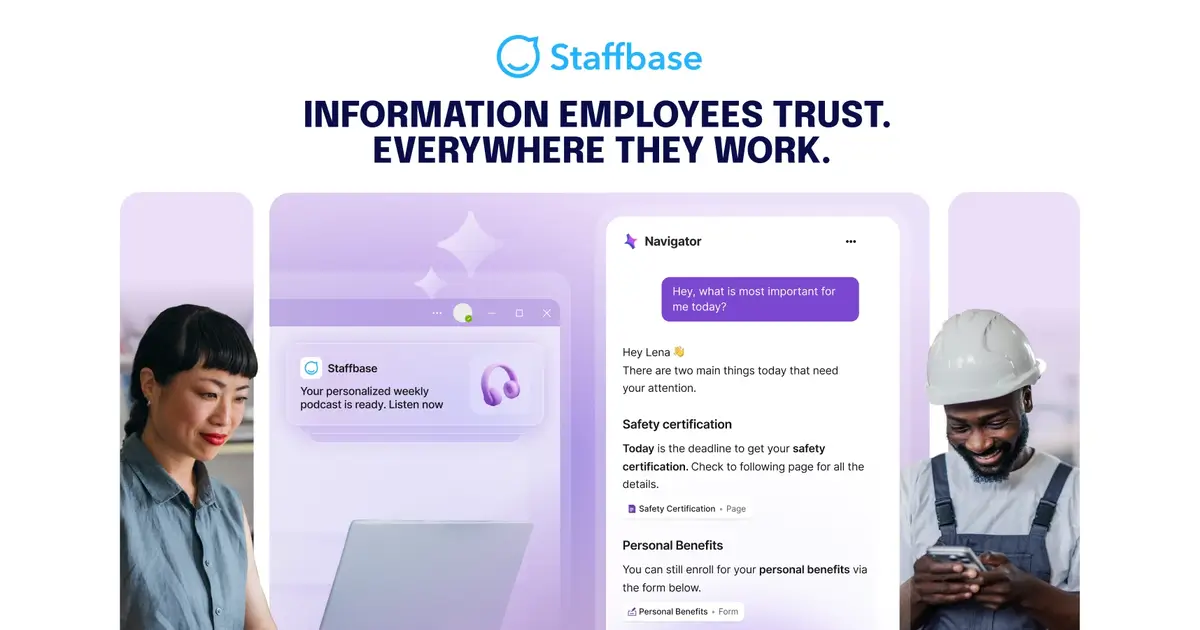
Staffbase comes at this from internal communications rather than IT. Its centre of gravity is the employee app and the multichannel campaign — the same message reaching people by app, email, digital signage, and intranet, with analytics on who actually read it.
What stood out to me: the measurement. Comms teams are usually flying blind about reach; Staffbase treats an internal announcement like a marketing campaign, which is the correct instinct.
Where it gets hard: it's less of a knowledge-management tool than Simpplr or Guru. If your problem is "nobody can find the travel policy," this is not the fix.
Best for: large, distributed workforces where reaching people is genuinely difficult.
8. Workvivo — the social one
Workvivo, acquired by Zoom in 2023, takes the social-network approach: an activity feed, recognition, live streaming, podcasts, spaces. It feels less like an intranet and more like an internal Facebook, deliberately.
What stood out to me: engagement numbers in this category are usually dismal, and the social model is the one approach that reliably moves them. People check a feed. They do not check a homepage.
Where it gets hard: a feed is a poor container for reference information. Policies scroll away. You will still need somewhere for the durable content to live.
Best for: culture and engagement problems, particularly in companies that already run on Zoom.
9. Happeo — the Google Workspace-native option
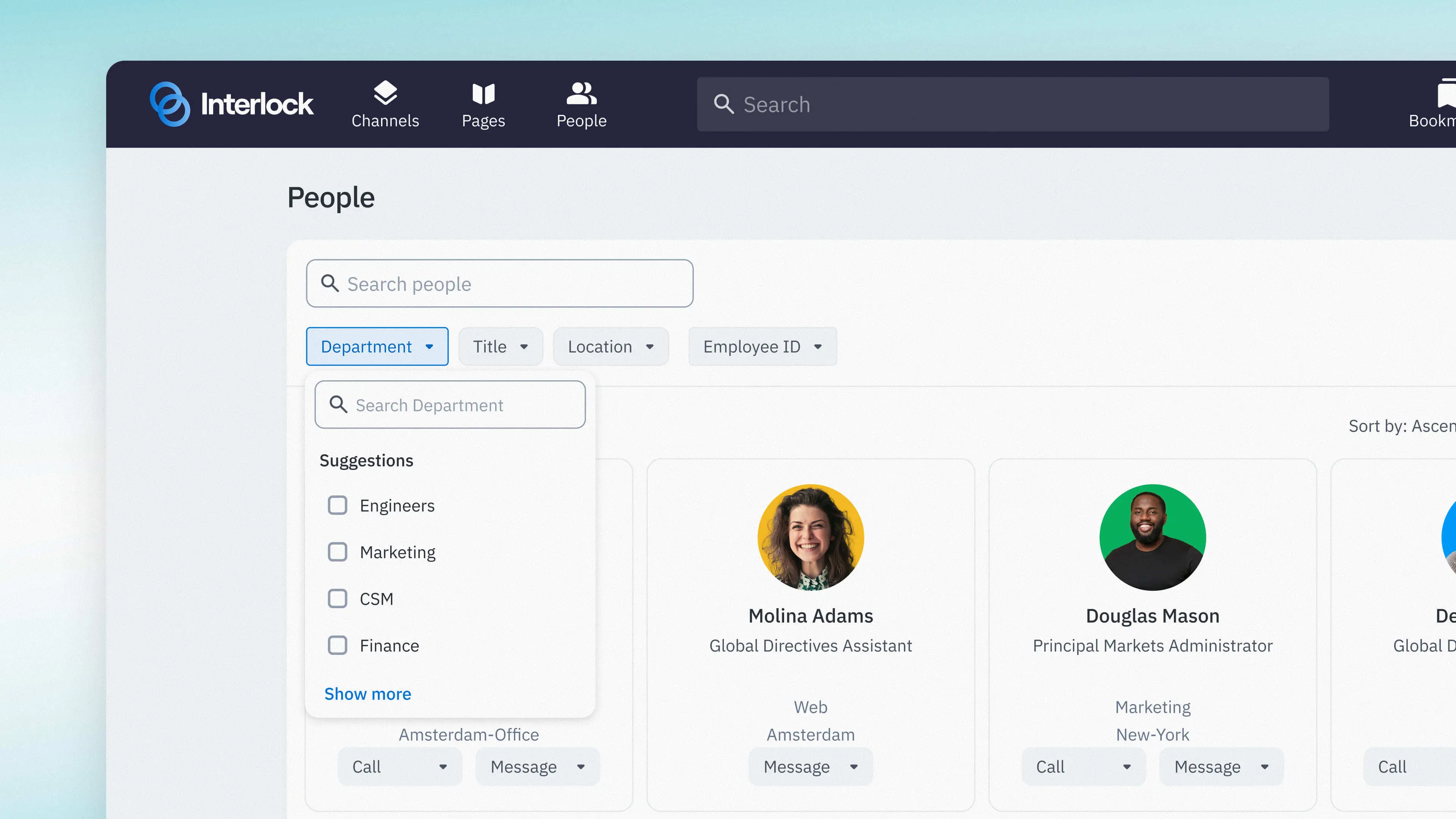
Happeo's pitch is depth of Google Workspace integration. Drive files, Calendar, Groups and Meet are first-class rather than bolted on, and content structure maps onto how Google-native companies already work.
If Rovo is the answer for Atlassian shops and Viva is the answer for Microsoft shops, Happeo is the equivalent bet for Google shops.
Where it gets hard: pricing reportedly starts around $20,000/year, which is a real commitment for the mid-market companies most likely to be all-in on Google Workspace.
Best for: Google Workspace companies of 200+ that want a proper intranet rather than a folder structure.
10. Unily — the large-enterprise build

Unily sits at the top of this category: heavily customisable, multi-brand, multi-language, governed, and generally implemented with help.
Where it gets hard: this is a project, not a purchase. Expect a discovery phase, an information-architecture workstream, and a launch date measured in quarters. That's appropriate for a 20,000-person business and absurd for a 200-person one.
Best for: global enterprises with a dedicated internal-comms function and an implementation budget.
11. Blink — for the people without a desk
Blink is built mobile-first for frontline and deskless staff — retail, healthcare, logistics, manufacturing. People who have a phone but often not a company laptop or even a company email address.
What stood out to me: this is a genuinely different product problem, and most intranet vendors treat it as an afterthought with a companion app. Blink treats the phone as the primary surface.
Best for: workforces where most employees are not sitting at a computer.
Shape 3: The workspace that doubles as the portal
12. Notion — one system instead of two
For companies under roughly 200 people, the most common answer to "what's our employee portal" is Notion — and honestly, that's often correct.
The argument for it is not that Notion is the best intranet. It's that your team is already in there every day, which neutralises the destination problem for free. The handbook lives beside the project docs, so it gets updated when the work changes.
Notion AI now answers questions across the workspace and connected tools, which closes much of the gap with the shape-one products at a fraction of the cost.
Where it gets hard: two things, and they're both real.
First, permissions get fragile at scale. Notion's sharing model is workable at 50 people and a genuine risk at 500. Salary bands and performance notes end up one careless "share to workspace" away from everyone.
Second, Notion rewards gardeners and punishes everyone else. Without an owner it becomes exactly the wiki graveyard described at the top of this article — and there's no verification mechanic like Guru's to tell you which pages still hold.
Best for: startups and companies under ~200 people, particularly ones already standardised on Notion.
Shape 4: The internal AI hub you build yourself
13. Pickaxe — when you want answers and actions, scoped by team
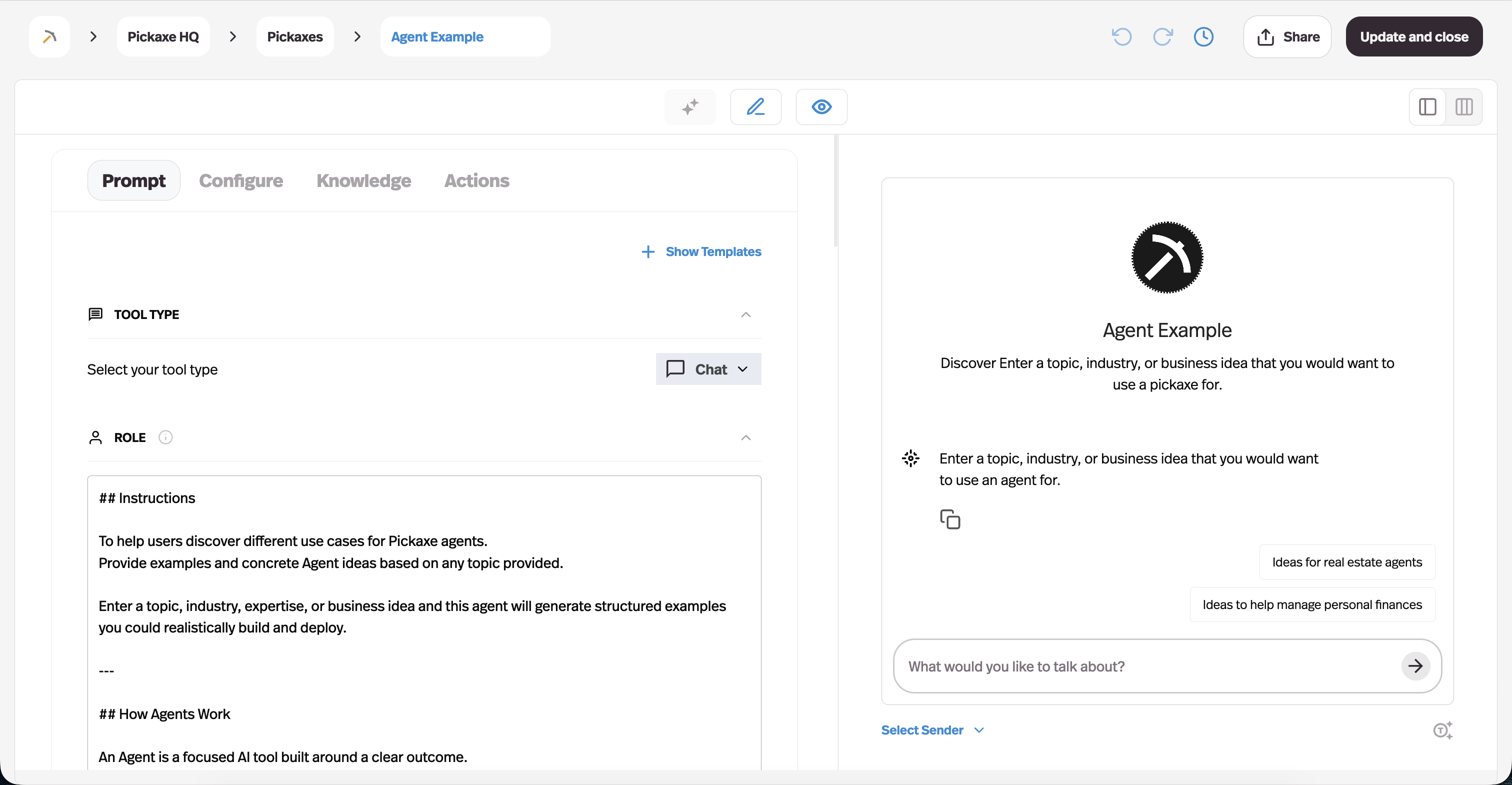
This is the shape most listicles skip, and it's the one I'd think hardest about if your team's questions are specific to how your company works.
The premise is different from everything above. Instead of buying a portal and pouring content into it, you build a small set of AI agents that each do one internal job well, and put them behind a branded portal your team logs into.
In practice that looks like: an HR agent that answers policy questions from the actual handbook; an IT agent that handles the top 20 support tickets; a sales-enablement agent that knows which case study fits which objection; an onboarding agent that walks a new hire through week one.
Two things make this shape work rather than just sound clever.
Answers come from your documents, not the model's memory. You upload the handbook, the SOPs, the security questionnaire responses, and the agent answers from those with citations — the same retrieval approach covered in our guide to adding a knowledge base to an AI agent. When the policy changes, you replace the document.
Agents can act, not just answer. Through Actions and MCP connections, an internal agent can create the Jira ticket, look up the record in the CRM, or post to the Slack channel — the difference between a search box and an assistant. We covered the mechanics of that in connecting an agent to Google Sheets, Slack and 50+ apps.
Access groups handle the part that matters most: the finance agent is visible to finance, the HR agent to everyone, the compensation agent to three people. That's the same portal-and-permissions model we walk through for custom client portals, pointed inward at your own team instead of outward at clients.
Where it gets hard — and I'd rather say this plainly: this is the only option on the list where you are responsible for the content model. Nobody hands you an information architecture. If your policies genuinely don't exist in writing anywhere, no agent can invent them, and you have a documentation problem before you have a portal problem.
It also isn't the right shape for company-wide broadcast communications. If you need to reach 3,000 deskless staff with a CEO announcement, buy Staffbase.
Pricing: Pickaxe's Gold plan is $37/month ($29 billed annually), Pro is $147/month ($116 annually), and Business starts at $597/month — you can see the current breakdown on the pricing page. For an internal hub serving a whole team, that is a materially different order of magnitude from a per-seat enterprise contract, because you're not paying per employee to let them ask a question.
Best for: teams whose questions are specific and repetitive, and who want the answer to come with an action attached.
What employee portal software actually costs in 2026
This is the table I wanted when I started and couldn't find anywhere, because half this market doesn't publish numbers.
| Tool | Shape | Entry price | Real-world floor |
|---|---|---|---|
| Glean | Answer layer | Not published | ~$40–50/user/mo, ~100-seat min, $60k+/yr |
| Guru | Answer layer | ~$25/seat/mo | ~$250/mo (10-seat minimum) |
| Atlassian Rovo | Answer layer | Included in Atlassian Premium | ~$10.44/user/mo via Confluence Premium |
| Microsoft Copilot + Viva | Answer layer | Add-on to M365 | Per-seat Copilot licence on top of M365 |
| Sana | Answer layer | Not published | Enterprise quote |
| Simpplr | Intranet | Not published | Enterprise quote |
| Staffbase | Intranet | Not published | Enterprise quote |
| Workvivo | Intranet | Per user/mo, tiered | Quote-based in practice |
| Happeo | Intranet | Not published | Reported from ~$20,000/yr |
| Unily | Intranet | Not published | Enterprise quote + implementation |
| Blink | Intranet | Not published | Per-user, quote-based |
| Notion | Workspace | Per user/mo | Low, but AI is a per-seat add-on |
| Pickaxe | Built hub | $37/mo (Gold) | $37–$147/mo, not priced per employee |
Two things jump out of that table.
First, the intranet category is almost entirely opaque. When six vendors in a row won't publish a number, that's a category telling you it prices on what it thinks you can pay. Get three quotes.
Second, per-seat pricing punishes exactly the behaviour you want. The whole point of an employee portal is that everyone uses it. A per-seat model means every additional person who starts asking questions raises the bill — which is a strange incentive to design into a knowledge tool.
The five questions that actually decide this
Ignore feature grids. In practice the decision comes down to five things.
1. Is your problem findability or reach? If your content exists but nobody can find it, you need shape one. If your content reaches the wrong people or nobody at all, you need shape two. Answer this honestly and you've eliminated half the market.
2. Where does your team already spend the day? Slack, Teams, Jira, Google Drive, Notion. The tool that lives inside that surface will win on adoption regardless of how it scores on features. This is the single most under-weighted criterion in these purchases.
3. Do you already own something? Atlassian Premium customers may already have Rovo. Microsoft 365 customers already have Viva Connections. Check before you buy.
4. Who owns the content after launch? Every tool here fails without a named owner. If you can't name that person in the meeting, buying software is premature.
5. Do you need answers, or answers plus actions? Search tools tell you the policy. An agent can file the request. That distinction — and the levels of autonomy behind it — is what separates shape four from the rest.
Permissions: the part that gets people fired
I want to spend a section here because it's where these projects go wrong in ways that are hard to walk back.
The moment you put an AI answer layer over your company's documents, you have built a machine that is extremely good at surfacing things people were not supposed to see.
Salary bands. Performance reviews. The acquisition folder somebody left in a shared drive. Legal correspondence. The layoff planning doc named something innocuous.
A wiki hides these by obscurity — technically visible, practically unfindable. An AI search tool destroys obscurity as a defence. That is the entire point of it.
So the real evaluation criterion for shape one is not answer quality. It's this: does the tool enforce source-system permissions at query time, per user?
Ask every vendor these four questions and get the answers in writing:
- Are permissions evaluated live, per query, per user — or synced periodically? A nightly sync means a document you locked down this morning can still be answered from this afternoon.
- What happens to a document whose permissions change after indexing? How fast does that propagate?
- Can an answer quote from a source the asker cannot open? The correct answer is no, and some tools get this wrong in citations even when they get it right in results.
- Is there an audit log of who asked what and which sources were used? You will want this eventually, and it's much easier to have from day one.
Then, before you roll out to everyone, run a red-team pass. Pick five things that would be genuinely damaging if the wrong person saw them, and have people at three different permission levels ask for them in a dozen different ways.
We go deeper on this class of failure in AI agent security risks, and on the regulatory side in the AI agent compliance checklist — relevant here because the EU AI Act's transparency and audit-trail expectations landed in 2026, and an internal tool that answers HR questions is closer to the regulated end of the spectrum than most people assume.
Five mistakes that kill an employee portal
1. Launching with everything. Migrating 4,000 pages guarantees that most of them are stale on day one, which teaches your team the portal can't be trusted. Launch with the 30 things people actually ask about.
2. Treating it as an IT project. IT can install it. Only the people who own the policies can keep it true. A portal with no editorial owner has a lifespan of about four months.
3. Buying a destination to solve a findability problem. Covered above, and it's the expensive one.
4. Measuring logins. Logins are a vanity metric — and for an answer layer, a falling login count can mean it's working, because answers now arrive in Slack. Measure questions answered, repeat questions eliminated, and time-to-answer instead. We wrote about picking these properly in AI agent analytics.
5. Skipping the "who owns this page" field. Guru's whole advantage is that it forces this. If your tool doesn't, add it manually — every page gets a name and a review date, or it doesn't get published.
Frequently asked questions
What is employee portal software?
Employee portal software gives staff a single place to find company information, complete internal tasks, and stay informed — policies, benefits, org charts, announcements, forms, and increasingly AI-powered answers drawn from internal documents. In 2026 the category has split into four shapes: AI answer layers, full intranets, workspace-based portals, and custom-built internal AI hubs.
What's the difference between an intranet and an employee portal?
They're used interchangeably, but the useful distinction is that an intranet is a destination people visit while a portal is increasingly a service that delivers answers wherever people already work. The best modern employee portal software does both.
How much does employee portal software cost?
Enterprise AI search like Glean lands around $40–50 per user per month with six-figure-adjacent annual floors. Mid-market answer layers like Guru start around $25 per seat with a 10-seat minimum. Full intranet platforms are almost universally quote-based, commonly starting in the tens of thousands per year. Building your own internal AI hub on a platform like Pickaxe starts at $37/month and isn't priced per employee.
Do we need an intranet if we already have Slack and Notion?
Under about 200 people, usually not. Slack handles the conversation and Notion handles the durable content. The gap opens when you have people who aren't in Slack all day, when compliance requires proof that a message was delivered and read, or when Notion's permission model stops being adequate for sensitive material.
Can AI replace an intranet?
It can replace intranet search, which is what most people actually use an intranet for. It can't replace internal communications — the announcement, the leadership video, the campaign reaching frontline staff. If those matter to you, AI is a layer on top of a portal rather than a substitute for one.
What's the fastest way to get value in one week?
Take the 20 questions your team asks most often — pull them from Slack, from your helpdesk, from HR's inbox. Write the answers properly, once. Then put them somewhere that answers, whether that's a Guru instance, a Notion page, or a small internal agent. Almost all the value in this category is in that first 20.
Where I'd start
If I had to compress all of this into four sentences:
If your content exists but nobody can find it, start with an answer layer — check whether you already own Rovo or Copilot before you spend anything, and look at Guru if you're mid-size and Glean if you're large.
If your problem is reaching people, especially deskless people, buy a real intranet — Staffbase or Blink depending on the workforce — and accept the enterprise sales cycle that comes with it.
If you're under 200 people, Notion plus discipline about ownership will beat most things you could buy, right up until it doesn't.
And if your questions are specific to how your company works — and the answer usually needs an action attached — build the hub rather than buying the homepage. Start with one agent, on one team, answering one set of questions from documents you already have. If it works, the pattern repeats.
That last path is the one I'd point most teams at, and it's what Pickaxe is built for: an agent that answers from your own documents, connects to the tools your team already uses, and sits behind a portal where each team only sees what it should. Pick the ten questions your team is tired of answering, and start there.