Two numbers from the same Upwork report tell you almost everything about freelancing in 2026.
In Upwork's Future Workforce Index 2026, generic generative-AI contracts grew 90% in volume — and fell 13% in pay per contract. In the same data set, complex, AI-augmented projects saw earnings rise between 22% and 45%.
Same technology. Opposite outcomes.
That split is the reason I wrote this instead of another "15 AI tools that will 10x your productivity" list. Because productivity is exactly the thing that got commoditized.
I looked into the AI tools for freelancers that solo operators are actually paying for right now, what each one costs in September 2026, and — the part most roundups skip — which side of that 90%/13% split each tool puts you on.
Upwork also found that freelancers doing AI work earn about 34% more per hour than those who don't. So the tools matter. They just don't all matter in the same direction.
The one distinction that decides whether a tool pays you back
Every tool below falls into one of two piles. Sorting them this way is the most useful thing I can give you, so I'm doing it before the list rather than after.
Pile one: speed tools. They compress hours you were already going to bill. Writing assistants, editors, transcription, design accelerators, scheduling. Real value — but if you bill hourly, faster work means smaller invoices, and if you bill fixed-fee, your client eventually finds someone using the same tool for less.
Pile two: leverage tools. They let you ship something you could not personally deliver at all — an agent that answers your client's customers at 2am, a workflow that runs while you sleep, a branded portal the client logs into every day. These become line items, not discounts.
The 13% pay decline is what happens to a market that buys exclusively from pile one. The 22–45% increase is pile two.
Most freelancers need both. Just don't confuse them, and don't expect a $20/month writing assistant to raise your rate — that's not what it's for.
What clients are actually searching for in 2026
Before spending anything, it's worth looking at what buyers are typing into freelance marketplaces. Fiverr publishes this, and the 2026 Business Trends Index — drawn from millions of searches between November 2025 and April 2026 — is unusually specific.
| What buyers searched for | Growth | What it tells you |
|---|---|---|
| Claude Code specialists | +938% | Clients are hiring for a specific tool, not "AI" |
| Video & Animation services | +278% | Content is where adoption is fastest |
| n8n AI automation | +125% | Workflow plumbing is a paid skill now |
| AI mobile app development | +92% | Implementation > advice |
| Programming & Tech overall | +94% | Steady, less faddish demand |
| AI voice agents | +49% | Emerging, still early |
Notice what's not on that list: "prompt engineering." Two years ago that was a gig. In 2026 it's an assumed baseline, which is precisely the commoditization curve the Upwork data describes.
Notice also that clients are searching for named tools. Being the person who knows n8n or Claude Code specifically is now more marketable than being "AI-savvy" in the abstract.
Quick comparison: 18 AI tools for freelancers
| Tool | Job | Pile | Starting price |
|---|---|---|---|
| ChatGPT | General assistant | Speed | Free / $20 mo |
| Claude | Long-form + reasoning | Speed | Free / $20 mo |
| Perplexity | Cited research | Speed | Free / $20 mo |
| Gamma | Proposals & decks | Speed | Free / $8 user mo |
| Canva | Everyday design | Speed | Free / ~$15 mo |
| Figma | Product & UI design | Speed | Free / ~$16 editor mo |
| Midjourney | Original imagery | Speed | $10 mo (no free tier) |
| Descript | Video & podcast editing | Speed | Free / $16 mo |
| OpusClip | Short-form repurposing | Speed | Free / $15 mo |
| ElevenLabs | Voiceover & dubbing | Speed | Free / from $6 mo |
| Cursor | Code | Speed | Free / $20 mo |
| Grammarly | Final-pass polish | Speed | Free / $12 mo |
| Bonsai | Contracts, invoices, time | Admin | $15 user mo |
| Fathom | Meeting notes | Admin | Free / $20 mo |
| Notion | Docs & client wikis | Admin | Free / $10 user mo |
| Motion | Scheduling & capacity | Admin | From $19 seat mo |
| n8n | Automation you can bill for | Leverage | Free self-host / €20 mo |
| Pickaxe | Client-facing agents you sell | Leverage | $37 mo ($29 annual) |
Prices are the publicly listed rates as of September 2026 and change often — always check the vendor's own pricing page before you budget.
Part 1: Tools for winning the work
This is the part of freelancing nobody trains you for. You get good at the craft, then discover half the job is pitching, scoping and researching for free.
1. ChatGPT — the default, and still the fastest way to unblock yourself
Best for: everyday drafting, brainstorming, and being the thing you open before you open anything else.

I'd guess most freelancers reading this already pay for it. Worth saying why it still earns the slot: breadth. Voice mode for talking through a scoping call on a walk, file uploads for a client's messy spreadsheet, image generation for a quick mockup, Projects for keeping each client's context separate.
That last one is underused. Give every client their own Project with their brand voice, past deliverables and constraints pinned to it, and you stop re-explaining yourself every session.
Where it breaks: it's confidently wrong about anything niche, and it's terrible at knowing when to stop writing. For long-form client work I almost always move to Claude.
Price: Free tier; Plus at $20/month; Pro at $200/month, which almost no freelancer needs.
2. Claude — the one I'd pick if I could only keep one
Best for: long documents, careful reasoning, anything where the output goes straight to a client.
The difference shows up on length. Ask for a 3,000-word strategy document and Claude will hold structure and tone across the whole thing instead of drifting into listicle-brain around word 900.
Projects with a knowledge base is the feature that changed my workflow. Drop in the client's brand guide, three past deliverables and their tone-of-voice doc, and every conversation inside that project inherits it.
Claude Code is also worth knowing about even if you're not a developer — it's the specific skill Fiverr buyers searched for 938% more this year. If you do any technical work, that's a marketable line on your profile.
Where it breaks: no native image generation, and it can be a bit of a scold about tasks it decides are risky. If you want a full breakdown of which model to use for what, we compared them in 15 Best LLM Models in 2026.
Price: Free tier; Pro at $20/month; Max from $100/month.
3. Perplexity — research you can actually put in a deliverable
Best for: market research, competitor scans, and anything where you need a citation next to the claim.

The reason this isn't just "ChatGPT with search" is the citation discipline. Every claim carries a link, which means you can hand the sources to the client instead of asking them to trust you.
For a freelance consultant, that's the difference between an opinion and a research deliverable. I've seen people bill a competitive landscape scan at a real number that took an afternoon of Perplexity plus a day of judgment.
Where it breaks: it cites whatever ranks, which includes a lot of AI-generated SEO sludge in 2026. Read the sources. If three of them are content-farm blogs, the answer is worth nothing.
Price: Free tier; Pro at $20/month.
4. Gamma — proposals and decks without the design tax
Best for: pitch decks, proposals, and leave-behinds you need to look sharp by tomorrow.
Paste your scope and outline, get a formatted deck, restyle it in one click. For anyone who has spent three hours nudging text boxes in Google Slides at midnight, this is the single most satisfying tool on the list.
The freelance-specific use is the proposal. A well-built proposal deck closes better than a PDF, and the marginal cost of making one is now close to zero.
Where it breaks: Gamma decks have a look. If you send three proposals to the same procurement team, they'll notice. Restyle heavily, and swap in your own imagery.
Price: Free tier with credits; Plus around $8/user/month billed annually, Pro around $18 — monthly billing runs 20–25% higher.
Part 2: Tools for doing the work
This is where most freelancers already have a stack. The question worth asking is not "which is best" but "which of these am I paying for twice."
5. Canva — the fastest path from idea to acceptable
Best for: social assets, one-pagers, client decks, and anything where good-enough beats perfect.

Canva's AI features — background removal, Magic Resize, generative fill, brand kits — have quietly turned it into the default design tool for non-designers and a surprising number of designers.
The killer feature for client work is Brand Kits plus shared folders. Set up the client's fonts and palette once, and everything you produce stays on-brand without you thinking about it. Hand them edit access at the end and it becomes part of the deliverable.
Where it breaks: template gravity. If you're selling design as your craft, leaning on Canva makes your work look like everyone else's. It's a production tool, not a differentiation tool.
Price: Free tier; Pro around $15/month.
6. Figma — where AI helps most if you already know what you're doing
Best for: UI, product and web design work you're being paid properly for.

Figma's AI additions — generating first drafts, renaming layers, filling realistic placeholder content, turning a design into a working prototype — save the boring parts, not the thinking parts.
The freelance angle is speed to first draft in a pitch. Walking into a discovery call with three rough directions rather than a verbal description changes the conversation entirely.
Where it breaks: the seat pricing is genuinely confusing now, and if you only design occasionally you may be overpaying. Check which seat type you actually need before renewing.
Price: Free starter; paid seats from around $16/editor/month depending on seat type.
7. Midjourney — still the best-looking output, still the most awkward workflow
Best for: original imagery with an art direction you control.

Every hero image on this blog comes out of Midjourney, including the one at the top of this article, so I'm not neutral. But the aesthetic ceiling is still higher than anything else I've used, and for freelancers that matters — client-facing imagery is one of the few places where "looks generated" actively costs you money.
The practical trick is style consistency: build a house prompt formula and reuse it, so every image you deliver to a client looks like it came from the same place.
Where it breaks: there is no free tier, the web app is still a little idiosyncratic, and it will not reliably render text inside an image. For a full comparison, see our roundup of the top AI image generators.
Price: Basic $10/month, Standard $30, Pro $60, Mega $120. Annual billing takes ~20% off.
8. Descript — editing video by editing text
Best for: podcast editors, video freelancers, and anyone who has to cut a two-hour recording down to eight minutes.
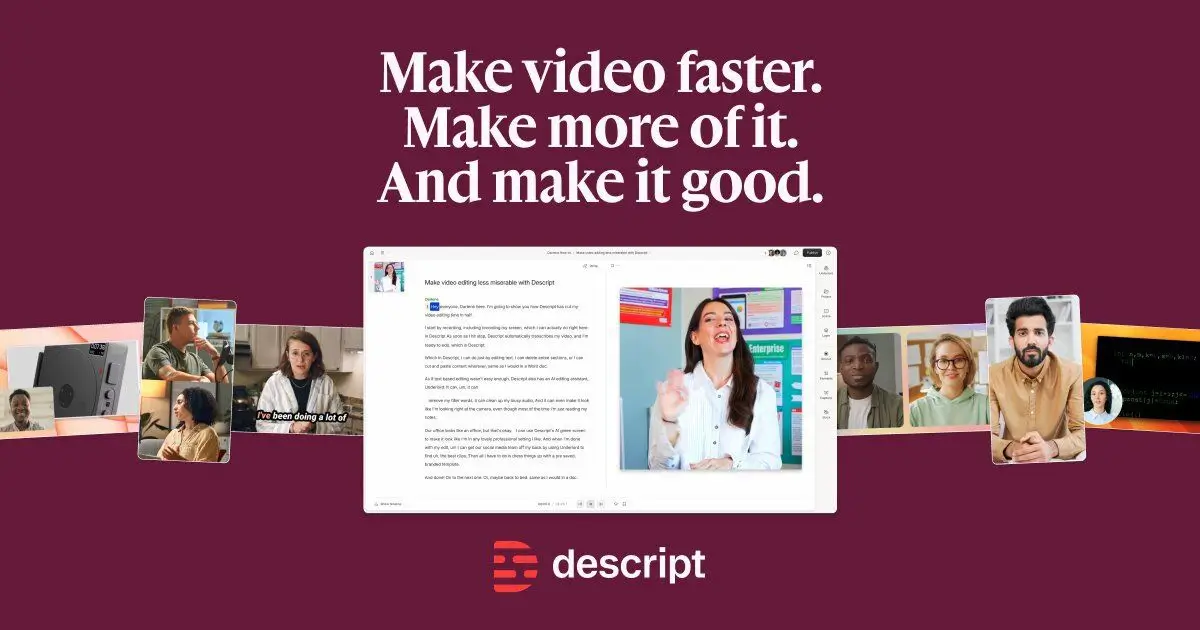
Delete a sentence from the transcript, it disappears from the video. Filler-word removal, studio sound and eye contact correction do in one click what used to be billable hours.
Which is exactly the tension in pile one. If you bill hourly for editing, Descript shrinks your invoice. The freelancers doing well with it moved to per-episode or per-deliverable pricing first, then adopted the tool. That order matters — we get into it in how to price AI services.
Where it breaks: heavy projects get sluggish, and the AI voice cloning is good enough to be an ethics conversation you should have with your client rather than a feature you quietly use.
Price: Free tier (60 min/month); Hobbyist $16/month, Creator $24, Business $50.
9. OpusClip — one long video into thirty short ones
Best for: repurposing long-form content into shorts for clients.

Feed it a webinar or podcast, get back ranked vertical clips with captions and reframing. Video & Animation was the fastest-growing category in Fiverr's 2026 index at +278%, and a big slice of that demand is exactly this job.
The productizable version: sell "one long video becomes twenty shorts, monthly" as a retainer rather than selling editing hours. That's a pile-two move made with a pile-one tool.
Where it breaks: the virality score is decoration, and roughly a third of the clips it picks are wrong. You still have to watch them.
Price: Free tier; Starter $15/month, Pro $29.
10. ElevenLabs — voiceover without a booth
Best for: narration, explainer videos, course audio, and dubbing into other languages.
Quality crossed the "would a client notice" line a while ago. The dubbing feature is the one that opens genuinely new revenue — offering a client's course in four languages is a bigger upsell than any editing improvement.
Where it breaks: get voice consent in writing before you clone anyone, including your client. And check whether their end market has AI-disclosure requirements before you quote.
Price: Free tier with 10,000 credits/month; paid plans from around $6/month, with the Creator tier around $22.
11. Cursor — the coding tool clients now ask for by name
Best for: developers, and non-developers building small internal tools.

An AI-first code editor that understands your whole repo rather than the file in front of it. For freelance developers it has become close to table stakes.
For everyone else, the interesting bit is that the floor for "I can build a small thing" dropped a long way. A marketing freelancer can now ship a client a working calculator or scraper instead of recommending one.
Where it breaks: it will happily generate code you can't debug. Shipping something to a client that you don't understand is a support liability you'll pay for later.
Price: Hobby free; Pro $20/month, Pro+ $60, Ultra $200.
12. Grammarly — the boring one that still earns its place
Best for: the final pass before anything leaves your outbox.
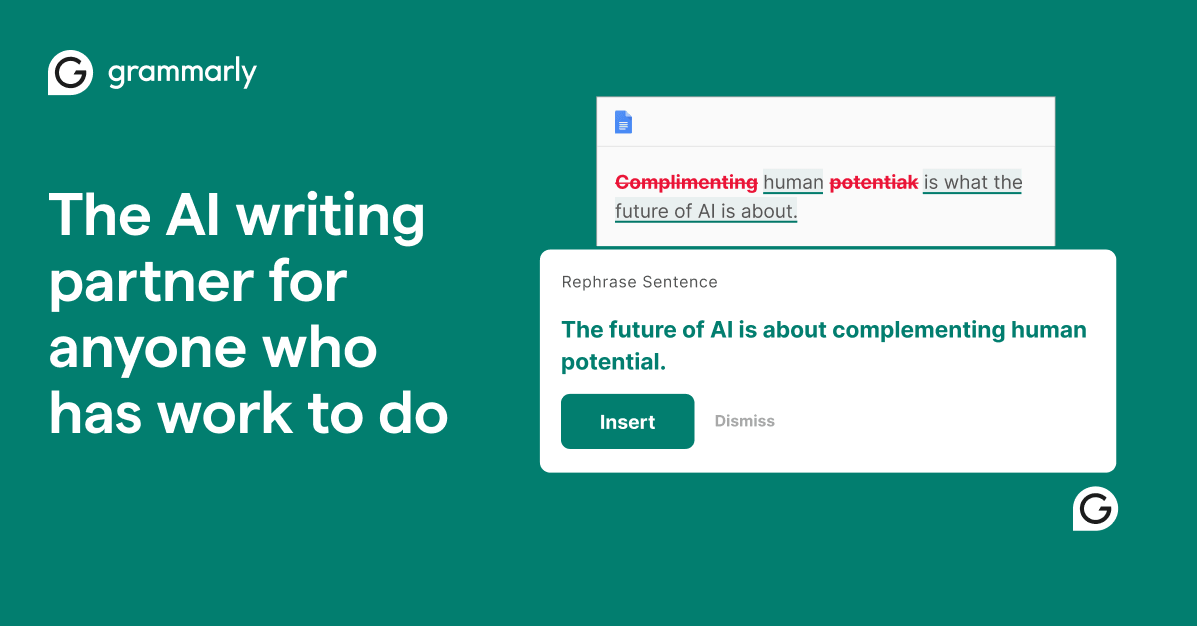
Everyone has a generative writing tool now. Almost nobody has something watching the client email they fire off at 11pm, which is where typos actually cost you credibility.
It works everywhere you type, which is the whole point — the value is in the places you weren't going to open an AI tool for.
Where it breaks: its tone suggestions sand the personality out of your writing if you accept them all. Take the corrections, ignore the vibes. More options in our AI writing tools roundup.
Price: Free tier; Pro $12/month.
Part 3: Tools for running the business
Freelancers lose more money to admin than to bad rates. This category is unglamorous and it is where the hours actually go.
13. Bonsai — the freelance back office in one place
Best for: solo freelancers who are currently running contracts in Google Docs and invoices in a spreadsheet.
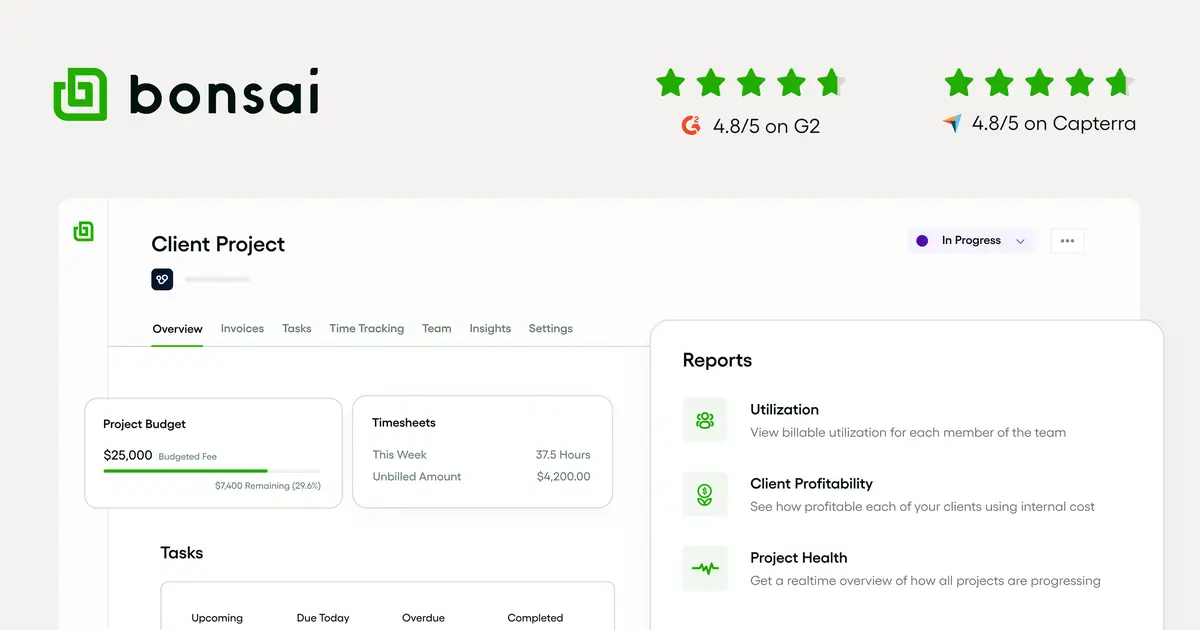
Proposals, contracts, e-signatures, time tracking, invoicing, expenses and basic CRM in one subscription, built specifically for freelancers rather than adapted from agency software.
The 2026 addition worth knowing about is Bonsai's MCP server, which lets you connect Claude or ChatGPT directly to your Bonsai account. "Draft an invoice for the work logged on the Acme project this month" becomes a sentence rather than a screen. If MCP is new to you, we explain it in plain English here.
Where it breaks: it's a jack-of-all-trades. If you already love your accounting software, Bonsai will feel like a downgrade in that one area even as it upgrades five others.
Price: Basic $15/user/month ($9 annual) up to Elite $59 ($49 annual, 3-user minimum).
14. Fathom — meeting notes that survive the free tier
Best for: anyone doing discovery calls, client check-ins, or scoping conversations.
Most meeting assistants push you to paid quickly. Fathom's free plan includes unlimited recordings, transcriptions and AI summaries, which for a freelancer doing six calls a week is often the whole job.
The specific freelance value: scope disputes. Having a searchable, timestamped record of the call where the client said "no, we don't need the migration" has paid for itself more than once.
Where it breaks: a bot joining the call still makes some clients uneasy, and in some jurisdictions you need explicit consent to record. Ask first, every time. We compared the alternatives in our AI meeting assistants roundup.
Price: Free; Premium $20/month ($16 annual); Team $19/user/month.
15. Notion — where the client's knowledge lives (with a 2026 catch)
Best for: project wikis, deliverable hubs, and the SOPs you hand over at the end of an engagement.
Notion earns its place because deliverables that live in a shared workspace get used, and deliverables that arrive as a PDF attachment get filed and forgotten.
Here's the catch worth budgeting for: the standalone Notion AI add-on is gone, and full AI now sits on the Business plan at around $20/user/month annually. Free and Plus users get a limited trial. If you picked Notion in 2024 for the $10 AI add-on, your maths has changed.
Where it breaks: clients who don't already use Notion often won't adopt it. Handing someone a beautiful workspace they never log into is a deliverable that failed. If that's your situation, a purpose-built client portal tends to work better.
Price: Free; Plus $10/user/month annual; Business $20/user/month annual for full AI.
16. Motion — the calendar that tells you you're overbooked
Best for: freelancers juggling three or more clients who keep saying yes to things.
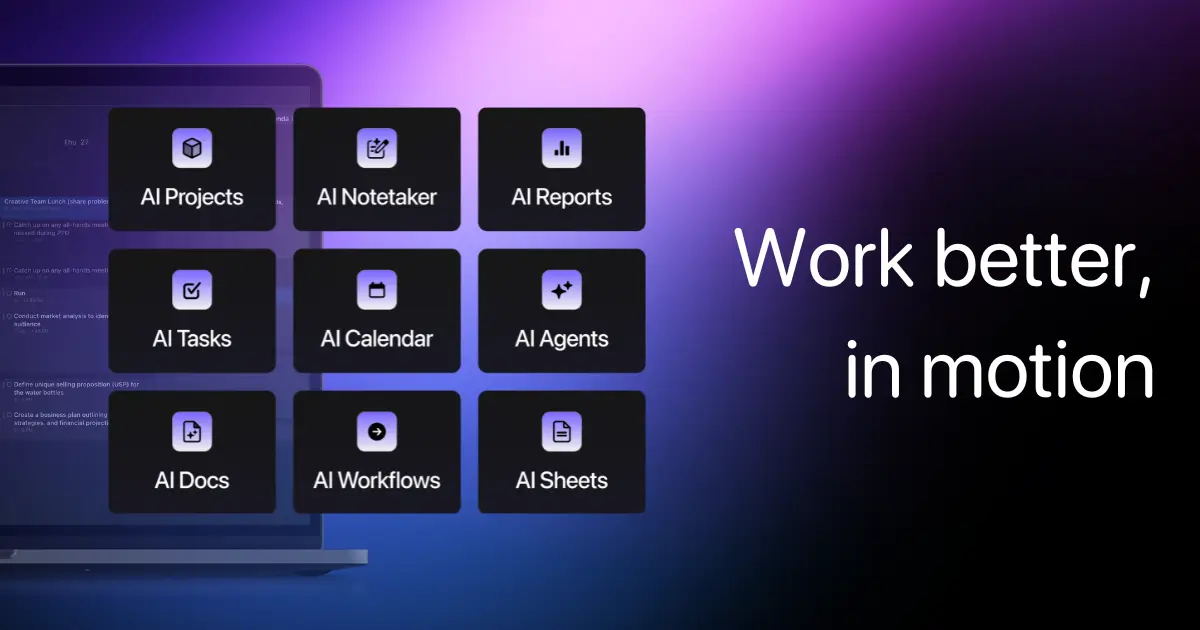
Motion takes your tasks, deadlines and meetings and auto-builds the schedule, reshuffling when something slips. The feature freelancers actually benefit from isn't the scheduling — it's seeing that the new project doesn't fit before you agree to the deadline.
Underquoting on time is the most expensive freelance mistake there is, and a calendar that argues with you about it has real ROI.
Where it breaks: it's opinionated and it wants everything in the system. Half-adopt it and it's worse than a plain calendar. Also the priciest per-seat tool in this section.
Price: Pro AI from $19/seat/month; Business AI $29.
Part 4: The two tools that change what you can charge
Everything above makes you faster. These two let you sell something that keeps working after you close the laptop — and that's the side of the Upwork split where earnings went up.
17. n8n — automation you can put on an invoice
Best for: freelancers who want to sell "this runs by itself" rather than "I'll do this every Monday."

n8n is a visual workflow builder with AI nodes, and searches for "n8n AI automation" on Fiverr grew 125% this year. That number is the whole argument: clients are looking for this by name.
The pricing model suits freelance work well — you're billed per completed workflow run, not per step, so a complicated 30-node automation costs the same as a simple one. Building intricate things doesn't punish you.
The freelance play is to build a workflow once — lead enrichment, intake triage, weekly reporting — and then deploy variations of it for five clients on retainer. That's leverage: the build is one-time, the revenue is recurring.
Where it breaks: the learning curve is real, and self-hosting to save money means you own the uptime, which is a support burden you may not want to carry for a client. Alternatives are in our n8n alternatives roundup and the broader automation software comparison.
Price: Community edition free to self-host; Cloud Starter from €20/month annual, Pro €50.
18. Pickaxe — build the agent, brand it, and charge for access
Best for: freelancers who want a product with their name on it, not just a service.
Full disclosure: this is our platform, so read the rest of this section with that in mind. I'm including it because it's the clearest example of the pile-two shape and I'd have to invent a substitute otherwise.
Pickaxe is a no-code platform for building AI agents, putting them behind your own branding, and charging for access. You write instructions in plain English, upload the knowledge the agent should draw on, connect Actions to tools like Gmail or Notion, and deploy it as an embed on the client's site or inside a branded portal.
The part that matters for a freelancer's P&L is access groups and Stripe billing. You can gate an agent behind a subscription, set the price, and take payment under your own brand — which means the thing you built becomes a monthly line item rather than a one-off project fee.
A concrete version: a freelance copywriter builds a brand-voice agent trained on a client's style guide and past campaigns, hands it to the client's marketing team, and charges $200/month for access. The build took a weekend. The revenue doesn't stop when the retainer ends.
If you want the step-by-step, we wrote it up in how to build a client-facing AI agent without writing code, and the business side is covered in how to monetize AI agents in 2026.
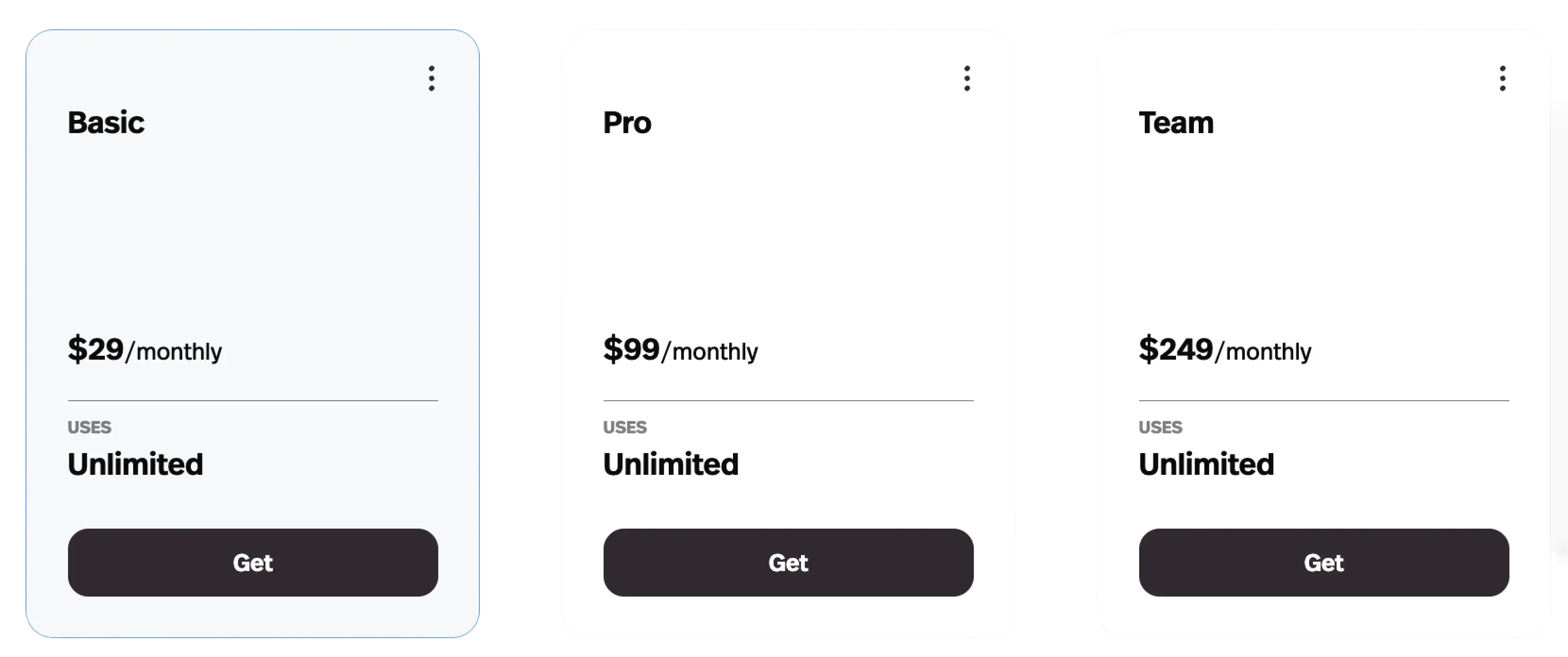
Where it breaks: there's no free plan — the entry tier is $37/month ($29 billed annually), so you're committing before you've sold anything. And model usage runs on Pickaxe credits rather than your own API key, which is simpler to manage but means you should model your margins before pricing a high-volume agent. If you'd rather compare options first, we ranked the field in 12 best no-code AI agent builders.
Price: Gold $37/month ($29 annual), Pro $147/month ($116 annual), Business custom.
What these AI tools for freelancers actually cost (the part nobody adds up)
Buy one of everything above and you're at roughly $280–$320 a month. That's a real number for a solo freelancer — somewhere between one and three billable hours, every month, forever.
So here's what I'd actually buy at three different stages.
Starting out — around $40/month
- One general assistant — ChatGPT Plus or Claude Pro, $20. Not both.
- Fathom Free — $0, and genuinely enough.
- Canva Pro — ~$15, or free if you can live with the limits.
- Grammarly Free — $0.
Skip everything else until a specific client problem demands it. Buying tools ahead of demand is the most common way freelancers turn a good month into a break-even one.
Established — around $110/month
- The starter stack, plus Perplexity Pro ($20) if research is part of your deliverable.
- Bonsai Basic ($15) if contracts and invoicing still live in Google Docs.
- Gamma Plus (~$8–10) if you send more than two proposals a month.
- One craft tool — Descript, Midjourney, Cursor or Figma — depending on what you actually sell.
Productizing — around $200/month
- The established stack, plus n8n (from ~€20) or Pickaxe Gold ($37).
- These are the only two line items on this page that can generate revenue rather than just save time.
- Add them when you have one specific client who'd pay for the outcome — not before.
One discipline worth adopting: every tool subscription should be traceable to a client engagement or a product you sell. If you can't name the one, cancel it. We go deeper on the economics in the real cost of AI agents.
Three mistakes I'd avoid
Passing the savings on by default
If a tool halves your delivery time and you halve your fee without being asked, you've handed the entire productivity gain to your client. That's the mechanism behind the 13% per-contract pay decline in Upwork's data.
Price the outcome, not the hours. Our guide to pricing AI services covers how to make that transition without losing the client.
Not asking about the client's AI policy
Plenty of enterprise clients now have contractual restrictions on AI-generated work, or require disclosure. Some prohibit putting their data into third-party tools entirely.
Ask during discovery, in writing. Finding out at delivery is a very expensive way to learn.
Selling the tool instead of the judgment
"I use AI" is not a positioning statement in 2026, it's a description of everyone. The Upwork data is clear that the premium goes to people combining AI with domain expertise a client can't replicate — and Fiverr's search data shows buyers looking for specific, named implementation skills, not general enthusiasm.
Be the person who knows what the automation should do, not the person who knows how to open the automation tool.
FAQ
What are the best AI tools for freelancers just starting out?
One general assistant (ChatGPT Plus or Claude Pro, $20/month), Fathom's free tier for meeting notes, and Canva for design. Around $35–40/month total. Add specialist tools only when a paying client creates the need.
Do clients care that I use AI?
Increasingly they assume it. What they care about is disclosure when it's contractually required, and whether their data goes into a third-party tool. Ask about both during discovery rather than after.
Can AI tools actually increase my freelance rate?
Some can. Upwork's 2026 data shows complex AI-augmented projects earning 22–45% more, while generic AI execution work saw pay fall 13% per contract. The tools that raise rates are the ones that let you deliver something ongoing — an agent, an automation, a system — rather than the ones that let you finish the same deliverable faster.
Which AI tool should I learn if I only have time for one?
Based on what buyers are actually searching for, an automation platform like n8n or an agent builder. Both showed strong demand growth in Fiverr's 2026 index, and both let you sell a system instead of your hours.
Is there a free AI stack for freelancers?
Mostly. ChatGPT, Claude, Perplexity, Canva, Grammarly, Fathom, Gamma and Descript all have usable free tiers, and n8n's community edition is free to self-host. The two genuine exceptions on this list are Midjourney and Pickaxe, neither of which has a free plan.
Are AI tools replacing freelancers?
The marketplace data doesn't show that. Upwork reported skilled freelancers rising to 38% of US knowledge workers, up from 28% a year earlier. What's changing is the composition — routine execution work is getting cheaper while implementation and integration work is getting more valuable.
The takeaway on AI tools for freelancers in 2026
Most lists of AI tools for freelancers are really lists of ways to work faster. Working faster is good. It is also, on the evidence, being priced in by the market roughly as fast as you can adopt it.
The freelancers whose earnings went up in 2026 didn't just get faster. They changed what they were selling — from hours to systems, from deliverables to things that keep running.
So my honest recommendation is a lopsided one: spend as little as possible on pile one, and pick exactly one pile-two tool to get genuinely good at. One automation platform or one agent builder, learned properly, is worth more to your rate than the other sixteen tools combined.
If that second pile is where you want to go, building your first client-facing agent is a weekend, not a quarter — and Pickaxe starts at $29/month billed annually if you want to try it against a real client problem.
Then charge for it properly. That part is still on you.