I spent six weeks testing every AI image generator I could get my hands on. Not a casual "let me try the free tier for ten minutes" kind of test. I'm talking hundreds of prompts, side-by-side comparisons, real projects, real deadlines, real frustration. I burned through roughly $400 in subscriptions and credits so you don't have to.
Here's what I learned: most "Top AI Image Generator" lists are written by people who've never actually used these tools for anything that matters. They copy-paste feature lists from landing pages and call it a review. That's not what this is.
This is what actually happened when I put 16 AI image generators through the wringer — what worked, what didn't, what surprised me, and what I'd actually spend my own money on today.
Let me be real with you upfront: there is no single "best" AI image generator. The one that's best for you depends entirely on what you're building, what you're willing to spend, and how much control you need. A designer at a Fortune 500 company has wildly different needs than a solo creator making YouTube thumbnails.
But I'll tell you exactly which ones earned a permanent spot in my workflow — and which ones I'll never open again.
Quick Comparison: All 16 AI Image Generators at a Glance
Before we dive deep, here's the bird's-eye view. I rated each tool on image quality, ease of use, value, and how well it handles text in images (because that's where most of them fall apart).
| Tool | Best For | Starting Price | Free Tier | Image Quality | Text Rendering | Ease of Use |
|---|---|---|---|---|---|---|
| ChatGPT/OpenAI | All-around versatility | $20/mo | Limited | 9/10 | 10/10 | 10/10 |
| Midjourney | Artistic/editorial work | $10/mo | No | 10/10 | 6/10 | 7/10 |
| Stable Diffusion | Full control, local hosting | Free (self-hosted) | Yes | 8/10 | 5/10 | 4/10 |
| FLUX 2 | API-first workflows | Pay per use | Open weights | 9/10 | 8/10 | 5/10 |
| Adobe Firefly | Commercial safety | $9.99/mo | Limited | 7/10 | 7/10 | 9/10 |
| Leonardo AI | Game assets, 3D textures | Free (150 credits/day) | Yes | 8/10 | 6/10 | 8/10 |
| Ideogram | Text-heavy designs, logos | $7/mo | Yes | 8/10 | 9/10 | 9/10 |
| Google ImageFX | Casual, zero-cost use | Free | Yes | 7/10 | 6/10 | 10/10 |
| Canva AI | Full design workflows | $12.99/mo | Limited | 7/10 | 6/10 | 10/10 |
| Microsoft Designer | Microsoft ecosystem users | Free | Yes | 7/10 | 6/10 | 9/10 |
| Playground AI | High-volume free generation | Free | Yes | 7/10 | 5/10 | 9/10 |
| NightCafe | Experimentation, community | $5.99/mo | Yes | 8/10 | 5/10 | 7/10 |
| Artbreeder | Iterative character design | $8.99/mo | Yes | 6/10 | 3/10 | 7/10 |
| Craiyon | Quick, casual fun | Free | Yes | 5/10 | 3/10 | 10/10 |
| Runway | Video + image creative suite | $15/mo | Limited | 8/10 | 6/10 | 8/10 |
| Krea AI | Real-time creative exploration | Free | Yes | 7/10 | 5/10 | 8/10 |
Now let's get into the details. Every single one of these tools got tested with the same set of prompts — portraits, landscapes, product shots, text-heavy designs, abstract concepts, and photorealistic scenes. Here's what actually happened.
1. ChatGPT / OpenAI — The One That Changed Everything
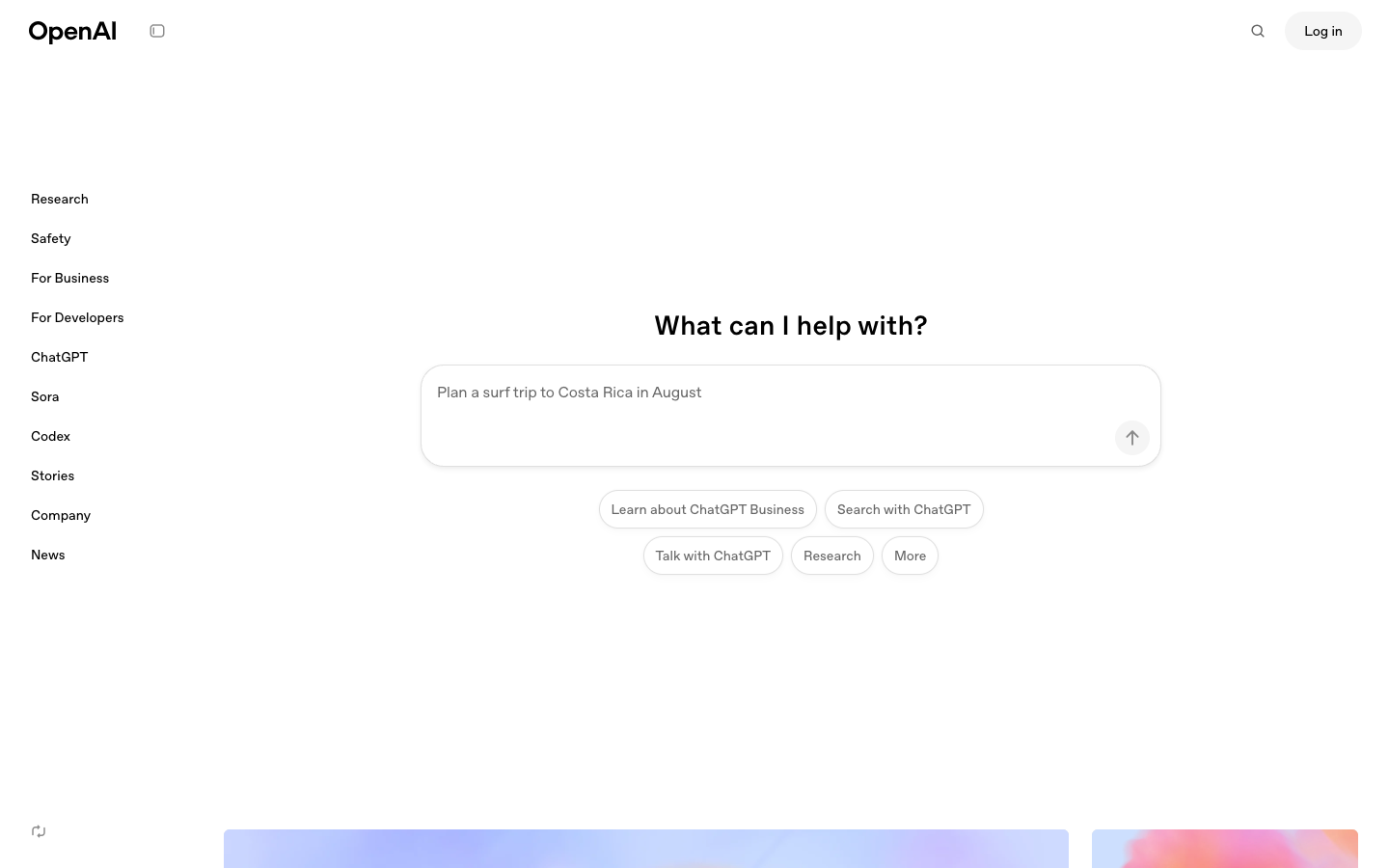
I'm going to say something that might be controversial: ChatGPT's image generation is the single biggest leap I've seen in AI imaging since Midjourney V5. When OpenAI replaced DALL-E 3 with their new autoregressive GPT image model, the game changed overnight.
What It Is
OpenAI integrated image generation directly into ChatGPT. You just ask it to make an image — no separate tool, no special syntax, no Discord bot. You type what you want in plain English, and it generates images that are genuinely stunning. The new model is autoregressive, which means it builds images token by token rather than using diffusion. The practical result? Text rendering that actually works.
What I Liked
- Text rendering is borderline magical. I asked it to generate a poster with the headline "SCALE OR DIE" and it nailed every single letter. First try. If you've ever tried getting Midjourney to spell a five-letter word correctly, you know how insane this is.
- Conversational iteration is a game-changer. "Make the background darker." "Move the text up." "Make her look more confident." You just talk to it like a human designer and it actually understands context from the conversation.
- It understands intent, not just keywords. I typed "make me a thumbnail that would get clicks for a video about morning routines" and it produced something that genuinely looked like a high-performing YouTube thumbnail — bold text, expressive face, bright colors. It understood the meta-goal.
- The quality ceiling is extremely high. Photorealistic outputs rival Midjourney in many scenarios. The details in skin textures, lighting, and fabric are remarkable.
What I Didn't Like
- Rate limits hit hard on the Plus plan. At $20/month, you get a generous but finite number of image generations. If you're doing heavy production work, you'll hit the wall.
- Less artistic control than Midjourney. You can't dial in specific aesthetic styles with the same precision. Midjourney's parameter system gives artists finer control.
- The $200/month Pro plan is steep. If you need truly unlimited generations, the price jumps significantly. That's a real cost for solo creators.
- Occasional "safety" refusals. Sometimes it refuses to generate completely benign images because of overly cautious content filters. Generating a person holding a kitchen knife for a cooking blog? Good luck.
Pricing
ChatGPT Plus is $20/month and includes image generation with usage limits. ChatGPT Pro is $200/month for significantly higher limits. There's a free tier with very limited image generation. For most people, Plus is the sweet spot.
Who It's Best For
Content creators, marketers, and anyone who needs fast, high-quality images with accurate text. If you're a one-person team creating social media graphics, blog images, and thumbnails, this is probably your best all-in-one solution. The conversational workflow means you don't need to learn any new tools.
Verdict: This is the tool I reach for first, every single day. Not because it's the absolute best at any one thing, but because it's exceptional at everything and impossibly easy to use. Try ChatGPT
2. Midjourney — The Artist's Choice (Still)
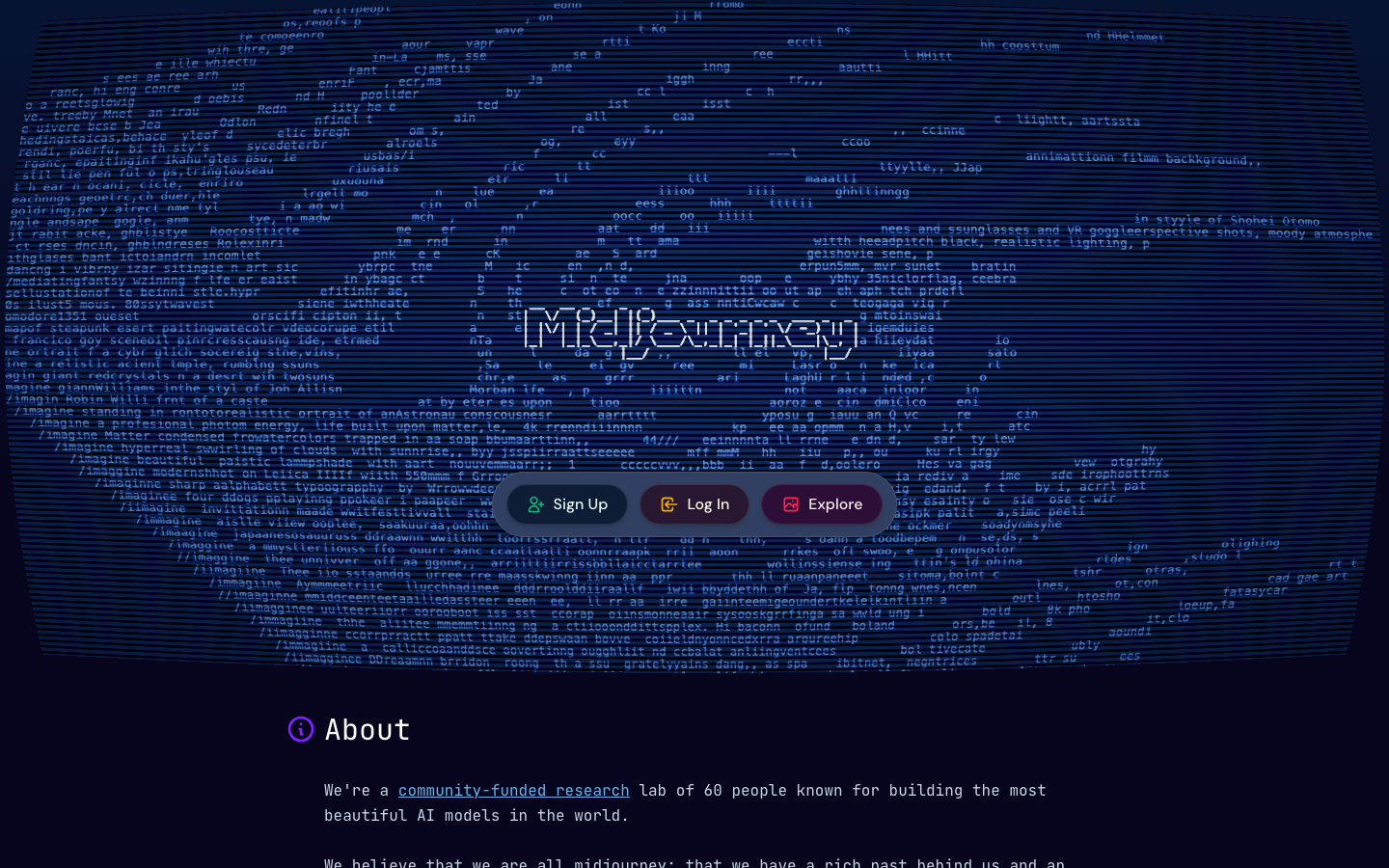
Here's the thing about Midjourney: it has this quality that's hard to describe technically but immediately obvious when you see it. There's an emotional depth to Midjourney images that other generators just don't match. It's like the difference between a photo and a painting — technically the photo is more "accurate," but the painting makes you feel something.
What It Is
Midjourney is a premium AI image generator known for producing images with exceptional artistic quality. It started as a Discord-only tool (which was annoying) but now has a proper web interface. It specializes in creating images with painterly aesthetics, dramatic lighting, and a cinematic quality that photographers and artists genuinely appreciate.
What I Liked
- Unmatched aesthetic quality. When I need an image that makes someone stop scrolling, Midjourney wins. The default output style has this richness — deep shadows, dimensional lighting, textural detail — that feels like it was directed by a cinematographer.
- The parameter system is powerful. Stylize, chaos, weird, aspect ratio controls — once you learn the syntax, you can precisely dial in the exact vibe you want. It's like having a mixing board for visual aesthetics.
- Consistency across generations. When I found a style I liked, I could reliably reproduce it across multiple images. That matters when you're building a brand or creating a series.
- The community is genuinely helpful. The Discord community shares techniques, prompts, and inspiration. I learned more about prompting from Midjourney's community in a week than from any tutorial.
What I Didn't Like
- No free tier. You have to pay to even try it. In a world where ChatGPT and Google ImageFX let you generate for free, this is a tough sell for newcomers who just want to experiment.
- Text rendering is still weak. I asked for "a neon sign that says OPEN" and got "OEPN" three times before I gave up. If you need text in your images, look elsewhere.
- The Discord workflow is clunky. Yes, they have a web interface now, but many features still work best through Discord. Having to type commands in a chat app to generate images feels like 2022.
- Prompt engineering is a real skill here. Midjourney is incredibly sensitive to prompt wording. Changing one word can give you a completely different result. That's powerful for experts but frustrating for beginners.
Pricing
Plans range from $10/month (Basic, ~200 images) to $120/month (Mega, massive capacity). The $30/month Standard plan with 15 hours of fast generation time is where most serious users land. No free tier — period.
Who It's Best For
Artists, photographers, editorial designers, and anyone who prioritizes aesthetic quality over everything else. If you're creating book covers, album art, concept art, or editorial illustrations, Midjourney is still the king. If you need text in your images or you're on a tight budget, it's not your tool.
Verdict: Still the best for pure artistic quality. I use it when the image needs to be art, not just content. Try Midjourney
3. Stable Diffusion / Stability AI — The Power User's Playground
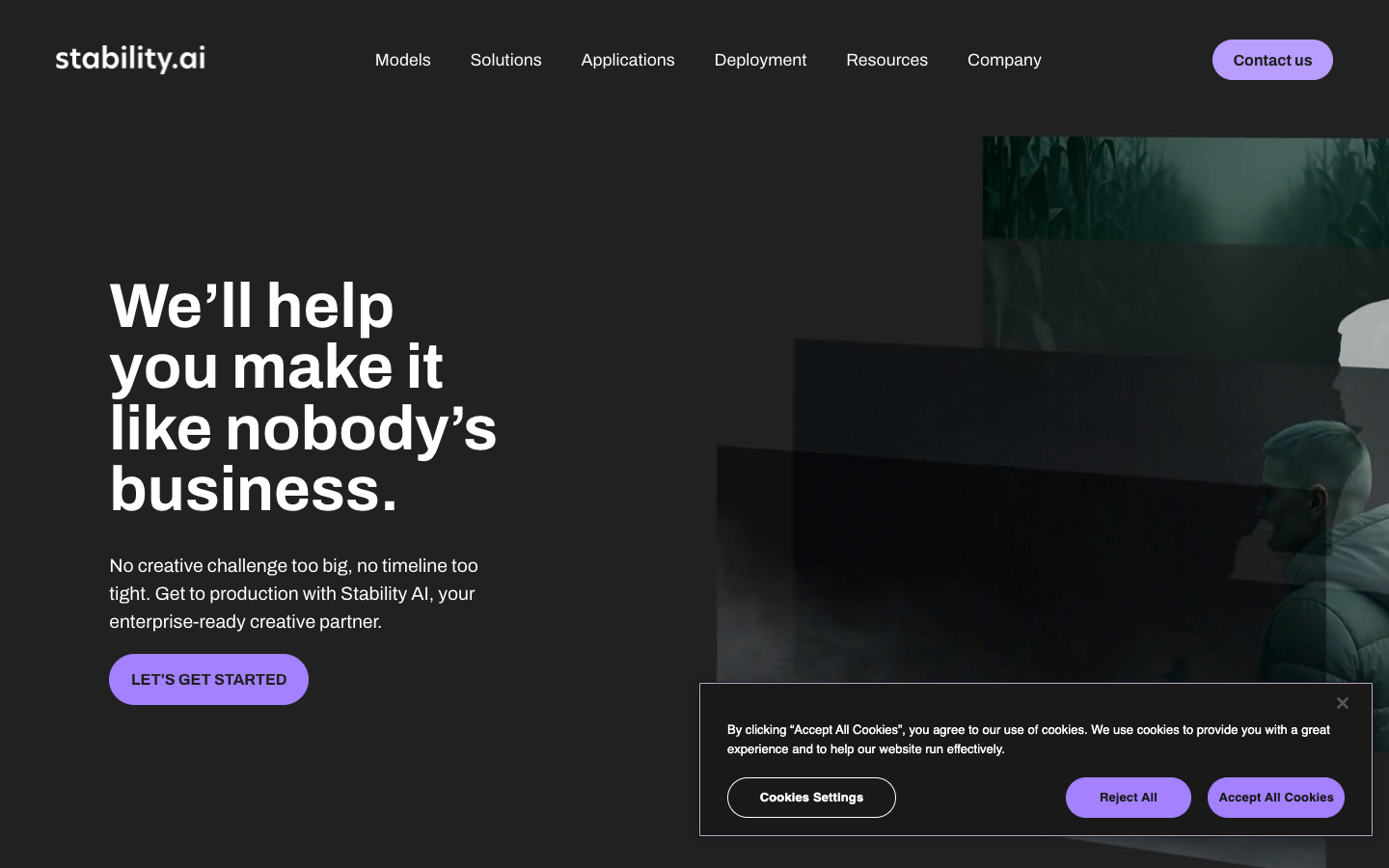
The thing nobody tells you about Stable Diffusion is that it's simultaneously the most powerful and most frustrating AI image generator in existence. It's like being handed the keys to a Ferrari with no steering wheel — the engine is incredible, but you're going to need to build some parts yourself.
What It Is
Stable Diffusion is an open-source AI image generation model created by Stability AI. Unlike every other tool on this list, you can download and run it entirely on your own computer. No API calls, no subscriptions, no content filters. You can also use it through Stability AI's cloud service, DreamStudio, if you don't want to deal with local setup.
What I Liked
- Total freedom and control. No content restrictions, no usage limits, no monthly fees (if self-hosted). You own the entire pipeline. For professional workflows where you need absolute control, nothing else compares.
- The ecosystem is massive. Custom models, LoRAs, ControlNet, inpainting, outpainting, img2img — the community has built an incredible ecosystem of tools and extensions. Whatever you want to do, someone's probably built a plugin for it.
- Run it offline. I generated images on a 14-hour flight with no internet. Try that with Midjourney.
- Cost scales to zero. After the initial hardware investment, every image is free. If you're generating thousands of images per month, the economics are unbeatable.
- Fine-tuning on your own data. You can train custom models on your brand assets, your art style, or your product photos. The result is a generator that understands your specific visual language.
What I Didn't Like
- The setup process is painful. Installing ComfyUI or AUTOMATIC1111, configuring Python environments, downloading model weights, troubleshooting CUDA errors — I spent the better part of a Saturday just getting it running. If you're not technical, this isn't for you.
- You need serious hardware. A decent GPU with at least 8GB VRAM is the minimum. For the latest models at high resolutions, you'll want 12GB+. That's a $500-1500 GPU investment.
- Out-of-the-box quality lags behind. Base Stable Diffusion without fine-tuned models and careful parameter tuning produces images that look noticeably worse than Midjourney or ChatGPT. The ceiling is high, but the floor is low.
- Text rendering is basically non-functional. Without specialized workflows, text in Stable Diffusion images is gibberish. This is the one area where it truly falls flat.
Pricing
Self-hosted: Free (after hardware costs). DreamStudio: $10 for 1,000 credits (~5,000 images depending on settings). The self-hosted route is the best value in AI imaging, but it comes with a significant time and knowledge investment.
Who It's Best For
Developers, technical artists, studios with custom pipeline needs, and anyone who generates images at massive scale. If you're building a product that integrates AI image generation, or you need to train models on proprietary data, Stable Diffusion is your foundation. If you just want to generate nice pictures, use something easier.
Verdict: The most powerful option, but the hardest to use. I keep it installed for specific projects that need custom models or high-volume generation. Try Stability AI
4. FLUX 2 / Black Forest Labs — The Industry's Secret Weapon
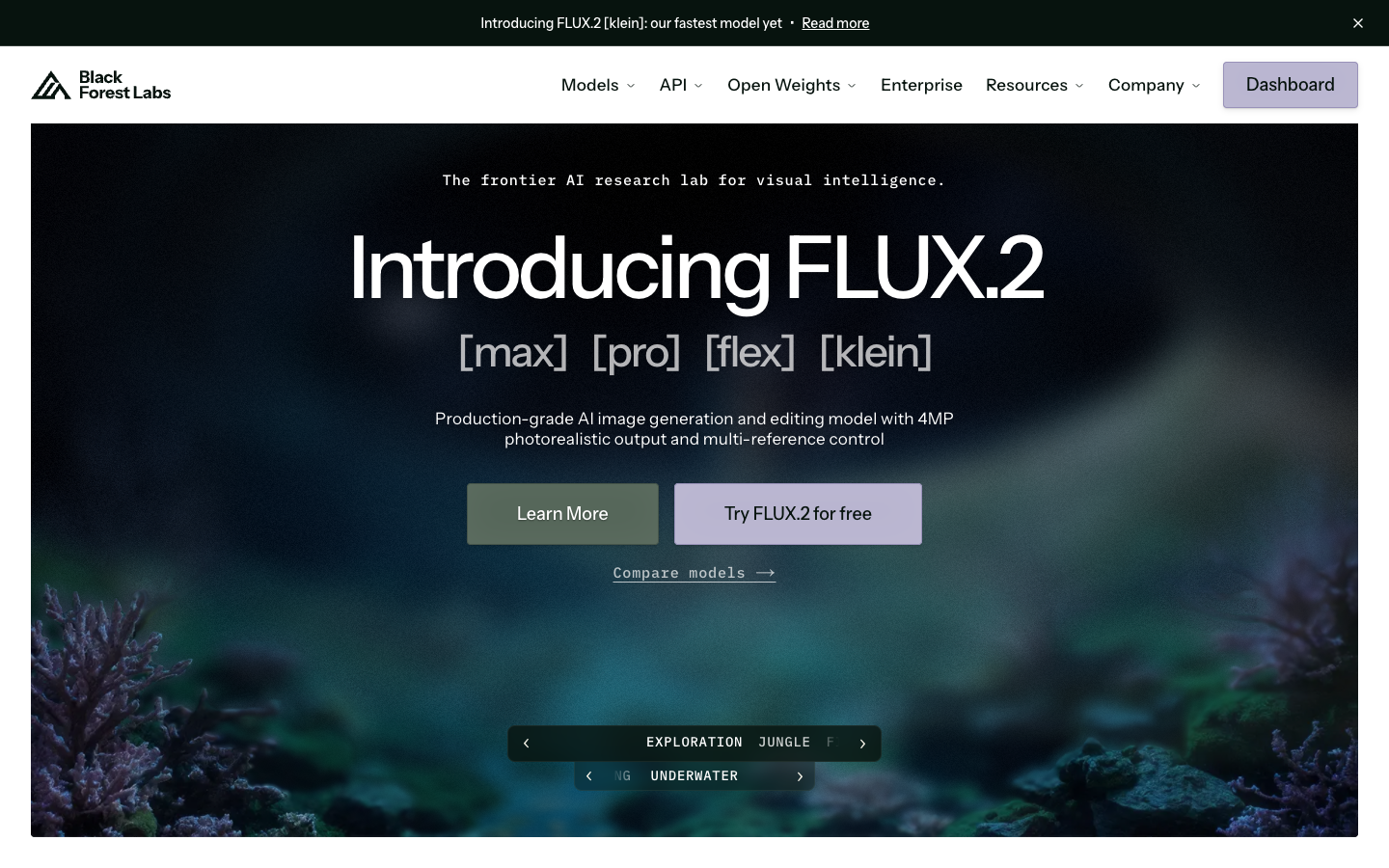
What actually happened was I kept seeing FLUX show up in the backends of tools I was already using. I'd check the API documentation for various platforms and there it was — FLUX powering the generation engine. That's when I realized this might be the most important model most people have never heard of.
What It Is
FLUX 2 is an AI image generation model built by Black Forest Labs, a company founded by former key researchers from Stability AI (the people who created Stable Diffusion). It's an open-weight model that has rapidly captured roughly 40% of all API-based image generation calls. You might be using FLUX right now without even knowing it — many tools and platforms have adopted it as their backend model.
What I Liked
- The image quality is genuinely elite. FLUX produces images with a clarity and coherence that surprised me. Skin textures, fabric details, environmental lighting — it handles complex scenes with impressive accuracy.
- Text rendering is excellent. Not quite ChatGPT-level, but dramatically better than Midjourney or Stable Diffusion. I got clean, readable text in about 80% of my generations.
- The open-weight model is incredibly flexible. Like Stable Diffusion, you can run it locally, fine-tune it, and build custom workflows. But the base model quality is significantly higher out of the box.
- API-first design makes integration smooth. If you're building a product or automating workflows, FLUX's API is clean and well-documented. It's clearly designed for developers.
- Speed is competitive. Generation times through the API are fast — typically 5-15 seconds for a high-quality image depending on resolution and the specific model variant.
What I Didn't Like
- There's no user-friendly consumer interface. FLUX doesn't have a "website where you type a prompt and get an image" like Midjourney or ChatGPT. You access it through APIs or third-party tools. For non-technical users, this is a dealbreaker.
- Pricing is confusing. Pay-per-megapixel pricing sounds efficient but makes it hard to predict monthly costs. I had to build a spreadsheet just to estimate what my usage would cost.
- The brand is unknown to most people. When I tell someone "I used FLUX for that," I get blank stares. Then I explain it's from the Stable Diffusion founders and they nod politely while clearly not understanding.
- Less community tooling than Stable Diffusion. The ecosystem is growing fast, but it doesn't have the same depth of community-built extensions and workflows yet.
Pricing
Pay per megapixel through the API, with costs varying by model variant (Pro vs. Dev vs. Schnell). The open-weight models can be self-hosted for free. Through third-party platforms, pricing varies. Expect to pay roughly $0.003-0.06 per image through the API depending on resolution and model choice.
Who It's Best For
Developers building AI-powered products, teams that need high-quality image generation at scale through APIs, and technical users who want a cutting-edge open model for custom workflows. If you're comfortable with APIs and need production-grade image generation, FLUX is arguably the best foundation available today.
Verdict: The best model most people don't know about. If you're technical, this should be on your radar. Try Black Forest Labs
5. Adobe Firefly — The Corporate Safety Net
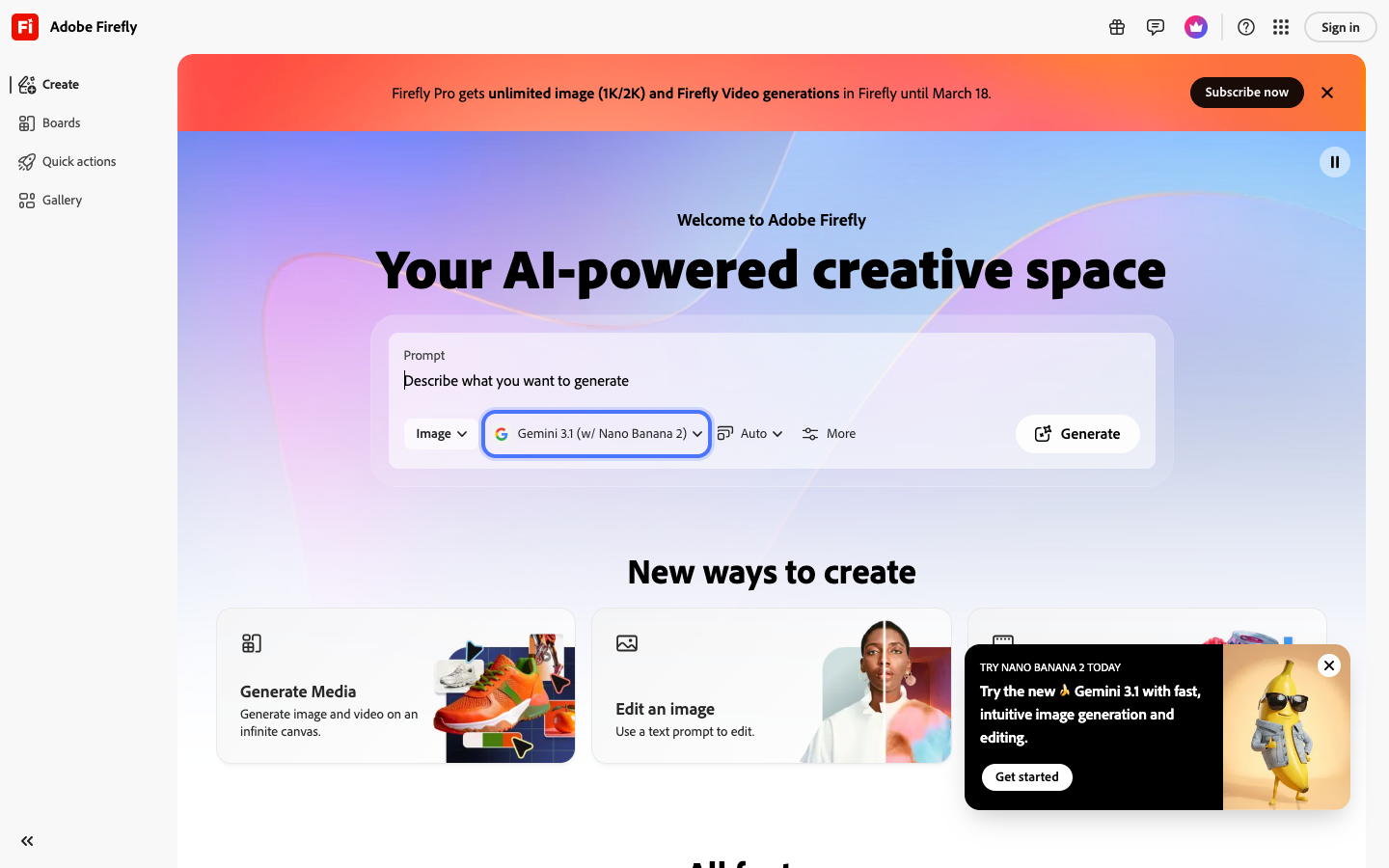
Let me be real: Adobe Firefly isn't the most exciting tool on this list. It's not going to make your jaw drop with artistic brilliance. But here's what it does that almost no other AI image generator can claim — it won't get you sued.
What It Is
Adobe Firefly is Adobe's AI image generation tool, trained exclusively on licensed Adobe Stock images, openly licensed content, and public domain content. It's integrated directly into Photoshop, Illustrator, and Adobe Express. The key selling point is commercial safety — Adobe provides IP indemnification for Firefly-generated content.
What I Liked
- Commercial safety is real and valuable. If you're creating images for clients, for advertising, or for any commercial purpose where legal risk matters, Firefly's training data provenance is a genuine competitive advantage. Adobe will legally back you up.
- Photoshop integration is seamless. Generative Fill and Generative Expand in Photoshop are the best implementations of AI-assisted editing I've used. Select an area, type what you want, and it fills it in with context-aware accuracy. This alone justifies an Adobe subscription for many professionals.
- Style consistency tools are useful. You can upload reference images to guide the style, and Firefly does a decent job matching the visual language. Handy for brand consistency.
- The interface is polished. It's Adobe — the UI is professional, intuitive, and well-designed. No Discord bots, no confusing parameter syntax.
What I Didn't Like
- Image quality is a tier below the leaders. Side by side with Midjourney or ChatGPT, Firefly images look more generic and less detailed. There's a "stock photo" quality to the output that's hard to shake.
- Creative ceiling feels low. I struggled to get Firefly to produce anything truly surprising or emotionally compelling. It's reliable but not inspired.
- The pricing tiers are confusing. Between Firefly standalone, Creative Cloud Photography, Creative Cloud All Apps, and various credit systems, figuring out what you're actually paying for requires a spreadsheet.
- Credit consumption varies wildly. Some features burn through credits much faster than others, and it's not always clear before you generate how many credits an action will cost.
Pricing
Firefly is available as a standalone plan starting at $9.99/month with limited credits. It's also included in most Creative Cloud plans ($22.99-$59.99/month). The full Creative Cloud All Apps plan runs up to $59.99/month. Enterprise plans with enhanced IP indemnification go higher.
Who It's Best For
Marketing teams, agencies, corporate designers, and anyone who needs legally defensible AI-generated images for commercial use. If you already have a Creative Cloud subscription, Firefly is a no-brainer addition to your workflow. If you're an independent creator who doesn't need IP indemnification, the image quality alone doesn't justify switching from Midjourney or ChatGPT.
Verdict: The safest choice for commercial work, but not where I go when I want something amazing. Try Adobe Firefly
Build AI agents that do more than generate images
Pickaxe lets you create custom AI agents that combine image generation with your own workflows and knowledge.
6. Leonardo AI — The Hidden Gem for Game and Product Creators
I almost skipped Leonardo AI. The name sounded generic, the website looked like every other AI startup, and I figured it was just another wrapper around Stable Diffusion. I was wrong. What actually happened was I spent three hours in their AI Canvas tool and completely lost track of time.
What It Is
Leonardo AI is a multi-model AI image generation platform with a particular focus on game assets, 3D textures, and iterative creative workflows. Their AI Canvas lets you generate, edit, and compose images in a single workspace. They offer multiple model options including their own trained models alongside community models.
What I Liked
- The AI Canvas is exceptional. It's like having an infinite Photoshop artboard where you can generate, inpaint, outpaint, and compose — all without switching tools. For iterative creative work, this workflow is significantly faster than anything else I tested.
- Multiple model options in one place. You can switch between different generation models depending on what you're creating. Need photorealism? Switch models. Need anime? Switch again. The flexibility is impressive.
- 3D texture generation is a killer feature. If you work with 3D models, Leonardo can generate tileable textures that actually look good when applied. This is a niche feature that saves massive amounts of time for game developers.
- 150 free daily credits is generous. Unlike most "free tiers" that give you barely enough to test, Leonardo's free allocation lets you actually get real work done. I used it for a week on free credits before deciding to subscribe.
- The community models add real value. Users share fine-tuned models, and some of them are genuinely excellent for specific use cases.
What I Didn't Like
- The interface can be overwhelming. There are a lot of options, settings, and models. For someone just wanting a quick image, the learning curve is steeper than ChatGPT or Canva.
- Text rendering is mediocre. It's better than Stable Diffusion but well below ChatGPT or Ideogram. Don't count on getting clean text in your images.
- Some models are inconsistent. Quality varies significantly depending on which model you select and how you configure the settings. You need to experiment to find what works for your use case.
- Credit consumption isn't always transparent. Different models and settings consume different amounts of credits, and it's not always obvious how many credits a specific generation will cost before you run it.
Pricing
Free: 150 daily credits (enough for 30-50 images depending on settings). Apprentice: $10/month (8,500 credits). Artisan: $24/month (25,000 credits). Maestro: $48/month (60,000 credits). The free tier is the most generous of any premium tool on this list.
Who It's Best For
Game developers, 3D artists, concept artists, and anyone who benefits from an iterative canvas-based workflow. If you create game assets, product mockups, or character designs, Leonardo's specialized tools give it a real edge. For simple "generate one image from a prompt" tasks, you're better served by ChatGPT or Midjourney.
Verdict: Underrated and genuinely powerful for the right use case. The free tier alone makes it worth trying. Try Leonardo AI
7. Ideogram — The Text Rendering Champion
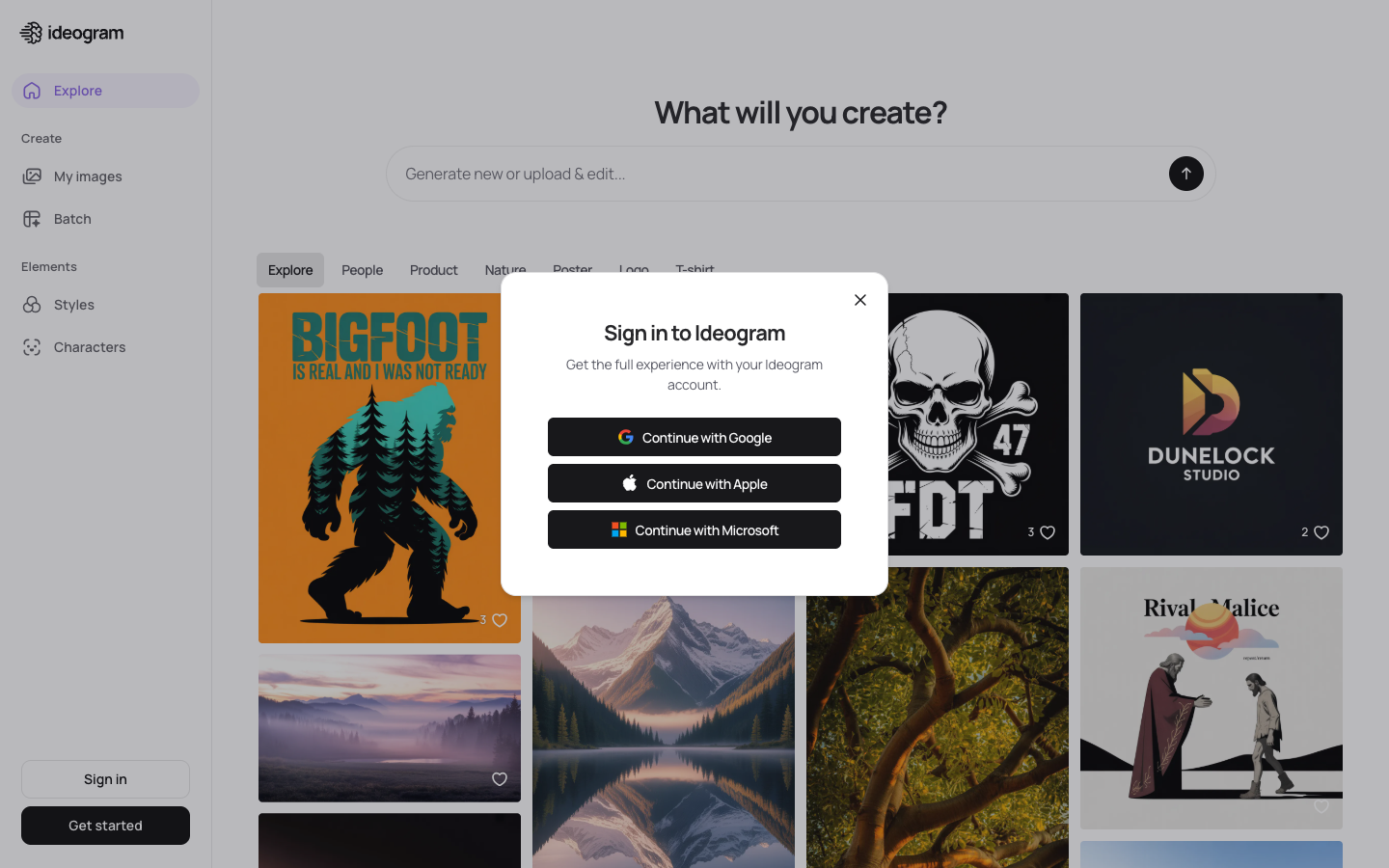
Before ChatGPT's new image model, Ideogram was the undisputed champion of text rendering in AI images. And honestly? It's still incredibly good at it. The thing nobody tells you about Ideogram is that it's not just a text-in-images tool — it's a genuinely capable all-around image generator that happens to be insanely good at typography. Text rendering is still the cleanest way to separate the current crop, so we ran GPT Image 2, Grok Imagine and Gemini 3.1 Flash Image side by side on it.
What It Is
Ideogram is an AI image generation platform that first made waves by being the first tool to reliably render text within AI-generated images. It offers a clean web interface, a "Magic Prompt" feature that enhances your inputs, batch generation, and specialized modes for different content types including posters, logos, and social media graphics.
What I Liked
- Text rendering accuracy is phenomenal. I tested it with complex text — multi-line quotes, logos with stylized fonts, event posters with dates and venue names. It nailed them consistently. Maybe 85-90% accuracy on first attempt, which is remarkable.
- Magic Prompt is genuinely useful. You type a basic prompt, and Ideogram's Magic Prompt expands it with details you didn't think to include. The enhanced prompts consistently produce better results than my raw inputs.
- Batch generation saves time. Generate multiple variations in one go, pick the best one. Simple concept, excellent execution.
- The poster and logo modes are on point. These specialized modes understand the conventions of graphic design — proper text hierarchy, balanced composition, appropriate color relationships. It's not a replacement for a designer, but it's a solid starting point.
- Starting at $7/month is accessible. The pricing is reasonable, especially considering the quality of output.
What I Didn't Like
- Artistic style range is narrower than Midjourney. When I pushed for heavily stylized, artistic images, Ideogram's output felt more generic. It's great at clean design but less impressive for editorial or fine art applications.
- The free tier is limited. You can try it, but the generation limits are tight enough that you can't really evaluate it properly without subscribing.
- Photorealism isn't its strength. For photorealistic portraits or product photography, other tools perform better. Ideogram shines with designed, graphic content.
- Community and resources are smaller. Compared to Midjourney or Stable Diffusion, there's less community knowledge sharing, fewer tutorials, and a smaller ecosystem of techniques to learn from.
Pricing
Free: Limited generations. Basic: $7/month (400 generations/month). Plus: $16/month (1,000 generations). Pro: $42/month (unlimited slow, 3,000 fast). Competitive pricing across all tiers.
Who It's Best For
Graphic designers, social media managers, marketers, and anyone who needs text in their images — posters, social graphics, logos, infographics, quote images. If your primary use case involves typography-heavy designs, Ideogram should be your first choice alongside ChatGPT.
Verdict: Still a top-tier choice for text-heavy designs. The $7 entry point is the best value in paid AI image generation. Try Ideogram
8. Google ImageFX — The Best Free Option Nobody Talks About
Here's the thing: Google ImageFX is completely free, requires nothing more than a Google account, and produces images that are surprisingly good. Yet almost nobody recommends it. I think that's because Google is terrible at marketing their own AI products. That's their problem. Your gain.
What It Is
Google ImageFX is a free AI image generation tool powered by Google's Imagen model. It's part of Google Labs and accessible through a simple web interface. No downloads, no credits, no subscriptions. Google also embeds invisible watermarks in generated images using their SynthID technology for content provenance.
What I Liked
- It's genuinely free. No credits, no daily limits (within reasonable use), no subscription needed. Just a Google account. For casual users and people exploring AI imaging for the first time, this removes every barrier to entry.
- Image quality is better than expected. I was prepared for "free = mediocre" and was genuinely surprised. The Imagen model produces clean, well-composed images with good lighting and solid detail. Not Midjourney-level, but definitely usable for real projects.
- The interface is dead simple. Type a prompt. Get images. No parameters, no settings, no learning curve. My mom could use this.
- Expressive chips for prompt editing. Google's UI lets you click on parts of your prompt to quickly swap elements — change "sunset" to "sunrise," swap "oil painting" for "watercolor." It's a clever interaction that speeds up exploration.
- SynthID watermarking is responsible. The invisible watermarks help with content authenticity without affecting image quality. This is the kind of responsible AI implementation I want to see more of.
What I Didn't Like
- Content restrictions are aggressive. Google's safety filters are the strictest I encountered. Generating images of real people, anything remotely edgy, or even some perfectly innocent prompts can trigger rejections. It's frustrating.
- No API access. You can't integrate ImageFX into automated workflows. It's a consumer web tool only.
- Limited control over output. No style parameters, no aspect ratio controls, no negative prompting. What you see is what you get.
- Resolution options are limited. The output resolution is fixed and relatively modest. You'll need to upscale elsewhere for print or large-format use.
Pricing
Completely free with a Google account. No premium tiers, no credit system. Google's business model here appears to be data and ecosystem stickiness rather than direct revenue.
Who It's Best For
Students, hobbyists, casual creators, and anyone who wants to explore AI image generation without spending a dime. It's also a solid option for quick concept visualization when you don't need production-quality output. If you need professional-grade images or have specific technical requirements, you'll outgrow it quickly.
Verdict: The best free AI image generator available today. If you're not paying for anything else, start here. Try Google ImageFX
9. Canva AI — The Non-Designer's Design Studio
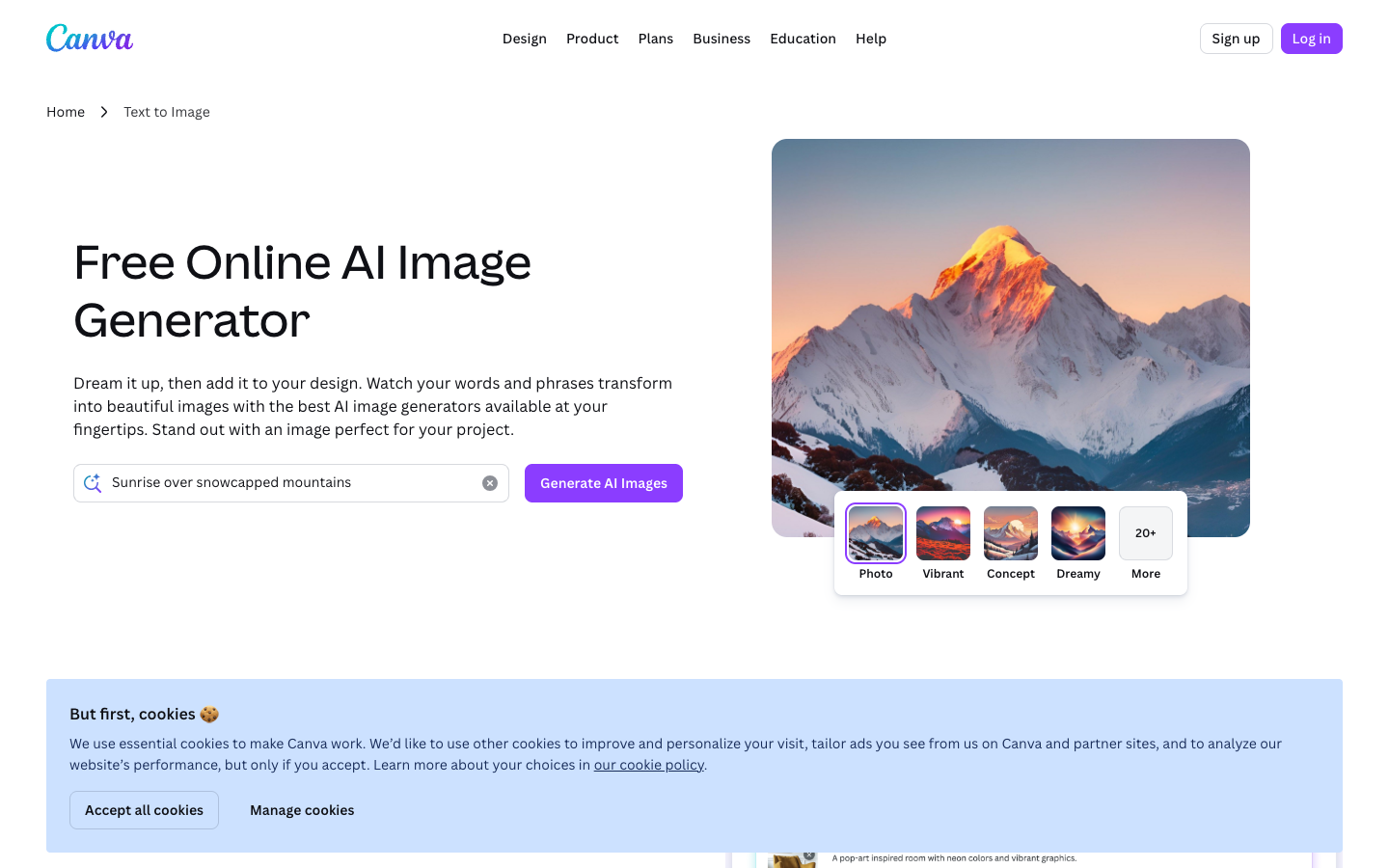
I need to frame Canva AI correctly: it's not primarily an image generator. It's a full design platform that happens to include AI image generation. And that distinction is exactly why it deserves to be on this list. Because for most people, the goal isn't to generate an image — it's to create a finished piece of content. Canva gets that.
What It Is
Canva AI includes multiple AI image generation features — Magic Media for text-to-image generation, Dream Lab for more experimental generation, and various AI-powered editing tools — all integrated into Canva's drag-and-drop design platform. You generate an image and immediately place it into a social media post, presentation, or marketing material without switching tools.
What I Liked
- The end-to-end workflow is unbeatable. Generate an image, drop it into a template, add text, export as the right format for your platform — all in one tool. For social media managers creating daily content, this eliminates the multi-tool dance.
- Templates provide a safety net for non-designers. Even if the AI-generated image isn't perfect, Canva's thousands of professionally designed templates make it look polished in context. The surrounding design framework compensates for generation imperfections.
- Dream Lab produces interesting results. It's more experimental than Magic Media and generates images with more artistic flair. I got some genuinely creative outputs that I wouldn't have gotten from the standard generator.
- Brand Kit integration is smart. Upload your brand colors, fonts, and logos, and Canva keeps everything consistent. When you generate an image and place it in a branded template, the result feels cohesive.
- The learning curve is almost zero. Anyone who can use a web browser can use Canva. Period.
What I Didn't Like
- Image generation quality is mid-tier. Standing alone, Canva's generated images don't compete with Midjourney, ChatGPT, or even FLUX. They're adequate but not outstanding.
- The AI features feel bolted on. Unlike ChatGPT where AI generation is the core experience, Canva's AI tools feel like additions to an existing platform. The integration is good but not seamless.
- Generation limits can be restrictive. Depending on your plan, you may burn through your AI generation credits quickly, especially if you're iterating on designs.
- Pro subscription is required for serious use. The free tier gives you a taste but not enough AI generation capacity for regular use. You'll need Pro at $12.99/month.
Pricing
Free: Very limited AI generation. Canva Pro: $12.99/month (includes AI generation credits, premium templates, brand kit). Canva for Teams: $14.99/month per person (collaboration features). The value proposition is the full design suite, not just the AI generation.
Who It's Best For
Social media managers, small business owners, marketers, and anyone who needs finished design assets — not just raw images. If your workflow is "generate image, then design around it," Canva eliminates a step. If you're a photographer or artist who needs the best raw image quality, Canva's generation capabilities won't satisfy you.
Verdict: Not the best image generator, but possibly the best design tool with image generation. The distinction matters. Try Canva AI
10. Microsoft Designer — The Quiet Contender
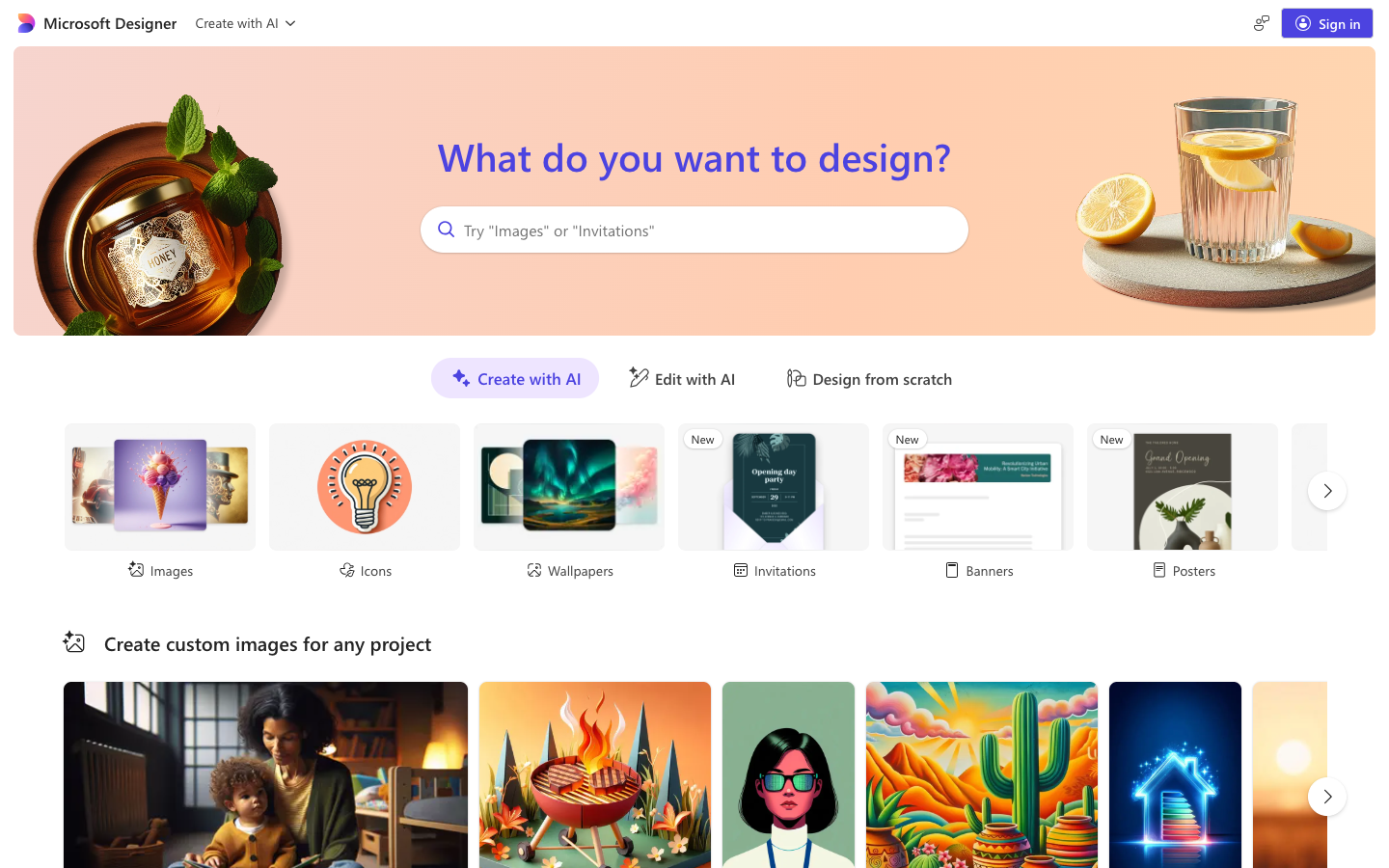
I tested Microsoft Designer with low expectations. Microsoft's consumer products have historically been... fine. Functional. Not exciting. What actually happened was I found a tool that's significantly better than it has any right to be, especially considering it's essentially free for Microsoft 365 subscribers.
What It Is
Microsoft Designer is a design tool with AI image generation powered by DALL-E technology, integrated into the Microsoft 365 ecosystem. It includes Copilot-assisted design, AI image generation, and tools for creating social media posts, invitations, and other visual content. It's available as a web app and integrates with Microsoft's broader product suite.
What I Liked
- Free tier is surprisingly usable. You get approximately 15 "boosts" (image generations) per day, which is enough for casual use. No credit card required, no subscription necessary.
- Microsoft 365 integration is seamless. Generate an image and drop it directly into a PowerPoint presentation, Word document, or Teams message. For corporate environments, this workflow integration is valuable.
- Copilot assistance helps with prompting. If you're not sure what to ask for, Copilot suggests improvements and variations. It's like having a creative assistant for your prompts.
- The design templates are professional. Like Canva, Microsoft Designer offers templates that help non-designers create polished output. The templates feel more corporate-appropriate, which is either a pro or con depending on your needs.
What I Didn't Like
- Image quality is firmly average. The generations look clean and usable but rarely impressive. There's a flatness to the output that marks it as AI-generated more obviously than other tools.
- Creative range is limited. I struggled to push Microsoft Designer beyond standard corporate aesthetics. Asking for edgy, artistic, or unusual styles produced bland results.
- Daily boost limit can be frustrating. Fifteen generations per day isn't enough for serious creative work. You'll hit the wall quickly if you're iterating on designs.
- The tool feels like it's still maturing. Some features are clearly early-stage, and the overall experience doesn't feel as polished as Canva or Adobe's offerings.
Pricing
Free: ~15 daily boosts. Microsoft 365 Personal: $6.99/month (includes Designer with additional boosts). Microsoft 365 Family: $9.99/month. If you already pay for Microsoft 365, Designer is effectively free.
Who It's Best For
Microsoft 365 users who need occasional AI-generated images for presentations, documents, and corporate communications. If you live in the Microsoft ecosystem and need quick visuals without adding another subscription, Designer is the path of least resistance. For dedicated creative work, look elsewhere.
Verdict: A solid free option if you're already in the Microsoft ecosystem. Not worth switching to, but worth using if it's already available to you. Try Microsoft Designer
11. Playground AI — The Generous Free Tier King
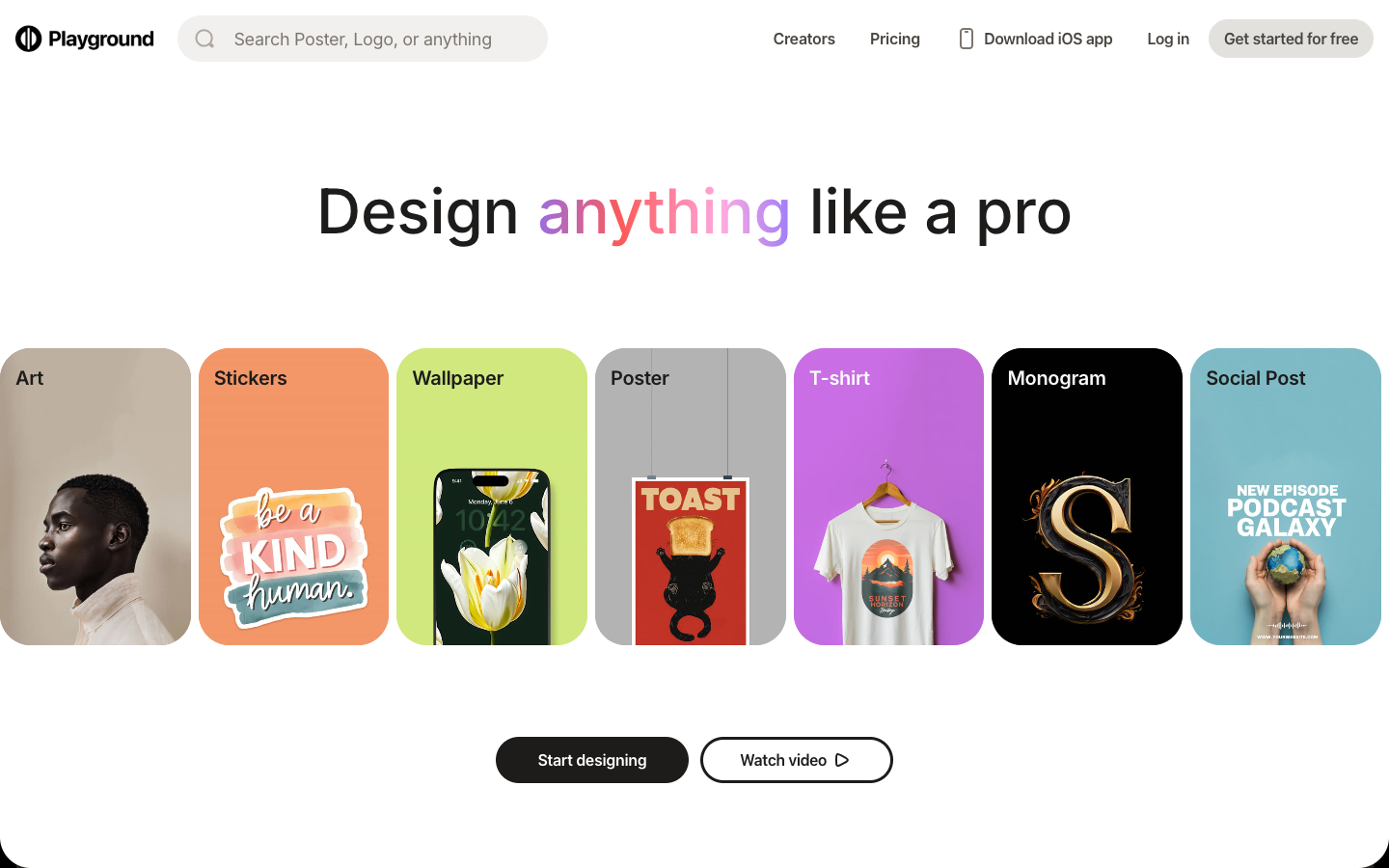
Here's the thing about Playground AI: it figured out something most AI image tools haven't — that people want to play before they pay. Their free tier is absurdly generous, and the mixed canvas approach (combining AI generation with traditional editing) creates a workflow that's surprisingly addictive.
What It Is
Playground AI is a web-based AI image generation platform with an emphasis on user-friendliness and generous free access. It features a mixed canvas that lets you combine AI-generated elements with uploaded images and manual editing. The platform supports multiple models and offers both a simple prompt-to-image interface and more advanced editing tools.
What I Liked
- The free tier is remarkably generous. You can generate a significant number of images daily without paying anything. For testing ideas and experimenting, this is ideal.
- The mixed canvas is clever. Combining AI generation with a traditional editing canvas means you can generate elements and compose them together. It bridges the gap between "image generator" and "design tool" in an intuitive way.
- The interface is genuinely user-friendly. Clean, simple, well-organized. I was generating quality images within minutes of creating an account.
- Community features add discovery value. Browsing other users' creations and prompts is a great way to learn what's possible and improve your own technique.
What I Didn't Like
- Image quality sits in the middle of the pack. Good enough for social media and personal projects, but not competitive with Midjourney or ChatGPT for professional work.
- Text in images is unreliable. Like many mid-tier generators, text rendering is hit-or-miss. Mostly miss.
- Advanced features are behind the paywall. The free tier is great for basic generation, but the more interesting editing and composition tools require a subscription.
- Brand recognition is low. It's hard to find community resources, tutorials, and tips compared to the bigger platforms.
Pricing
Free: Generous daily generations. Pro: $15/month (faster generation, more features). Turbo: $45/month (priority processing, maximum features). The free tier is the main draw here.
Who It's Best For
Hobbyists, students, and casual creators who want to experiment extensively without paying. The mixed canvas also makes it interesting for people who want to compose multiple AI elements into a single image. If you need production-quality output, the free tier won't get you there, and the paid tiers face stiff competition.
Verdict: Excellent for free experimentation. The mixed canvas concept is worth exploring even if you use other tools for final output. Try Playground AI
Create AI-powered creative tools for your team
Build agents that generate images, copy, and content — all trained on your brand guidelines.
12. NightCafe — The Multi-Model Buffet
NightCafe's pitch is simple: why commit to one model when you can try them all? It's like a buffet restaurant for AI image generation — you get access to multiple models (Stable Diffusion, DALL-E, their own) through a single interface. What actually happened when I tested it was that the variety turned out to be both its greatest strength and its biggest source of confusion.
What It Is
NightCafe is a web-based AI art platform that provides access to multiple AI image generation models through a single interface. It features a strong community component with daily challenges, a gallery, and a credit-earning system where participating in the community earns you generation credits. It's been around since the early days of AI art and has evolved alongside the technology.
What I Liked
- Access to multiple models in one place. Being able to switch between different generation models without leaving the platform is genuinely useful for comparing outputs and finding the right model for each project.
- The community is active and supportive. Daily challenges, galleries, and social features create a community that's welcoming to beginners. It's one of the few AI art platforms that feels like a community, not just a tool.
- Earn credits through participation. Creating, sharing, and engaging with the community earns you generation credits. It's a smart model that rewards active users.
- Historical significance and experience. NightCafe has been doing this longer than most competitors. That experience shows in the platform's maturity and reliability.
What I Didn't Like
- The credit system is confusing. Different models and settings consume different amounts of credits, and the pricing structure isn't intuitive. I found myself running out of credits faster than expected because I didn't understand the consumption rates.
- Jack of all trades, master of none. Having multiple models is nice, but NightCafe doesn't offer the best version of any single model. You're getting convenience over optimization.
- The interface feels dated. Compared to newer platforms, NightCafe's UI feels cluttered and older. Navigation isn't always intuitive.
- Image quality is model-dependent. Your results vary significantly based on which model you select. Beginners may not know which model to choose, leading to disappointing results.
Pricing
Free: Limited daily credits + earned credits. AI Beginner: $5.99/month (100 credits). AI Hobbyist: $9.99/month (200 credits). AI Enthusiast: $19.99/month (500 credits). AI Artist: $49.99/month (1,400 credits). Credits don't expire, which is a nice touch.
Who It's Best For
Community-oriented creators who enjoy the social aspect of AI art, people who want to experiment with multiple models without managing separate subscriptions, and beginners who benefit from community guidance and inspiration. If you need a focused, high-performance production tool, look at the specialized options instead.
Verdict: A great community-driven platform for exploration and learning. Not where I'd go for production work. Try NightCafe
13. Artbreeder — The Evolutionary Approach
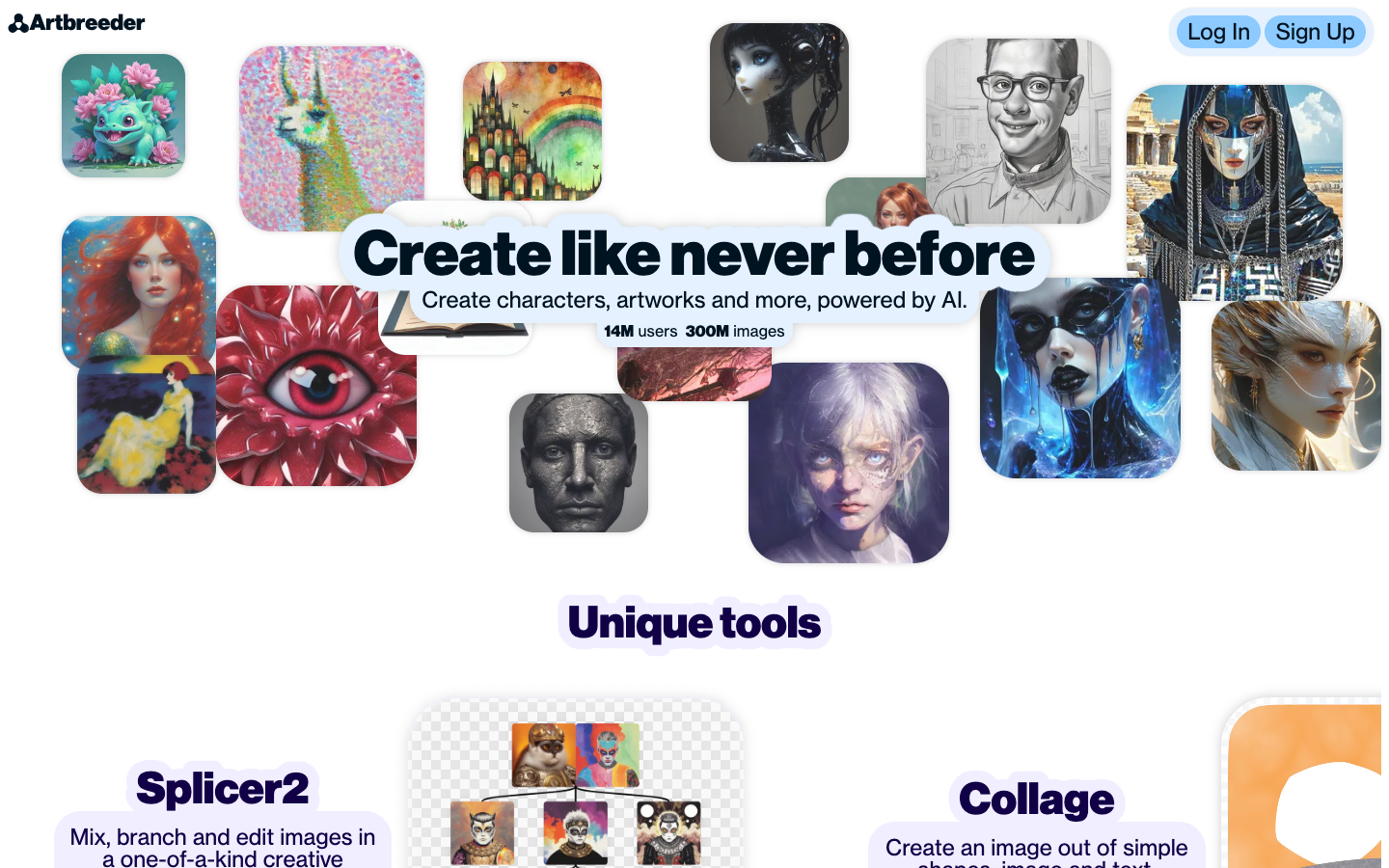
Artbreeder takes a fundamentally different approach to AI image generation, and I respect that. Instead of typing a prompt and getting an image, you breed images together and adjust genes with sliders. It's like evolutionary biology applied to art. The thing nobody tells you about Artbreeder is that once you understand the breeding metaphor, it becomes genuinely addictive in a way that prompt-based tools aren't.
What It Is
Artbreeder is an AI art platform based on the concept of "breeding" images through genetic algorithms. Its core tools include Splicer (which blends multiple images together and lets you adjust "genes" like age, ethnicity, mood, and style with sliders), Collager (which turns simple collages into AI-generated scenes), and standard text-to-image generation. It's one of the oldest AI art platforms, predating the current generation of tools.
What I Liked
- The gene slider approach is unique and intuitive. Adjusting a "happiness" slider from 0 to 100 and watching a portrait smoothly transition from neutral to beaming is genuinely fascinating. It gives you a kind of continuous control that prompt-based tools can't match.
- Character design iteration is excellent. If you're designing characters — for a game, a novel, a D&D campaign — the ability to breed and evolve faces and bodies is incredibly powerful. You can start vague and converge on exactly the character you envision.
- Collager is underrated. Rough-sketch a composition with basic shapes and Collager interprets it into a full scene. It's like having an AI that understands your spatial intent, not just your verbal description.
- The breeding metaphor makes exploration fun. There's a playfulness to combining images and seeing what emerges that makes Artbreeder more enjoyable to use than many prompt-based tools.
What I Didn't Like
- Output quality doesn't compete with modern tools. The image resolution and detail level lag significantly behind Midjourney, ChatGPT, and other current-generation tools. The technology feels a generation older.
- Text rendering is essentially non-existent. Don't even try. This tool was not built for any use case involving text in images.
- Limited style range. Artbreeder excels at portraits and faces but struggles with complex scenes, landscapes, and product shots. It's a specialist tool in a generalist world.
- The interface feels dated. Navigation is confusing, the UI design is cluttered, and the onboarding experience doesn't adequately explain the breeding concept to new users.
Pricing
Free: Limited uploads and high-resolution downloads. Starter: $8.99/month (more uploads, downloads, and genes). Advanced: $18.99/month (more of everything). Champion: $38.99/month (maximum access). The free tier is enough to understand whether the approach works for you.
Who It's Best For
Character designers, game developers creating NPC faces, writers visualizing characters, and anyone fascinated by the evolutionary approach to creative generation. It's a niche tool with a passionate user base, not a general-purpose image generator. If you need versatility, look elsewhere. If you need to iterate on character faces specifically, Artbreeder is uniquely powerful.
Verdict: A fascinating concept that's showing its age technically. Worth trying for character design specifically. Try Artbreeder
14. Craiyon — The Gateway Drug to AI Art
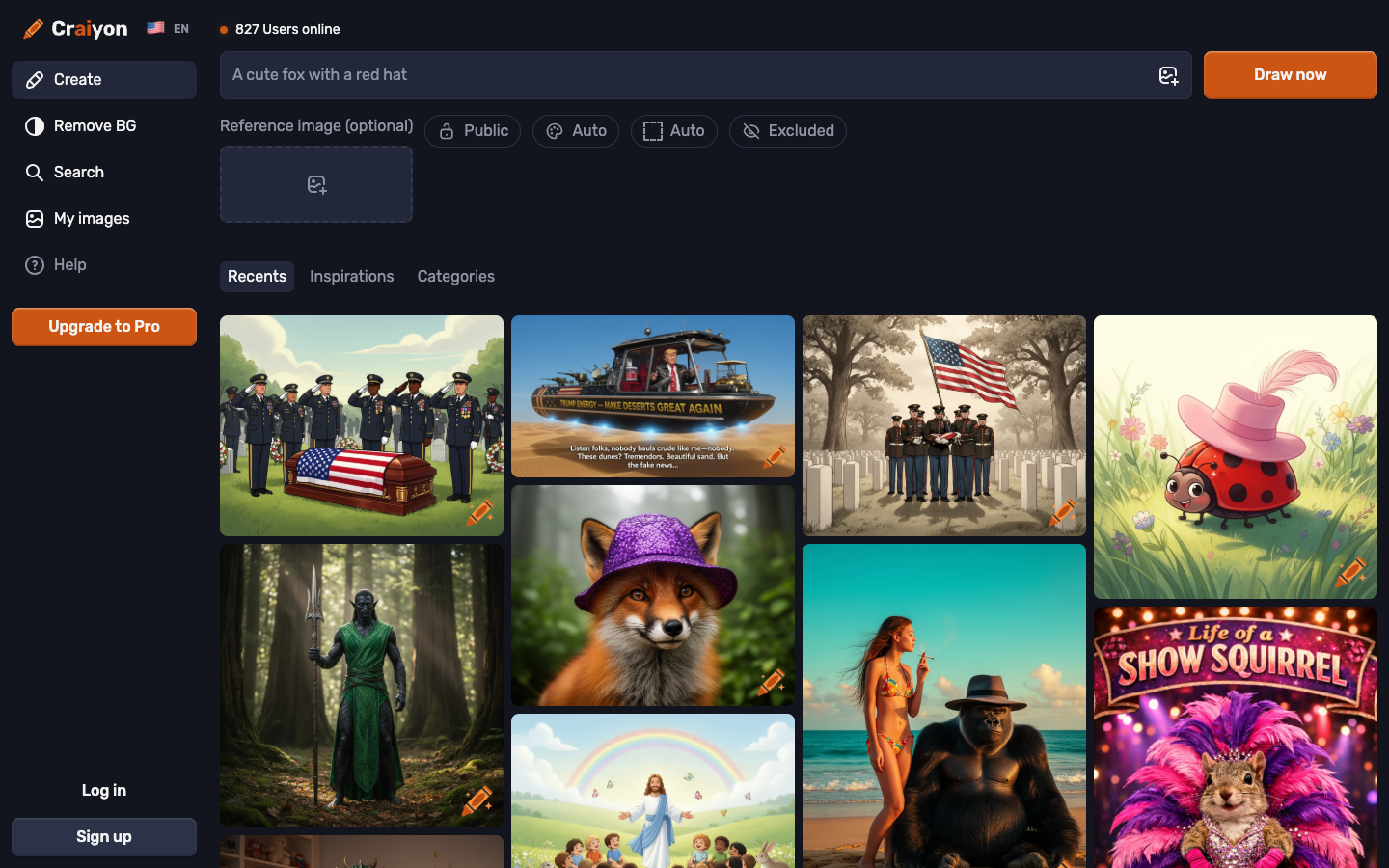
Let me be real: Craiyon (formerly DALL-E Mini) is not going to win any quality competitions. It's not going to replace a designer or produce images you'd put in a portfolio. But here's what it does better than anything else on this list — it removes every single barrier between "I wonder what that would look like" and actually seeing it.
What It Is
Craiyon is the simplest AI image generator in existence. You go to the website, type what you want, and get images. No signup. No account. No credit card. No learning curve. It started life as "DALL-E Mini," an open-source attempt to recreate OpenAI's original DALL-E model, and went viral on social media for its charmingly imperfect outputs.
What I Liked
- Zero friction to start. No signup needed. No account creation. No email verification. You literally just type and generate. For the "I just want to see something funny" use case, nothing else comes close to this level of simplicity.
- It's fun in a way other tools aren't. The slightly imperfect, sometimes surreal quality of Craiyon's output has a charm to it. It's like AI art's version of folk art — imperfect and endearing.
- Great for ideation and brainstorming. When you need a quick, rough visual concept to communicate an idea in a meeting, Craiyon gets you there in under a minute.
- No content restrictions to speak of. Within legal bounds, Craiyon is more permissive than most tools about what it'll generate. Useful for creative exploration.
What I Didn't Like
- Image quality is the lowest on this list. Let's not sugarcoat it — Craiyon's output looks noticeably worse than every other tool I tested. Details are blurry, compositions are often awkward, and complex scenes fall apart.
- Generation is slow. Without a paid plan, generation times can stretch to 60+ seconds. In a world where other tools deliver in under 10 seconds, this feels like dial-up internet.
- Text rendering doesn't work at all. I didn't even include text rendering tests for Craiyon because the results were consistently illegible gibberish.
- Paid plans are overpriced for the quality. At $12-84/month for paid tiers, you're paying Midjourney money for far inferior output. The value proposition only works at the free tier.
Pricing
Free: Unlimited generations with ads and slower speed. Supporter: $12/month (no ads, faster). Professional: $24/month (priority, API access). Enterprise: $84/month (volume). Honestly, the free tier is the only tier I'd recommend. At paid pricing, there are dramatically better options.
Who It's Best For
Complete beginners exploring AI art for the first time, people who want quick-and-dirty concept sketches, meme creators, and anyone who just wants to have fun without any commitment. This is not a professional tool. It's a playground, and that's perfectly fine.
Verdict: The lowest bar to entry in AI imaging. Use it for fun, not for work. Try Craiyon
15. Runway — Where Image Gen Meets Hollywood
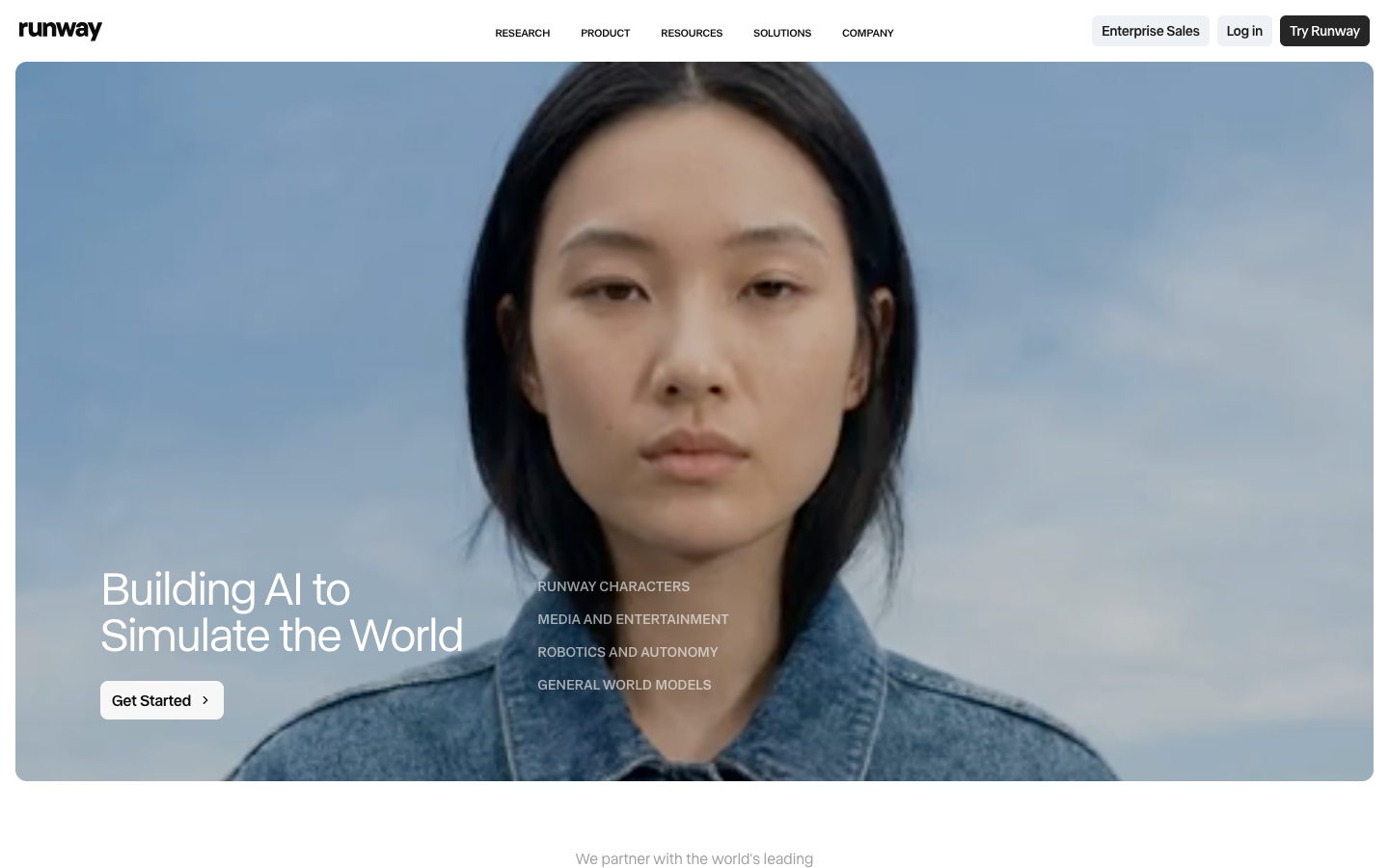
Runway is primarily known for AI video generation (it topped our best AI video generators list) — their Gen-4 model has been making waves across the film industry. But the thing nobody tells you about Runway is that their image generation capabilities are also seriously good, and the way they integrate image and video creation into a single creative suite opens up workflows that simply don't exist anywhere else.
What It Is
Runway is a full creative AI suite that includes image generation, video generation (their flagship Gen-4 model), video editing, inpainting, background removal, upscaling, and more. It's positioned as an AI-powered creative studio rather than just an image generator. The platform is used by professional filmmakers, studios, and creative agencies alongside independent creators. For the video half of that suite, we compared the underlying models in best AI video models.
What I Liked
- The image-to-video pipeline is a killer workflow. Generate an image, then animate it into a video — all within the same tool. No exporting, no importing, no file management. For short-form content creators, this is genuinely transformative.
- Image quality is strong. Runway's image generation produces clean, detailed outputs with good lighting and composition. Not quite Midjourney-level artistic quality, but solidly professional.
- The creative suite is comprehensive. Background removal, upscaling, inpainting, and video editing tools mean you can take an image from generation to finished content without leaving the platform.
- Professional credibility. Runway has been used in actual film and commercial productions. When you're pitching to clients, that association has value.
- Multi-modal thinking. Using a tool that does both image and video pushes you to think about visual content differently. I started planning images with animation in mind, which changed my creative process for the better.
What I Didn't Like
- Image generation isn't the primary focus. You can feel that video is the star and images are secondary. Updates and improvements tend to favor video capabilities first.
- Pricing reflects the video capabilities. You're paying for the full suite including video generation, which means image-only users are subsidizing features they may not need.
- Credit consumption is aggressive. Especially when you start experimenting with video, credits disappear fast. The basic plan's credits can be burned through in a single productive session.
- Text rendering is average. Image text quality doesn't stand out in either direction — it's functional but unreliable for complex typography.
Pricing
Free: Limited generations and exports. Standard: $15/month (625 credits). Pro: $35/month (2,250 credits). Unlimited: $95/month (unlimited image generation, more video credits). The value calculation depends heavily on whether you'll use the video features.
Who It's Best For
Video content creators, filmmakers, social media creators who work with both still and moving images, and creative professionals who want an all-in-one AI creative suite. If you're exclusively generating still images, you're paying a premium for video features you won't use — in that case, look at dedicated image generators instead.
Verdict: A fantastic creative suite that happens to include good image generation. The image-to-video pipeline alone makes it worth considering. Try Runway
16. Krea AI — The Real-Time Revelation
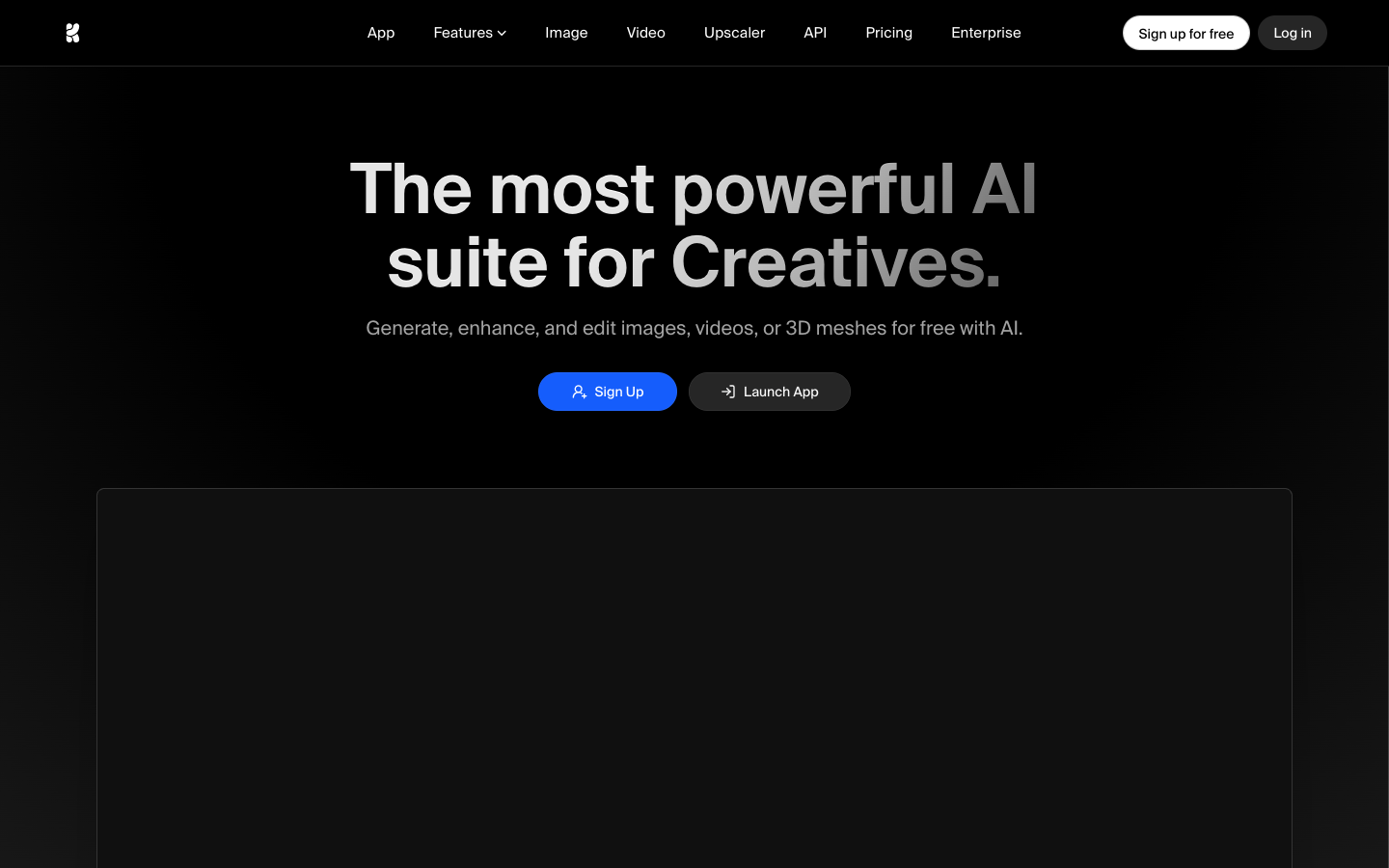
I saved Krea AI for last because it does something that genuinely blew my mind the first time I tried it: it generates images in real time as you draw. Not "you draw something and then click generate." I mean you're sketching with your mouse and the AI is simultaneously interpreting your rough shapes into a fully rendered image, updating live as you add strokes. What actually happened the first time I tried this was I sat there for 20 minutes just drawing circles and watching them become planets, faces, fruit, and abstract art.
What It Is
Krea AI is an AI image platform built around real-time generation. Its standout feature is a canvas where your rough sketches are interpreted and rendered by AI in real time. Beyond that, it offers AI upscaling, pattern generation, logo design, and standard text-to-image generation. The real-time canvas is the headline feature and the primary reason to try Krea.
What I Liked
- Real-time generation is genuinely magical. Drawing a rough shape and watching it transform into a detailed, rendered image in real time is one of the most impressive demos of AI technology I've experienced. It makes the creative process feel collaborative — like the AI is your drawing partner.
- AI upscaling is excellent. Krea's upscaler takes low-resolution images and enhances them with impressive detail preservation. I used it to upscale several older images and the results were consistently good.
- Pattern and texture generation is useful. For designers who need seamless patterns or textures, Krea's specialized generation modes produce genuinely usable output.
- Logo generation shows promise. It's not going to replace a brand designer, but for quick logo concepts and explorations, the results are a solid starting point.
- The free tier lets you experience the magic. You can try the real-time canvas without paying, which is the right call — it's the kind of feature that sells itself once you experience it.
What I Didn't Like
- Standard text-to-image generation is unremarkable. Outside the real-time canvas, Krea's prompt-to-image generation is average. The magic is in the interactive features.
- The real-time canvas is more toy than tool. As impressive as it is, I struggled to use the real-time canvas for serious production work. The output is compelling for exploration but hard to control precisely enough for specific design needs.
- Text rendering is weak. Text in Krea-generated images is unreliable, whether through the real-time canvas or standard generation.
- The platform feels early-stage. Some features feel like they're still in beta. The user experience has rough edges, and the product roadmap seems to be evolving rapidly.
- Output resolution from real-time generation is limited. The real-time canvas produces lower resolution output that you'll need to upscale for most practical uses.
Pricing
Free: Limited access to all features. Pro: Starting at $24/month (more generations, faster processing, higher resolution). The free tier is sufficient to evaluate whether Krea's unique approach fits your workflow.
Who It's Best For
Creative explorers, concept artists who want to rapidly visualize rough ideas, designers who need patterns and textures, and anyone who wants to experience the bleeding edge of interactive AI generation. If you're looking for a reliable production image generator, this isn't it — yet. But as a supplementary creative tool, it's unlike anything else available.
Verdict: The most innovative tool on this list. Not the most practical yet, but the real-time generation is a glimpse of where all AI image tools are headed. Try Krea AI
Final Thoughts: What I Actually Use Every Day
After six weeks, hundreds of dollars, and more AI-generated images than I can count, here's where I landed.
My daily driver is ChatGPT. It handles 70% of my image generation needs. The conversational workflow, excellent text rendering, and consistently high quality make it the obvious default choice. When I need a blog header, a social media graphic, a presentation image, or a quick concept visualization, I go to ChatGPT first.
When I need art, I use Midjourney. For images that need to evoke emotion, create atmosphere, or stand alone as visual pieces, Midjourney's aesthetic quality is still unmatched. Editorial features, book covers, and portfolio pieces get the Midjourney treatment.
For anything commercial with legal sensitivity, I use Adobe Firefly. The IP indemnification alone makes it the right choice for client work, advertising, and any use case where someone's lawyer might ask "where did that image come from?"
For technical projects, FLUX 2 is my API backbone. Any automated workflow, custom application, or high-volume generation pipeline runs on FLUX through their API. The quality-to-cost ratio at scale is unbeatable.
For quick, free explorations, I use Google ImageFX. When I just need to quickly see what something might look like, without logging into anything or burning credits, Google ImageFX is a click away.
The real insight from this entire experiment: The best AI image generator is the one that fits your specific workflow, budget, and quality requirements. Anyone who tells you there's a single "best" tool either hasn't tested them all or is trying to sell you something. The landscape is broader, more nuanced, and more competitive than ever — and that's great news for everyone creating visual content.
The tools are only getting better. What took me hours of prompt engineering two years ago now takes a single sentence. What cost hundreds per month now has free alternatives. And what was technically impossible twelve months ago — like reliable text rendering in AI images — is now table stakes.
My advice? Start with ChatGPT or Google ImageFX (depending on your budget), learn what's possible, then expand to specialized tools as your needs evolve. Don't try to learn them all at once. Pick one, get good at it, then branch out.
The AI image generation space moves fast. By the time you read this, there will probably be a new model or tool that changes the conversation again. But the fundamental question remains the same: what are you trying to create, and which tool gets you there with the least friction?
Answer that, and you've found your generator.