
If a client still uses a Custom GPT or Gemini Gem you sent them six months ago, that’s the first one I’d move. To them, it’s the tool you gave them to do their job. You want the replacement working before they need it again.
If you’ve been meaning to move it to Pickaxe, I don’t think there’s been a better time. Both formats are being retired, and our Black Friday sale makes it less expensive to get the replacement up and running.
What’s happening to your Custom GPT or Gemini Gem?
OpenAI is retiring Custom GPTs and offering a migration path to plugins. The standard retirement date is December 11, 2026. Some workspaces have a different deadline, so check the notice in the account where you built yours. OpenAI’s retirement FAQ
Google’s equivalent is called Gems. For adults using personal Google accounts, Gems became read-only on November 17 as Google moved them to Skills. They’ll be removed from Gemini Apps on December 17. Work and school accounts have later timelines. If your Gem relies on uploaded files, download them while you can still access the original. Google’s transition notice · Our guide to moving a Gem
Give your assistant a home under your own brand
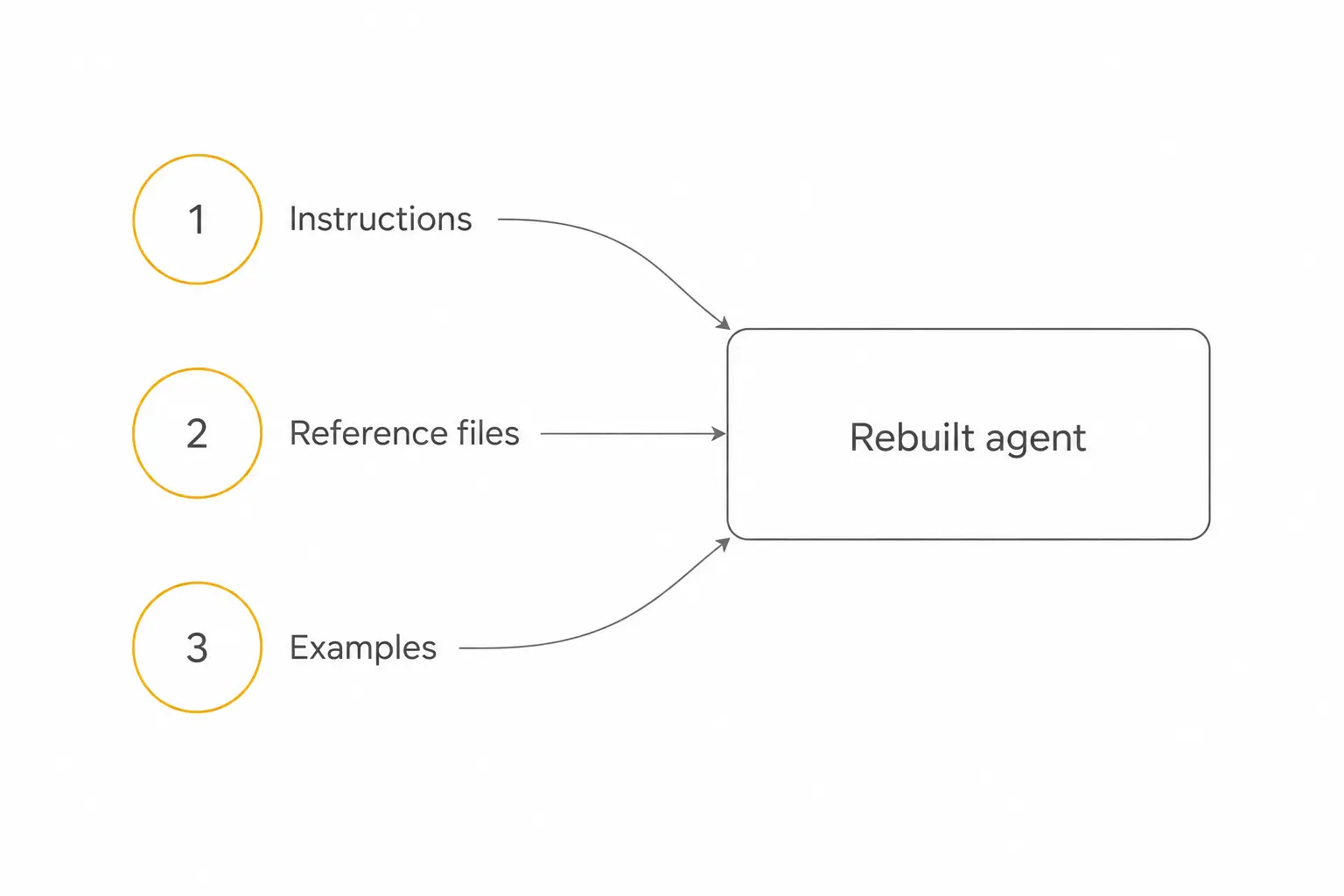
The part worth keeping is the work you put into the assistant. You figured out what it should ask, which material it should rely on, and what a good answer looks like. Bring that over first.
Say you built a proposal reviewer for an agency client. In Pickaxe, you can rebuild it with the same review criteria and example proposals, then give the client a branded portal with invite-only access.
If you’re building for a wider audience, you can sell access through the portal. You can still choose models from OpenAI or Google to power the agent. Pickaxe Portals · Monetization · Model catalog
How I’d move a Custom GPT or Gemini Gem
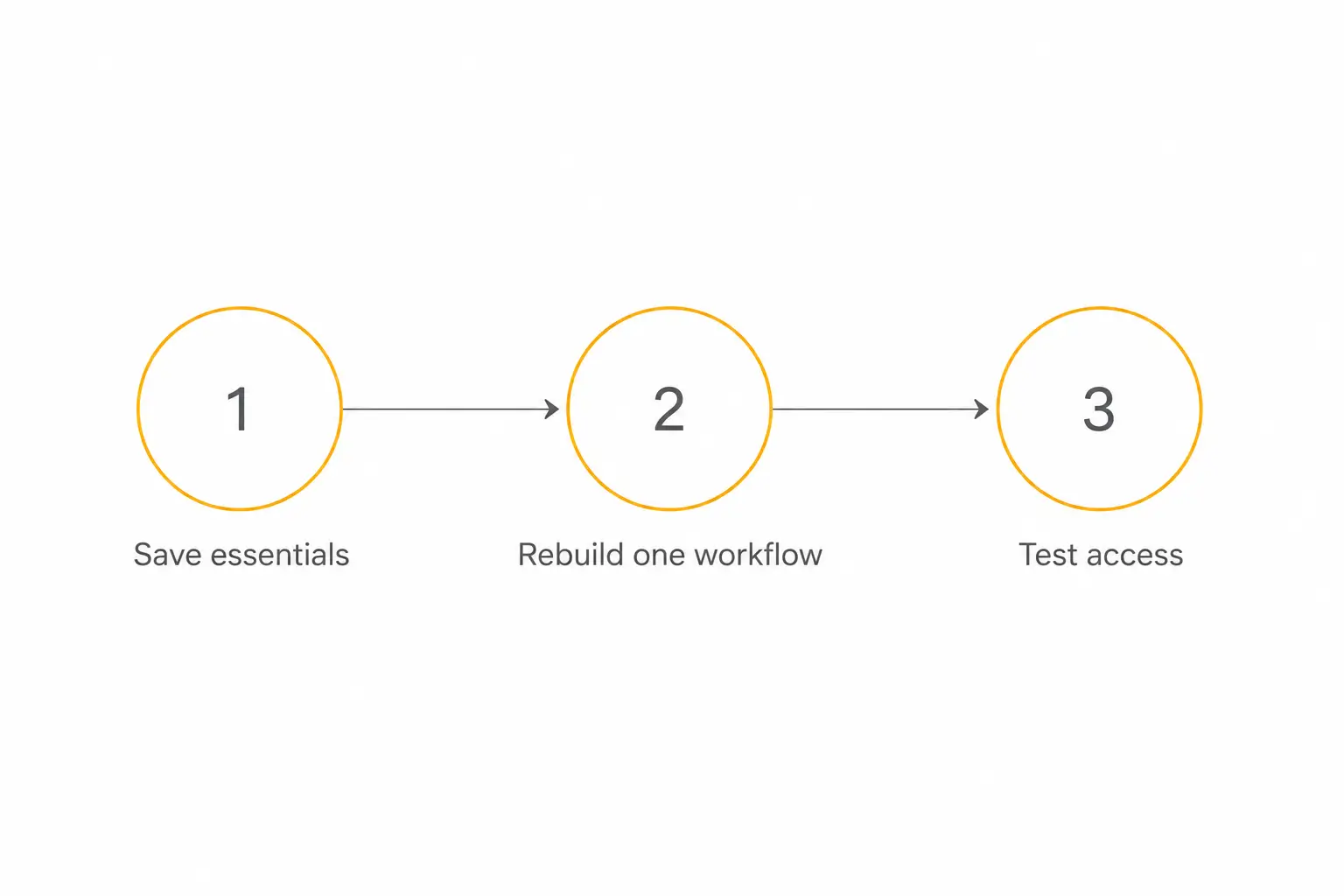
- Save the essentials. Copy your instructions and conversation starters. Download the reference files you’re authorized to reuse, and keep a few examples of answers that were good enough to send to a client.
- Rebuild one workflow. Add the instructions and files to a Pickaxe agent. If the old assistant called an external tool, reconnect it and test that step separately.
- Hand it to one real user. Ask them to open the new link and do the job they usually do. Check that they can get in, find what they need, and get a result they can use before you share the link more widely.
Our visual guide to rebuilding a Custom GPT
Black Friday pricing through November 27
For new subscriptions and eligible upgrades, Gold and Pro are 20% off the first three months on monthly billing, or 37% total savings with yearly billing. We’re also offering 20% off the first six months of Business through our team. The sale ends Friday, November 27 at 11:59 p.m. Pacific.
See Pickaxe’s Black Friday offers
If you have one assistant people count on, start there. Give those users a new link you’ve already tested before the old one stops working.