
An AI website builder can give you a convincing first draft while leaving the important decisions unresolved: who edits it, where enquiries go, what costs extra, and what happens when you leave.
I compared the current documentation for seven builders with those questions in mind. My starting recommendation is Wix for a service business with several operational needs, Squarespace for a straightforward owner-managed site, and Framer for a design-led marketing site.
Those are editorial recommendations based on documented capabilities, not results from a controlled build test. Below, I give you the same small handoff exercise I'd use to decide whether a particular builder fits your client.
How to choose an AI website builder
Start with the work the website has to do after launch. A consultant who changes a service description monthly needs a different system from a publisher adding articles daily or an agency managing many client accounts.
For this comparison, a website means public pages, navigation, content, forms, and possibly bookings or a store. If you need a bespoke application with its own database and business logic, our AI web app builder comparison covers that decision separately.
I would shortlist by five questions:
- Editing: Can the future owner change the site without rebuilding it or calling you?
- Business workflow: Does a form or booking reach the right system, with a visible failure path?
- Publishing: Can you review changes before exposing them to customers?
- Cost: What is the payable bill after adding the needed plan, people, domains, and services?
- Exit: Can you move content, working functionality, or only the domain?
Give the first question extra weight for client work. A beautiful website that its owner cannot maintain becomes an ongoing support arrangement, whether you priced one or not.
AI website builder comparison: seven useful starting points
The order below follows common business needs rather than a universal score. Pricing and product documentation were checked on October 7, 2026; regional offers, taxes, and checkout terms can change the bill.
On a phone, scroll the table sideways to compare every column.
| Builder | I'd shortlist it for | Budget shape | Question to resolve |
|---|---|---|---|
| Wix | A service business needing several connected features | Site plan; business features depend on tier | Which editor and paid features will the client use? |
| Squarespace | A brochure site, portfolio, or content site | Website subscription plus relevant services | What can the owner edit without assistance? |
| Framer | A design-led marketing site | Site plan, editor seats, AI credits, add-ons | How many people need design or content access? |
| Webflow | A structured content site with an agency maintaining it | Site plan and any required Workspace plan | Which functions survive a code export? |
| Hostinger | A cost-conscious site with a defined scope | Prepaid introductory term, renewal, AI allowance | Which builder mode and renewal rate apply? |
| Durable | A local service business prioritizing lead handling | Paid launch plan and AI credits | Are its booking and lead workflows a fit? |
| 10Web | A business that deliberately wants WordPress | Hosting/builder bundle, site and usage allowances | Who maintains the WordPress dependencies? |
These budget categories describe different meters. An editor seat, a hosting allowance, and an AI credit are not interchangeable units, so I would not rank value by dividing every headline price by the same number.
1. Wix: my starting shortlist for a service business
I'd start with Wix when a business wants its website, bookings, and selling tools close together. That is a workflow preference, not a claim that every business needs all of those features.

The current product name matters. Wix documents Harmony and its Aria assistant as a newer editor that creates a site from a description and lets you continue editing it.
That makes the interesting question what happens after generation. Ask for an ordinary revision, then check whether you can make the same change visually and understand which pages it affects.
I would use a fictional home-services business as the trial brief: separate service pages, a service-area explanation, an enquiry form, and a booking path. Have the owner change an opening hour and confirm that the site still communicates the right availability.
Pricing qualification: Wix's plan page says prices vary by location and that its displayed yearly rates are paid in full. Light and Core have different feature sets; check the needed payment and scheduling features against the actual checkout.
The fetched page mixed regional tax wording with reference currency information, so I am not treating its number as a verified US quote. Preserve the chosen currency, billing address, term, and feature list when preparing a client estimate.
The tradeoff: a Wix site depends on Wix hosting. Its export documentation distinguishes ownership of your content from the ability to operate the site on another host.
That can be a reasonable trade for less infrastructure work. It should still be an explicit decision in the handoff document, alongside who owns the account, the domain, and billing.
2. Squarespace: a practical shortlist for owner-managed content
I'd shortlist Squarespace for a consultant, photographer, or small firm that needs public pages and an editing routine the owner can learn. My preference here is a coherent content workflow over maximum layout flexibility.

Blueprint AI uses the business description to create a personalized starting site. The vendor describes design assistance; that does not establish that the generated copy is accurate or that the site will convert visitors.
Before polishing colors, replace generic service language with the client's actual offer. A page that says “tailored solutions” is less useful than a page identifying the buyer, the problem, the deliverable, and how to get started.
I would ask the future owner to add a project, update a paragraph, and publish an article. Watch where they hesitate, then decide whether the fix is a short training session or a different platform.
Pricing: the current pricing page shows Basic at $19 per month on annual billing or $25 monthly, and Core at $29 on annual billing or $39 monthly. These are the displayed dollar amounts, before treating the client's checkout as final.
The same page separates website subscription costs from payment processing and plan-specific transaction fees. If the site sells anything, use the selected plan's complete fee schedule rather than assuming the website subscription covers every charge.
For an appointment business, I would also ask which scheduling product the client is buying and whether its subscription appears separately. Keep the site bill and connected-service bills visible in the estimate.
The exit boundary: Squarespace can export certain content to XML, but its export guide excludes style settings and several content types. That is a content migration path, not a portable copy of the finished design.
3. Framer: my shortlist when design is the main job
I'd choose a Framer trial for a marketing site where layout, typography, and responsive design are central to the brief. The right owner is someone willing to manage a design tool or pay for ongoing design help.
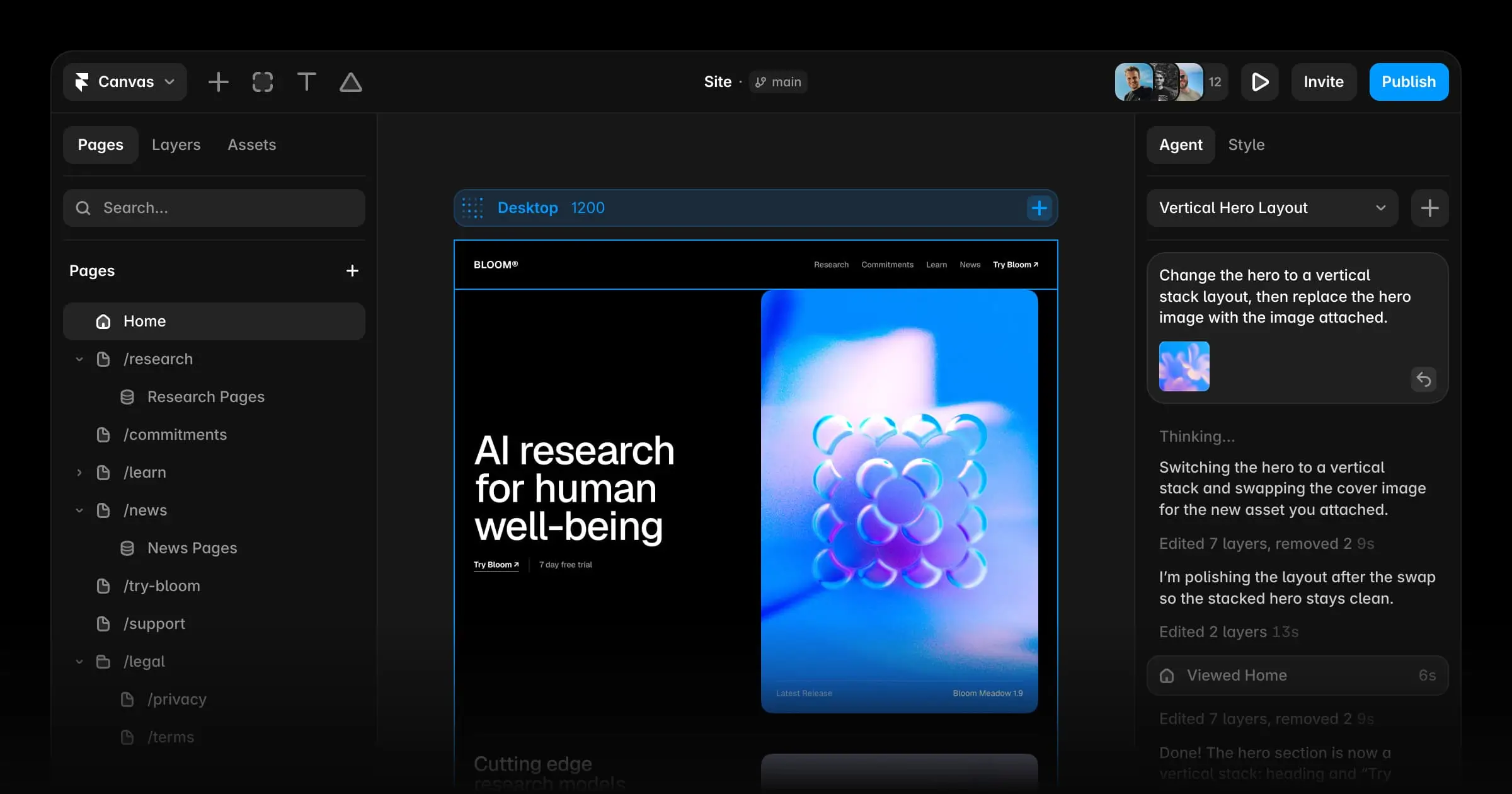
Framer's current AI page describes an agent that creates editable pages, sections, copy, and visuals inside a project. You can continue through conversation or take over on the canvas.
I would compare those two revision paths using a deliberately unglamorous task: add a long service title, then make the mobile version readable. The result matters more than whether the initial generated hero looks impressive.
A good agency handoff should distinguish people who edit content from people who change the design. Those jobs have different training needs and, on this platform, potentially different seat costs.
Pricing: Framer's yearly pricing view shows Basic at $10 per month and Pro at $30. It lists additional design editors at $20 per month and content editors at $10, with viewers free.
The same pricing page lists 1,000 monthly AI credits for Basic and 3,000 for Pro, shared across the workspace. Credit consumption is a separate question from traffic and editor seats; do not promise unlimited AI revision work from a site price.
For a client who just approves changes, viewer access may be sufficient. For a client who updates articles, check the content editing workflow before purchasing broader design access.
The tradeoff: Framer's self-hosting documentation says it does not provide HTML export. Make hosted-platform dependence part of the choice rather than discovering it during an exit.
I would not make Framer my automatic recommendation for a business with complex operational requirements. Write those requirements down and prove the relevant integrations before committing to the design workflow.
4. Webflow: a stronger fit for structured content and agency maintenance
I'd shortlist Webflow when a site needs structured content and someone competent will keep maintaining its design system. It makes more sense when the content model is deliberate than when every page is assembled independently.
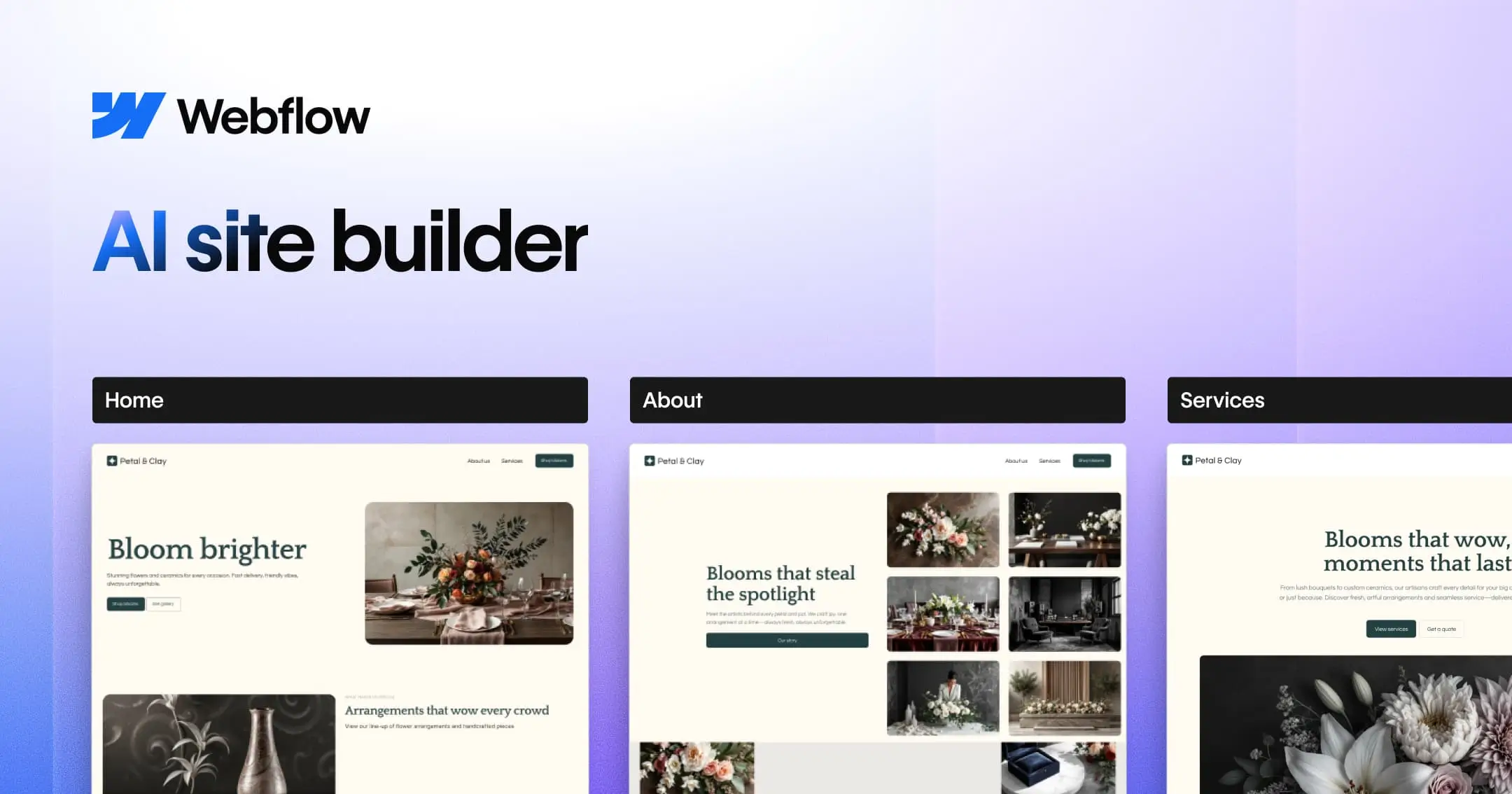
The AI site builder creates a draft and foundational design system, with site-wide styling controls. That is useful for an agency trying to keep new pages consistent with existing ones.
I would define the repeatable content before generating: services, team members, projects, articles, or locations. Then ask whether each belongs in a collection and how a non-designer would update it.
Pricing: the current Site plan page shows Basic at $15 per month billed yearly for sites without a CMS and Premium at $25 billed yearly with a CMS. Workspace capabilities and extras are separate decisions.
Do not accidentally quote Basic for a client whose central requirement is structured publishing. Equally, do not buy an agency Workspace simply because you assume every site requires a paid one.
Export is qualified: Webflow's code export guide says export requires a paid Workspace plan. CMS functionality, ecommerce, site search, form processing, and other hosted features are not included as working equivalents.
For a static brochure site, code export may meet the exit requirement. For a content-heavy business, moving the files still leaves a content system and workflows to replace.
Webflow separately explains how to connect exported forms to a third-party service. Budget that replacement work if portability is part of what you sell.
I would keep Webflow on the shortlist for agencies that can own those decisions. For a client expecting a nearly training-free experience, make editing part of the trial rather than assuming the designer's comfort transfers to them.
Give visitors a useful next conversation
Build a Pickaxe agent around reviewed business knowledge, then test it on your chosen website.
5. Hostinger: shortlist it when scope and prepaid cost are clear
I'd consider Hostinger for a budget-conscious business that can define what its site needs. The important budget question is the upfront commitment and renewal, rather than the smallest monthly number on the page.
The current AI builder offering supports describing a site, refining it, and publishing with hosting. The documentation also distinguishes builder modes, so establish which workflow the client is actually using.
Pricing example: the website-builder pricing page advertises Premium at $2.99 per month for a 48-month purchase totaling $143.52, renewing at $10.99 per month. That is a prepaid promotion, not a cancel-any-month $2.99 subscription.
The same captured offer shows Unlimited at $3.99 per month for 48 months, totaling $191.52, renewing at $16.99. It lists ecommerce and a one-time gift of 15 AI credits on that offer, rather than an ongoing monthly allowance of that size.
Those are captured dollar offers, not a guarantee for every region or purchase date. Domain and mailbox benefits shown as free for the first year should not disappear from the later-year budget.
Migration qualification: Hostinger's manual-mode export guide supports certain content transfers to WordPress. It excludes layout, styles, forms, store content, collected submissions, and SEO settings.
I would test the exact mode and paid tier needed for the project before promising either custom behavior or portability. A limited content export can still be useful, but it does not eliminate a future rebuild.
6. Durable: a shortlist for a local business's lead workflow
I'd consider Durable when getting a service business online and handling enquiries is the central job. I would spend the trial checking the lead path before exploring additional AI content features.

Its website-builder page positions the product around a quick business-site start. Generation speed is a vendor claim; it does not establish that an accurate, reviewed business website is ready in that time.
The pricing page describes Launch with a website, CRM, bookings, custom forms, and 1,000 monthly AI credits. That bundle is interesting when the client wants a single place to manage a simple enquiry workflow.
I would test a form submission, its notification, the destination record, and what happens when someone changes their appointment. A record appearing somewhere in the platform is not enough if the staff member responsible never sees it.
Pricing limitation: the captured pricing page showed Launch at $25 per month in one section and $22 in its comparison table, with monthly and yearly controls. I could not establish one consistent payable quote from that rendering, so confirm the selected term at checkout.
The same FAQ says you can transfer a site by changing account and billing settings. That is an ownership handoff within Durable, which should not be confused with a verified export to another hosting platform.
For an ordinary local-service site, that may be enough. If ecommerce or intricate custom functionality is essential, ask for a demonstration of your specific workflow; the vendor itself says ecommerce is not the platform's primary design focus.
7. 10Web: choose it because you want WordPress
I'd shortlist 10Web when WordPress is an intentional requirement, with a named person responsible for maintaining it. Familiarity with the WordPress ecosystem can be useful, but it does not make maintenance disappear.
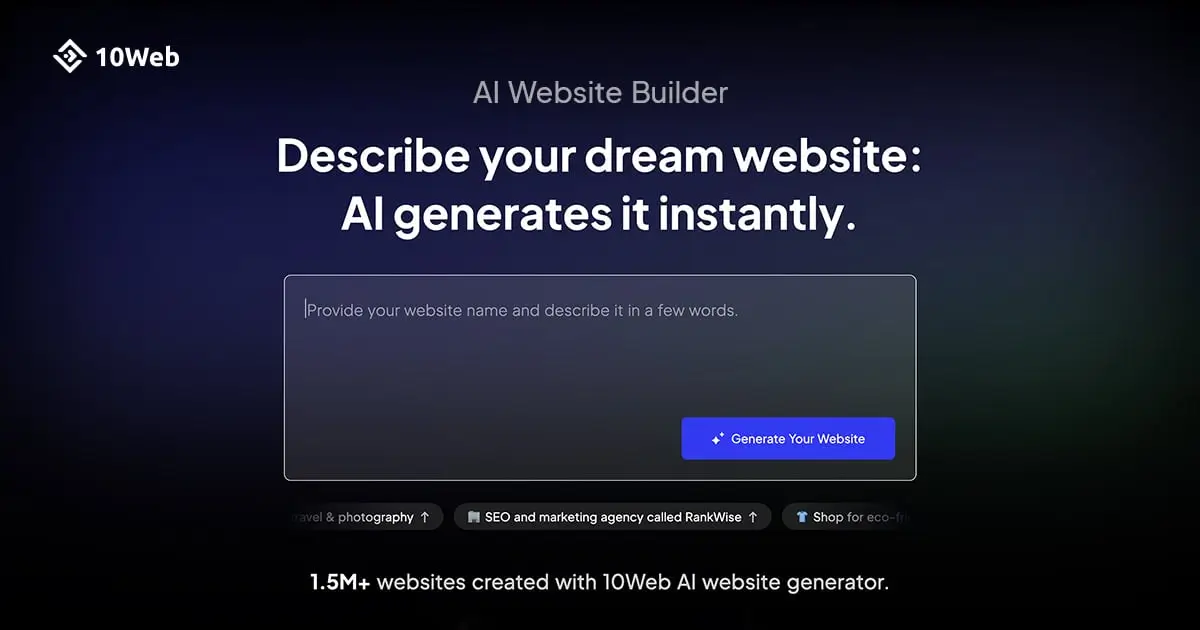
The AI builder generates WordPress sites and supports conversational and visual customization. Its help material describes a builder based on Elementor, which means the editing dependencies belong in the handoff inventory.
Pricing: the current annual offer shows AI Starter at $10 per month, $120 for 12 months, for one website with 100 monthly AI credits. It also shows visit and storage allowances; that is not an unlimited hosting commitment.
The page labels the offer as a discount and shows a regular annual amount, but I would confirm renewal terms rather than assume the introductory effective rate continues. Document the actual selected package and any additional site charges.
Portability: 10Web's backup and code-access guide describes full backups and access to site files. A WordPress backup contains a different set of dependencies from a standalone static HTML export.
I would prove a restore on a test destination if moving hosts is a contractual requirement. Check themes, builder plugins, licenses, forms, and content before promising that the backup preserves the complete working experience.
My recommendation is strongest when the client already needs WordPress content and plugins. If nobody wants to own updates and recovery, a managed visual platform may be the more comfortable arrangement.
Separate account handoff from a portable exit
“You own the website” is too vague for a proposal. Write separately who owns the domain, account, content, licenses, data, and the right to operate the result elsewhere.
The documentation above exposes several different outcomes: a Wix or Framer site staying on its platform, a limited Squarespace content export, Webflow files with hosted functions to replace, and a WordPress backup with dependencies to retain.
A domain moving does not prove the site moved. A file download does not prove the booking flow works.
A successful restore does not prove every paid plugin remains licensed.
I would add an exit appendix to the handoff: exports available, exclusions, expected replacement work, who performs it, and where the verified backup lives. Have the client accept the tradeoff before launch.
Price the working site, including the second year
Use a budget worksheet with separate rows for the website plan, domain renewal, editor seats, AI credits, email, scheduling, form services, transaction fees, and your maintenance work. Mark each as included, separately billed, or unresolved.
For annual subscriptions, show the upfront total alongside the effective monthly amount. For a multiyear promotion, show both the full commitment and the renewal rate instead of making it look comparable to monthly billing.
Hypothetical arithmetic: a $20 monthly site subscription plus $10 for an editor and $15 for a connected service creates a $45 monthly recurring bill before taxes and your support. Those are invented worksheet values, not a quote for any builder.
Then ask what happens when the owner wants another language, another editor, or more AI revisions. Those change requests often expose the real meter behind the attractive starting plan.
Write the brief before generating the pages
A useful brief identifies the audience, offer, evidence, primary action, and maintenance owner. Give the builder reviewed facts and explicitly forbid invented testimonials, certifications, office locations, and prices.
For a fictional bookkeeping firm, I'd specify Home, Services, About, Articles, and Contact. The primary action is an enquiry, with a separate explanation of who replies and which details the form should collect.
Define reusable content fields, too: service name, eligible buyer, deliverable, exclusions, and next step. Structured inputs make later revisions easier than regenerating persuasive prose from a vague business description.
Ask for a draft, then review claims before layout. If the model invents a credential or guarantee, remove it from every page and inspect related copy rather than correcting only the visible headline.
Run a proposed handoff test before buying a long term
This is a proposed acceptance exercise, not a test I ran across these seven platforms. Give the same reviewed brief to your two shortlisted builders and record what the future owner can complete independently.
- Change a service description without altering another service.
- Add an article with its title, URL, image description, and preview text.
- Check navigation and the main call to action on a narrow phone screen.
- Submit a synthetic enquiry and verify the expected destination and notification.
- Correct a mistake and prove the intended version is live.
- Invite the owner with suitable access and document the export boundary.
Record assistance needed, unresolved failures, and the exact paid capabilities used. Do not turn a subjective preference into a decimal score that looks more scientific than the exercise warrants.
A builder passes when the important tasks work and the owner understands their ongoing responsibilities. A failed form or an unaffordable plan change deserves more attention than an attractive animation.
Add visitor-facing AI when there is a useful job for it
The AI that helps you build the website has a different role from an agent helping a customer on that website. Start the customer agent with a concrete job, such as explaining services or gathering reviewed intake fields.
With Pickaxe, I'd build that agent around approved Knowledge Base material and only the Actions needed for its task. Our website embed guide explains the deployment choices; confirm that your chosen builder and tier support the required code.
Test what happens when the visitor asks for an unavailable service, changes a detail, or requests a promise the business cannot make. Our AI agent evaluation guide shows how to preserve those cases and check destination records when an Action writes data.
If the business needs several member-only tools, a branded client portal may be a better home for them than a public homepage. Keep the public website focused on the decision a new visitor is making.
A chat answer also should not replace your authoritative public service pages. Our answer engine optimization guide explains why a conversation and an indexable source are different surfaces.
Frequently asked questions
Which AI website builder is best for beginners?
I'd compare Wix and Squarespace first for a conventional business site, then let the future owner's editing exercise decide. “Beginner” describes the operator; the required workflow still determines which platform fits.
Can an AI-generated website rank in search?
Generation alone cannot establish that outcome. Review page usefulness, accurate claims, crawlability, titles, URLs, and the actual published experience; an SEO feature label is not proof of rankings.
Can I move the website later?
That depends on which part you mean. Preserve the specific export documentation and distinguish content migration, account transfer, static files, and a functioning system on a new host.
Should an agency promise unlimited revisions?
I would define a revision allowance and a maintenance scope. AI usage, new pages, additional integrations, and substantial design changes can create costs and work beyond the initial website package.
Choose the builder you can support after launch
I would shortlist by business workflow, run the owner handoff exercise, and quote the complete bill. Then make the hosting and exit decisions explicit before the client signs off.
If a useful customer conversation belongs on that site, Pickaxe gives you a way to build and deploy the agent separately. Review the available Pickaxe plans and start with one bounded job the business can verify.