
I've been obsessed with AI app builders for the past year. What started as curiosity turned into a genuine problem — there are now so many of these platforms that choosing one feels like picking a streaming service. Except the wrong choice costs you weeks of work, not just a bad movie night.
Here's what makes 2026 different: AI app builders aren't just for prototypes anymore. People are shipping real products, running real businesses, and making real money with tools that didn't exist 18 months ago.
The numbers back this up. Gartner projects that 75% of all new applications will be built using low-code or no-code technologies by 2026. And according to GitHub's research, 60% of all new code written globally is now AI-generated.
The term "vibe coding" has gone mainstream — Greg Isenberg noted that tools like Replit, Bolt, and Lovable have "transformed 8-week development cycles into 2-day sprints." Companies are even hiring professional vibe coders — non-technical people who are in the top 1% at using these tools.
But not all AI app builders are the same. Some generate full-stack web apps from a prompt. Others are visual drag-and-drop builders with AI bolted on. Some focus on mobile, others on internal tools, and a few specialize in building AI-powered agents rather than traditional apps. Our AI web app builder comparison focuses on which products give you code and ownership.
I looked into 14 platforms across every category to figure out which ones are actually worth your time — and your money.
Quick Comparison: Top AI App Builders at a Glance
Before we dive deep, here's the overview so you can see everything in one place.
| Platform | Best For | Starting Price | AI Approach | Code Export |
|---|---|---|---|---|
| Lovable | Full-stack apps from prompts | Free / $25/mo | Prompt-to-app | Yes (GitHub sync) |
| Bolt.new | Fast frontend prototyping | Free / $25/mo | Prompt-to-app | Yes (StackBlitz) |
| V0 by Vercel | React/Next.js developers | Free / $20/mo | Prompt-to-component | Yes (Vercel deploy) |
| Replit | Learning + rapid MVPs | Free / $17/mo | AI Agent | Yes (full IDE) |
| Cursor | Professional developers | Free / $20/mo | AI-native IDE | Yes (local code) |
| Bubble | Complex web applications | Free / $32/mo | Visual + AI assist | No |
| Pickaxe | AI agents you can sell | Free / $19/mo | No-code agent builder | API access |
| Base44 | Lightweight business apps | Free / $20/mo | Prompt-to-app | No |
| Adalo | Native mobile apps | Free / $36/mo | Visual + AI assist | No (native compile) |
| FlutterFlow | Cross-platform w/ code access | Free / $30/mo | Visual + AI assist | Yes (Flutter export) |
| Glide | Spreadsheet-powered apps | Free / $60/mo | Data-first + AI | No |
| Softr | Airtable-based portals | Free / $49/mo | Visual + AI assist | No |
| MindStudio | AI agent workflows | Free / $20/mo | Visual workflow builder | API access |
| Airtable | Database-first apps | Free / $20/mo | Conversational AI (Omni) | No |
Now let's get into what each one actually does well — and where they fall short.
1. Lovable — Best Overall AI App Builder
Lovable is the platform that keeps coming up in every conversation about AI app builders in 2026. And honestly, it deserves the attention.
The pitch is simple: describe what you want, get a working full-stack application. Frontend, backend, authentication, database — the whole thing. And it genuinely delivers on that promise more often than not.
What sets Lovable apart is the Supabase integration. Where other prompt-to-app tools give you a pretty frontend with a hollow backend, Lovable generates real database schemas, authentication flows, and API endpoints. You can go from an idea to a deployed app with user login in under five minutes.
The GitHub sync is a nice touch too. Every change gets committed to a repo you own, so you're never locked in. If Lovable disappears tomorrow, you've got your code.
Pricing: Free tier available. Pro starts at $25/month with more tokens for AI generation.
Best for: Non-technical founders who need a working MVP fast, and technical folks who want to skip boilerplate.
The catch: Complex custom logic can require a lot of back-and-forth prompting. And like all prompt-to-app tools, the output quality depends heavily on how well you describe what you want.
2. Bolt.new — Best for Speed and Simplicity
Bolt.new by StackBlitz is the tool I reach for when I need something built fast and don't want to think too hard about architecture.
Everything runs in your browser thanks to WebContainers technology. No local setup, no environment configuration, no "works on my machine" problems. You type a prompt, and Bolt generates, runs, and previews the app right there in your browser tab.
The recent Figma import feature is a game-changer. You can drop a Figma design directly into chat and Bolt will build it out — not pixel-perfect every time, but close enough that the remaining work is tweaking rather than rebuilding.
Bolt also upgraded to Claude Opus 4.6 for its AI backbone, and it shows. The code quality has noticeably improved compared to earlier versions.
Pricing: Free tier with 1M tokens/month (300K daily limit). Pro at $25/month with 10M tokens. Teams at $30/user/month.
Best for: Rapid prototyping, frontend-heavy projects, and designers who want to go from Figma to functional code.
The catch: The token system means larger projects get expensive fast. Bolt syncs your entire codebase to the AI with each message, so bigger projects burn tokens quicker.
3. V0 by Vercel — Best for React Developers
V0 started as a UI component generator and has evolved into something much more ambitious. It now functions as a full-stack application builder with agentic capabilities, but its real superpower is still the frontend.
If you're in the React/Next.js ecosystem, V0 produces the best-looking UI of any AI builder, period. The output uses Tailwind CSS and the shadcn/ui component library, which means it looks polished out of the box and is easy to customize.
The new Git panel lets you create branches and pull requests directly from chat, which makes V0 feel less like a toy and more like a development tool. And the one-click Vercel deployment is obviously seamless — they own the whole stack.
Pricing: Free with $5 in credits. Premium at $20/month. Team at $30/user/month. Token-based billing since February 2026.
Best for: React developers who ship on Vercel and want the highest-quality frontend output.
The catch: V0 is frontend-first. If you need a complete application with backend logic, database management, and user authentication, you'll need to pair V0 with other tools. The token-based pricing also makes costs hard to predict.
4. Replit — Best for Beginners and Education

Replit has transformed from a browser-based coding playground into one of the most powerful AI app builders available. The star of the show is Agent 3 (with Agent 4 on the horizon).
What makes Replit's agent special is its autonomy. It can work independently for up to 200 minutes per session, test its own code, fix bugs it finds, and even spawn subagents for specialized tasks. It's the closest thing to "describe it and walk away" that actually works.
As Andrew Ng pointed out, Replit's approach to vibe coding is accessible enough that it's being used in educational courses. And Ben Tossell ranked Replit as the best overall vibe coding tool — not just for beginners, but for anyone who wants to move fast.
The platform supports 50+ programming languages and includes real-time multiplayer coding, which makes it genuinely useful for teams.
Pricing: Free starter tier. Core at $17/month with full Agent access. Pro at $100/month for teams of up to 15.
Best for: People learning to code with AI assistance, solo builders who want a complete cloud development environment, and rapid MVP validation.
The catch: The effort-based credit system makes costs unpredictable. Subscription pricing can mask 3-5x cost multipliers when you're leaning heavily on AI Agent features. And Agent 3 sometimes needs manual intervention on edge cases.
5. Cursor — Best for Professional Developers

Cursor isn't exactly a "no-code app builder" — it's an AI-native code editor that makes professional developers dramatically faster. But it belongs on this list because it's reshaping how apps get built.
The numbers speak for themselves. Cursor hit $2 billion in annualized revenue in February 2026, doubling in just three months. Over 1 million paying customers. It's the fastest-growing SaaS product in history.
As a VS Code fork, Cursor feels immediately familiar. But the AI integration goes deep — codebase-aware autocomplete, multi-file editing, background agents, and the ability to switch between Claude, GPT, and Gemini depending on the task.
Agent Mode is where things get interesting. It compresses routine work from hours to minutes and can handle complex multi-step coding tasks that would be painful to prompt one-at-a-time in other tools.
Pricing: Free tier with 2,000 completions. Pro at $20/month with 500 premium requests. Business at $40/seat/month.
Best for: Professional developers who want to 3-5x their coding speed without changing their workflow. Particularly strong for complex applications where prompt-to-app tools fall short.
The catch: You need to know how to code. This isn't a no-code tool — it's an accelerator for people who already build software. And it locks you into the VS Code ecosystem.
Build AI-powered apps without code
Pickaxe lets you create custom AI agents with knowledge bases, actions, and embeddable deployment options.
6. Bubble — Best for Complex Web Applications
Bubble is the OG of no-code web app builders, and it's earned that position. With 5,300+ plugins and the most sophisticated visual logic builder in the no-code space, Bubble can handle applications that would make other platforms buckle.
Internal tools, SaaS products, marketplaces, CRM systems — Bubble handles them all. The platform has been adding AI features to its builder, but the real value is the depth of customization you get through visual programming.
The plugin ecosystem is massive and mature. If there's an integration you need — payment processing, mapping, analytics, communication — chances are someone's built a Bubble plugin for it.
Pricing: Free tier for building. Starter at $32/month for deployment. Growth at $134/month. Team at $398/month.
Best for: Complex web applications that need sophisticated backend logic, custom workflows, and extensive third-party integrations.
The catch: The learning curve is steep. Bubble is powerful but not intuitive — expect a meaningful investment in learning the platform before you're productive. There's no code export either, so you're locked into Bubble's ecosystem. And mobile app wrapping is risky — Apple has been known to reject wrapper apps from AI-coded platforms, making web-only Bubble's safest path.
7. Pickaxe — Best for Building AI Agents You Can Sell
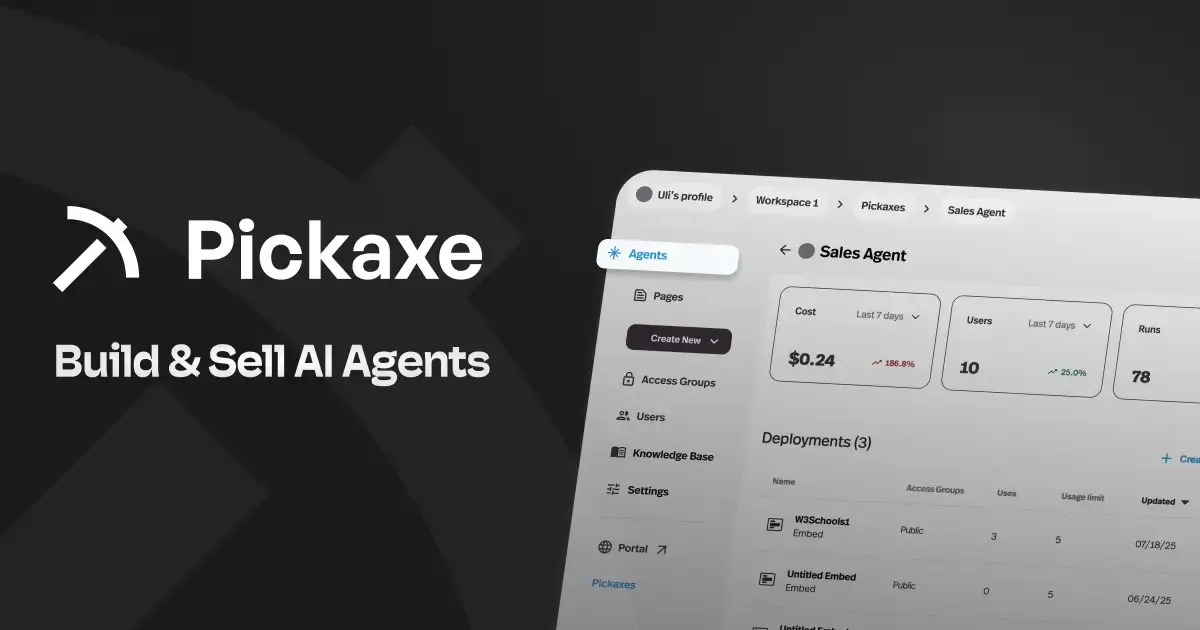
Pickaxe is a different kind of app builder. While most platforms on this list help you build traditional web or mobile apps, Pickaxe is specifically designed for building, deploying, and monetizing AI agents — no code required.
Think of it as Shopify for agent-powered businesses. You build AI agents using a visual builder, train them on your documents and data through the Knowledge Base, connect them to external tools via Actions, and then package everything into branded Portals where clients can access and pay for your agents.
What stood out to me is the monetization stack. Pickaxe is the only platform I've seen that lets you go from "I have an idea for an AI tool" to "people are paying me monthly for it" entirely within one platform. Subscriptions, pay-per-usage, one-time payments — it's all built in with Stripe integration.
The platform is also model-agnostic. You can switch between GPT-4o, Claude, Gemini, and others without rebuilding anything. If you're building AI tools for clients — like the agencies in our AI agent agency playbook — this flexibility matters.
The newer OpenClaw engine takes things further with isolated sandboxed environments, web browsing, code execution, and PDF creation per user session. It's still in beta, but the direction is ambitious. We put the OpenClaw and Hermes approaches side by side for anything you intend to hand to a client.
Deployment options are also impressive: Portals, standalone Pages, website embeds, WhatsApp bots, Slack bots, email bots, and API access. Plus integrations with Make, Zapier, and n8n for automation workflows.
Pricing: Free tier to start building. Gold at $19/month (annual). Pro at $49/month (annual) with API access and unlimited studios. SOC2, GDPR, and CCPA compliant.
Best for: Consultants, agencies, and creators who want to white-label AI tools for clients and build recurring revenue from AI agents. Also great for anyone who wants to build client-facing AI agents like onboarding assistants without touching code.
The catch: Pickaxe is specifically for AI-powered applications. If you need to build a traditional web app, e-commerce store, or native mobile app, look at the other tools on this list.
8. Base44 — Best for Quick Lightweight Apps
Base44 is the easiest AI app builder I've come across. It takes plain-language prompts and generates complete apps — UI, database, authentication, and hosting — all in one shot.
Where Base44 excels is the Builder Chat. You can modify your app through natural conversation — adjust page layouts, rename fields, change logic — without ever touching a visual editor or code. It feels less like using a tool and more like collaborating with someone who builds apps.
The platform supports multiple AI models including Claude, Gemini, and GPT variants, and recently added mobile deployment capabilities for both the App Store and Google Play.
Pricing: Free tier. Starter at $20/month. Builder at $50/month. Pro at $100/month. Uses a dual-credit system for building and running apps.
Best for: Small business owners and teams who need lightweight internal tools or customer-facing apps without any learning curve.
The catch: The dual-credit system (message credits for building, integration credits for running) can be confusing. And for complex applications with sophisticated logic, you'll likely outgrow Base44 quickly.
9. Adalo — Best for Native Mobile Apps
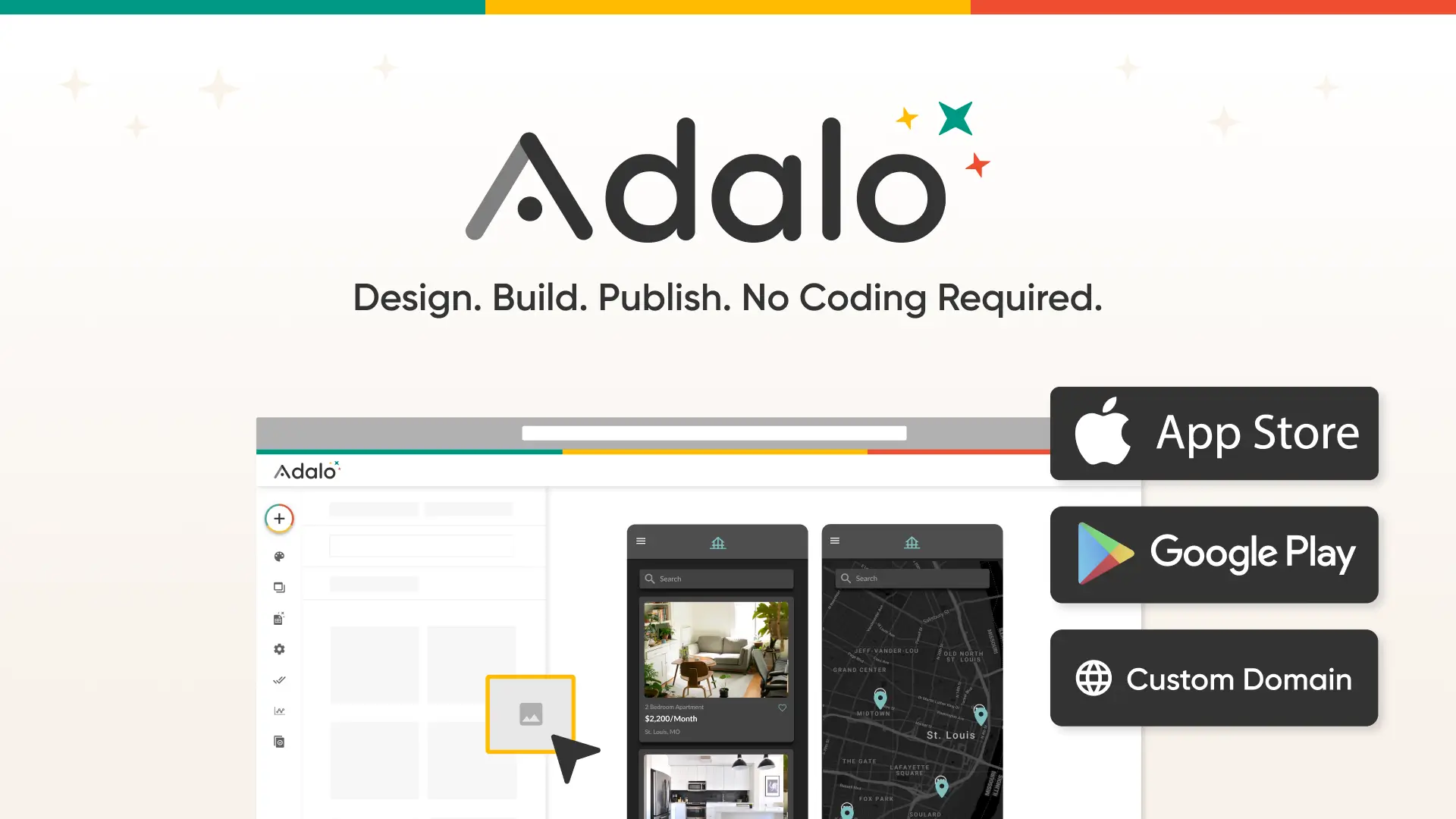
If you specifically need a native mobile app on iOS and Android, Adalo is the standout choice. Most AI app builders create web apps that you can access on mobile through a browser, but Adalo compiles actual native apps you can submit to the App Store and Google Play.
This distinction matters more than you might think. In March 2026, Apple blocked several AI-coded app builders from the App Store over concerns about how AI-generated apps are architecturally constructed. Adalo's pre-AI no-code foundation means it already solved this problem.
The platform ranked #1 among visual no-code app builders in independent scoring by App Builder Guides, particularly for native mobile output, AI-powered building, and pricing predictability.
Pricing: Free tier for building and previewing. Paid plans start at $36/month for publishing — no overage charges, which is a nice break from the credit-based pricing most platforms use.
Best for: Anyone who needs a real native mobile app on both platforms without hiring a development team.
The catch: Adalo is focused on mobile. If you need a sophisticated web application with complex backend logic, Bubble or Lovable are better choices.
10. FlutterFlow — Best for Cross-Platform with Code Access
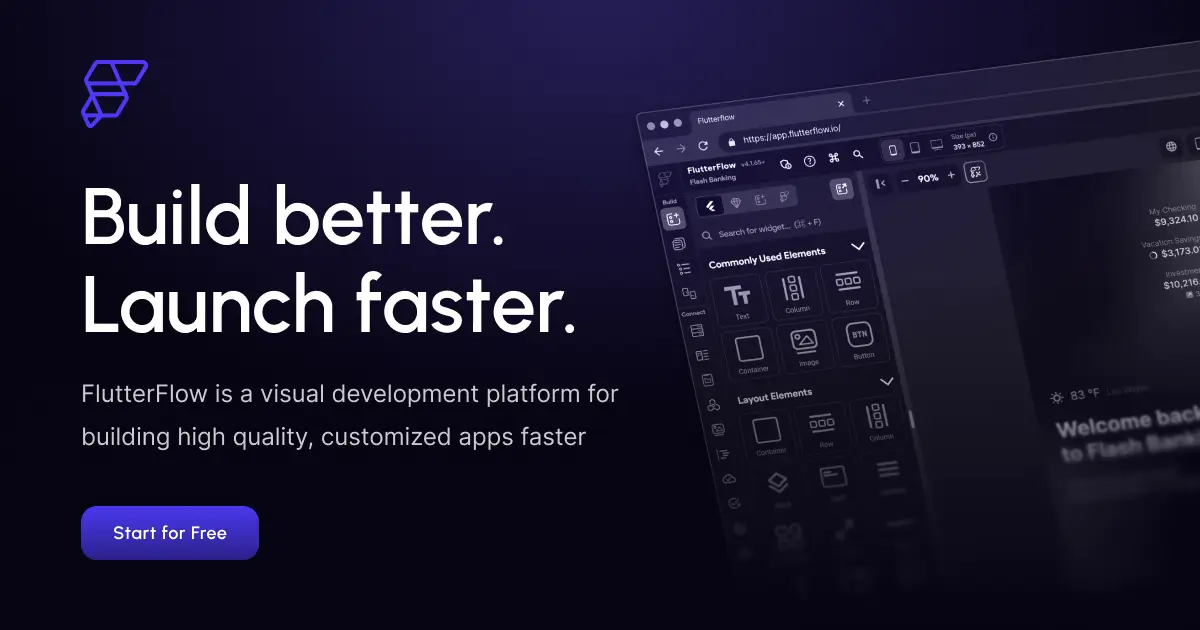
FlutterFlow occupies an interesting middle ground. It's a visual drag-and-drop builder that outputs real Flutter code, giving you the speed of no-code with the flexibility of actual source code you can export and modify.
Built on Google's Flutter framework, FlutterFlow apps run natively on iOS, Android, web, and desktop from a single codebase. The visual builder handles layouts, navigation, and common patterns, while still letting you drop down to custom Flutter code when needed.
The full code export is what sets FlutterFlow apart from other visual builders. If you outgrow the platform or need custom functionality beyond what the visual editor supports, you can export your entire project and continue development in a standard Flutter IDE.
Pricing: Free tier. Standard at $30/month. Pro at $70/month. Teams at $80/seat/month. No database included — you'll need Firebase, Supabase, or your own backend.
Best for: Developer-adjacent teams who want a visual builder but also need code ownership and cross-platform deployment from a single codebase.
The catch: Steep learning curve compared to pure no-code tools. You don't need to write code, but understanding how Flutter works helps a lot. And at $80/seat/month for teams without a database, costs add up fast.
11. Glide — Best for Spreadsheet-Powered Apps

Glide takes your existing data and turns it into a working app. Connect a Google Sheet, Airtable base, Excel file, or SQL database, and Glide generates a responsive application around it.
This approach is brilliant for teams that already live in spreadsheets. Your spreadsheet becomes your database, and Glide becomes your frontend. Changes to the spreadsheet update the app, and changes in the app update the spreadsheet.
Glide has been adding AI features — computed columns, smart categorization, natural language queries against your data — that make it more than just a "spreadsheet wrapper." It's becoming a lightweight AI-powered business tool builder.
Pricing: Free tier with unlimited drafts. Business at $249/month for unlimited apps, 30 users, and 5,000 monthly updates.
Best for: Teams that need to build internal tools, inventory trackers, CRMs, or project management apps from existing spreadsheet data.
The catch: The jump from free to $249/month is steep. Glide is designed for business teams, not individual builders. And the apps are limited to what the spreadsheet paradigm supports — complex multi-step workflows can get awkward.
12. Softr — Best for Airtable Users
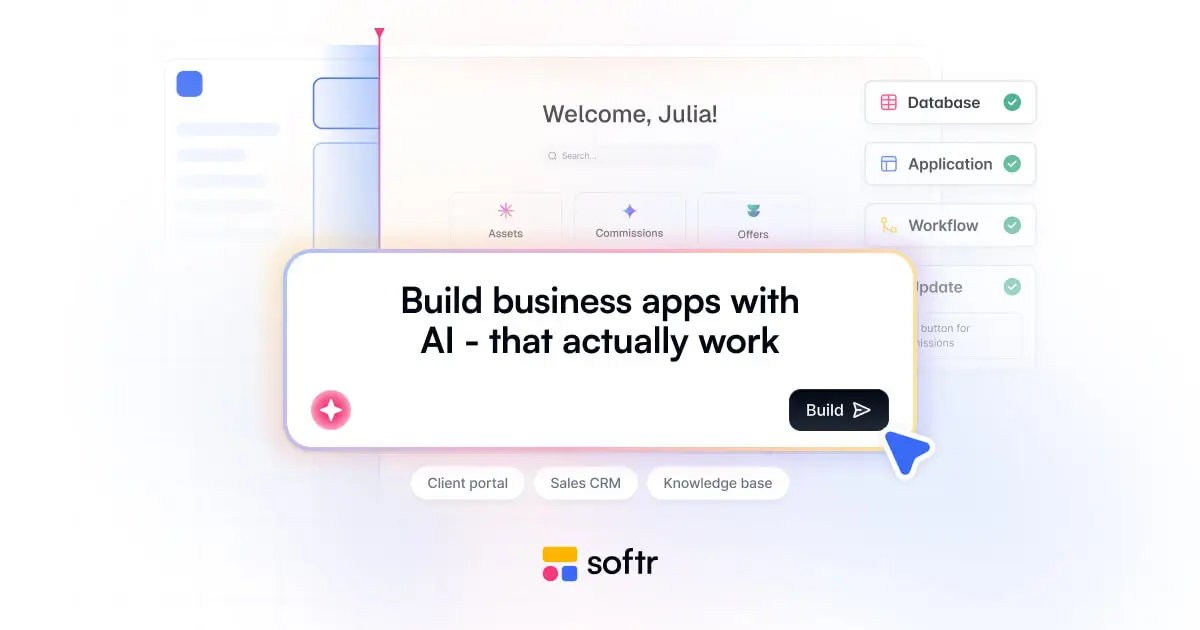
Softr is purpose-built for the Airtable ecosystem. If your business already runs on Airtable, Softr turns those bases into client portals, internal dashboards, and customer-facing applications without any code.
What I appreciate about Softr is the flat, transparent pricing. While most AI app builders have moved to opaque credit or token systems, Softr charges a straightforward monthly fee with no usage-based surprises. You know exactly what you'll pay.
The visual workflow builder has clear triggers and actions. It also connects to SQL databases, HubSpot, Google Sheets, Supabase, and BigQuery — though Airtable integration is where it really shines.
Pricing: Free tier. Basic at $49/month. Professional at $139/month. Business at $269/month.
Best for: Businesses already using Airtable who need to build client portals, member directories, or internal tools from their existing data.
The catch: If you're not already in the Airtable ecosystem, Softr is a less compelling choice. The platform is optimized for that data source above all others.
Ship your AI app faster
Go from idea to deployed AI agent in hours, not weeks. Custom branding, knowledge base, and integrations included.
13. MindStudio — Best for AI Agent Workflows
MindStudio is another strong option in the AI agent builder category. It gives you a visual drag-and-drop workflow builder with access to over 200 AI models and connections to 600+ third-party apps.
The Architect feature is clever — describe your desired agent workflow in plain text and MindStudio auto-scaffolds the entire thing with the required blocks, models, and logic. It's not always perfect, but it gets you 70-80% of the way there, which is a meaningful head start.
Automatic version tracking is a nice touch. You can review, compare, and roll back agent updates at any time, which matters when you're iterating on something client-facing.
The platform also offers AI Agent Builder certifications and bootcamps, which signals they're building for a professional audience that takes this seriously.
Pricing: Free tier with 1 agent and 1,000 runs/month. Individual at $20/month for unlimited agents. Pro at $60/month with API access. AI model usage is at provider cost with no markup.
Best for: Anyone building complex multi-step AI workflows who needs access to multiple AI models and extensive third-party integrations.
The catch: MindStudio is strong on workflows but doesn't have the same monetization infrastructure as Pickaxe. If you want to sell your AI agents directly, you'll need to handle billing and access control separately. For a deep comparison of AI agent platforms, check out our review of the top AI platforms.
14. Airtable — Best Database-First App Builder
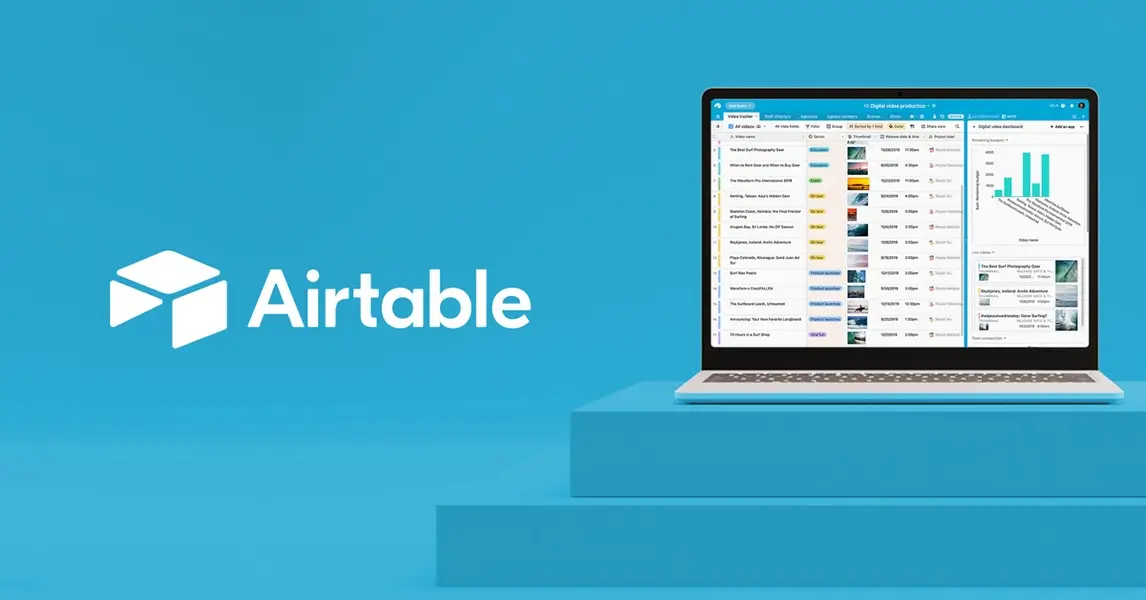
Airtable started as a spreadsheet-database hybrid and has evolved into a legitimate app builder with its Omni AI feature.
The concept is powerful: describe a workflow or app idea in natural language, and Omni generates a complete, production-ready application with tables, interfaces, and automations. No drag-and-drop, no visual builder — just a conversation.
Where Airtable has a structural advantage is the data layer. If you're building apps where the database is the product — project management tools, content calendars, inventory systems, CRM pipelines — starting with Airtable means your data model is already sorted.
The interface designer has gotten much better, and with automations you can build surprisingly sophisticated workflows that trigger emails, update records, sync with external tools, and more.
Pricing: Free tier. Team at $20/seat/month. Business at $45/seat/month. Enterprise is custom.
Best for: Teams that need powerful data management with lightweight app interfaces on top. Especially strong for operations, project management, and content workflows.
The catch: Per-seat pricing adds up fast for larger teams. And while Airtable Interfaces have improved, they still can't match the design flexibility of dedicated app builders like Bubble or Lovable.
How to Choose the Right AI App Builder
With 14 options to consider, here's how I'd narrow it down based on what you're building.
If you're building a traditional web app and don't code: Start with Lovable or Bolt.new. Lovable has the stronger backend story; Bolt is faster for frontend-heavy projects.
If you're a developer who wants to move faster: Cursor if you want an AI-enhanced IDE. V0 if you're in the React/Next.js ecosystem and want the best UI output.
If you need a native mobile app: Adalo for true native iOS/Android. FlutterFlow if you want cross-platform with code export.
If you're building AI-powered tools to sell: Pickaxe is purpose-built for this — build, deploy, and monetize AI agents in one platform. MindStudio is a good alternative if your focus is complex multi-model workflows.
If you have data in spreadsheets/Airtable: Glide or Softr will get you to a working app fastest. Airtable's Omni AI is worth trying if you're already paying for Airtable.
If you're learning or prototyping: Replit's free tier and Agent capabilities make it the best starting point. Base44 is the simplest option if you want zero friction.
The Market Is Moving Fast
A year ago, most of these tools were either in early beta or didn't exist. The pace of improvement is staggering — people are now using multiple AI builders simultaneously, each for what it does best, and shipping complete products in hours instead of months.
The competitive pressure is also driving prices down and capabilities up. Most platforms now offer generous free tiers, and paid plans are converging around $20-30/month for individuals.
My honest take? The best app builder is the one that matches your specific use case. A React developer using Adalo is as mismatched as a non-coder trying to use Cursor. The tools have gotten specialized enough that there's a right answer for most situations.
For most non-technical builders who need a general-purpose web app, Lovable is the safest bet right now. For anyone building AI-powered tools or agents specifically, Pickaxe is the obvious choice — it's the only platform that handles the entire lifecycle from building to billing.
Whatever you choose, the barriers to building software have never been lower. The question isn't whether you can build an app anymore — it's what you're going to build first.
What About Claude Code and Windsurf?
You might be wondering why certain popular tools didn't make the main list. Quick thoughts on a few notable mentions.
Claude Code by Anthropic is a terminal-based AI coding assistant that's powerful for developers who work in the command line. It's more of a coding co-pilot than an app builder, but if you're comfortable in a terminal, it can generate and modify code across entire projects. It's in a different category than the visual builders above — think of it as the command-line equivalent of Cursor's agent mode.
Windsurf (by Codeium) is another AI code editor competing with Cursor. It has strong agentic capabilities and a slightly different approach to code generation. It's worth trying if you like the idea of Cursor but want to compare alternatives. The AI Corner's 2026 guide to coding tools has a detailed comparison if you're weighing IDE options.
Devin by Cognition is the most autonomous AI developer — it can handle entire projects with minimal supervision. But at its current price point, it's not practical for most builders. As one tester noted, "Devin is on a whole different level, but insanely expensive."
DronaHQ has an interesting "Vibe Coding" feature where you describe an app in a sentence and get an editable codebase with a live preview. Worth checking if you build a lot of internal business tools.
Understanding the Different Types of AI App Builders
One thing that confused me when I started exploring this space was that "AI app builder" means wildly different things depending on who you ask. Here's how I think about the categories.
Prompt-to-App Builders
Tools like Lovable, Bolt.new, V0, and Base44 generate entire applications from text descriptions. You describe what you want, the AI writes the code, and you get a working app. The interaction model is conversational — you chat with the tool to iterate on the result.
These are the fastest path from idea to deployment, but they work best for standard application patterns. The more unique or complex your requirements, the more you'll need to fight the AI.
AI-Enhanced Visual Builders
Tools like Bubble, Adalo, FlutterFlow, Glide, and Softr were no-code or low-code platforms before AI arrived. They've added AI features — code suggestions, layout generation, smart auto-complete — but the primary interaction model is still visual drag-and-drop.
These tend to be more reliable for production applications because they've had years to mature. The AI features are additive rather than foundational.
AI-Native Code Editors
Tools like Cursor and Replit are designed for people who write code (or want to learn). The AI assists, suggests, generates, and debugs — but you're working in an actual development environment with full control over the output.
These offer the highest ceiling for what you can build, but also the highest learning curve.
AI Agent Builders
Tools like Pickaxe and MindStudio focus specifically on building AI-powered applications — chatbots, assistants, agents, and AI workflows. They don't generate traditional web or mobile apps; instead, they create intelligent tools that use AI models as their core functionality.
If your "app" is fundamentally an AI tool — a customer support agent, a coaching assistant, a real estate advisor, or a lead qualification bot — these specialized platforms will serve you better than a general-purpose app builder.
Frequently Asked Questions
What is the best free AI app builder?
Replit offers the most capable free tier overall, with AI Agent access and the ability to build full applications. Lovable and Bolt.new also have useful free tiers for getting started. If you're specifically building AI agents, Pickaxe's free tier lets you build and test agents without paying.
Can I build a mobile app with an AI app builder?
Yes, but choose carefully. Adalo creates true native iOS and Android apps that you can publish to the App Store and Google Play. FlutterFlow generates cross-platform Flutter apps. Most other AI app builders create web apps that work on mobile browsers but aren't native applications.
What is vibe coding?
Vibe coding is the practice of building software through natural language prompts rather than traditional programming. You describe what you want — the "vibe" — and an AI system generates, debugs, and iterates on the code for you. DataCamp reports that 92% of US developers have adopted vibe coding practices in some form.
Are AI-built apps production-ready?
It depends on the platform and the complexity of your app. Simple tools built with Lovable, Bolt, or Base44 can absolutely go to production. Complex applications with custom business logic, security requirements, and scale needs will still benefit from professional development — potentially accelerated by tools like Cursor.
How do AI app builders compare to hiring a developer?
For simple to moderate applications, AI app builders can save you 80-90% of the cost and time compared to hiring a developer. A freelance developer might charge $5,000-$20,000 for an MVP that you can build in a weekend with the right AI tool. But for complex, enterprise-grade applications with specific performance, security, or integration requirements, professional development is still the better path — just faster now with AI-assisted tools.
Can I monetize apps built with these platforms?
Most platforms let you deploy apps that you can charge for, but you'll need to handle billing separately through Stripe, Gumroad, or similar. The exception is Pickaxe, which has built-in monetization — subscriptions, pay-per-usage, and one-time payments are all handled within the platform. This makes it uniquely suited for creators who want to sell AI-powered tools as a business.
What happens if the AI app builder shuts down?
This is why code export matters. Platforms like Lovable (GitHub sync), FlutterFlow (Flutter export), V0 (Vercel deploy from code), Cursor (local files), and Replit (full source access) give you ownership of your code. With Bubble, Adalo, Glide, and Softr, your app lives on their platform — if they shut down, you'd need to rebuild.