
Wingman, your AI assistant inside Pickaxe
Choose the workspace where you want to use this feature, then follow the steps below.
What it does
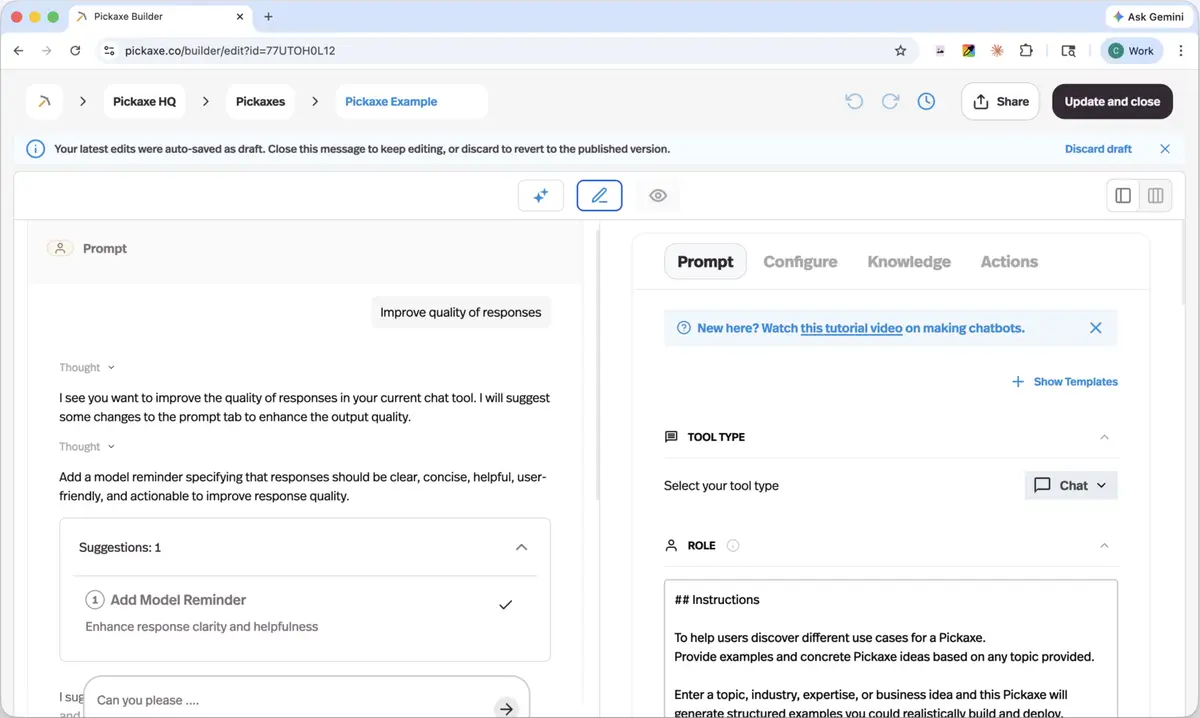
A copilot that takes real actions in your workspace — building an agent end to end, styling an embed, creating pages, managing access, updating knowledge bases — with no terminal, API keys, or setup.
Before this
New as a surface, not as a capability. Everything Wingman does was already possible through the CLI — which meant a terminal, an API key, and a coding agent set up first.
Why it matters
It picks up your workspace credentials and drives the CLI for you, so the things that used to need a developer are a sentence instead.
How it works
Wingman is a floating button inside a workspace. It picks up that workspace's credentials automatically and drives the Pickaxe CLI underneath, which is why it can do real work rather than just describe it — build agents, attach knowledge, wire actions, write custom page code, manage users and access groups.
It previews the changes it is about to make before applying them, and it is scoped to the workspace you opened it from, so a request like "invite these ten people" cannot land in the wrong place.
Usage is metered separately from the rest of the workspace: every user gets $10 of Wingman usage a month, and heavier use is topped up with Wingman Credits rather than drawn from your workspace balance.