
ImprovementBuild ·
Jump between builder sections with keyboard shortcuts
What it does
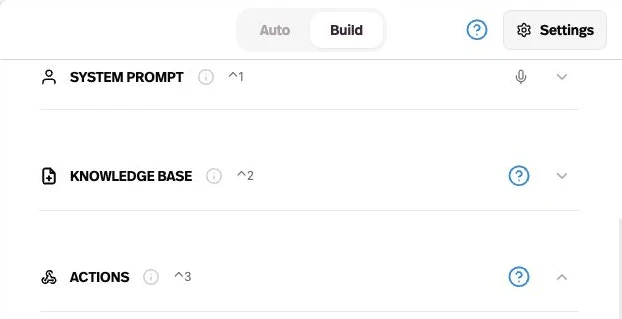
Use keyboard shortcuts to move between System prompt, Knowledge Base, and Actions in the Agent Builder.
Before this
New. These sections already existed, but did not have dedicated keyboard shortcuts.
Why it matters
Move through an editing session without scrolling between sections.
How it works
Press Control + 1, 2, or 3 on Mac, or Alt + 1, 2, or 3 on Windows, for System prompt, Knowledge Base, or Actions. The prompt shortcut focuses the editor, and collapsed sections reopen.
Hold Control on Mac or Alt on Windows to reveal the hints. Shortcuts pause while a dialog or menu is open.