
ImprovementBuild ·
See cached input in message insights
What it does
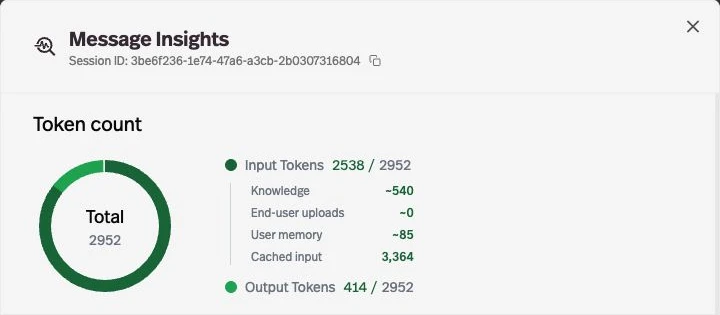
Message insights show a Cached input count when cached tokens are reported.
Before this
An expansion. Message insights already showed input, output, and source breakdowns, without this cached-input row.
Why it matters
See how much input was reused while reviewing a response’s token usage.
How it works
Open a message’s insights in the builder preview or workspace Activity. Cached input appears only when a positive count is available; it reports raw tokens before billing adjustments.