
ImprovementDeploy ·
Choose a default Portal for any access type
What it does
A workspace with multiple Portals can choose a public, member, or invite-only Portal as its default.
Before this
An expansion. The default selector previously applied only to public Portals.
Why it matters
Send visitors to the intended starting Portal.
How it works
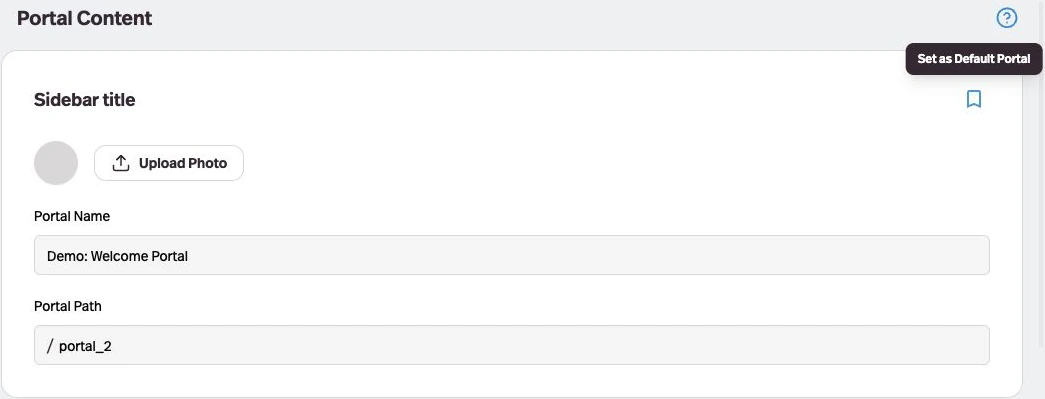
With more than one Portal in the workspace, open a Portal’s Content tab, choose the bookmark marked Set as Default Portal, and save the Portal. Its access rules still apply.