
ImprovementDeploy ·
Set up your Portal domain and branded email together
What it does
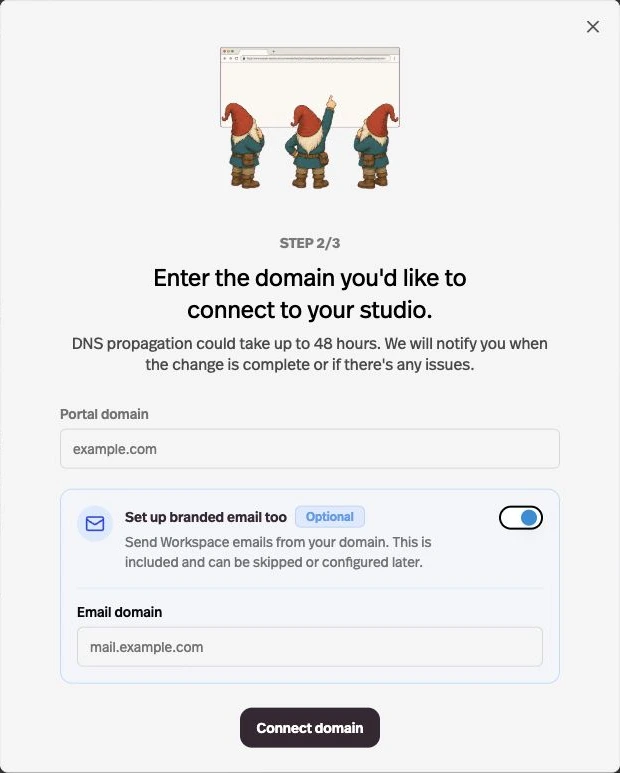
Custom domain setup now includes optional branded email, and custom email domains are available on Gold and higher plans.
Before this
An expansion. Custom email domains previously required Pro and a separate Mailing setup.
Why it matters
Connect your website and sender identity in one setup flow.
How it works
Open Settings → Deploy → Domain → Add a custom domain. After the website DNS step, leave Set up branded email too enabled and enter the email domain, or skip it and connect later under Mailing.
Use a separate email hostname when the Portal uses a CNAME, such as mail.example.com. Add the provided email DNS records and verify them before mail switches to your domain.