
The best AI document extraction tools are the ones that turn your actual documents into records your team can use without rereading every page. A beautiful PDF-to-text demo tells you surprisingly little about whether the same tool will capture the last invoice line, distinguish a blank field from zero, or notice that an attachment belongs to a different customer.
I looked into six options across specialist APIs, document pipelines, and the major cloud platforms. My recommendation is to shortlist by the output you need, then compare the cost of a reviewed, accepted record.
This is a documentation and pricing comparison, checked September 16, 2026, rather than a hands-on accuracy benchmark. The pilot, schemas, and cost examples below are suggested evaluation designs, not measured results from these products.
AI document extraction tools: the quick comparison
These six products cover different starting points. The order is a reading guide, not an accuracy leaderboard, and the prices describe different operations rather than interchangeable units.
| Tool | Where I would start | Pricing signal | What to check first |
|---|---|---|---|
| Reducto | Schema extraction with source evidence | Standard Extract: $20 per 1,000 pages | Citation coverage and long arrays |
| LlamaParse / LlamaExtract | Parsing plus structured extraction for document agents | Starter: $50/month, 40,000 credits | Exact tier and extraction credit usage |
| Google Document AI | Custom extraction in Google Cloud | Custom Extractor: $30 per 1,000 pages in initial standard tier | Processor version and quota |
| Amazon Textract | Forms and tables in AWS workflows | Tables example: $15 per 1,000 pages in Oregon, initial tier | Feature combination and regional bill |
| Azure Document Intelligence | Microsoft-centered document operations | Per-page meters; obtain regional quote | Model, add-ons, and page limits |
| Unstructured | Connected ingestion plus extraction | Advertised platform rate: $0.015/page | Extract availability and model billing |
Pricing details and source links appear in each section. Trial allowances, contract discounts, taxes, storage, and your own workflow infrastructure can change the final bill.
OCR, parsing, extraction, and agentic processing do different jobs
OCR reads characters. Parsing organizes content into useful structure, such as paragraphs and tables; extraction maps information into named fields, such as supplier, invoice date, and line items.
An agentic document workflow can choose another processing step when the first result is insufficient. That might mean checking an unclear page, trying a stronger extraction mode, or handing an ambiguous value to a reviewer.
These approaches can coexist. A modern extractor may still use OCR underneath, and a fixed workflow can be the sensible choice for consistent forms.
Imagine an invoice containing a subtotal, tax, prior balance, and amount due. Recognizing every number correctly does not establish which one belongs in your accounting system's total field.
Now imagine a 200-page supplier packet with several invoices and a credit note. The job includes separating documents, preserving relationships, detecting duplicates, and explaining which pages support each record.
For a searchable knowledge base, well-structured text may be enough. For a workflow that changes another system, you need explicit fields and checks; our guide to adding a knowledge base to an AI agent explains the downstream context layer.
1. Reducto: a strong shortlist for evidence-backed extraction
I would start a Reducto evaluation with documents where a reviewer needs to inspect the source behind individual fields. That is a more useful buying criterion than asking whether the vendor calls its pipeline agentic.
Reducto's Extract documentation describes schema-based output and optional citations containing page location, bounding box, source text, and confidence. Citations change the response shape, so your integration needs to handle wrapped values rather than assuming every field is a plain string.
The same documentation includes array extraction for long lists. I would specifically test whether a multi-page table returns all its rows, including a final partial page and repeated headers.
Pricing: the current Standard price is $20 per 1,000 pages for Extract and $40 for Deep Extract, while r-1 Parse is $10 per 1,000 pages. Extract includes parsing; do not automatically add a separate Parse charge.
That distinction changed recently. Reducto's September 1 pricing change moved extraction toward a single all-in page rate, so comparisons using the previous separate charges can mislead buyers.
My suggested test is a supplier statement with many transactions, a carried-forward balance, and a final total. Require both the transaction list and evidence for the total, then reconcile the result independently.
The tradeoff is implementation ownership. An API response does not automatically give your client a complete approval queue, duplicate policy, or recovery procedure after a downstream write fails.
Choose it when: traceable structured output is central to the application. Ask for a sample response from your own difficult document before deciding how much review interface you need to build.
2. LlamaParse and LlamaExtract: useful when documents feed agents
LlamaIndex is worth a close look when the same source material needs to support both retrieval and structured records. I would keep the parsing and extraction requirements separate during evaluation, even when the product bundles them into one broader platform.
The current LlamaParse platform page lists parsing, extraction, and indexing capabilities. It also lists extraction targets at document, page, and table-row level, plus citations and confidence scores.
Pricing: Free includes 10,000 credits, Starter costs $50/month with 40,000 credits, and Pro costs $500/month with 400,000 credits. The advertised conversion is $1.25 per 1,000 credits; credits are not equivalent to pages across all operations.
The LlamaParse v2 announcement describes parsing tiers from Fast through Agentic Plus and version pinning. Those parsing rates should not be presented as the price of a complete extraction workflow.
For an agency, the useful question is whether one document can serve two outputs without confusing them. A maintenance manual might become searchable reference material, while its equipment schedule becomes rows in an asset database.
I would test the two outputs independently. Correct search answers do not prove that every equipment row was extracted, and a complete equipment table does not prove that the troubleshooting sections remained readable.
A May 6 LlamaIndex post on X demonstrated a mobile photo-to-text app built on its SDK. That is a useful example of accessible document intake, but it is vendor commentary rather than independent evidence of extraction accuracy.
Choose it when: your team is building document agents and wants to compare parsing, extraction, and retrieval together. Before committing, price the exact tier, pages, retries, and extraction calls your pilot consumes.
3. Google Document AI: consider it when Google Cloud is already home
Google Document AI belongs on the shortlist when your documents and operating team already live in Google Cloud. Existing access controls and infrastructure can matter more than a small difference in a vendor's headline page price.
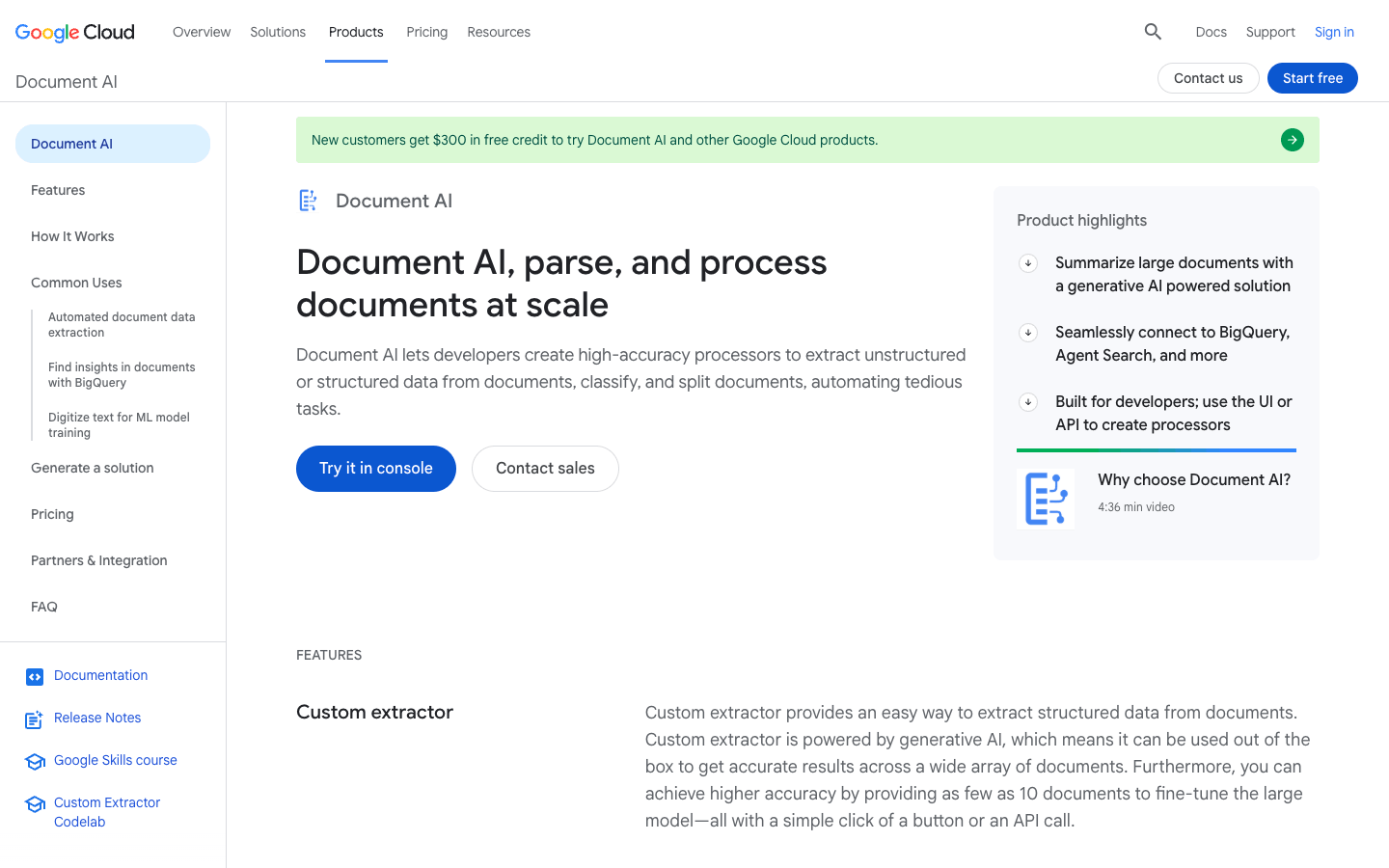
Its Custom Extractor overview describes foundation-model, custom-model, and template-based approaches. This is a useful reminder that modern document processing does not require throwing away every template or trained extractor.
Pick the approach around the documents. A recurring inspection form with stable fields and a changing bundle of supplier reports present different evaluation problems.
Pricing: the standard Custom Extractor tier lists $30 per 1,000 pages through the first million pages per month, then $20 per 1,000 above that. Other processors have different prices, and discount programs are listed separately.
The quota documentation also distinguishes processor versions and processing capacity. Include your expected arrival pattern in the pilot: a steady trickle and a large morning upload create different operational demands.
I would give the evaluator a packet containing two related documents with conflicting dates. The expected result should preserve the dates and document identities rather than silently choosing the one that seems plausible.
The tradeoff is configuration and cloud ownership. Someone still needs to select the processor, manage access, watch failed jobs, and decide when a new model version is safe to adopt.
Choose it when: cloud alignment reduces meaningful work for your team. Compare the actual custom extraction path against your other candidates, not Google's cheapest OCR meter against their richer document workflows.
4. Amazon Textract: forms and tables within an AWS workflow
Amazon Textract is a practical candidate when the document pipeline already uses AWS. I would evaluate it for the fields and relationships the application needs before adding another vendor account and data transfer path.
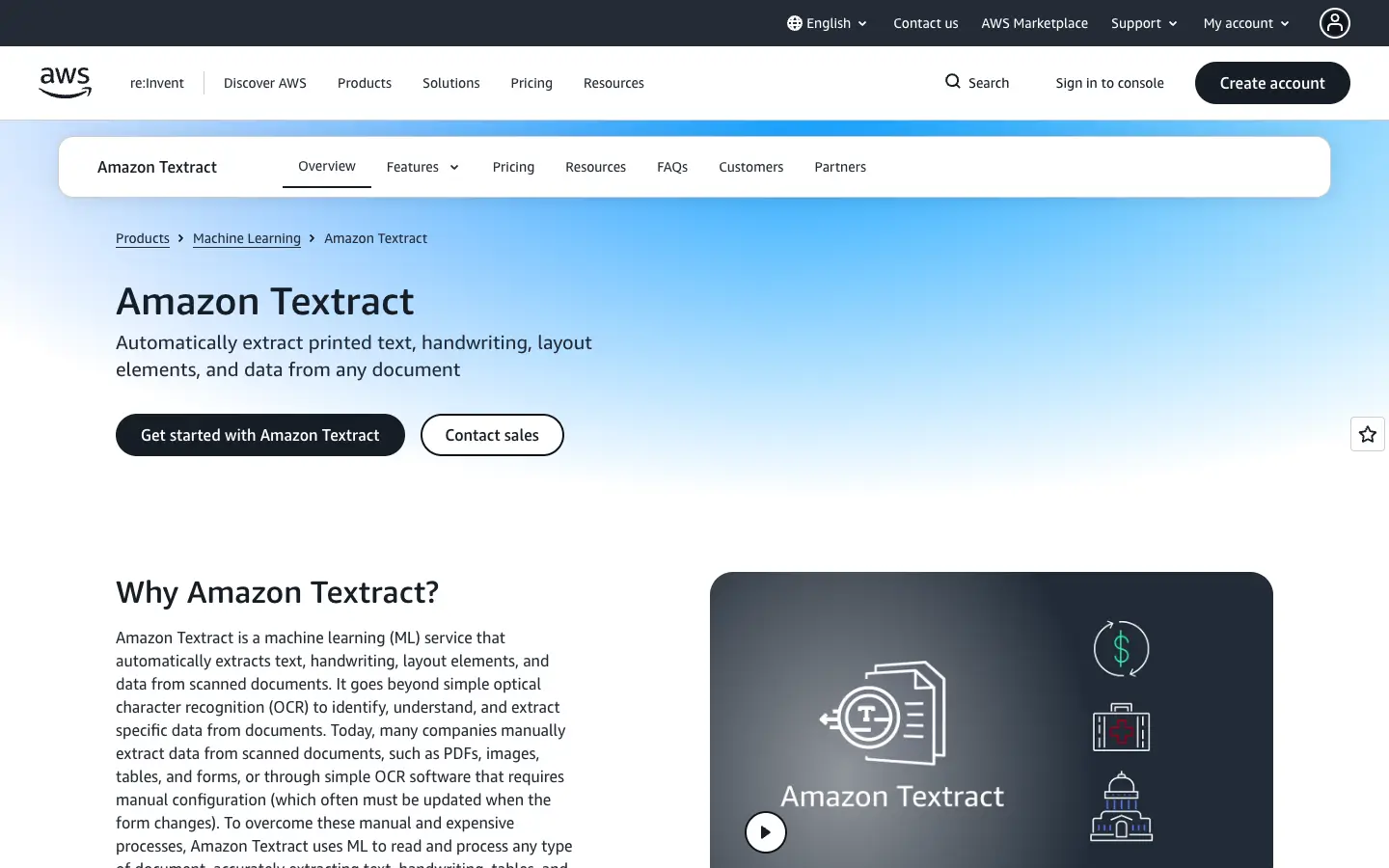
The official overview covers extracting printed and handwritten text, forms, and tables. Think of the service as a component in your application, with the surrounding application responsible for what happens next.
Pricing: AWS prices distinct APIs and feature combinations. Its Oregon example for Tables uses $0.015/page for the first million pages, with Layout included when used with Tables.
That gives $15 for 1,000 pages under those stated assumptions. It is not a quote for Forms, Queries, expense processing, or every feature turned on together.
My suggested test would include a form with unchecked boxes, a table split across pages, and a scan rotated during intake. Define the correct output before looking at the response so that a plausible-looking result does not become the answer key.
Then simulate the same file arriving twice. Duplicate prevention belongs in the workflow even when the extraction service returns the same correct answer both times.
The main tradeoff for a small agency is engineering effort. You may be comfortable assembling storage events, processing jobs, review tasks, and exports; your client may expect those pieces to arrive as one finished product.
Choose it when: AWS integration is a concrete advantage and your team can own the surrounding workflow. Measure the cost of maintaining that workflow alongside the API bill.
5. Azure Document Intelligence: a natural Microsoft shortlist
Azure Document Intelligence is the candidate I would include for a team already operating in Microsoft's cloud. The decision should still come down to the chosen model's output on real files, rather than the familiarity of the vendor name.
The current product page calls it Document Intelligence in Foundry Tools and places it within Azure Content Understanding. Confirm the exact service and API when comparing quotes.
Microsoft's Document Intelligence overview describes read and layout capabilities, prebuilt models, and custom extraction. It also distinguishes model options and features across supported versions.
Pricing: the public pricing page lists per-page categories and a free allowance of up to 500 pages per month. The fetched regional price cells did not expose dependable dollar values, so I would get a region-specific calculator estimate rather than invent a universal rate.
Ask the estimator to include the exact model, add-ons, training where applicable, and batch behavior. A read-only OCR estimate should not be used as a budget for a custom extraction deployment.
For the pilot, take one recurring form and introduce realistic variations: a new layout, an extra attachment, an empty signature field, and a faint scan. Keep an untouched set for the final comparison after configuration work.
My concern would be the handoff between model output and business review. A correct extracted value still needs an owner when it conflicts with an existing customer record.
That owner should see enough source context to resolve the conflict without reopening a long document and searching from scratch. Include that task in your time measurements.
Choose it when: Microsoft infrastructure and team experience make deployment easier. Make model selection and exception handling explicit parts of the proposal, rather than treating them as incidental setup.
6. Unstructured: ingestion infrastructure with an extraction path
Unstructured is especially interesting when the hard part is maintaining a document pipeline across multiple sources. A slightly cheaper extraction call may not help much if someone still manually collects and uploads every file.
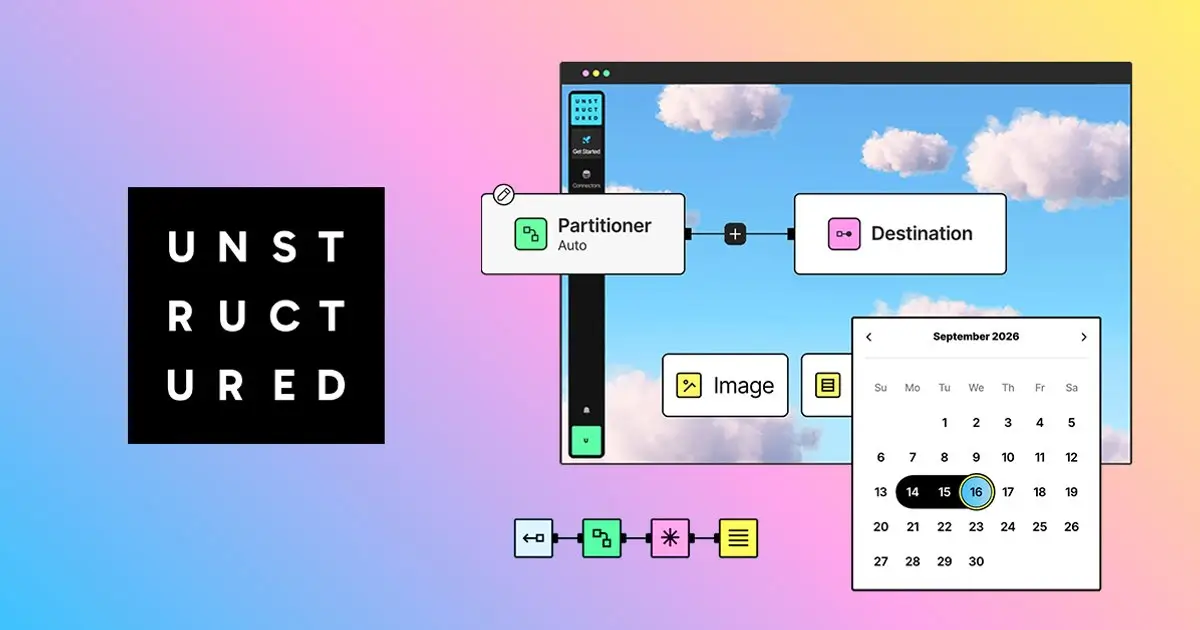
The March 2026 Extract announcement describes a workflow node that maps document content into schema-based JSON. It supports LLM-based and regex-based extraction and sits before the destination node.
Pricing: the advertised platform plan includes 10,000 initial free pages, then $0.015/page, with custom Business pricing. That page also advertises source and destination connectors and different deployment options.
There is a documentation wrinkle worth checking before purchase: the pricing feature matrix still labels structured data extraction as coming soon, while the launch article says Extract is available. Confirm availability for your account and ask how model usage is billed in your chosen configuration.
I would test a source folder where one document is revised after its first processing run. The expected outcome should state whether the old record is replaced, versioned, or retained with a clear supersession marker.
Then test deletion and access changes. Your destination should not keep serving content to someone who has lost permission to its source just because the original extraction succeeded.
The tradeoff is that a broader ingestion platform creates more choices to configure. Start with one source, one schema, and one destination so failures remain easy to locate.
Choose it when: connected ingestion and ongoing document updates are central to the job. Verify the extraction node itself before assuming that a strong parsing pipeline automatically solves your record requirements.
How I would test AI document extraction tools before buying
Start with a small, representative pilot rather than uploading the entire archive. The goal is to expose expensive failure modes while it is still easy to change the schema or replace a tool.
Here is a suggested 60-document set: 20 clean digital files, 15 ordinary scans, 10 difficult tables, 10 long or mixed-document packets, and five deliberately incomplete or ambiguous files. Adjust those counts to your actual workload; they are a planning example, not a statistically powered benchmark.
Write the answer key before running the tools
Have someone who understands the business process mark expected values and their source locations. Include expected missing fields and complete row counts, not just the easy values you hope to find.
For ambiguous documents, the correct answer may be “requires review.” A tool should not earn a better score by confidently selecting one of two contradictory values.
Keep configuration documents separate from the final test set. Otherwise you risk selecting the tool that learned your examples rather than the one that handles new work.
Measure four different outcomes
- Field correctness: does each returned value match the source and your field definition?
- Completeness: were required fields and all expected rows captured?
- Evidence usefulness: can a reviewer quickly find the supporting page or region?
- Operational acceptance: can the record proceed without correction, and how long does correction take when it cannot?
Report these by document type. An aggregate score can hide a tool that handles simple forms well but repeatedly loses rows from the long statements that matter most to your client.
Our AI agent evaluation guide covers the broader habit of keeping a repeatable test set. For document work, preserve the source file, settings, output, and human correction together.
Test failures as deliberately as successes
Send a duplicate file, a password-protected document, an unsupported file type, and a packet with missing pages. Check whether each becomes a visible task or disappears into a log nobody reads.
Also simulate a successful extraction followed by a failed export. Retrying that job should not create two records or charge the customer twice for the same completed service.
Finally, ask a colleague who did not build the workflow to clear the review queue. Their experience will tell you more about handoff quality than your own ability to debug the API response.
The schema matters as much as the tool
Before comparing models, write a short definition for every requested field. “Total” is ambiguous; “amount currently due, including tax and excluding previously paid amounts” gives the extractor and reviewer a shared target.
For an invoice intake pilot, I would request supplier name, invoice identifier, invoice date, currency, amount due, line items, and source references. I would also record the source file identifier and schema version outside the model's inferred business fields.
Separate missing information from zero. A zero tax amount means the document states or supports zero; a missing tax field means the value was not found.
Keep raw and normalized values when formatting matters. A printed date such as 04/05/2026 may need review before anyone converts it to an unambiguous calendar date.
Do arithmetic in a deterministic validation step. Extract the printed line amounts and totals, then calculate whether they reconcile instead of asking the model to silently repair inconsistencies.
Make uncertainty visible in the record. If there are conflicting invoice numbers, save the candidate values and their locations for review rather than replacing the conflict with a polished guess.
For long contracts, distinguish a quoted clause from your interpretation of its effect. Extracting a renewal paragraph is one task; deciding what the agreement requires is another and should have its own qualified reviewer.
Price accepted records, not just pages
Effective cost per accepted document is total processing, retry, review, and operating cost divided by the number of documents that meet your acceptance rules. That number is closer to what the client actually buys.
Consider this illustrative monthly workload: 10,000 documents, two pages each, and a hypothetical processing rate of $0.02/page. The processing component would be $400 before other costs.
If 15% of documents need two minutes of review at an assumed $30/hour, review takes 50 hours and costs $1,500. The combined $1,900 is already much larger than the extraction bill alone.
If a different configuration cuts the review share to 5%, the same assumptions produce about 16.7 hours and $500 of review. That is a hypothetical $1,000 labor difference, not a performance claim about any tool listed here.
Track long-document exceptions separately. One difficult packet that takes an hour to resolve can erase the savings from thousands of inexpensive pages.
For a client proposal, separate setup, usage, and exception handling. Define what counts as an accepted document, who resolves ambiguous records, and what happens when monthly volume changes.
Where Pickaxe fits after extraction
Pickaxe can provide the client-facing agent and branded portal around a document service. I would treat the extractor, validation rules, and review queue as explicit parts of the architecture, rather than assume a conversational interface performs all three.
For example, a client could ask an agent about reviewed supplier records or request an explanation of an exception. An integration through Pickaxe Actions can connect to an external service, but the endpoint, permissions, and response handling still need to be implemented and tested.
Use the Knowledge Base for approved reference material and instructions. Keep sensitive operational records behind the appropriate access-controlled integration instead of indiscriminately adding every uploaded file to shared knowledge.
I would begin with a read-only experience that explains records and flags missing information. Add writes only after the approval rules are clear; our guide to human-in-the-loop agents describes that boundary.
That gives the client a useful service while preserving a clear distinction between the agent's explanation and the reviewed record. Pickaxe then becomes the delivery layer for a process you can actually support.
Put reviewed records to work
Build a Pickaxe agent around one document workflow your clients need.
Common questions about document extraction
Can I just upload a PDF to a general chatbot?
For a one-off question, that may be enough. For repeated processing, you also need consistent fields, completeness checks, source evidence, duplicate handling, and a reliable destination.
Use the simple approach when it meets the job. Move to a dedicated extraction workflow when you need repeatable records and accountable handling of failures.
Does agentic processing eliminate human review?
No. A system that chooses additional processing steps still needs an acceptance policy, especially for conflicting documents, unreadable pages, and consequential decisions.
Review can become more focused over time. Start by checking all pilot outputs, then automate only the document types and fields for which your evidence supports doing so.
Which tool is best for hundreds of pages?
I would not choose on advertised maximum page count alone. Test whether the tool completes the job, preserves relationships across sections, returns every required row, and makes the result practical to review.
Split a long-document evaluation into extraction quality, completeness, latency, and review effort. A service that accepts the file but omits the final schedule has not met the requirement.
Should I replace a working template-based extractor?
Only when the replacement improves a measured part of the process. Stable templates can remain useful for predictable documents while a different route handles unfamiliar layouts.
Keep the current system as a baseline during the pilot. Compare exceptions, maintenance time, and accepted-record cost before moving live traffic.
My recommendation: shortlist two, then make review visible
For schema extraction with source evidence, I would start by comparing Reducto and LlamaExtract. If your team already owns cloud infrastructure, include its native service; if ongoing ingestion is the bottleneck, include Unstructured.
Give each candidate the same files, field definitions, and acceptance rules. The winner is the configuration that produces dependable records at a supportable cost for your workload.
Once that foundation works, you can build a client-facing agent with Pickaxe to make those records useful. Start with one document type and one clear job, then expand when the exceptions are understood.