
New featurePlatform ·
Connect an MCP client by signing in
What it does
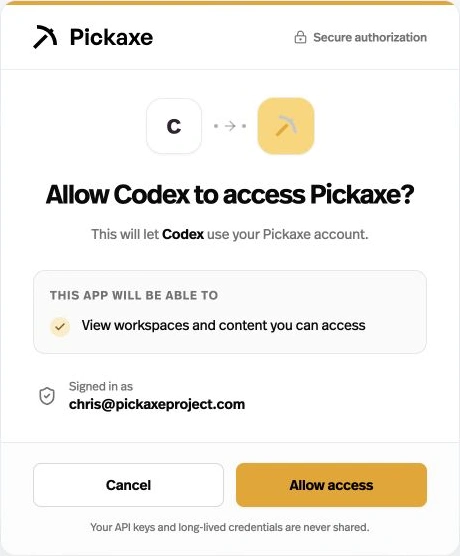
OAuth-compatible MCP clients can connect to Pickaxe through account sign-in and a permissions screen.
Before this
An expansion. MCP clients previously authenticated with API keys or deployment credentials.
Why it matters
Connect without manually copying an API key into your client.
How it works
Add https://mcp.pickaxe.co in a client that supports OAuth, then follow its sign-in flow and review the requested permissions. Existing key-based connections remain supported.