
ImprovementBuild ·
Dictate your agent’s instructions
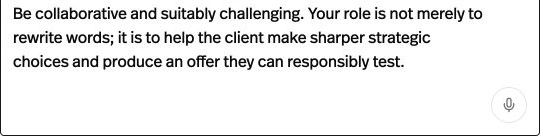
What it does
Use the microphone in System prompt to add spoken instructions to your agent.
Before this
New. The System prompt editor previously required text input.
Why it matters
Get a first draft of your instructions down by speaking.
How it works
In the builder Prompt tab, press the microphone in System prompt, speak, then press it again to stop. Speech is appended to the existing text; review it before saving. The button requires a supported browser.