
Pickaxe is now in ChatGPT and Claude
Choose Install plugin, connect your Pickaxe account, then ask to see your workspaces and agents.
What it does
We’ve launched a ChatGPT plugin and a Claude connector so you can build, run, and manage your Pickaxe agents from either assistant.
Before this
You could already connect coding agents such as Claude Code to your workspace through our MCP server or CLI. These directory listings add setup through ChatGPT and Claude’s account connection flows.
Why it matters
Work with your existing agents, knowledge, and deployments in the conversation where you’re already planning or building.
Connect your Pickaxe account
In ChatGPT
Open the Pickaxe listing, choose Install plugin, and connect your Pickaxe account when prompted. The plugin includes the Pickaxe app and a skill for working with your workspace.
Open Pickaxe in ChatGPT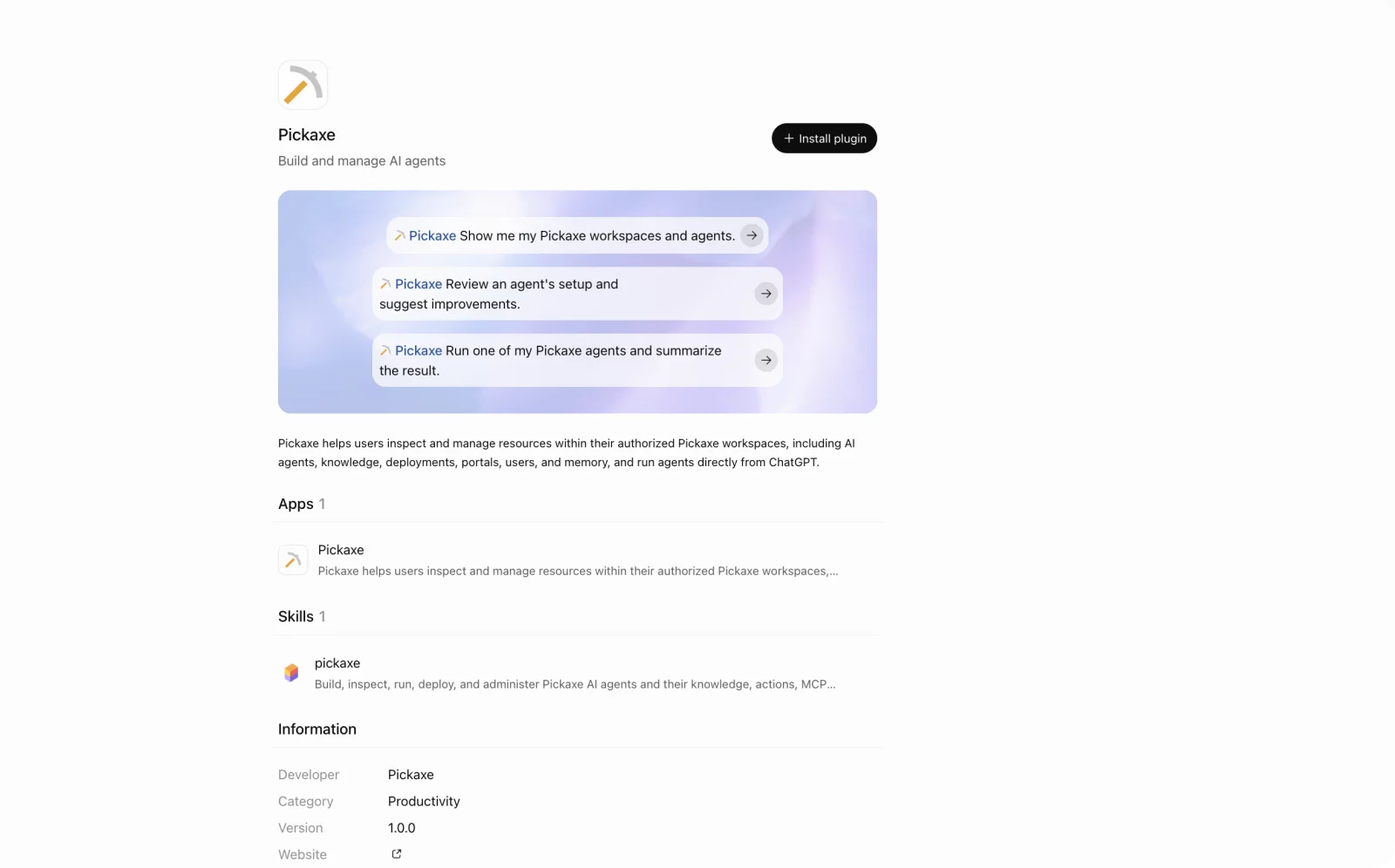
In Claude
Open Pickaxe in Claude’s directory and choose Connect to Claude. Sign in to Pickaxe to work with your existing workspaces and agents. Claude lists this integration as a community connector.
Open Pickaxe in Claude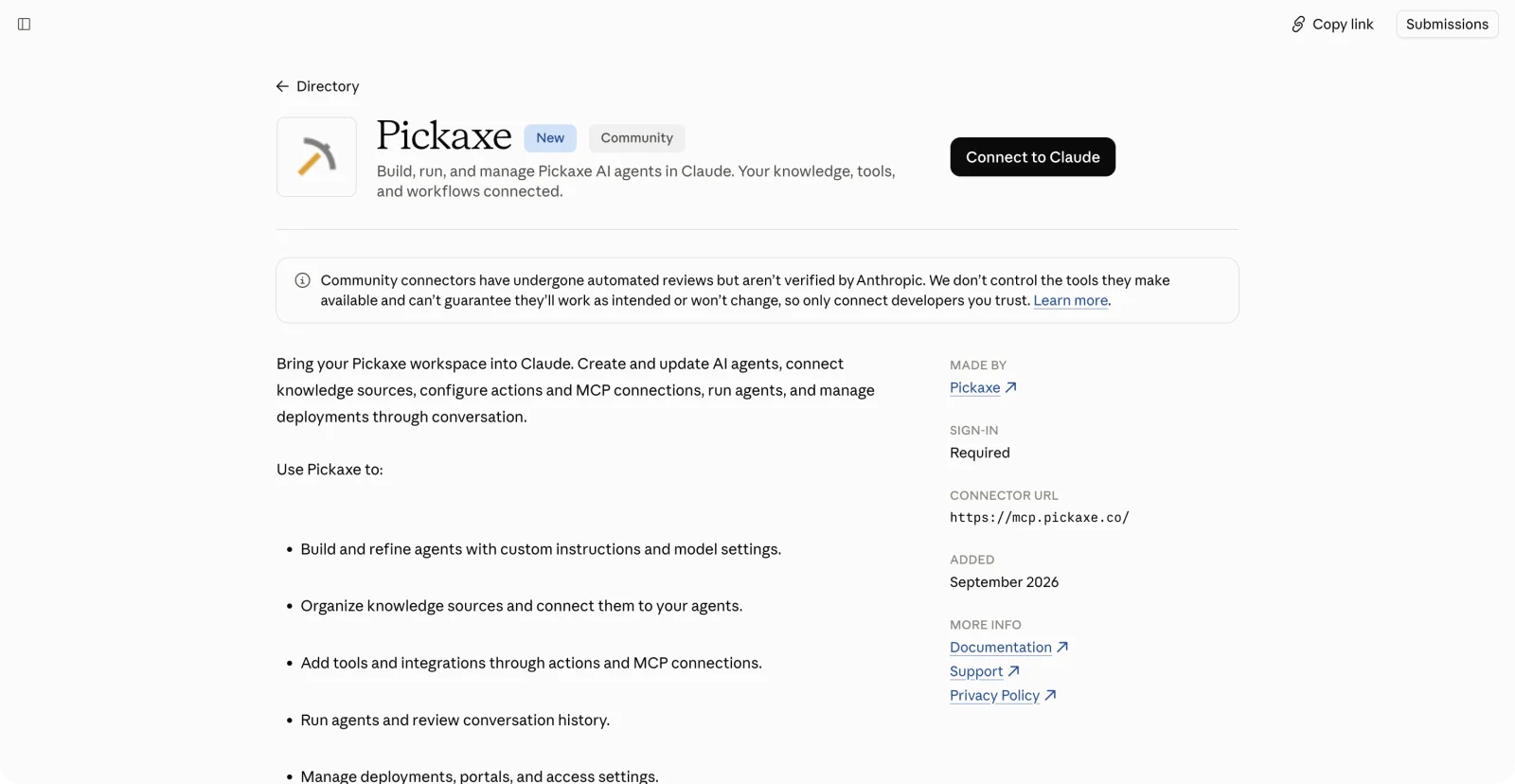
What you can ask for
- Build and refine agents
- Create an agent or update its instructions and model settings.
- Connect knowledge and tools
- Organize knowledge sources, attach them to agents, and configure actions and MCP connections.
- Run and manage your agents
- Run an agent, review its conversation history, and work with deployments, portals, users, and memory in your authorized workspace.
Try asking: “Show me my Pickaxe workspaces and agents,” “Review an agent’s setup and suggest improvements,” or “Run my agent and summarize the result.”
A Pickaxe account is required. Agent runs use your account’s available credits.
Set up Pickaxe in Claude Code or another MCP client