
I tested every AI browser and browser extension I could get my hands on. All 25 of them. Some were incredible. Some were a waste of time. Most were somewhere in between.
Here's what I found after months of daily use.
The browser wars are back. But this time, the weapon is AI. And the gap between the best tools and the worst is massive.
This guide covers 10 full AI browsers and 15 browser extensions. I organized it that way because those are two fundamentally different decisions. Switching your entire browser is a big commitment. Installing an extension takes 10 seconds.
Let me save you some time. Here's the comparison table so you can see everything at a glance:
| Name | Type | Key AI Feature | Pricing | Platforms |
|---|---|---|---|---|
| ChatGPT Atlas | Browser | Agent Mode, Browser Memories | Free (features tied to ChatGPT plan) | macOS (Windows, mobile coming) |
| Perplexity Comet | Browser | AI prompt bar, task delegation | Free (premium via Max sub) | Windows, macOS, Android, iOS |
| Dia Browser | Browser | AI URL bar, Skills shortcuts | Free (Pro $20/mo) | macOS (mobile planned) |
| Arc Browser | Browser (maintenance mode) | Arc Max (previews, tidy tabs) | Free | macOS, Windows |
| Google Chrome | Browser | Gemini 3, Auto Browse | Free (agentic features via AI Pro/Ultra) | All platforms |
| Microsoft Edge | Browser | Copilot Mode, Agent Mode | Free (enterprise features via M365) | Windows, macOS |
| Brave (Leo AI) | Browser | Multi-model AI, BYOM | Free (Premium $14.99/mo) | All platforms |
| Opera AI | Browser | Aria AI, Opera Neon agentic | Free (Neon $19.90/mo) | All platforms |
| SigmaOS | Browser | Airis assistant, agentic browsing | Free (Pro $20/mo) | macOS |
| Vivaldi | Browser (anti-AI) | None (deliberately) | Free | Windows, macOS, Linux, Android |
| Sider AI | Extension | Multi-model sidebar, group chat | Free (paid from $8.30/mo) | Chrome, Edge, Safari |
| Monica AI | Extension | Multi-model, Browser Operator | Free (Pro from $8.30/mo) | Chrome, Edge |
| Merlin AI | Extension | Deep Research, 20+ image models | Free (Teams $15/mo, Pro $19/mo) | Chrome, Edge, Firefox |
| MaxAI | Extension | Summarization, AI Vision | Free (Pro $9.99/mo) | Chrome/Chromium |
| HARPA AI | Extension | Web automation, monitoring | Free (S plan $12/mo) | Chrome |
| Glasp | Extension | Social highlighting, Digital Me | Free (Pro paid) | Chrome, Safari, Edge, Brave |
| Compose AI | Extension | AI autocomplete, text generation | Free (Premium $9.99/mo) | Chrome |
| Wisdolia | Extension | AI flashcard generation | Free (from $4/mo) | Chrome |
| Grammarly | Extension | GrammarlyGO, writing assistant | Free (Pro $12/mo) | Chrome, Edge, Safari, Firefox |
| Jasper AI | Extension | Marketing content, Brand Voice | Creator $39/mo | Chrome, Edge |
| Fireflies.ai | Extension | Meeting transcription, AskFred | Free (Pro $10/user/mo) | Chrome |
| Otter.ai | Extension | Live transcription, no-bot mode | Free (Pro $8.33/mo) | Chrome |
| Perplexity Companion | Extension | Instant summaries, follow-ups | Free | Chrome |
| Liner | Extension | AI search, smart highlighting | Free (Essential ~$19.58/mo) | Chrome, Firefox |
| WebChatGPT | Extension | Web access for ChatGPT | Free | Chrome, Firefox |
Now let's get into it. Starting with the full AI browsers.
Part 1: AI-Powered Browsers
These are standalone browsers with AI baked into the core. Some are brand new. Some are old browsers that got a massive AI upgrade. Either way, switching browsers is a big deal — so I'll tell you exactly which ones are worth it.
1. ChatGPT Atlas (OpenAI)
ChatGPT Atlas is OpenAI building an entire browser around ChatGPT. And honestly? It's the most impressive AI browser I tested.
This isn't a chatbot sidebar bolted onto Chrome. The AI is woven into everything — the URL bar, the search, the writing fields, all of it. When I first opened it, the whole thing felt like ChatGPT learned how to show you web pages. Not the other way around.
Agent Mode is the killer feature. You tell it to book a hotel, fill out a form, or comparison shop across tabs — and it just... does it. The AI gets a virtual cursor and clicks through websites like a human would.
I had it book a restaurant reservation. It handled the whole thing from search to confirmation. When it works, it feels like magic.
When it doesn't work (weird page layouts, aggressive CAPTCHAs), it fails awkwardly. But it works more often than not.
Browser Memories is the other standout. Atlas remembers your browsing context and uses it later. Been researching Portugal vacations? Next time you ask for restaurant recs, it already knows the context. It makes the AI feel like a real assistant instead of a goldfish.
The inline writing help is also great. It pops up in any text field across the web — emails, forms, social media posts. No copy-pasting into ChatGPT needed.
Right now it's macOS only (Windows, iOS, Android coming). The browser is free but your AI access depends on your ChatGPT plan. Free gets you basic sidebar stuff. Plus ($20/mo) unlocks the full deal including Agent Mode. Pro ($200/mo) and Business ($24/user/mo) get priority access.
Bottom line: If you want the most ambitious AI browser experience available today, this is it.
2. Perplexity Comet
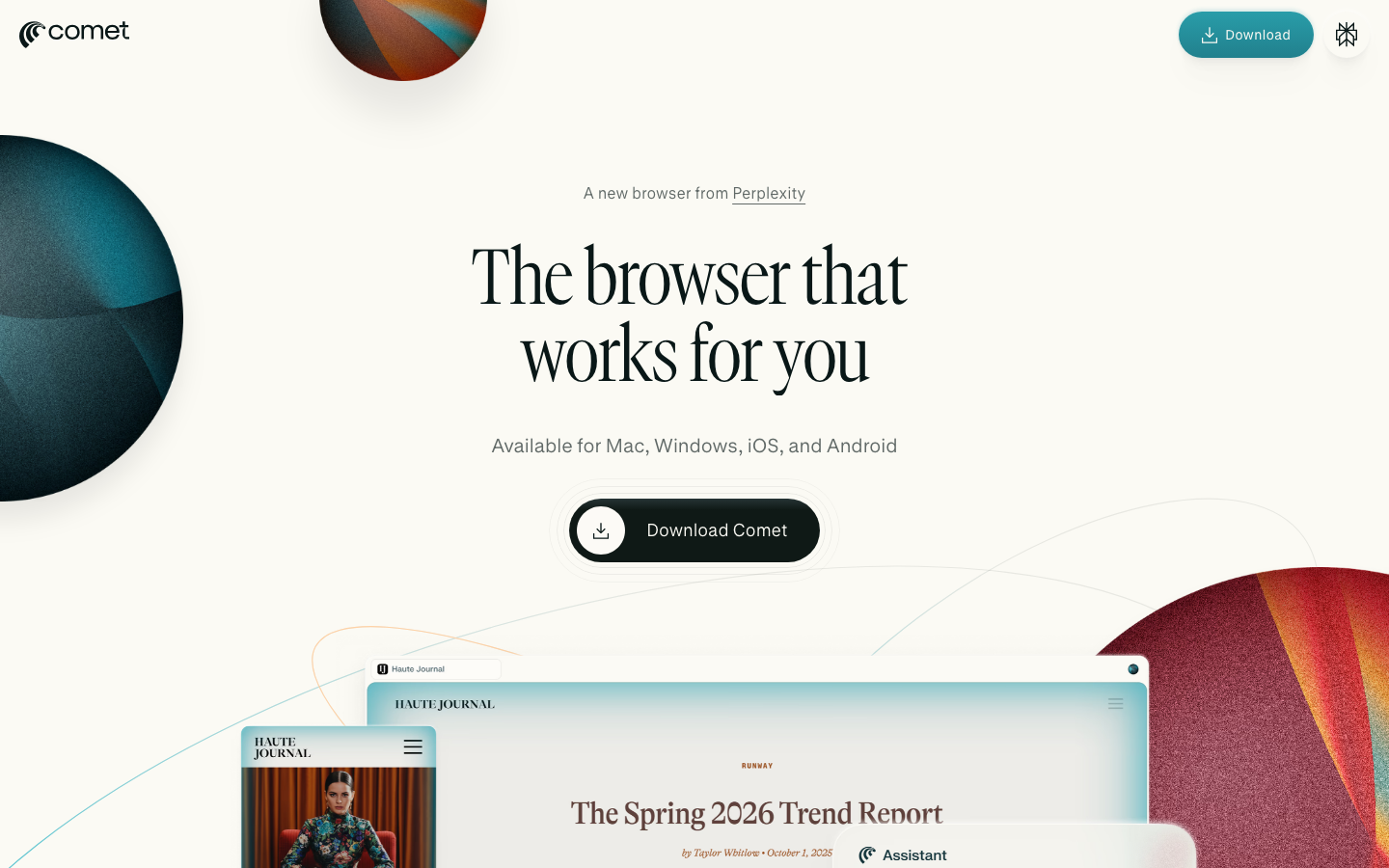
Perplexity Comet takes a simple idea and nails it: if Perplexity is already your search engine, why not make it your whole browser?
The URL bar is now a prompt box. Type a URL, a question, or a command — Comet figures out what you mean. Sounds small. In practice, it completely changes how you browse.
The task delegation is where it gets interesting. Order groceries. Compare prices across retailers. Manage your inbox. Summarize all your open tabs at once. The AI actually does these things for you.
For Max subscribers, you can even pick which AI model to use. Claude Opus 4.6 for complex research. Sonnet 4.5 for quick summaries. That flexibility matters.
My favorite feature? Having 15 tabs open while researching, then asking Comet to synthesize all of them into one coherent summary. That alone saves me hours every week.
It's on Windows, macOS, Android, and iOS. And here's the best part — they made the browser completely free in October 2025. Premium features still need a Max subscription, but the core experience costs nothing.
If you already use Perplexity, installing Comet is a no-brainer.
3. Dia Browser (The Browser Company / Atlassian)
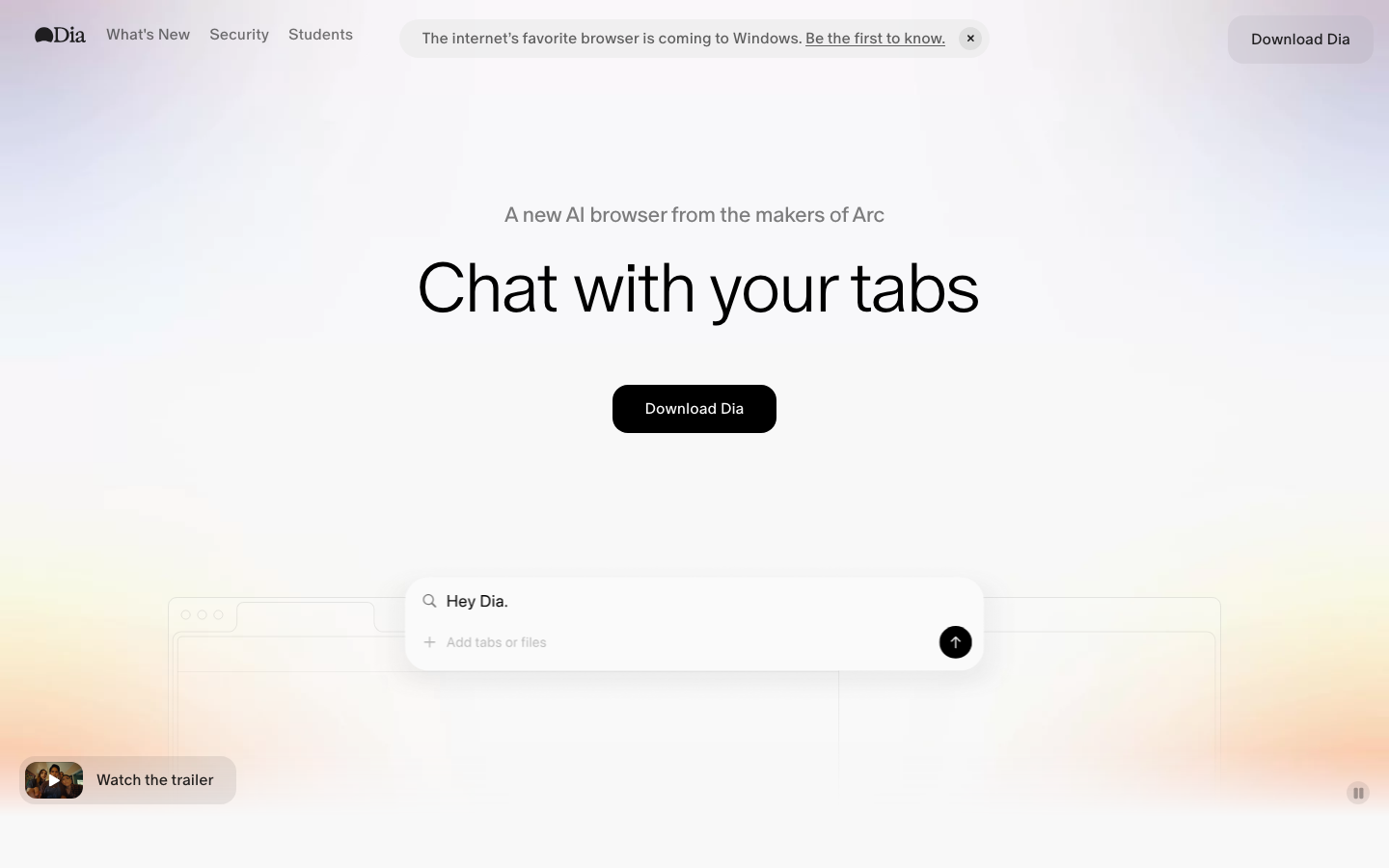
Dia Browser comes from the Arc team, and it's their vision for what comes next. If you liked Arc, you'll love Dia. If you never tried Arc, Dia is the better starting point anyway.
The URL bar doubles as a chatbot. Search, ask questions, summarize pages, draft text — all from the same input field.
Skills are what make Dia unique. Think of them as custom AI shortcuts. You create a Skill that summarizes articles into bullet points. Another that reviews GitHub PRs. Another that outlines academic papers. Each Skill can reference your open tabs for context.
There's a whole library of pre-made Skills too, so you don't have to build everything from scratch.
The personalization gets better over time. Visit developer docs a lot? Dia starts prioritizing technical answers. Browse design sites? It shifts toward creative assistance. It adapts to how you actually work.
macOS only right now (mobile coming in 2026). Free tier has AI usage limits. Pro is $20/mo for unlimited access. The free tier is generous enough for casual use, but if you're using AI features all day, the Pro plan pays for itself fast.
The Atlassian partnership could mean Jira and Confluence integrations down the road. That alone would make this a must-have for dev teams.
Dia is the best AI browser for people who want to customize their AI workflows.
4. Arc Browser (The Browser Company) — Maintenance Mode
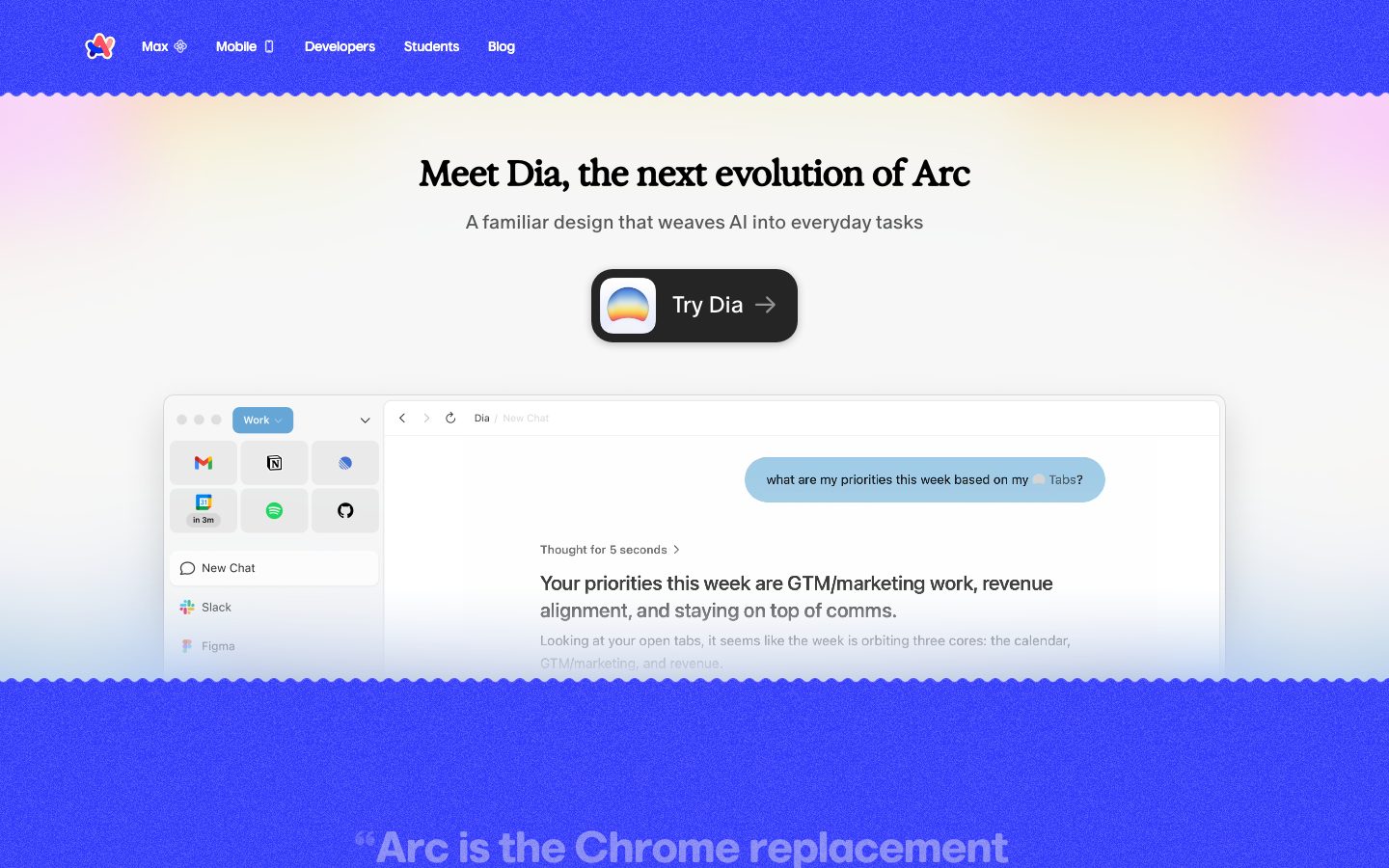
Arc Browser is the browser that started this whole AI browser trend. And now it's in maintenance mode. That's kind of poetic.
Arc Max introduced features every browser on this list has since copied. 5-Second Previews (hover over a link to get an AI summary without clicking). Tidy Tab Titles (auto-shortening long tab names). Tidy Downloads (auto-renaming files with sensible names). These were genuinely revolutionary when they launched.
The vertical tabs, Spaces for workspaces, and Boosts for customizing websites — all of that set a new standard for browser UX. You can see Arc's DNA in almost every other browser on this list.
But Arc is frozen. No new features. Security updates only. The team moved entirely to Dia.
If you're already using Arc and love it, no rush to switch. It still works great. But don't invest in learning it — Dia is where the future is.
It's free, on macOS and Windows. Still worth downloading just to see the design innovations that influenced this entire generation of browsers. But for a long-term pick, go with Dia.
5. Google Chrome (Gemini AI)
Google Chrome isn't the most innovative browser here. But it's the most used. And that matters more than you think.
Gemini 3 lives in a side panel. It's conversational AI without leaving Chrome. Because it's Google, it connects to everything — Gmail, Calendar, Maps, YouTube. Ask Gemini to find a restaurant near your next meeting and draft an invite to your friend. Done.
Auto Browse is Chrome's agentic play. Gemini takes over the browser to complete tasks for you. Search products, apply coupons, fill forms, complete purchases. Google even built a Universal Commerce Protocol (UCP) that standardizes how AI agents interact with shopping sites. So Auto Browse works more reliably than competing agent features on participating retailers.
Multi-tab context awareness means Chrome's AI knows what you have open across tabs. Personal Intelligence connects to your Google data for personalized answers. There's even built-in image generation.
The scam detection is a nice bonus — AI-powered Safe Browsing that catches phishing attempts in real time.
Available everywhere. Free for basic Gemini features. Agentic features need a Google AI Pro or Ultra subscription.
If you're deep in the Google ecosystem and don't want to switch browsers, Chrome's AI is good enough. Not the best, but good enough.
6. Microsoft Edge (Copilot)
Microsoft Edge used to be the browser you downloaded Chrome with. Not anymore.
Copilot Mode gives you a sidebar where you can compare content across tabs, summarize pages, draft content, and ask questions about what you're viewing. The Microsoft 365 integration is the real selling point — Edge understands Office documents, SharePoint files, and all your Microsoft stuff natively.
Actions Preview is wildly underrated. Type natural language commands like "clear my browsing history from last week" or "show me my bookmarks about machine learning" — and Edge just does it. No digging through menus.
Copilot Vision analyzes what's on your screen and makes suggestions. Viewing a spreadsheet? It offers to create a chart. Reading an article? It highlights key points. Smart and unobtrusive.
Agent Mode handles multi-step workflows. The shopping features are particularly good — price comparison, price history, product insights. I've genuinely saved money using Edge for online shopping.
Edge can summarize Word docs, analyze Excel spreadsheets, and generate PowerPoint slides from web content. All within the browser.
Free on Windows and macOS. Enterprise features may need M365 Copilot.
If your company uses Microsoft 365, Edge with Copilot is the most productive browser choice. Period.
7. Brave Browser (Leo AI)
Brave Browser is my top pick for anyone who cares about privacy. Full stop.
Every other AI browser on this list routes your data through cloud servers. Leo doesn't. Conversations aren't linked to your account. Chat history gets deleted on close. Brave doesn't train on your data. That's rare and important.
Leo summarizes pages, generates content, translates text, and analyzes PDFs and Google Docs. Brave Search integration means it gives you up-to-date answers from the web, not just stale training data.
The model selection is a huge differentiator. Free users choose between Mixtral 8x7B, Claude Haiku, and Llama 3.1. Premium ($14.99/mo) unlocks Claude Sonnet 4 and other premium models. You pick the right model for the job.
But the real killer feature? Bring Your Own Model (BYOM). Run local AI models through Ollama or connect to external APIs and use them right inside Leo. Run a local Llama model for sensitive work that never touches a cloud server. Connect a fine-tuned model for your specific domain. No other browser offers this.
Available on every platform — Windows, macOS, Linux, Android, iOS. Free tier has basic model access with limits. Premium is $14.99/mo ($149.99/yr) for up to 5 devices with premium models and higher limits. 7-day free trial available.
Privacy-conscious AND you want AI? Brave Leo. No contest.
8. Opera (Aria / Opera AI / Opera Neon)
Opera is running a two-track strategy and it's working.
Track one: Opera AI is free and shockingly good for free. Context-aware browsing, tab management, up to 100 AI-generated images per day, video and document analysis, web search, integrated ChatGPT. All of it. No cost. That makes it arguably the best free AI browser.
Track two: Opera Neon is the paid power-user option at $19.90/mo. Full agentic AI. It handles complex projects, manages parallel tasks, navigates websites for you, fills forms, automates research. Comparable to what Atlas and Comet offer at the premium tier.
The free Opera AI is genuinely impressive. The context-aware browsing means it knows what page you're on and can answer questions about it without copy-pasting. The image generation is a nice perk you won't find in most free browsers. And having ChatGPT integrated directly? Convenient.
Available on Windows, macOS, Android, and iOS.
Best free AI browser? Opera makes a strong case. If you want full agentic features, Neon is competitively priced.
9. SigmaOS
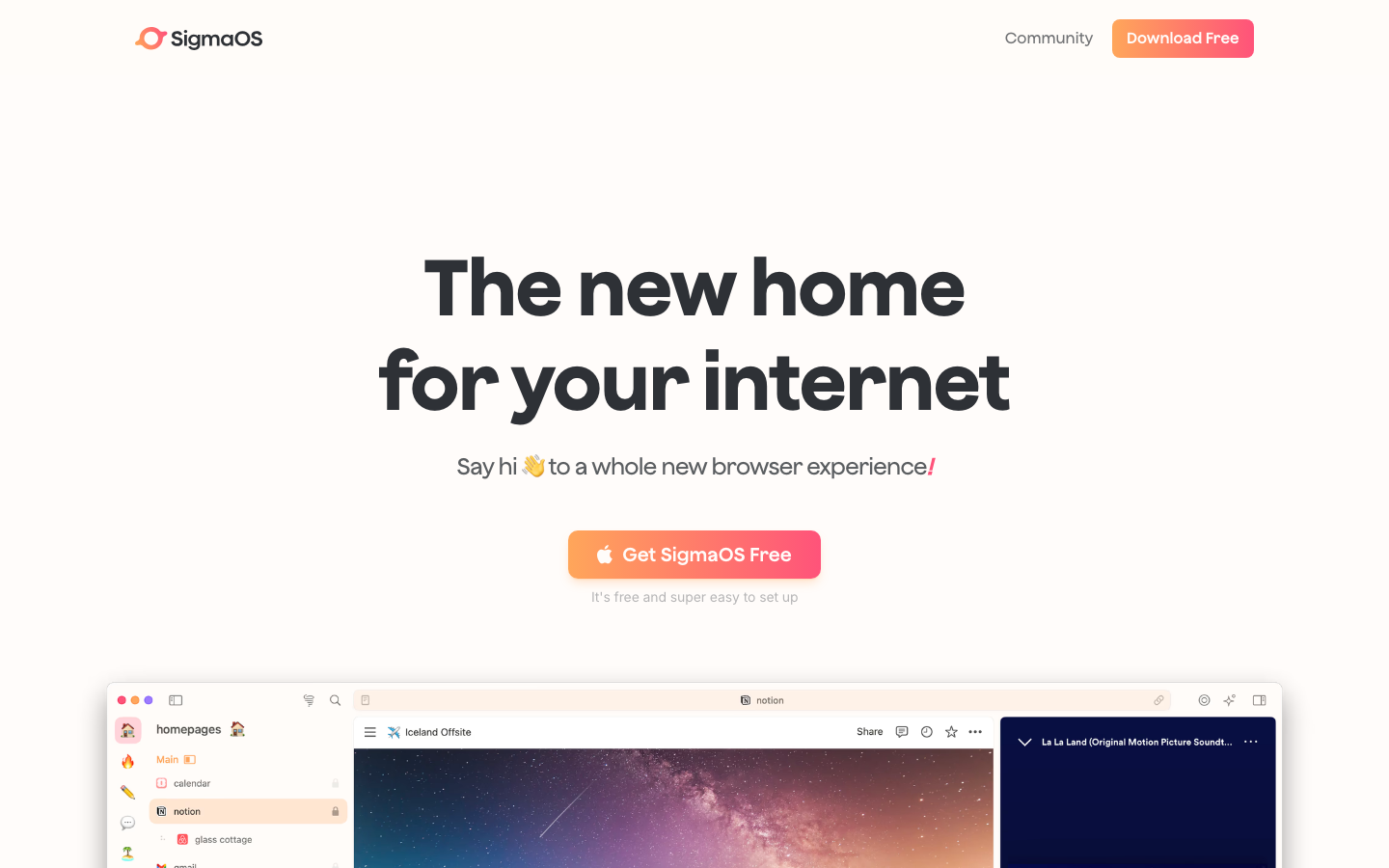
SigmaOS is for the person who lives in their browser 10 hours a day and needs their tools to keep up.
It's a macOS-only browser built around productivity. The AI assistant Airis does summaries, Q&A, rewriting, translation, and web search. Standard stuff. But the execution is clean.
The agentic browsing is where SigmaOS earns its keep. The AI can log into websites, click buttons, type text, and complete tasks inside web apps on your behalf. Need to update settings across multiple apps? Fill out a bunch of forms? Extract data from dashboards? SigmaOS handles it while you do other things.
The workspaces, split-screen browsing, and keyboard shortcuts complement the AI nicely. It feels like a browser designed for deep work, not just a Chrome clone with a chatbot.
macOS only. Free tier covers basics. Pro is $20/mo. Students and educators get 50% off ($10/mo).
If you're a Mac power user who wants a browser that treats productivity as its core identity, SigmaOS is a great pick. But the macOS-only thing limits the audience.
10. Vivaldi — The Anti-AI Browser (Honorable Mention)
I'm including Vivaldi because sometimes the best AI feature is no AI feature.
Vivaldi has deliberately, publicly, loudly refused to add any AI. Their CEO says most users don't actually want AI in their browser. Whether you agree or not, it's a refreshing stance.
What Vivaldi does have: insane customization. Drag-and-drop tab tiling with unlimited grid layouts. Built-in email client, RSS reader, and calendar. Pinned tabs with domain restriction. It's the power user's power browser.
If you want a feature-rich browser with zero AI, Vivaldi is the only game in town.
Free. Windows, macOS, Linux, Android. The tab tiling alone makes it one of the most productive browsers available for certain workflows.
The tradeoff is obvious — no summarization, no translation, no task automation. I personally use Vivaldi for deep focus work and an AI browser for research. Best of both worlds.
Part 2: AI Browser Extensions
Look, I get it. Nobody wants to switch browsers. Your bookmarks are there. Your passwords are there. Your extensions are there. Everything is there.
Good news: you don't have to switch. These 15 extensions add AI capabilities to Chrome, Edge, Safari, or Firefox. Some of them are almost as powerful as a full AI browser.
11. Sider AI
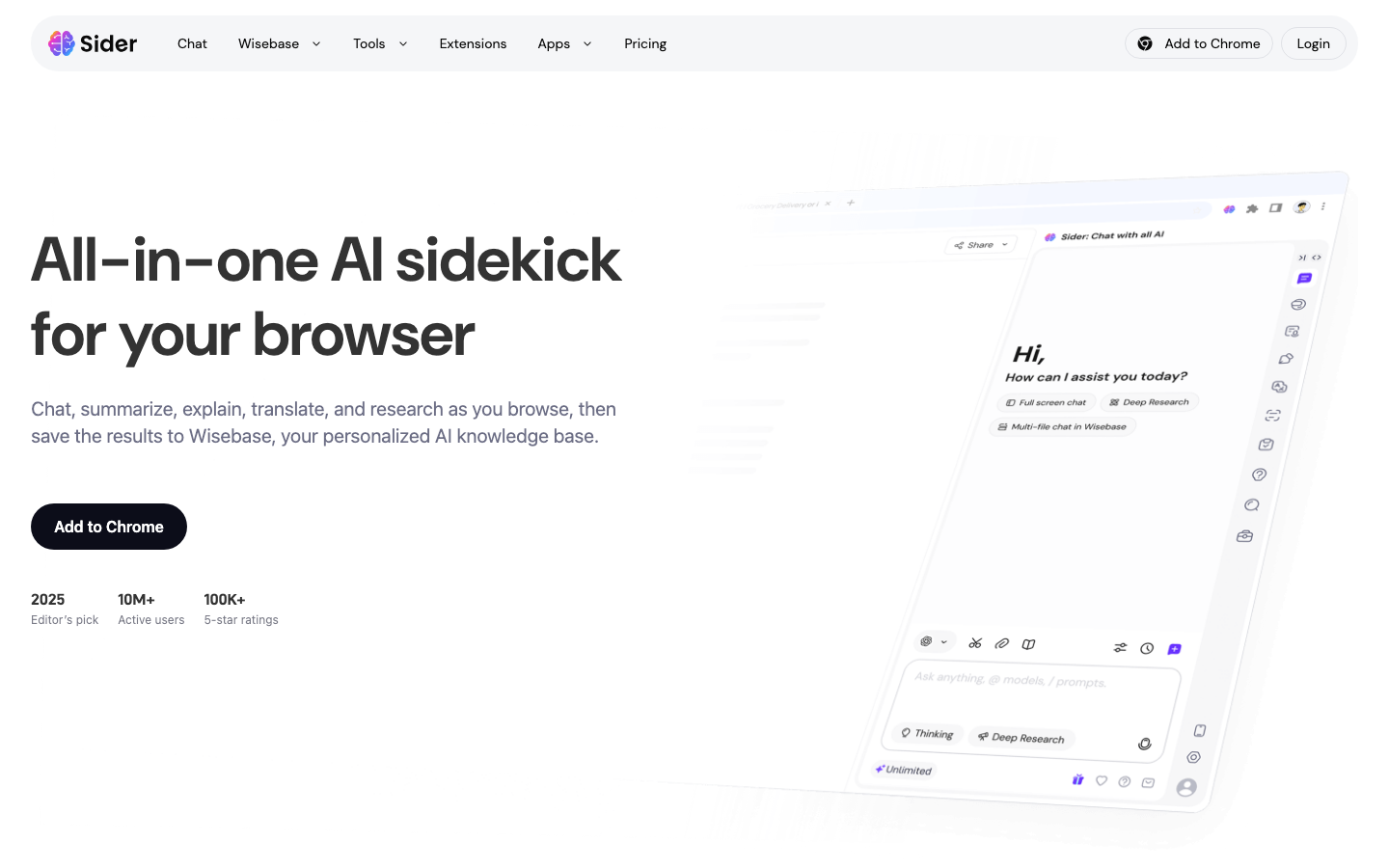
Sider AI is the extension I tell everyone to install first. Over 5 million users, 40,000+ five-star ratings. It earned that.
The multi-model support is the headline feature. ChatGPT, GPT-4, Claude, Gemini, DeepSeek, Grok — all in one sidebar. Switch models mid-conversation. Or use group chat to query multiple models simultaneously and compare answers side by side.
The feature list is almost ridiculous for a browser extension. Page summarization. Translation. Document analysis. Image generation. Deep Research Agent that crawls 100+ sources with citations. A personal knowledge base (Wisebase). Audio transcription. AI slide generation. Browser automation for form filling and data extraction.
I genuinely can't think of an AI use case Sider doesn't cover.
Free tier: 30 basic credits/day. Basic: $8.30/mo. Pro: $16.60/mo (the sweet spot). Unlimited: $25/mo. Works on Chrome, Edge, and Safari.
One weakness: the sheer number of features can overwhelm you at first. Start with the sidebar chat and page summaries. Explore from there.
If you only install one AI extension, make it Sider.
12. Monica AI
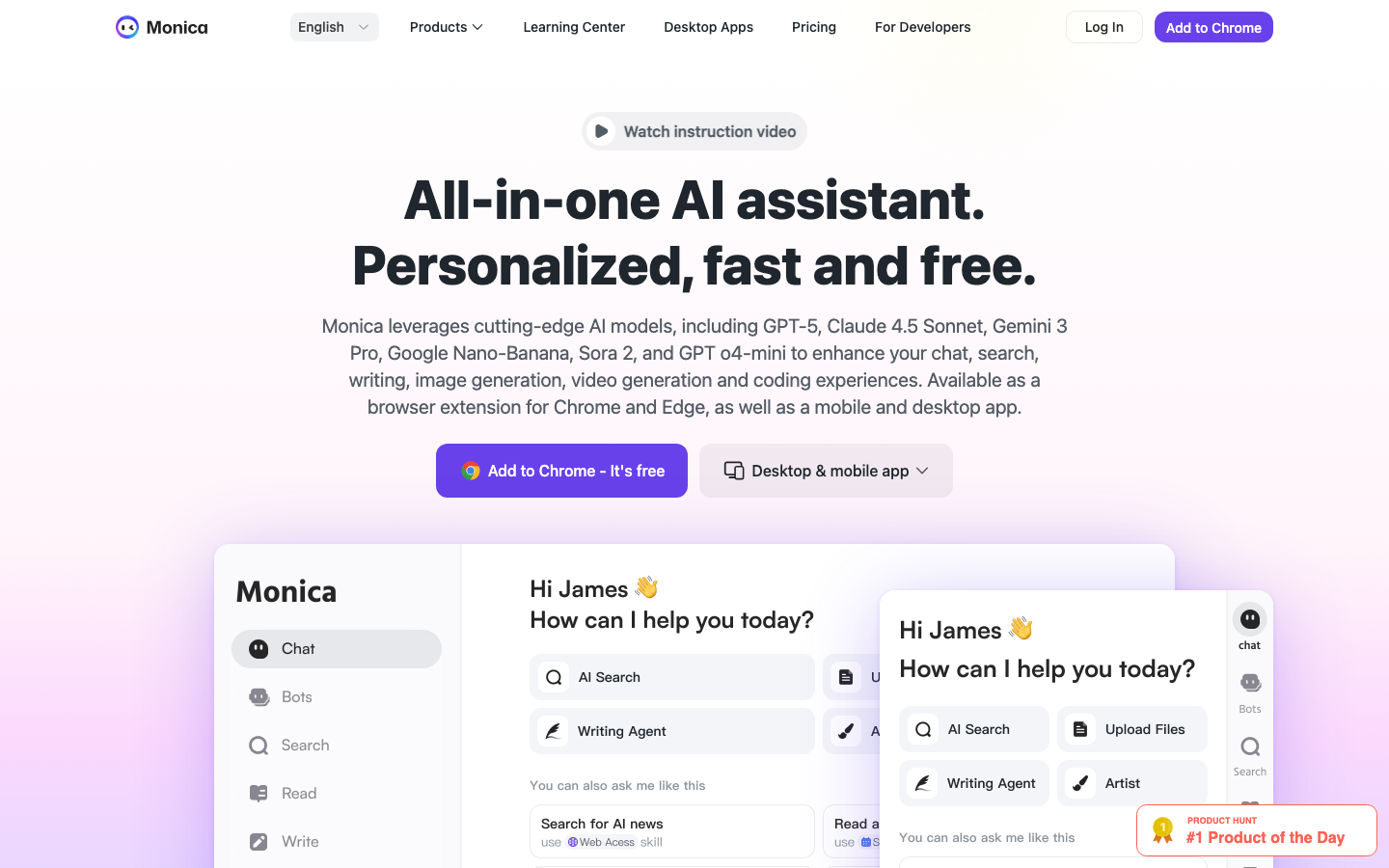
Monica AI is Sider's closest competitor, and in some areas, it's better.
Multi-model access (GPT-5, Claude 4.5, Gemini 3 Pro). Smart model selection that automatically picks the best model for each query. Over 80 writing templates. Floating toolbar on text selection for quick summarize/translate/rewrite actions.
Where Monica pulls ahead: media generation. Image generation through DALL-E 3, Stable Diffusion, and Flux Pro. Video generation through Runway, Pika, and Kling. All inside a browser extension. That's wild.
The Browser Operator handles task automation similar to what full AI browsers do. The AI Memo feature saves and organizes info from your browsing sessions.
Free tier: 40 basic queries/day. Pro starts at ~$8.30/mo, scaling up to $39/mo for higher-end model access.
Works on Chrome and Edge (no Safari, which gives Sider an edge there).
If you need text, image, AND video generation in one extension, Monica is the one to beat.
13. Merlin AI
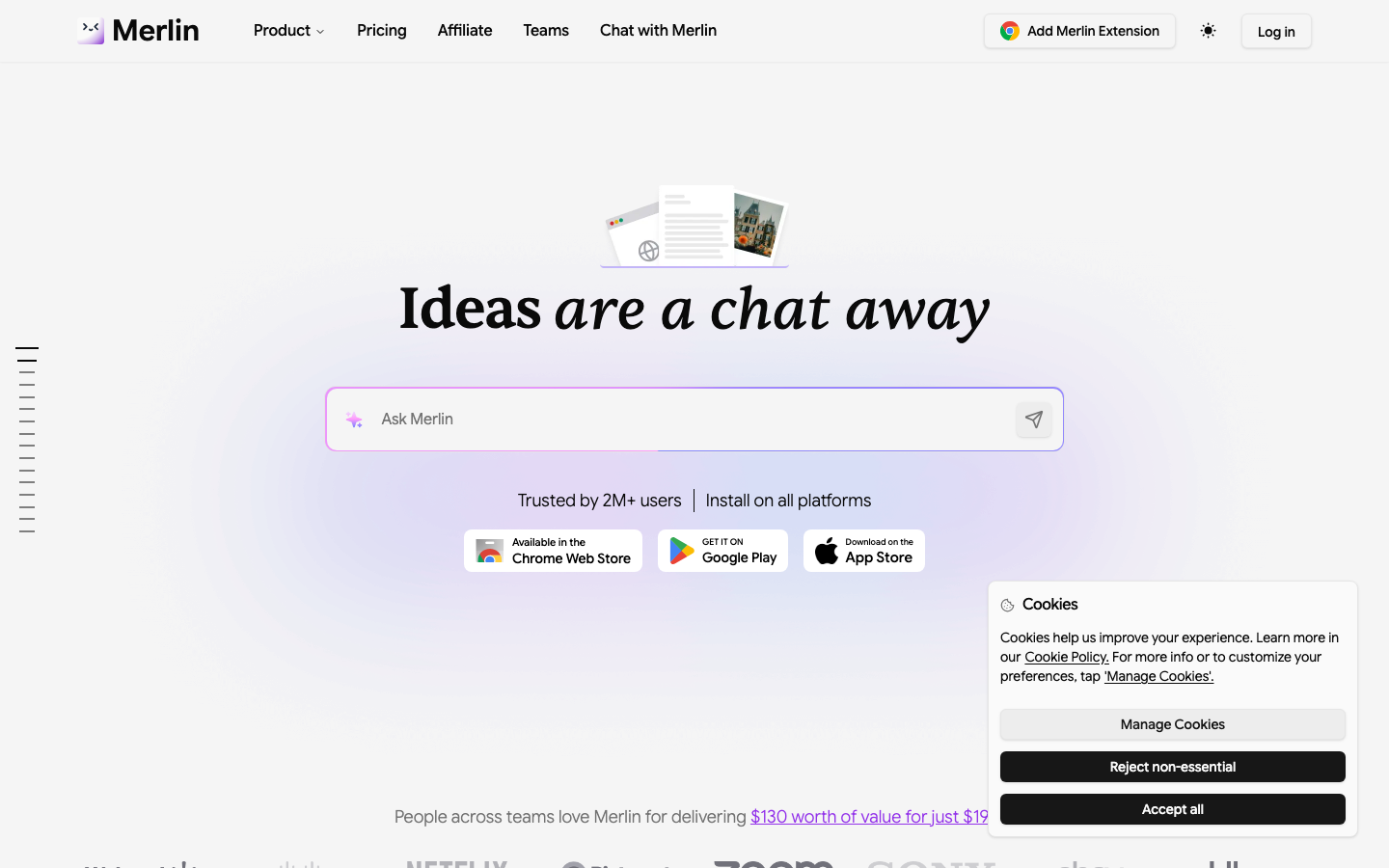
Merlin AI is the extension I'd recommend if you care about deep research or if you use Firefox.
Multi-model support (GPT-4o, Claude 3.7, Gemini 2.5 Pro, Llama 3.1). Chat with webpages, PDFs, and documents. Standard stuff that all the top extensions do.
The Deep Research feature is where Merlin shines. It gathers from multiple sources, compiles reports with citations and source links, and lets you customize the depth. I've used it for market research and competitive analysis and the output is genuinely useful — not just AI slop.
Content creation tools are solid. Social media templates for LinkedIn and Twitter. Image generation with 20+ models. The live web + file fusion feature lets you combine web searches with uploaded docs to create content that's both current and grounded.
Free tier with limited queries. Teams: $15/mo (includes collaboration features most competitors lack). Pro: $19/mo. Custom Enterprise pricing.
Chrome, Edge, AND Firefox. That Firefox support is a real differentiator — most AI extensions are Chrome-only.
Firefox user? Researcher? Merlin is your best bet.
14. MaxAI
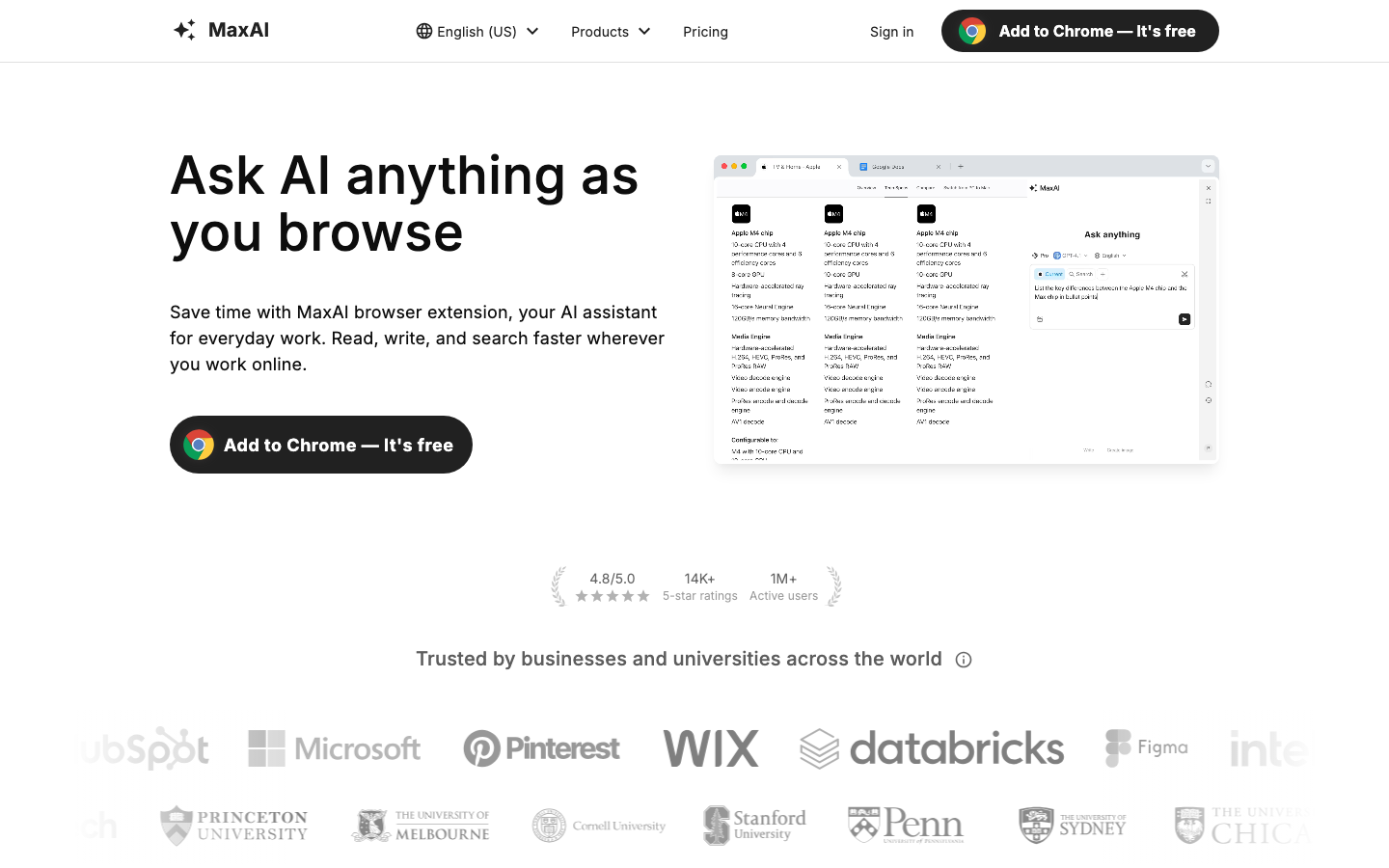
MaxAI doesn't try to do everything. It does three things and does them better than most: summarize, translate, and extract information.
Over a million professionals and 65,000 companies use it. That's not hype — those numbers come from being genuinely reliable at the basics.
The translation is outstanding. 58 languages with side-by-side reading. You see the original content right next to the translation so you can verify accuracy in real time. Way better than switching to Google Translate in another tab.
AI Vision extracts text from images — screenshots, charts, math equations. PDF analysis handles entire documents. The sidebar chat is there for longer conversations.
Free tier: 10 content chats/day and 40 AI responses/day. Pro: ~$9.99/mo. Elite: ~$12/mo.
Chrome and Chromium only.
If you mainly need summarization, translation, or content extraction, MaxAI does those better than the Swiss Army knife extensions that try to do everything.
15. HARPA AI
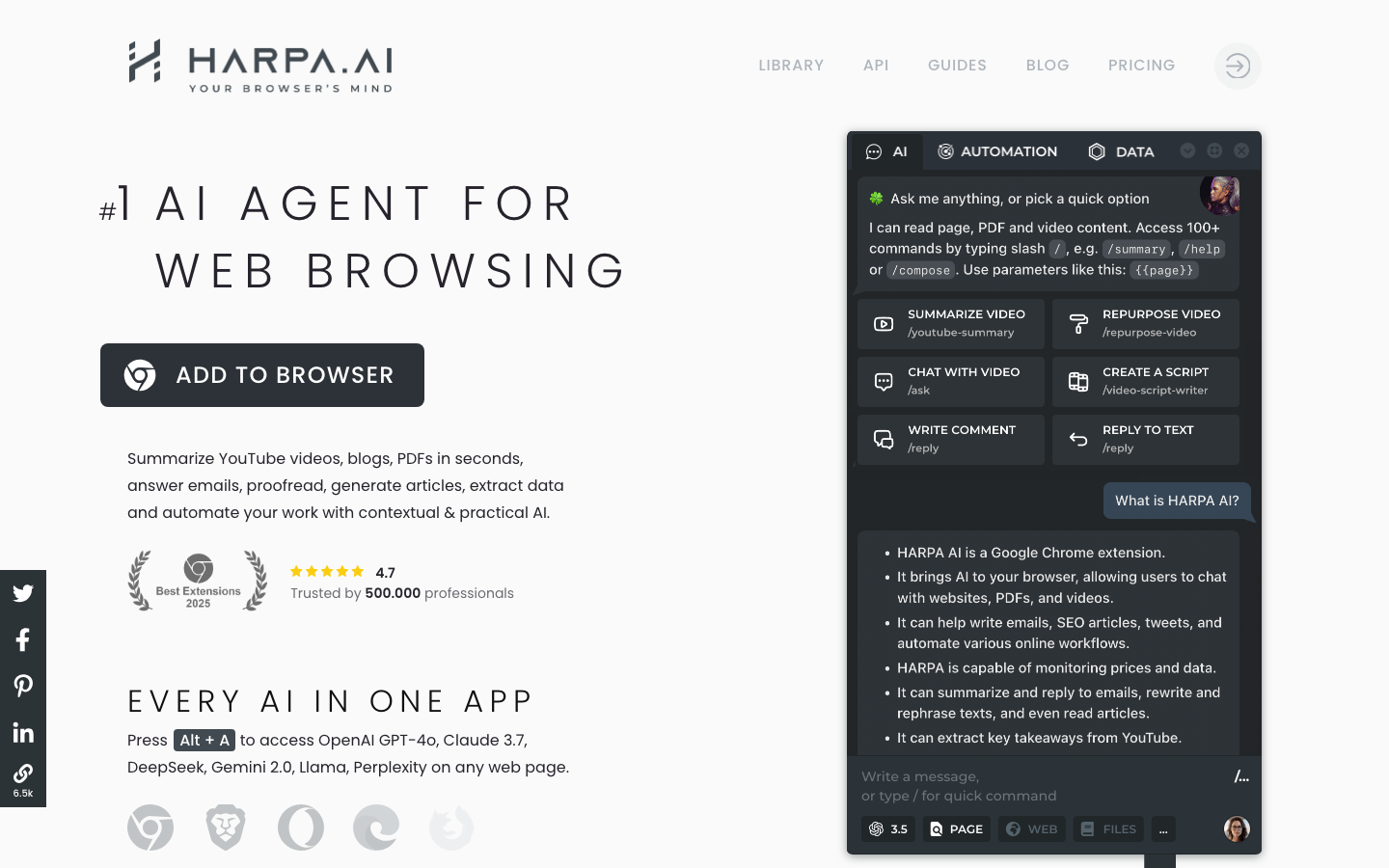
HARPA AI is the extension for people who want to automate the boring stuff. And I mean actually automate it, not just chat about it.
It combines ChatGPT, Gemini, Claude, Perplexity, and DeepSeek with real browser automation. Navigate websites. Click buttons. Extract data. Fill forms. Monitor pages for changes. All on autopilot.
The automation is HARPA's superpower. Over 100 preconfigured commands for SEO audits, keyword extraction, content calendars, competitive analysis. Price and stock monitoring with alerts. Set it to watch a product page and get notified when the price drops.
The IFTTT-style chains connect HARPA to Zapier and Integromat. Monitor a competitor's pricing page, extract changes, send to Google Sheets, trigger a Slack notification. That's the kind of automation usually reserved for dedicated workflow tools. HARPA puts it in your browser.
Privacy bonus: all data stored locally. No logs on HARPA's servers. Your browsing data stays on your machine.
Free tier: 100 total AI command runs. S plan: $12/mo. There's also an X-tier with a lifetime one-time payment and Bring Your Own Key (BYOK) — use your own API keys and pay HARPA once. Incredible value for power users.
Chrome only.
If you want browser automation that actually works, HARPA is the clear winner. Nothing else comes close.
16. Glasp
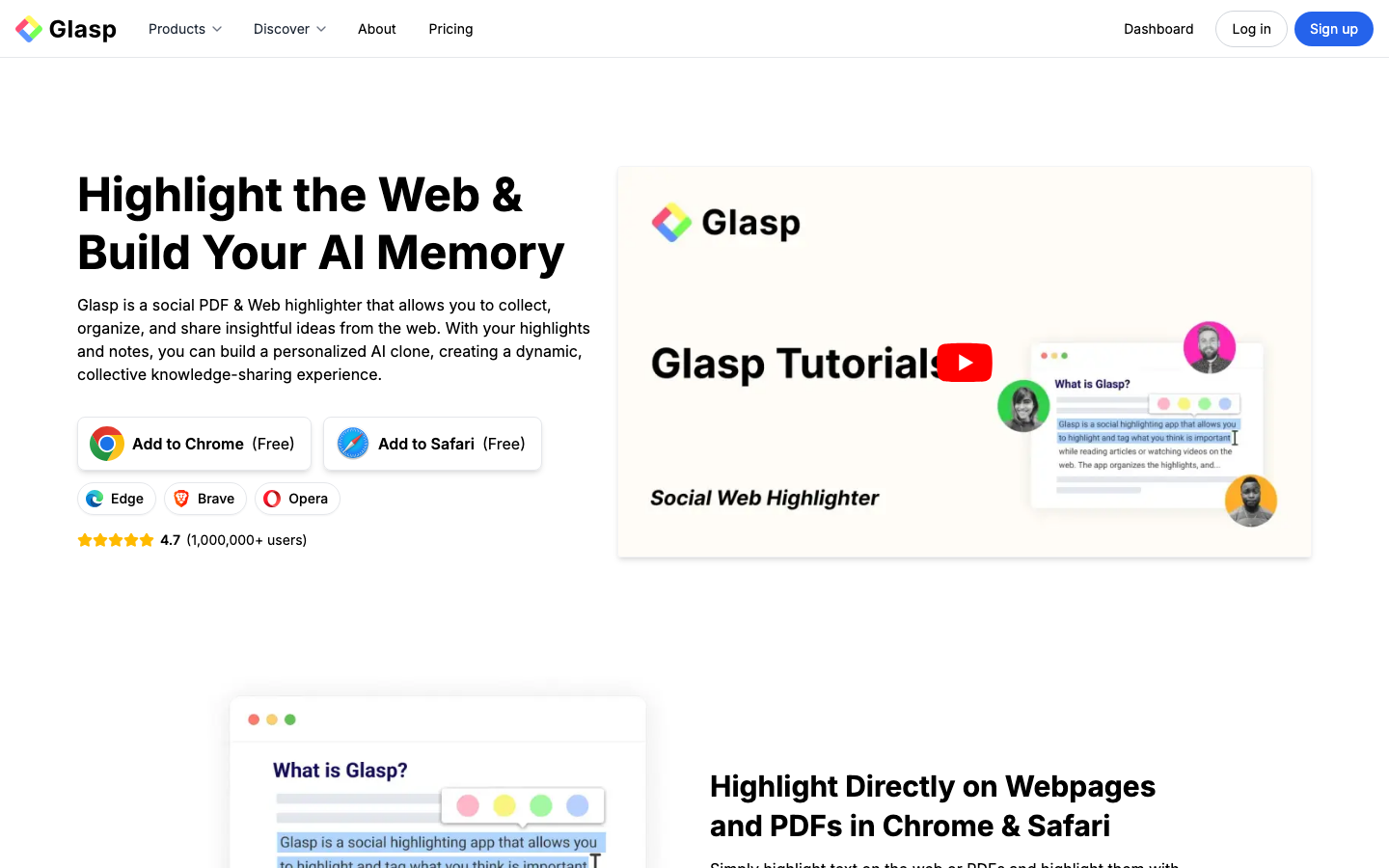
Glasp is different from everything else on this list. It's not a general-purpose AI assistant. It's a social highlighting tool with AI superpowers.
Over a million users highlight text on webpages and PDFs, add annotations, and share them with the community. Your highlights are public by default, creating a collaborative knowledge layer across the web.
Digital Me is the wildest feature here. It creates an AI clone based on all your highlights and annotations. Other Glasp users can ask your Digital Me questions and get answers based on the knowledge you've curated. It's like scaling your expertise without being available 24/7.
AI summarization works with multiple models (GPT-4o, Claude, Gemini). YouTube summaries. Semantic search across your highlight library. Integrations with Notion, Obsidian, Kindle, Pocket, and Medium.
Free tier: unlimited public highlights, 3 YouTube summaries/day. Pro adds private highlights. 50% student discount. Chrome, Safari, Edge, and Brave.
If you're a voracious reader who wants to build a searchable knowledge library from your browsing, Glasp is uniquely built for that.
17. Compose AI
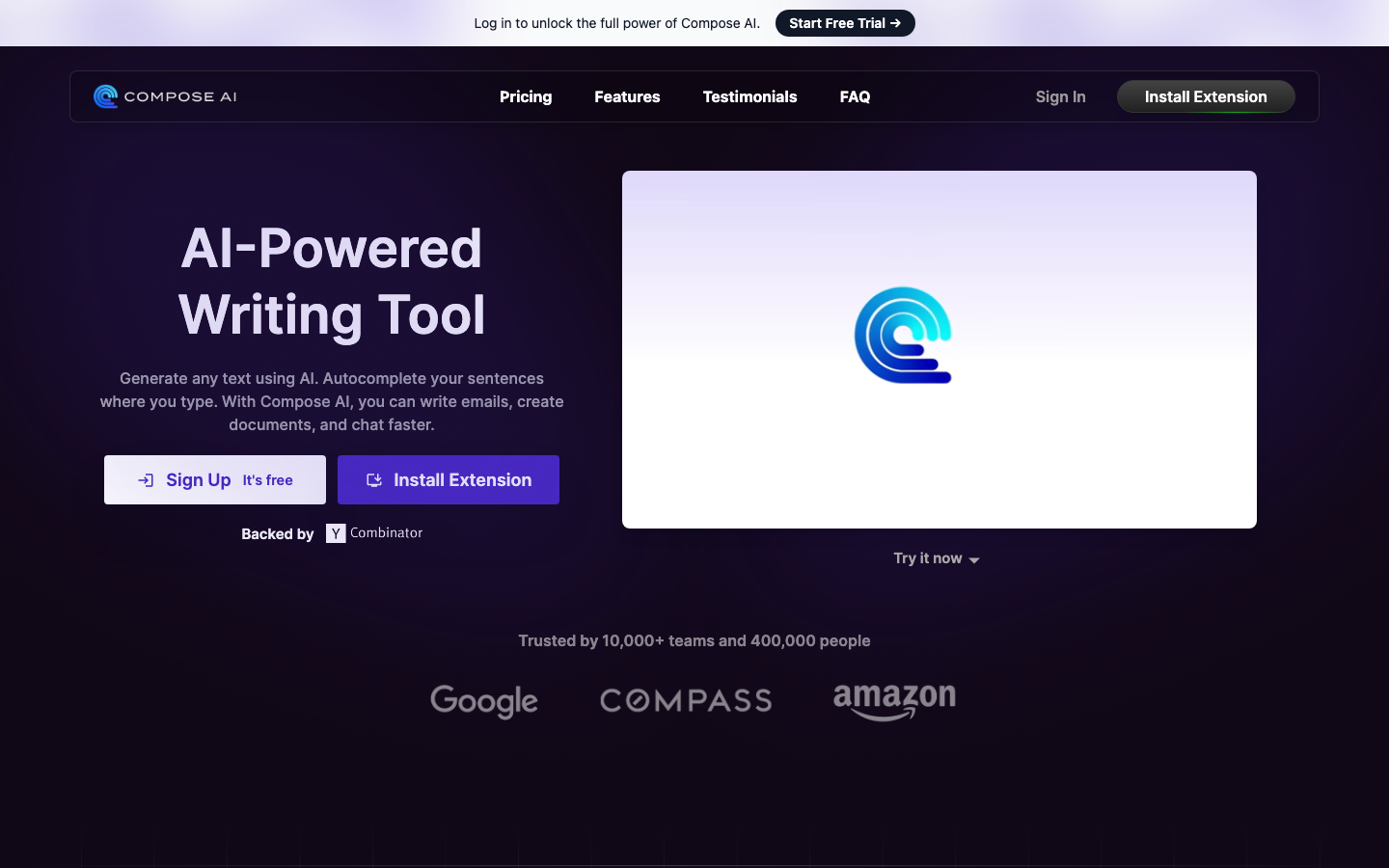
Compose AI does one thing. And it's the one thing I use most: AI autocomplete for every text field in the browser.
Think GitHub Copilot, but for writing emails, Slack messages, Google Docs, social media posts. You type, it suggests completions, you hit Tab. Simple. Fast. Addictive.
It learns your writing patterns over time. Your vocabulary, your sentence structures, your tone. The predictions get eerily good the longer you use it. After a month, it was finishing my sentences better than my coworkers could.
Type "//" anywhere to open an inline text generation prompt. Describe what you want and it generates it right there. No switching to a sidebar or opening a new tab.
Gmail integration is particularly slick — it analyzes incoming emails and generates contextually appropriate replies. Select text to rephrase, shorten, expand, or change tone.
Free tier: 1,500 words/month (not enough for heavy use). Premium: $9.99/mo. Chrome only.
If you write a lot in your browser and want the most frictionless AI writing experience, Compose AI is it. Nothing else disappears into your workflow this seamlessly.
18. Wisdolia (Jungle AI)
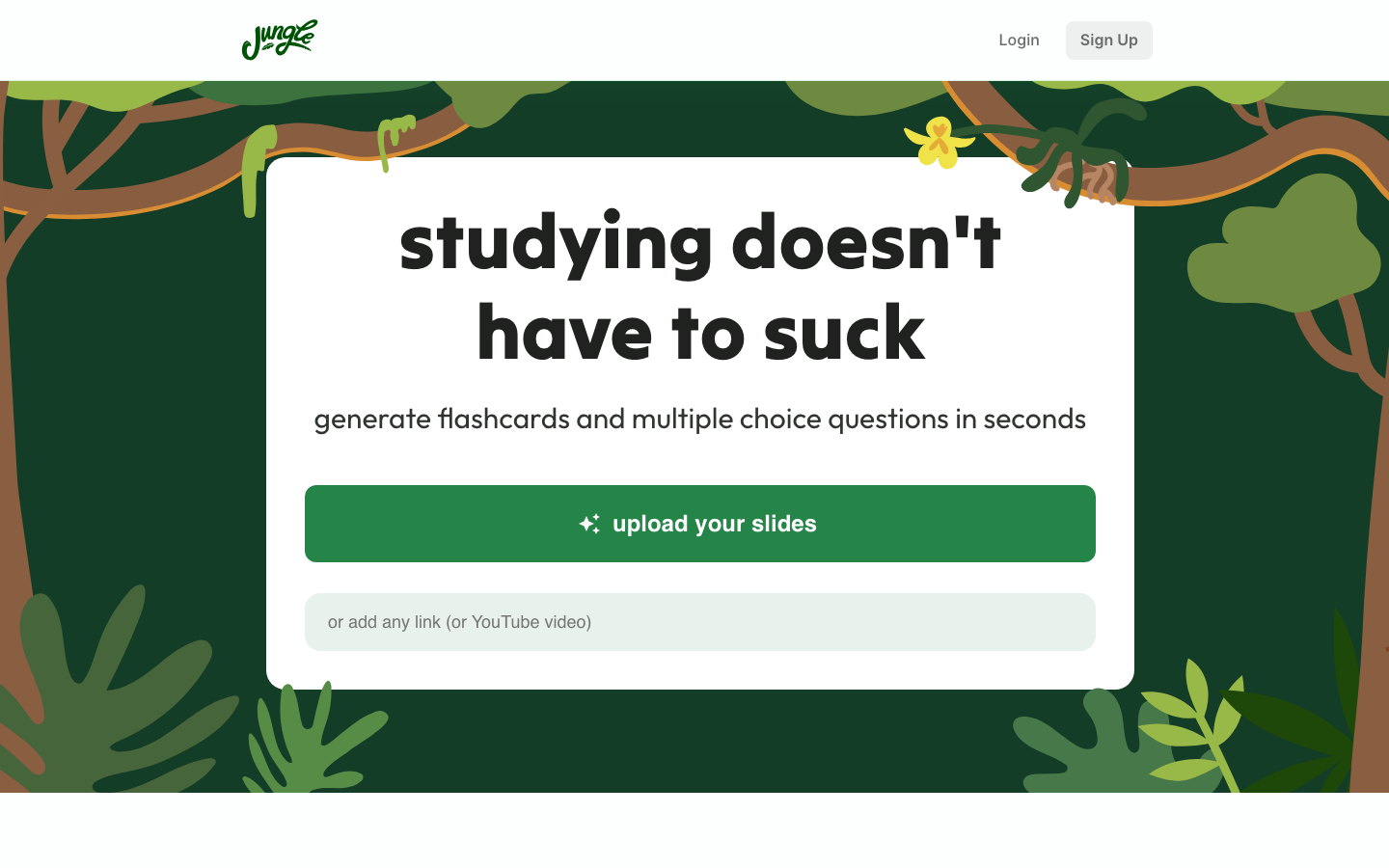
Wisdolia (also called Jungle AI) is the best AI extension for students. Not even close.
It generates flashcards from anything — articles, PDFs, YouTube videos, webpages. Not random sentences pulled from the text. Actual thoughtful Q&A pairs that test whether you understood the material.
The Anki integration is the killer feature. Anki is the gold standard for spaced repetition learning. Wisdolia exports directly to Anki. That means you automatically build a study library from your everyday browsing. Read an article, generate flashcards, export to Anki. Study later. Retain more.
The AI gives personalized feedback on your answers — explaining why you're right or wrong and adding context.
Free tier: 5 uploads/month with 10-page limit. Mega Mind: $4/mo (40 uploads). Super Learner: $12/mo (unlimited). Chrome only.
Is it worth $4/mo? If you're studying for anything — exams, certifications, a new skill — absolutely. The ROI on better retention is massive.
19. Grammarly
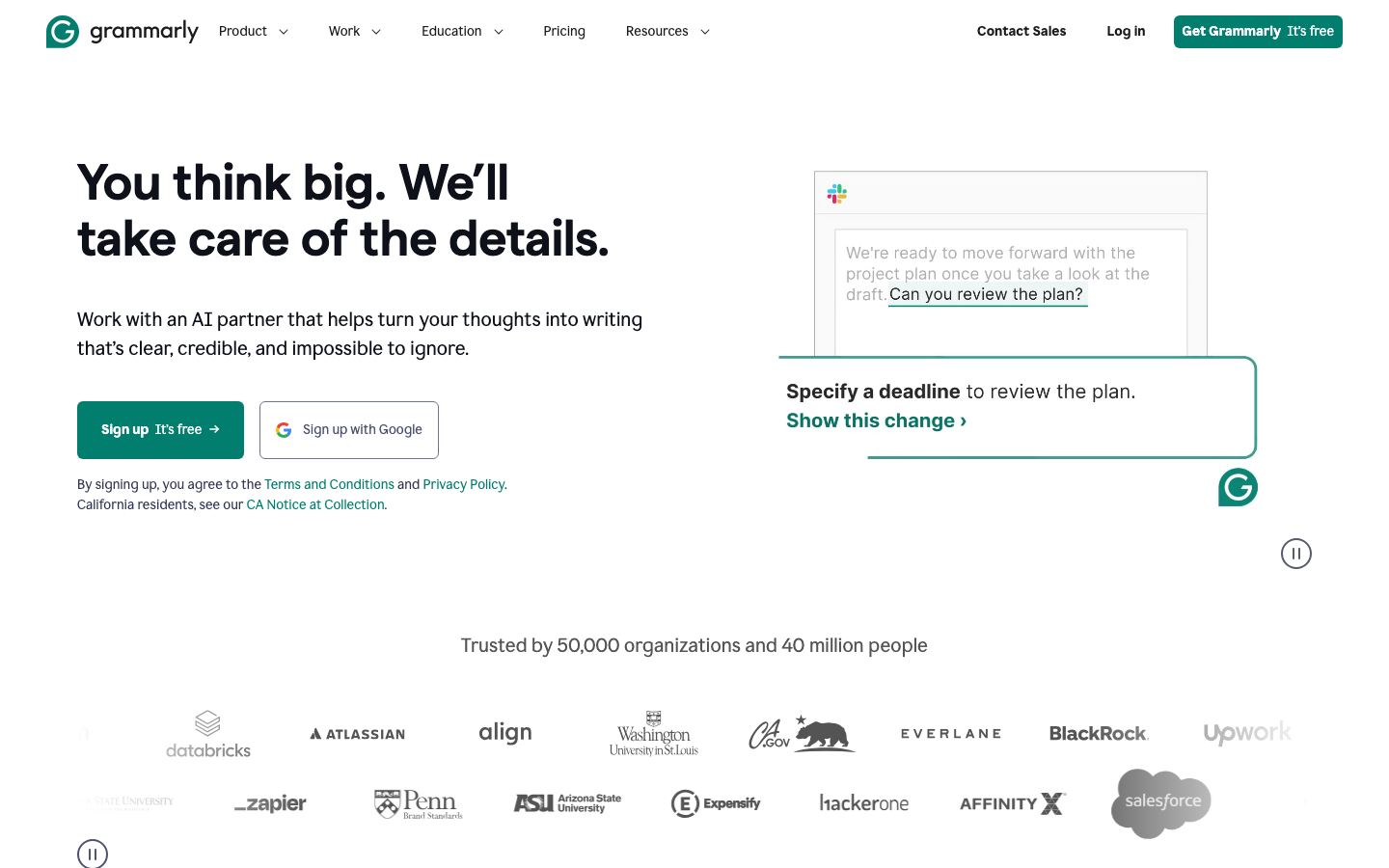
Grammarly barely needs an introduction. You know what it does. Grammar, spelling, style, clarity, tone checking across every text field in your browser.
GrammarlyGO is what keeps Grammarly relevant in 2026. It turns Grammarly from a correction tool into a writing assistant. Draft content from scratch. Rewrite for different tones. Summarize email threads. Generate responses.
The contextual intelligence is underrated. It knows the difference between a business email, a Slack message, and a blog post, and adjusts suggestions accordingly. That's something generic AI writing tools get wrong constantly.
Authorship tracking identifies which parts of a document were written by humans vs. AI. Increasingly important as companies care more about AI transparency. Plagiarism detection adds another layer.
Chrome, Edge, Safari, Firefox. Free tier: basic grammar/spelling + 100 AI prompts/month. Pro: $12/mo.
Grammarly's biggest advantage? It just works. Everywhere. Consistently. That reliability matters more than having the flashiest features.
20. Jasper AI
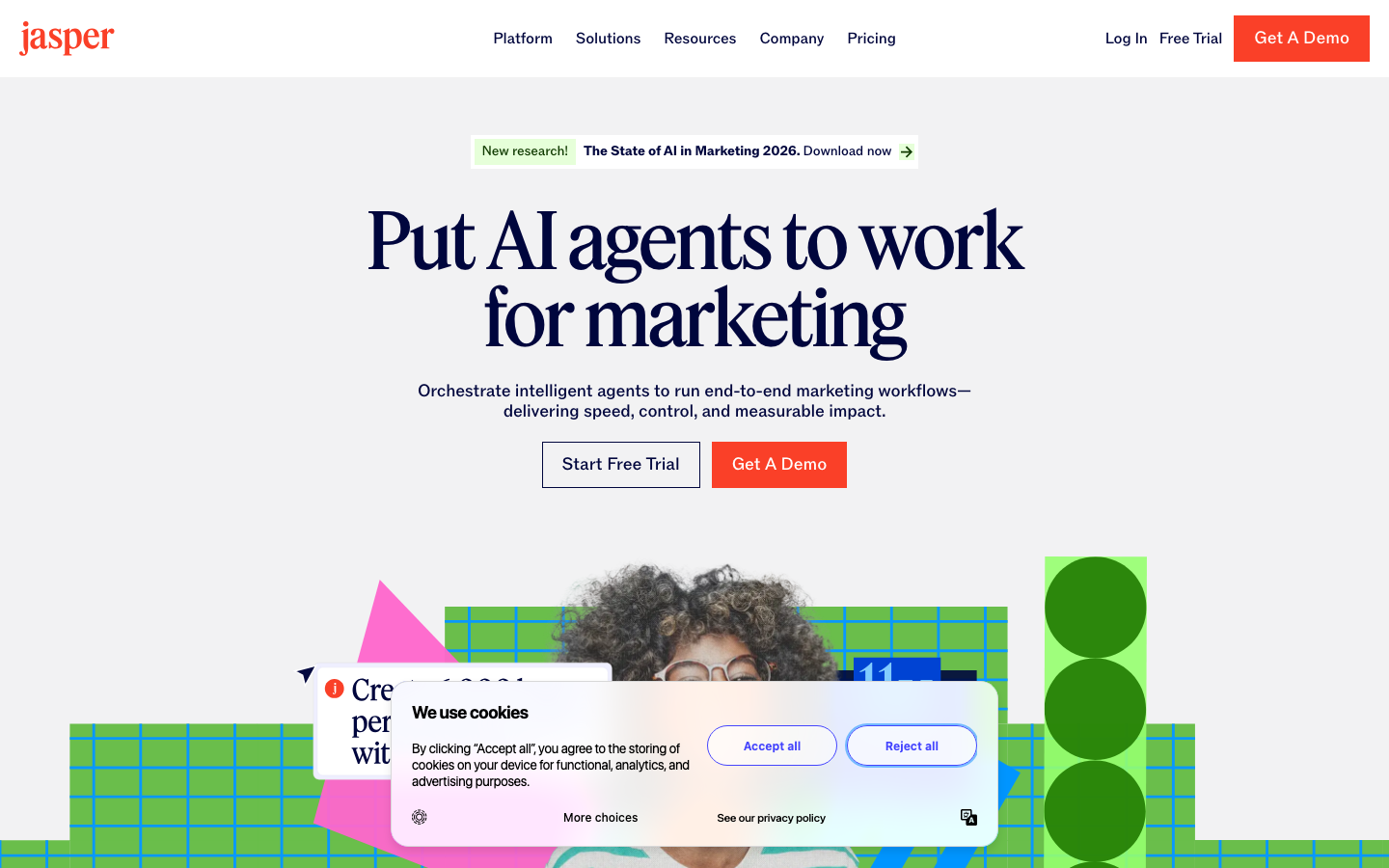
Jasper AI is expensive. Let me get that out of the way. Creator plan: $39/mo. Pro: $59/mo. Business: custom.
But here's the thing: if you're a marketer, Jasper is the only extension on this list built specifically for you.
It works inside Gmail, WordPress, Google Docs, HubSpot, and LinkedIn. One-click text improvement. Over 50 marketing-specific templates — ad copy, email campaigns, social posts, product descriptions. SEO mode bakes keywords in naturally.
Brand Voice is the feature that justifies the price. Train Jasper on your brand's style guide, tone, key messages, and terminology. Every piece of content sounds like your brand, not like generic AI output. For teams producing hundreds of content pieces across dozens of channels, that consistency is worth every penny.
AI Image Suite generates marketing visuals alongside your copy. Content repurposing turns a blog post into social snippets, email subject lines, and ad variations — all maintaining the same brand voice.
Chrome and Edge only. 7-day free trial.
Is $39/mo worth it? If you create marketing content daily, absolutely. If you don't, skip it and use Sider or Monica instead.
21. Fireflies.ai
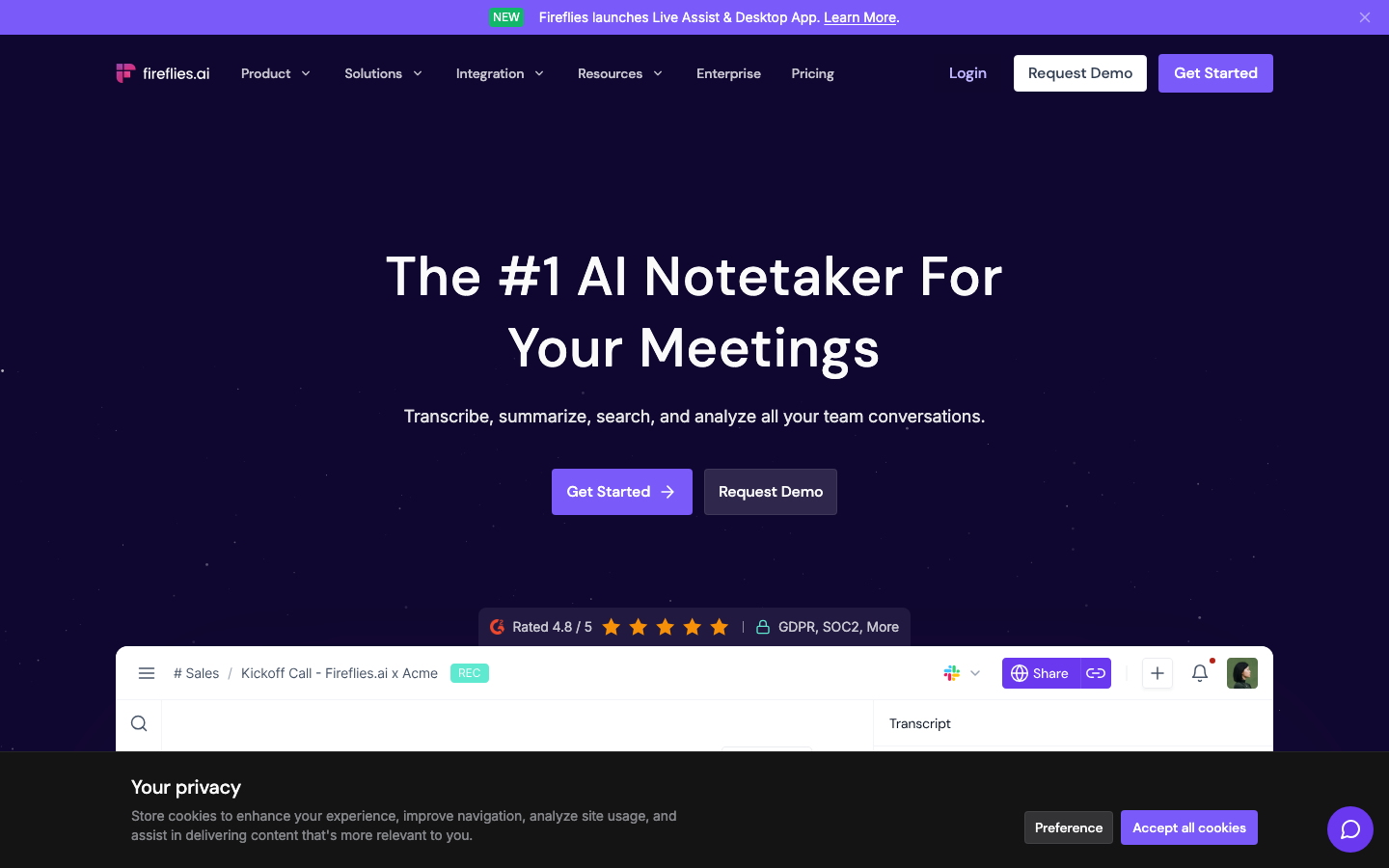
Fireflies.ai solves the most universal pain point in modern work: nobody wants to take meeting notes, but everybody needs them.
Auto-records, transcribes, and summarizes meetings on Zoom, Google Meet, and Teams. The Chrome extension is the key differentiator — it transcribes without a visible bot joining the meeting. No more awkward "Fireflies Bot has joined" notifications that make clients uncomfortable.
Real-time note generation during calls. After the meeting: comprehensive summaries with action items, key decisions, and follow-ups. AskFred lets you query your meeting history — "What did engineering commit to delivering by Friday?" — and get accurate answers from transcripts.
Speaker talk time tracking and sentiment analysis show you who's dominating conversations and where the friction points are. 100+ language support. CRM integrations with Salesforce and HubSpot.
Free tier: unlimited transcription, 800 min storage, 20 AI credits/month. Pro: $10/user/mo. Business: $19/user/mo. Enterprise: $39/user/mo.
If your team spends hours in meetings every week, Fireflies has one of the highest ROIs of any tool on this list. The free tier alone is worth installing.
22. Otter.ai
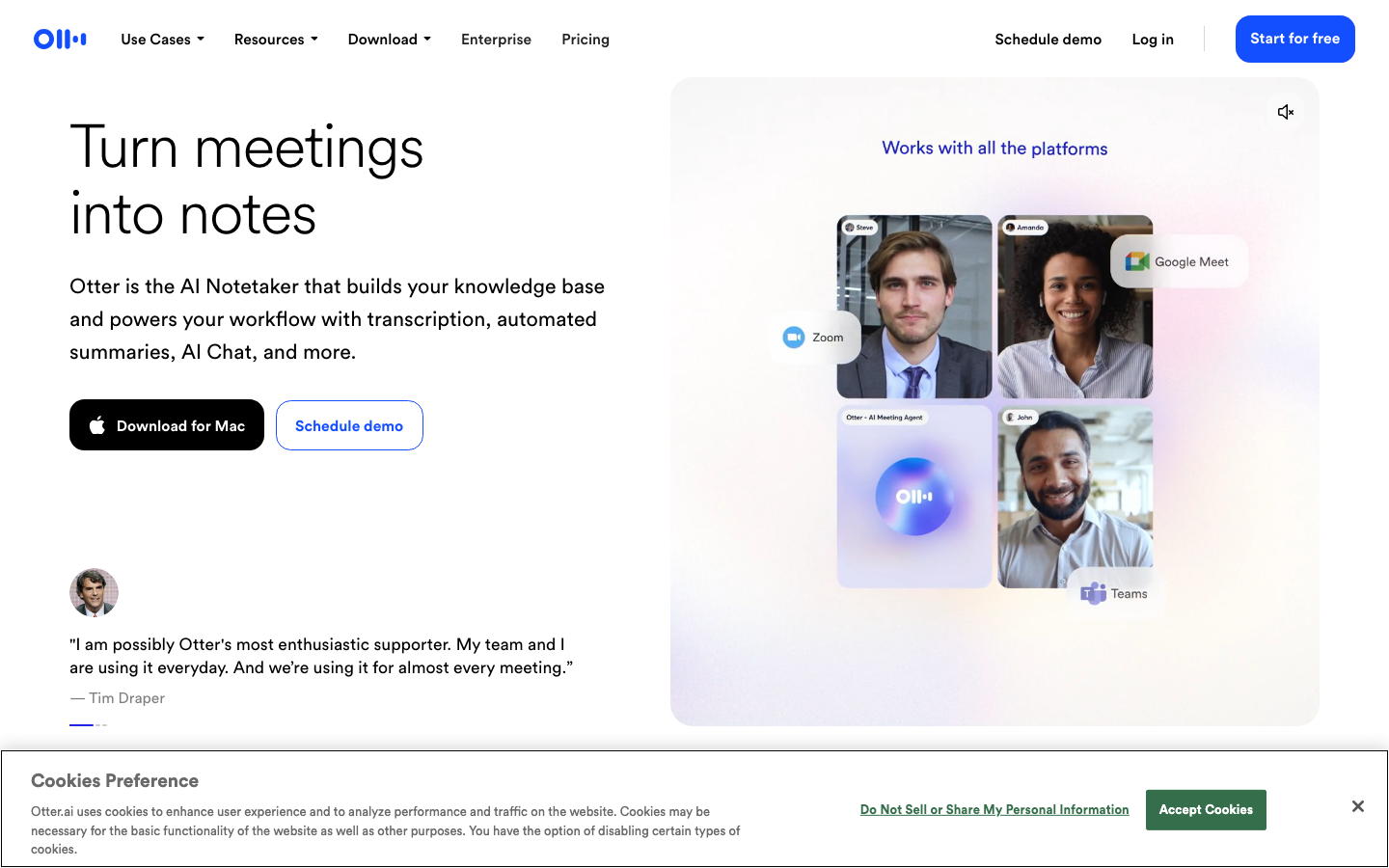
Otter.ai competes directly with Fireflies, and the choice between them comes down to what you prioritize.
Otter wins on live transcription quality. The real-time accuracy is impressive even with multiple speakers and technical jargon. The slide capture feature automatically grabs presentation slides and integrates them into the transcript at the right moments. Your meeting notes include what was said AND what was shown.
The "no-bot mode" for Google Meet transcribes directly from your browser. No visible AI participant. Same benefit as Fireflies.
AI chat lets you query meeting content conversationally. Ask about specific topics, request segment summaries, or have it draft follow-up emails from meeting content.
Free tier: 300 min/month, 30 min/conversation. Pro: $8.33/mo. Business: $20/mo. Enterprise: custom.
Otter for transcription accuracy and slide capture. Fireflies for AI analytics and CRM integration. Both are excellent. Pick based on what matters most to you.
23. Perplexity AI Companion
Perplexity AI Companion is the lightweight version of Comet for people who don't want to switch browsers.
One click from the toolbar. Instant page summaries. Quick queries without switching tabs. It understands the page you're on and gives contextual answers.
The contextual awareness is genuinely good. It doesn't just summarize in isolation. It answers specific questions about the content, draws connections, and fills in gaps. Follow-up conversations go deep without losing the thread.
Shareable insights via links let you share findings with colleagues — even if they don't have the extension. That's a nice collaboration touch most competitors miss.
Free to use. Premium features need a Perplexity subscription. Chrome only.
Already using Perplexity? Install this. It's free and genuinely useful. Not using Perplexity yet? This extension is a low-commitment way to try it.
24. Liner
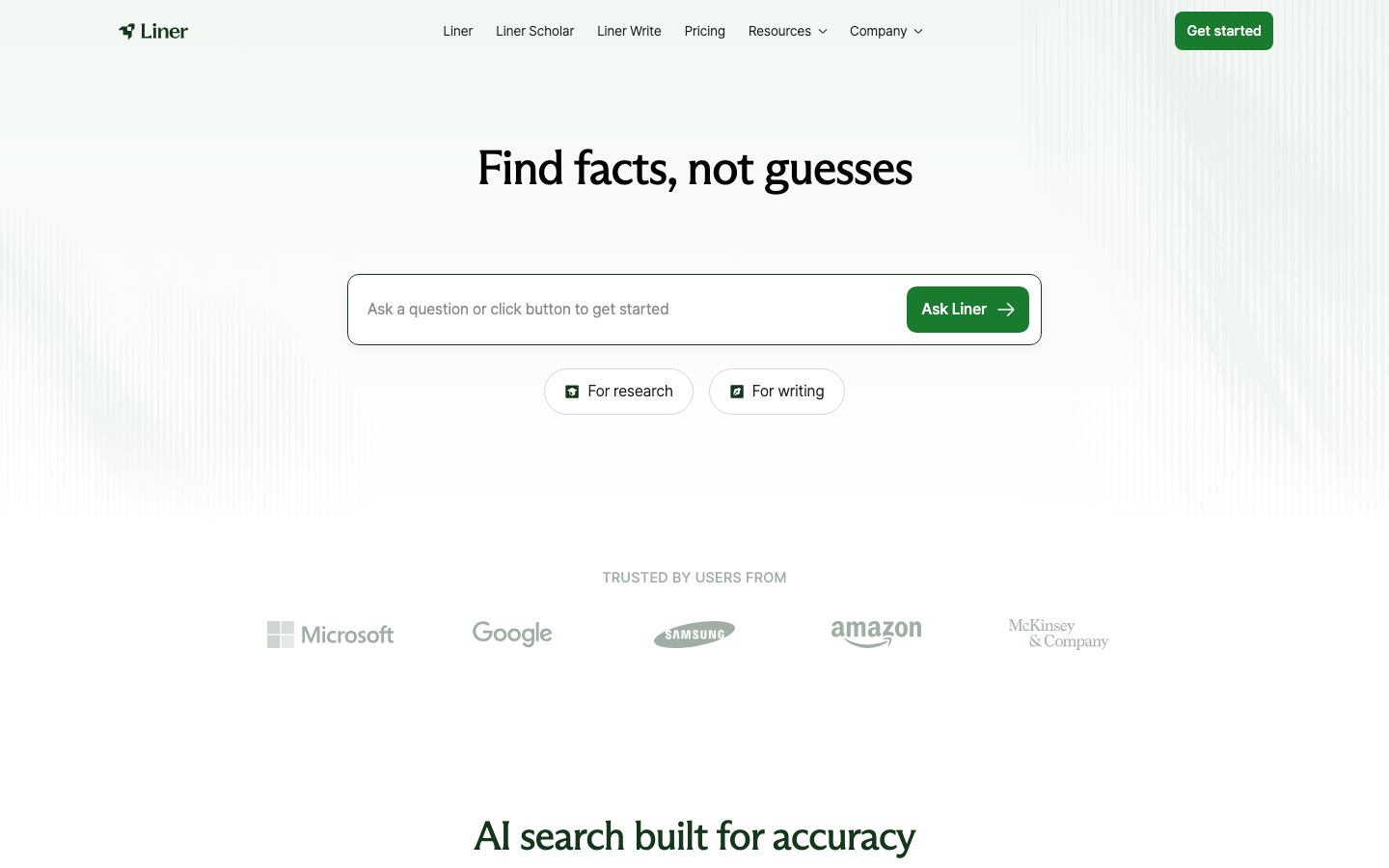
Liner has 10 million users across 218 countries. That's massive for an AI extension, and it's because the research and highlighting features are genuinely best-in-class.
AI search with 8 different models. Smart highlighting across webpages, YouTube, and images. Multi-format file processing for PDFs, PowerPoints, and Word docs. AI Image Reader extracts text from screenshots and scanned documents.
The combination of highlighting + research + collaboration makes Liner the go-to for academic and research teams. Deep Research generates comprehensive topic reports. Team features let you share highlighted content and findings with colleagues.
Chrome and Firefox. Free tier with limited features. Essential: ~$19.58/mo. Professional: ~$14.66-$27.08/mo depending on billing cycle.
The pricing is on the high end compared to competitors like Sider and Merlin. But the highlighting UX and research depth justify it for heavy users.
Pricey, but if research is your job, Liner delivers the goods. For casual use, Sider or Merlin give you more bang for your buck.
25. WebChatGPT
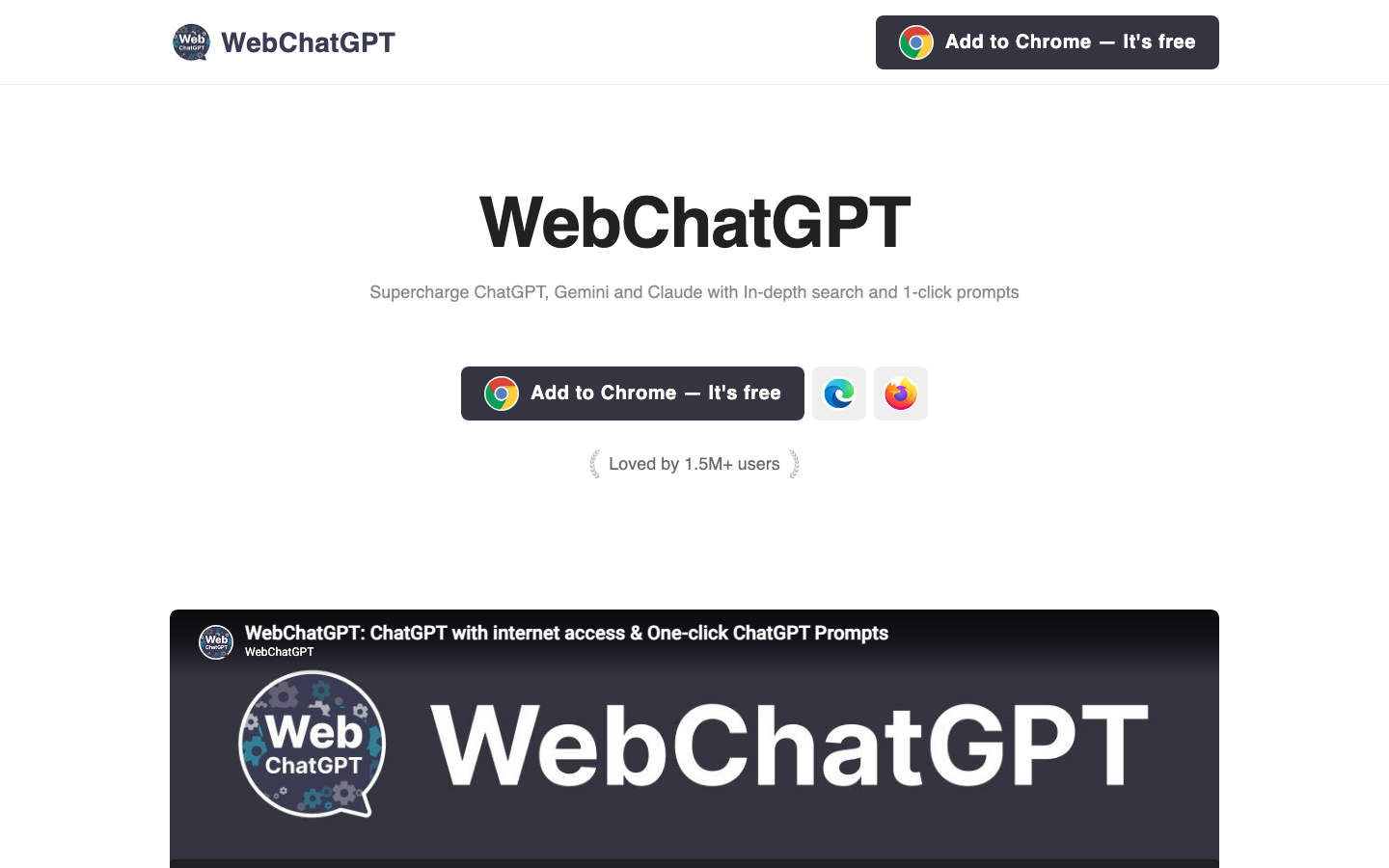
WebChatGPT is the simplest extension on this list. It's also free, open-source, and runs entirely locally in your browser.
It adds web search results to your ChatGPT conversations. ChatGPT has native web browsing now, but WebChatGPT gives you more control over how results are integrated. And it works across ChatGPT, Claude, Gemini, and Bing AI.
The local-only architecture is the real selling point. No backend server. No data sent to WebChatGPT's servers. Everything runs in your browser. Open-source so you can verify it yourself. For privacy-conscious users, that's a massive plus.
Webpage text extraction. One-click prompt library. Custom templates for frequent tasks. Customizable search results (choose how many and which search engine).
Chrome and Firefox. Completely free. No paid tiers.
It lacks the advanced features of Sider or Monica. But it's free, private, and does exactly what it promises. Sometimes that's all you need.
Build your own AI-powered tools
Instead of relying on browser extensions, create custom AI agents tailored to your exact workflow with Pickaxe.
How to Choose: Full AI Browser vs. Extensions
Let me make this simple.
Choose a full AI browser if: You want AI woven into everything. You're willing to switch browsers. You want agentic features where AI navigates websites and completes tasks for you. Atlas, Comet, and Dia offer the deepest integration because AI isn't an add-on — it's the foundation.
Choose browser extensions if: You like your current browser. You want specific AI capabilities without changing your workflow. Your company mandates Chrome or Edge. Extensions like Sider, Monica, and HARPA deliver powerful AI without asking you to abandon your bookmarks and passwords.
Consider using both: Seriously. I run Brave with Leo for general browsing. Grammarly for writing. Fireflies for meetings. Glasp for research. These tools complement each other. Mix and match based on what you actually need.
Conclusion
I tested all 25 of these tools over several months. Here's what I'd actually recommend:
Best overall AI browser: ChatGPT Atlas if you want the most ambitious experience. Brave Leo if privacy matters to you. Both are outstanding.
Best overall extension: Sider AI. It does everything, and does it well.
Best free option: Opera AI for a browser. WebChatGPT for an extension.
The trend that excites me most is agentic browsing — AI that doesn't just answer questions but actually does things for you. Atlas Agent Mode, Chrome Auto Browse, and HARPA's automation are early examples of a future where your browser handles the tedious parts of the internet so you can focus on what matters.
If you're building AI tools of your own, check out Pickaxe, our platform for creating and deploying custom AI tools without code. Just like these browsers and extensions are bringing AI to the browsing experience, Pickaxe lets you bring AI to your specific workflows and share those tools with your team or customers.
The web is getting smarter. The tools we use to navigate it are getting smarter too. And you've now got 25 options to choose from. Pick the ones that match how you actually work, and ignore the rest.