
Workspace Knowledge
Choose a workspace, then open Knowledge Base.
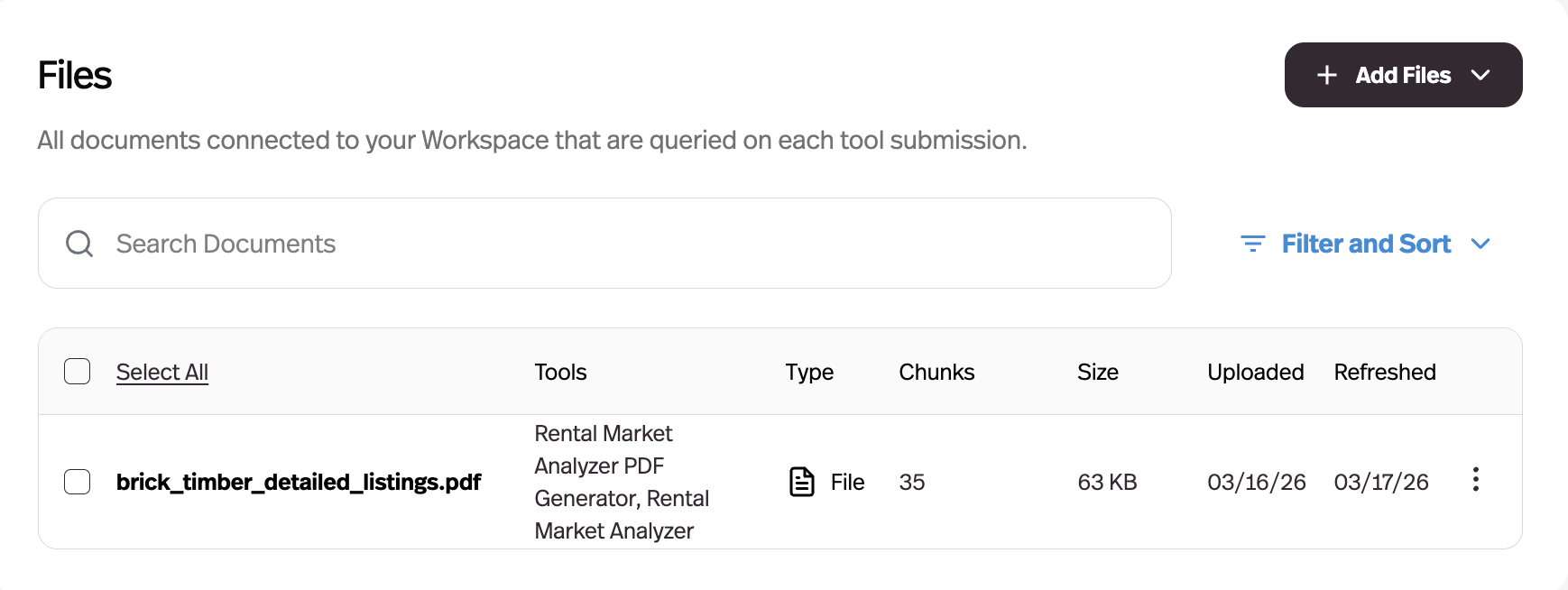
What it does
Documents live at the workspace level and get connected to whichever agents need them, instead of being uploaded per agent.
Before this
An expansion, and a change of ownership. Documents already existed but belonged to the agent you uploaded them to, so the same handbook was uploaded once per agent and updated once per agent.
Why it matters
One upload of your handbook, pricing sheet, or policy doc now serves every agent — and updating it once updates it everywhere.
How it works
Before this, a document belonged to the agent you uploaded it to. Now the Knowledge Base tab in the dashboard holds the workspace's documents, and each agent is connected to the subset it should see.
Uploading at the workspace level does not give every agent the document — connection stays explicit, so an agent's knowledge is still something you chose rather than everything you have ever uploaded. Anything you add from inside an agent's Knowledge tab also appears in the workspace library.
The payoff is the update path: fixing a price in one document fixes it for every agent connected to it, instead of leaving five stale copies behind.