
ImprovementKnowledge ·
Subfolders and shared knowledge for agents
What it does
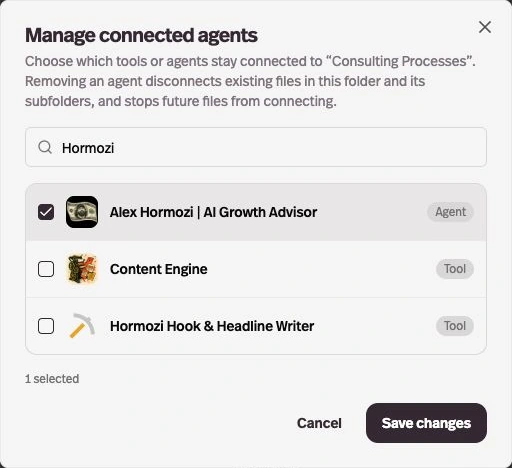
Create subfolders on the Agents and Knowledge Base pages, and connect a knowledge folder to one or more agents.
Before this
An expansion. You could already organize agents and documents in top-level folders and connect selected documents to an agent.
Why it matters
Every connected agent can use the files in that folder and its subfolders, including files you add later.
How it works
Inside a folder, choose New folder to create a subfolder.
In the Knowledge Base, open a folder’s menu and choose Manage connected agents. Removing an agent disconnects the folder’s files from that agent.