
ImprovementBuild ·
Input IDs, visible in the builder
Try in the builder
Create an agent or open an existing agent in the builder, then follow the steps below. Model and feature availability may depend on your plan.
What it does
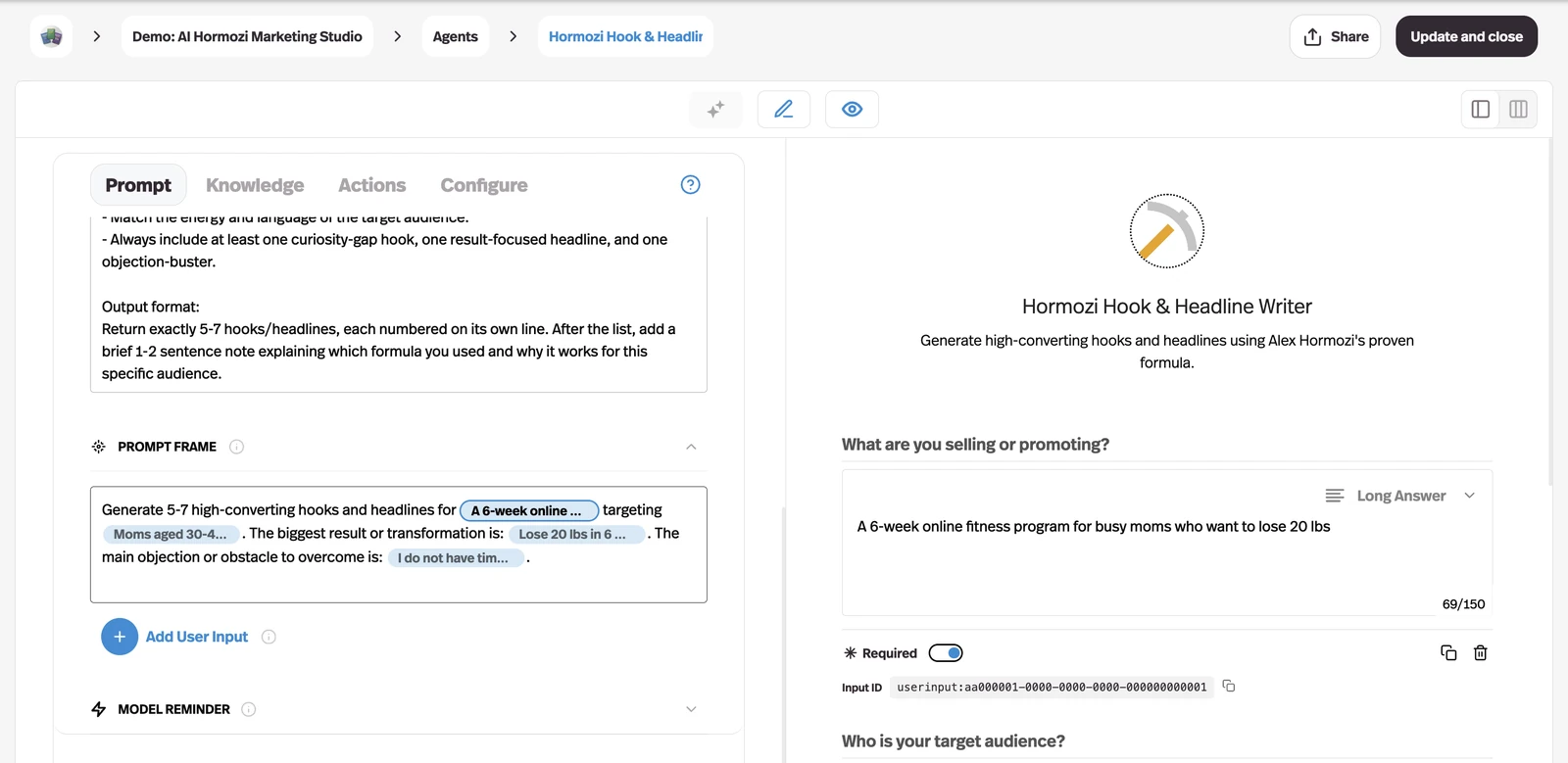
Select a form input in the builder preview and its toolbox now shows that input's ID — userinput:email — with a button to copy it.
Why it matters
The ID is what you reference from prefilled links and API requests, and reading it off the prompt frame was the only way to get it.