
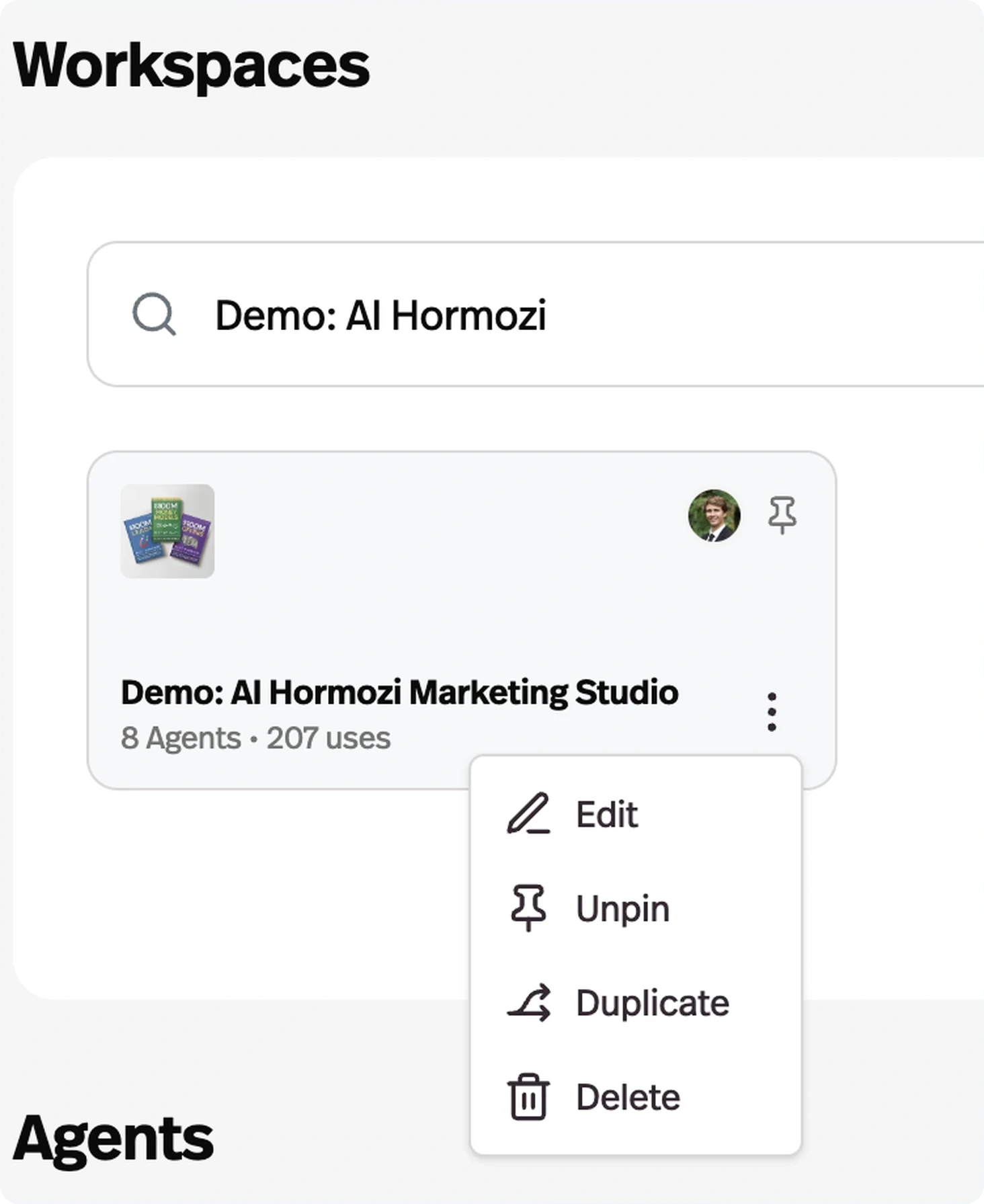
Duplicate a workspace
Choose a workspace or use your account navigation to follow the steps below.
What it does
Copy an entire workspace, and choose which access group new signups land in on the duplicate.
Before this
An expansion. Portals could already be duplicated, and had been since February. A whole workspace could not.
Why it matters
The core move for agencies: build a client setup once, then clone it per client instead of rebuilding it each time.
How it works
Duplicating runs as a background job — it copies agents, portals, pages, access groups and their members, and memories, then rewires the copies so they point at each other rather than at the original.
The rewiring is what makes it useful rather than dangerous: upgrade paths between access groups and each portal's primary access group are remapped to the duplicate's own groups, so new signups on the copy land where you intended instead of joining the workspace you cloned from.
For an agency this is the core move — build the client setup once, then clone it per client instead of rebuilding it, and reconnect what is genuinely client-specific afterwards.