
Dark mode for the dashboard
Choose a workspace or use your account navigation to follow the steps below.
What it does
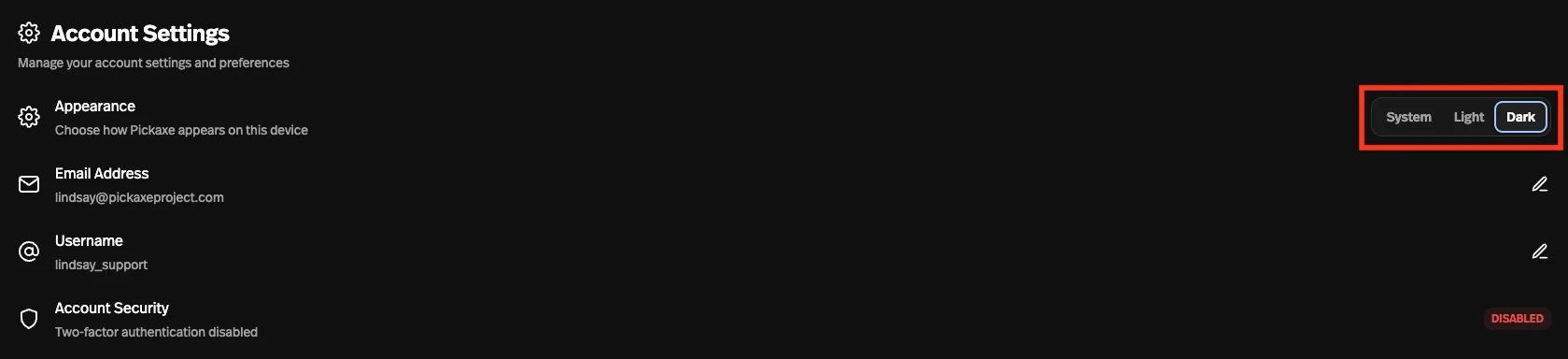
The Pickaxe dashboard can switch between light, dark, and system appearance from your account settings.
Before this
New for the dashboard. Portals have had a dark theme since February, but the workspace you build in had one appearance and it was light.
Why it matters
If you build at night, the dashboard stops being the brightest thing in the room — and system mode follows your device so you never think about it again.
How it works
Set from your account settings, with three choices: light, dark, or system. System follows the device, so the dashboard changes with everything else on your machine and you never think about it again.
This is the builder's dashboard — the workspace you work in. What your users see is set separately, in a portal's own theme controls, so switching yourself to dark does not change how your portal looks to anyone else.