
Composio-powered Actions
Create an agent or open an existing agent in the builder, then follow the steps below. Model and feature availability may depend on your plan.
What it does
Dozens of connectors — Google Drive, HubSpot, Notion, DocuSign, Slack and more — can be wired up straight from the Actions tab, authenticated with either workspace credentials or each end user's own login.
Before this
An expansion. Actions already existed with a built-in library of integrations. Composio put a catalogue of over a thousand third-party apps behind the same tab, and added the choice of whose account an action runs as.
Why it matters
This is what turns an agent from something that answers questions into something that files the ticket, updates the CRM record, and sends the contract.
How it works
Composio brings a catalogue of over a thousand app integrations into the Actions Library — Gmail, Slack, HubSpot, Notion, Linear, Google Drive, DocuSign — each connecting in a couple of clicks and exposing its tools to the agent.
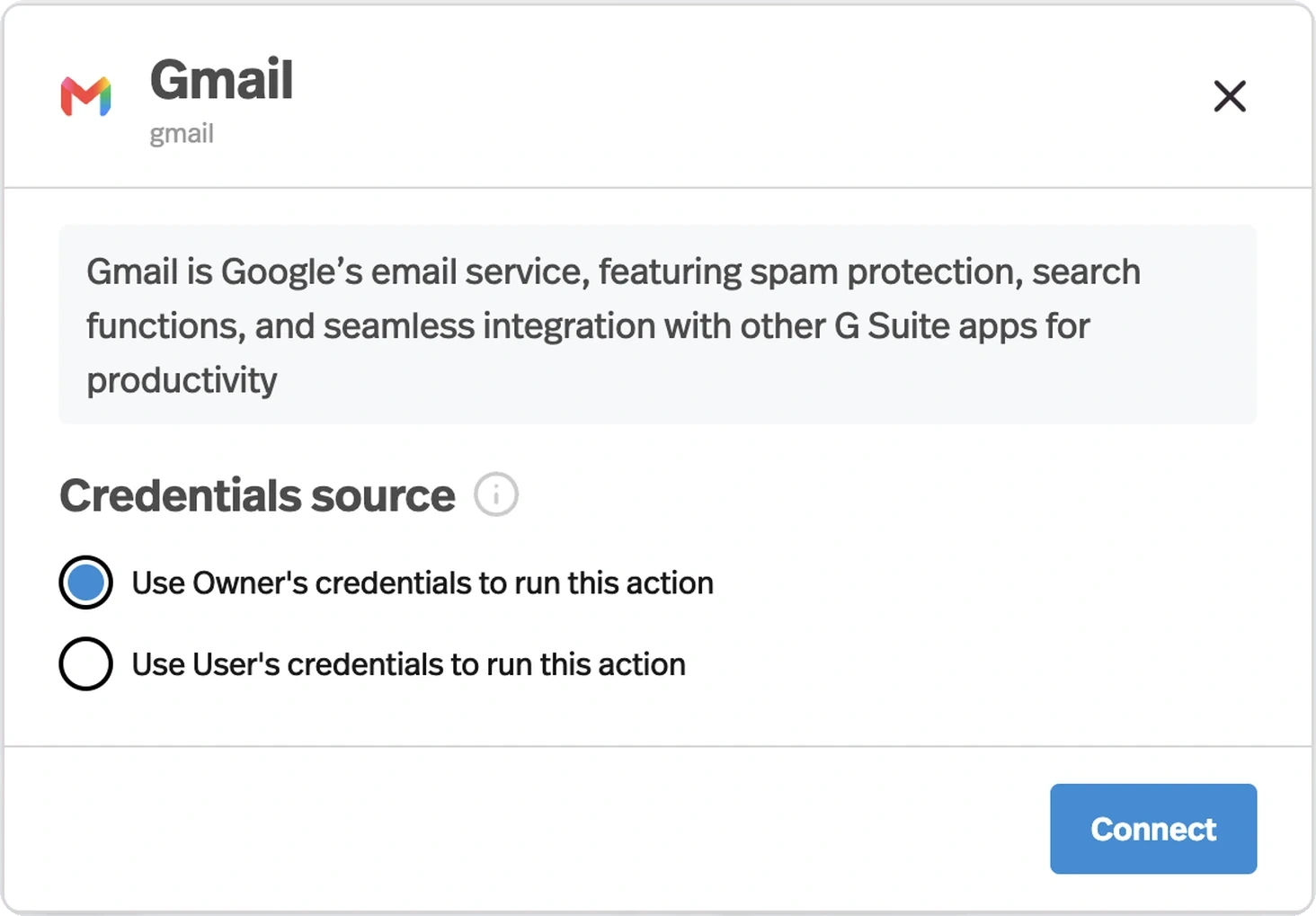
- Owner credentials
- The action always runs through your connected account. Right when the agent works with your data — logging every inbound lead into your CRM.
- End-user credentials
- Each person connects their own account the first time they trigger the action. Right when you are building for other people, so the agent acts inside their apps rather than yours.
Whose account an action runs as is the decision that matters most here, and it is easy to get backwards. Owner credentials on an agent you sell means every customer is writing into your CRM.