






Access Control

Control exactly who uses your agents and how

Create user tiers, set usage budgets, restrict access to specific groups, and define what happens when limits are reached — all without code.

Join 100,000+ builders creating AI agents

Give the right people the right access

Whether you need a simple login wall, tiered pricing for different customer segments, or invite-only access for a private team — Pickaxe access groups handle it all from one settings page.

Give the right people the right access

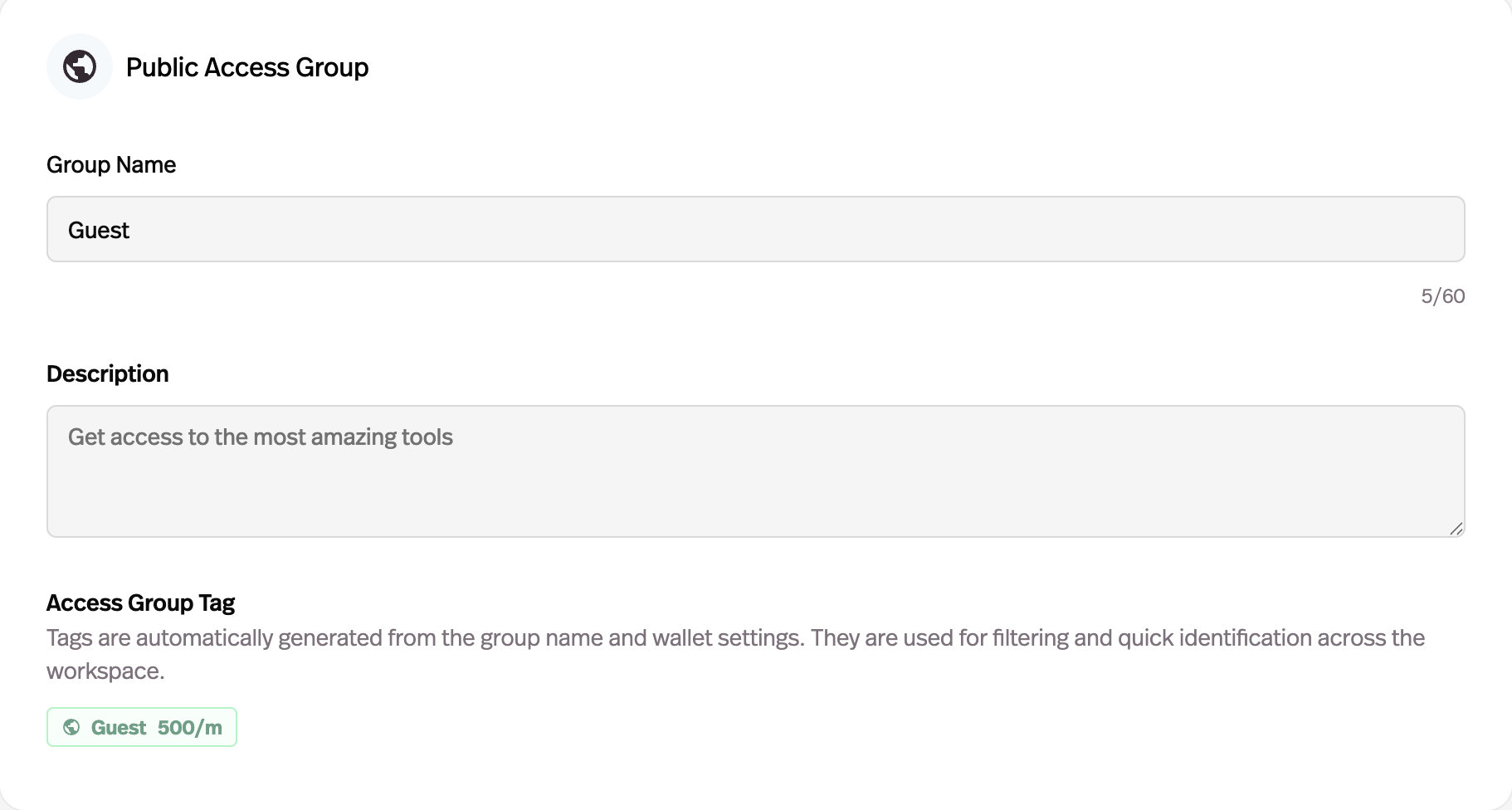
Public and member access groups

Public groups let anyone use your agent with optional limits. Member groups require authentication and give you per-user control over budgets and permissions.

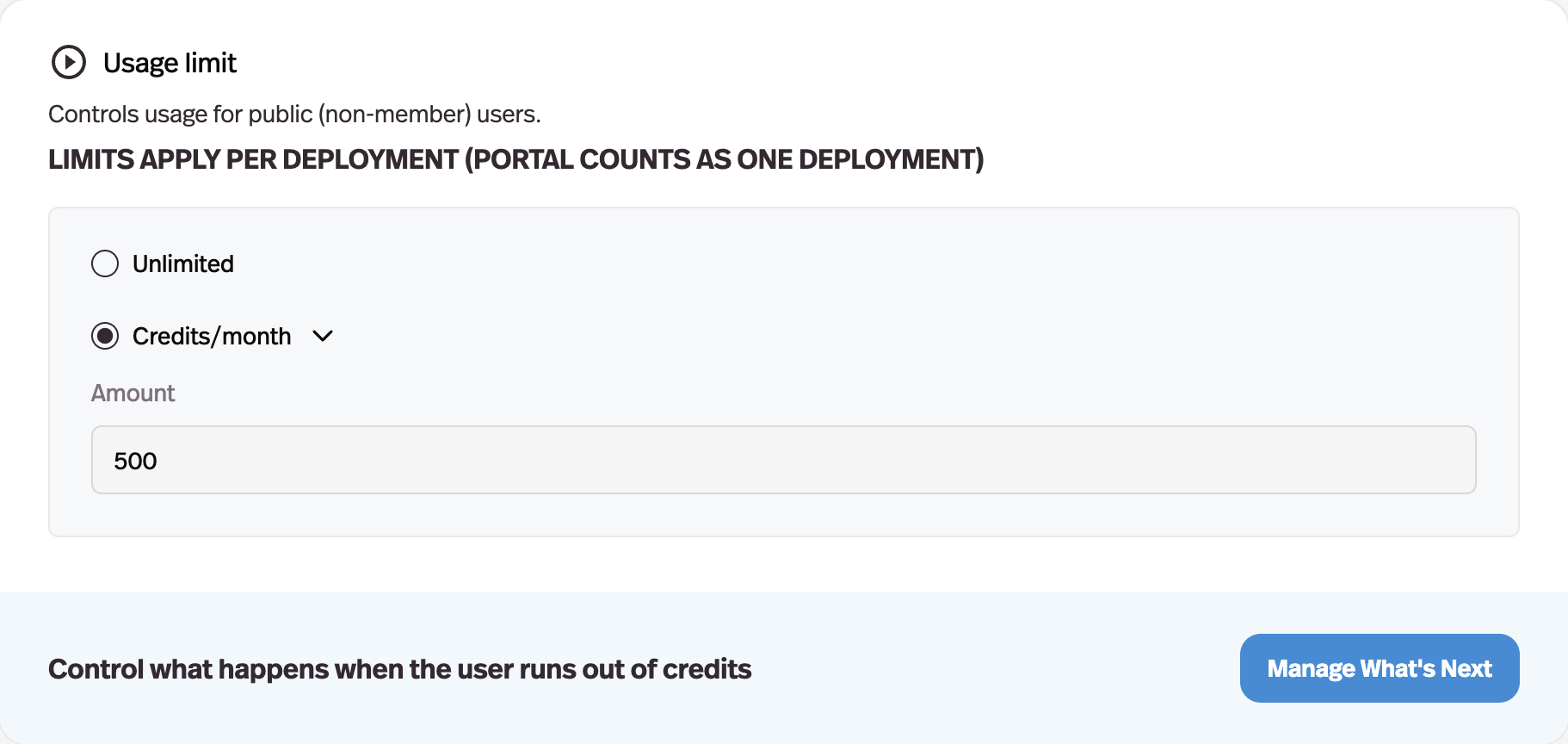
Per-user usage budgets

Set exactly how many queries each user gets per day, week, or month. When they hit the limit, show an upgrade prompt or cut access.

Upgrade paths that convert

Define what happens when users reach their limit. Show a custom message, redirect to a payment page, or prompt them to join a higher tier.

Works everywhere you deploy

Access groups apply across all deployment channels — direct links, embeds, portals, Slack, WhatsApp, email, and API.

Plus everything else you need to build and scale

Powerful features designed to help you create, deploy, and monetize AI tools that deliver real results.

No-Code Agent Builder

Build AI agents with simple drag-and-drop configuration. No coding, no terminal, no boilerplate.

Client-Ready Portals

Showcase your AI agents in professional, branded portals for your clients and users.

Auto-Updating Knowledge Base

Keep your agents powered by the latest data with automatic knowledge sync from documents and URLs.

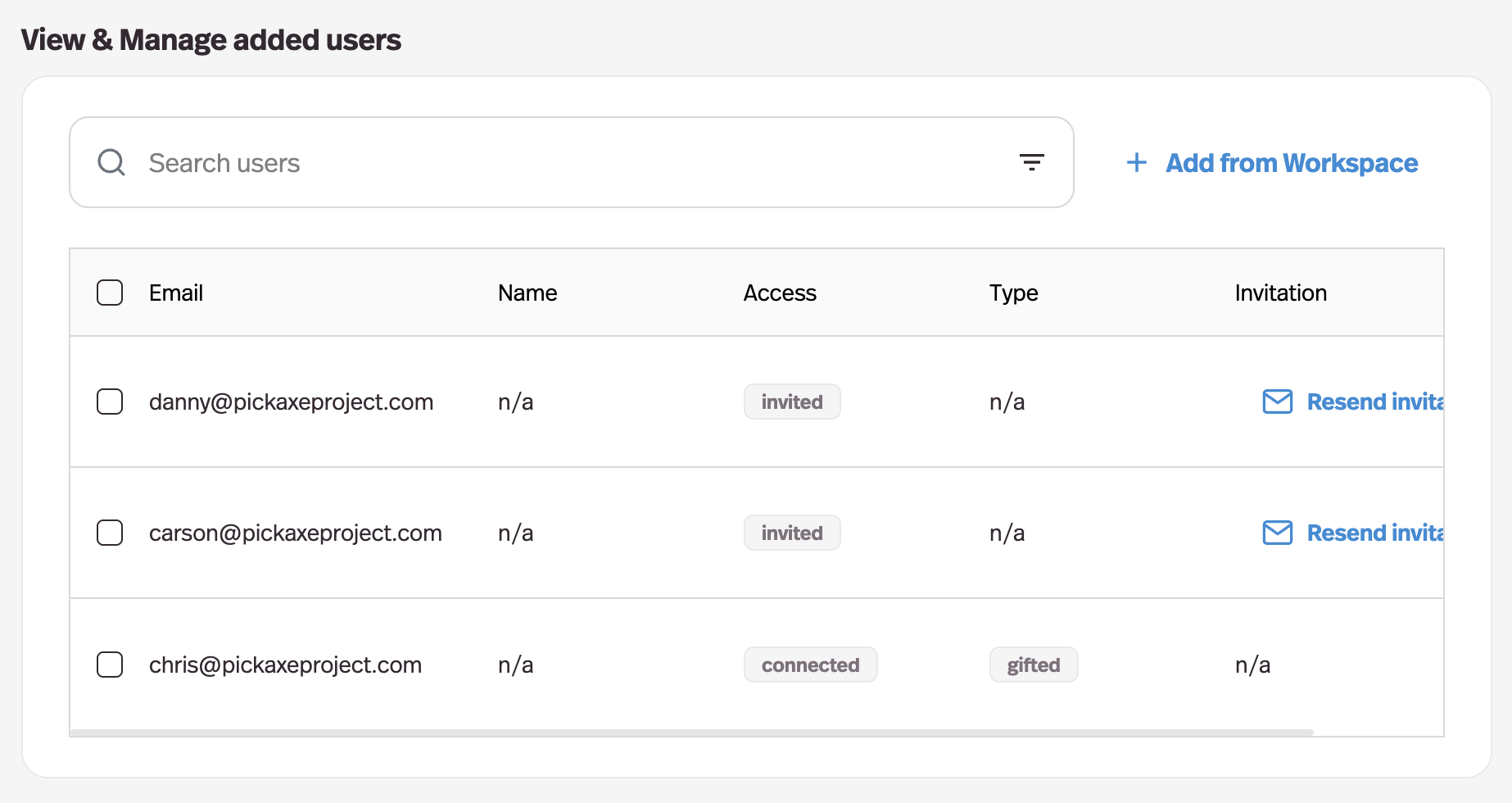
Manage Users & See Activity

Track how users engage with your agents, monitor conversations, and manage access controls.

Automatic Prompt Testing

Optimize agent performance with AI-powered prompt improvements and real-time testing.

Built-in Monetization

Monetize access to your agents with integrated subscription and usage billing via Stripe.

Embed Anywhere

Deploy your agents on any platform — websites, mobile apps, Slack, WhatsApp, email, or API.

See how others are building with Pickaxe

See how people are building, deploying, and monetizing AI agents with Pickaxe.

See our customers

Take control of who uses your agents

Set up access groups, usage limits, and upgrade paths in minutes. Start free today.

Frequently Asked Questions

Access control for AI agents determines who can use your tools, how much they can use them, and what happens when they reach their limits. Without it, you have no way to manage costs, segment users, or create paid tiers.

Pickaxe provides two types of access groups: public and member. Public groups let anyone use your agent with optional usage limits and upgrade prompts. Member groups require users to authenticate, giving you per-user control over budgets, permissions, and billing.

Common setups include free tiers that require login (capturing user contact info), tiered pricing with increasing usage limits, invite-only access for internal teams, and public access with upgrade prompts for lead generation.

Access groups work across every deployment channel. Whether your agent runs on a website embed, Slack bot, WhatsApp, email, portal, or API — the same access rules apply. Users authenticate once and their limits follow them everywhere.