
I have tested more AI platforms than I can count over the past three years. Most of them blurred together. Some were genuinely great. A few changed how I work entirely.
This is my honest breakdown of the top AI platforms in 2026 — the 15 I actually spent real time with, built real things on, and can speak to from firsthand experience.
The AI platform market is now valued at $72.18 billion and is forecast to hit $119.57 billion by 2031. That kind of money attracts a lot of noise. Every startup with a wrapper around an API calls itself a "platform." I wanted to cut through all of that and give you a list that is actually useful.
Here is what I looked at: capabilities, ease of use, pricing, real-world performance, and who each platform is actually built for. I tried to be fair. I also tried to be honest about what disappointed me.
If you want the quick version, start with the comparison table below. If you want the deep dive, keep scrolling. This is a long one.
Quick Comparison: All 15 Top AI Platforms at a Glance
Before we get into the details, here is a side-by-side view of every platform on this list. I have included the primary use case, pricing, and the standout feature that separates each one from the pack.
| Platform | Best For | Starting Price | Key Model / Engine | Standout Feature |
|---|---|---|---|---|
| ChatGPT | All-around versatility | Free / $20/mo Plus | GPT-4o, GPT-5.2 | 900M weekly active users, massive plugin ecosystem |
| Claude | Coding & long documents | Free / $20/mo Pro | Opus 4.6 | 1M token context window |
| Google Gemini | Google ecosystem integration | Free / $19.99/mo Advanced | Gemini 3 Pro | Deep Gmail, Docs, Sheets integration |
| Microsoft Copilot | Microsoft 365 users | Free / $30/mo Copilot Pro | GPT-5 family | Native Word, Excel, PowerPoint, Teams integration |
| Perplexity AI | AI-powered search | Free / $20/mo Pro | Multiple (incl. Opus 4.6) | Deep Research with real-time citations |
| Pickaxe | Building & monetizing AI agents | Free tier available | Multi-model (OpenClaw engine) | No-code agent builder with built-in billing |
| Jasper | Marketing teams | $49/mo Creator | Multi-model | Brand voice controls & campaign workflows |
| Zapier AI / Agents | Workflow automation | Free / $19.99/mo Starter | Multi-model | 8,000+ app integrations |
| Notion AI | Knowledge management | Add-on $10/member/mo | Multi-model | Contextual AI across your entire workspace |
| Grok | Real-time information | Included with X Premium+ | Grok-3 | Live X/Twitter data integration |
| Relevance AI | Custom AI agent workflows | Free / $19/mo Pro | Multi-model | Visual agent builder with tool chaining |
| MindStudio | Flexibility & model access | Free / usage-based | 30+ models | Mix and match models within a single app |
| Botpress | Enterprise chatbots | Free / $79/mo Team | Multi-model | Visual conversation flow designer |
| n8n AI | Open-source automation | Free (self-hosted) | Multi-model | Self-hostable with 400+ native integrations |
| OpenClaw | Open-source autonomous agents | Free (open source) | Multi-model | 24/7 local agent with persistent memory |
Now let us get into the details.
1. ChatGPT (OpenAI) — Most Versatile All-Rounder
There is no way around it. ChatGPT is still the default AI platform for most people on the planet. With 900 million weekly active users and OpenAI projecting $29.4 billion in revenue for 2026, it is the undisputed market leader.
I have been using ChatGPT since the GPT-3.5 days. The jump to GPT-4o was impressive. The jump to GPT-5.2 was genuinely surprising — the reasoning capabilities, the speed, and the multimodal understanding all took a significant step forward.
What I Actually Use ChatGPT For
Quick research and brainstorming. When I need to think through an idea fast, ChatGPT is still my first instinct. The response times are excellent. The interface is clean. The conversation memory has improved dramatically.
Image generation. DALL-E integration is seamless. I regularly generate blog illustrations, social media graphics, and concept mockups directly in conversation. For more on AI image tools, check out our breakdown of the top AI image generators.
Data analysis. The Code Interpreter / Advanced Data Analysis feature is one of the most underrated tools in ChatGPT. Upload a CSV and it handles the rest — charts, summaries, pattern identification.
Key Features
- GPT-4o and GPT-5.2 — best-in-class general reasoning
- Multimodal input — text, images, voice, video, files
- Custom GPTs — build your own specialized assistants (see our best AI assistants guide for how these stack up in daily use)
- GPT Store — marketplace for community-built tools
- Memory — remembers preferences and context across chats
- Canvas — collaborative writing and coding workspace
- Web browsing — real-time information retrieval
- Advanced Data Analysis — Python execution for data tasks
Pricing
Free tier: Access to GPT-4o mini, limited GPT-4o usage. Plus ($20/month): Full GPT-4o access, GPT-5.2, DALL-E, Advanced Data Analysis, custom GPTs. Team ($25/user/month): Higher limits, admin controls, workspace sharing. Enterprise: Custom pricing, SSO, dedicated support, data privacy guarantees.
Pros
- Best overall generalist — handles nearly any task competently
- Fastest iteration cycle in the industry (OpenAI ships constantly)
- Massive ecosystem of plugins, GPTs, and integrations
- Excellent mobile app
- Voice mode is genuinely useful
Cons
- Rate limits on Plus plan can be frustrating during heavy use
- Custom GPTs are powerful but limited in deployment options — you cannot embed them on your own website or charge for access natively
- Privacy concerns for enterprise use cases (though Enterprise tier addresses most of these)
- Context window smaller than Claude for extremely long document analysis
Who Should Use ChatGPT
Everyone. Seriously. If you are only going to pay for one AI tool, ChatGPT Plus is the safest bet. It handles the widest range of tasks at the highest level of quality. It is the Swiss Army knife of AI.
That said, if you need to build and sell AI tools — not just use one — you will need something with more deployment flexibility. ChatGPT's Custom GPTs are great for personal use, but they live inside OpenAI's ecosystem. You cannot white-label them or monetize them on your own terms. For that, platforms like Pickaxe give you significantly more control. We compared the leading options for that in 14 Custom GPT and GPT Store alternatives.
2. Claude (Anthropic) — Best for Coding and Long Documents
Claude has become my go-to for anything that requires deep thinking, long context, or writing code. With $14 billion in annual recurring revenue in early 2026 and over 300,000 business customers, Anthropic has firmly established Claude as the premium alternative to ChatGPT.
The Opus 4.6 model is exceptional. The 1 million token context window is not just a marketing number — it genuinely changes how you interact with the tool. I have dropped entire codebases into Claude and gotten coherent, accurate analysis back.
What I Actually Use Claude For
Code review and generation. Claude is the best coding assistant I have used. Period. 77% of developers now use AI coding tools daily, and in my experience, Claude produces the cleanest, most idiomatic code of any model. If you need a Claude API key to build with, we have a step-by-step guide for that.
Long document analysis. Contracts, research papers, technical documentation — anything over 50 pages. The million-token context window means you can analyze entire books in a single conversation without chunking or summarization hacks.
Nuanced writing. Claude produces writing that feels more natural and less "AI-ish" than most competitors. It follows complex instructions more faithfully and pushes back when your instructions are contradictory, which I actually appreciate.
Key Features
- Opus 4.6 — top-tier reasoning, especially for code and analysis
- 1 million token context window — largest commercially available
- Claude Code — terminal-based agentic coding assistant
- Projects — persistent knowledge bases within Claude
- Artifacts — inline code execution and document rendering
- MCP (Model Context Protocol) — connect Claude to external tools and data
- Constitutional AI — built-in safety and alignment framework
Pricing
Free tier: Claude 3.5 Sonnet with limited usage. Pro ($20/month): Full Opus 4.6 access, higher limits, Projects. Team ($25/user/month): Collaboration features, admin controls. Enterprise: Custom pricing, SSO, SLA guarantees.
Pros
- Best coding assistant available — cleanest output, best understanding of context
- Massive context window enables workflows no other platform supports
- More careful and precise than ChatGPT — fewer hallucinations on complex tasks
- Claude Code is a game-changer for developers
- MCP ecosystem is growing fast
Cons
- Smaller ecosystem than ChatGPT — fewer integrations, no plugin store equivalent
- Image generation not as strong (relies on third-party integration)
- Can be overly cautious — sometimes refuses reasonable requests
- Mobile experience lags behind ChatGPT
Who Should Use Claude
Developers, researchers, analysts, and anyone working with long documents. If your workflow involves code, contracts, or complex analysis, Claude is likely the better choice over ChatGPT. The context window alone is worth the subscription for certain use cases.
For a deeper comparison of the best LLM models powering these platforms, I break down the technical differences in a separate post.
3. Google Gemini — Best for the Google Ecosystem
Gemini is what happens when the company that already owns your email, calendar, documents, and search builds an AI on top of all of it. With 450 million monthly users, Gemini has found its niche by being deeply embedded in tools people already use every day.
The Gemini 3 Pro model is legitimately competitive with GPT-4o and Claude Opus on many benchmarks. But the real value is not the model — it is the integration.
What I Actually Use Gemini For
Email management. Gemini inside Gmail is surprisingly useful. Summarizing long threads, drafting replies in my writing style, pulling action items from a chain of 30 emails — it does all of this well because it has full context of my inbox.
Document collaboration. Gemini in Google Docs can reference other documents in my Drive, pull data from Sheets, and help me write content that is consistent with things I have written before. The cross-app awareness is something no standalone chatbot can replicate.
Search. AI Overviews in Google Search have gotten dramatically better. For quick factual questions, I often skip ChatGPT entirely and just Google it. The AI-generated answers are fast, cited, and usually accurate.
Key Features
- Gemini 3 Pro — strong multimodal reasoning
- 1 million token context window — matching Claude
- Deep Google Workspace integration — Gmail, Docs, Sheets, Slides, Drive, Calendar
- Google Search grounding — responses backed by real-time search
- NotebookLM — AI-powered research and note-taking tool
- Multimodal — text, images, audio, video, code
Pricing
Free tier: Gemini with limited capabilities. Gemini Advanced ($19.99/month): Gemini 3 Pro, 1M context, Workspace integration, 2TB Google One storage included. Business/Enterprise: Part of Google Workspace plans with additional admin controls.
Pros
- Unmatched integration with Google Workspace — nothing else comes close
- 2TB Google One storage included with Advanced plan is excellent value
- NotebookLM is a genuinely innovative product for research workflows
- Competitive pricing relative to features
Cons
- Outside Google's ecosystem, the value proposition weakens significantly
- Gemini's standalone chat interface feels less polished than ChatGPT or Claude
- Historically slower to ship new features compared to OpenAI
- Privacy concerns — Google already has enormous amounts of your data
Who Should Use Gemini
If you live in Google Workspace, Gemini Advanced is a no-brainer. The cross-app integration is the killer feature. If you primarily use Microsoft's suite or are platform-agnostic, you will get more standalone value from ChatGPT or Claude.
4. Microsoft Copilot — Best for Microsoft 365 Users
Copilot is to Microsoft 365 what Gemini is to Google Workspace — the AI layer that makes your existing tools significantly smarter. With over 400 million monthly users, Microsoft has distribution that most startups can only dream of.
Powered by OpenAI's GPT-5 family under the hood, Copilot's standalone capabilities are strong. But the real magic is in the integrations.
What I Actually Use Copilot For
Excel analysis. This is where Copilot shines brightest. Asking natural language questions about spreadsheet data, generating complex formulas, creating pivot tables — it handles all of this with remarkable competence. For anyone who dreads Excel, Copilot is life-changing.
PowerPoint generation. "Create a presentation about Q1 results using data from this Excel file" — and it actually produces something usable. Not perfect, but a dramatically better starting point than a blank slide.
Teams meeting summaries. Copilot in Teams automatically generates meeting notes, action items, and follow-ups. It even catches things said by people who joined late or had audio issues.
Key Features
- GPT-5 family — OpenAI's latest models optimized for Microsoft's ecosystem
- Full Microsoft 365 integration — Word, Excel, PowerPoint, Outlook, Teams, OneNote
- Microsoft Graph integration — pulls context from your entire Microsoft ecosystem
- Copilot Studio — build custom Copilot agents for your organization
- Windows integration — Copilot built into the OS
Pricing
Free tier: Basic Copilot in Bing and Windows. Copilot Pro ($20/month): Priority access to latest models, Copilot in Office apps (requires M365 subscription). Copilot for Microsoft 365 ($30/user/month): Full enterprise integration, requires M365 Business or Enterprise plan.
Pros
- Deepest Office suite integration available
- Excel capabilities are genuinely impressive
- Teams integration saves hours on meeting management
- Enterprise-grade security and compliance
Cons
- Requires existing Microsoft 365 subscription — the AI is an expensive add-on to an already expensive suite
- Standalone chat experience is middling compared to ChatGPT or Claude
- Copilot Studio has a steep learning curve
- Feature rollouts can be slow and inconsistent across regions
Who Should Use Copilot
Organizations already deep in the Microsoft ecosystem. If your team lives in Outlook, Teams, and Excel, the productivity gains are substantial and immediate. If you are not already paying for M365, the total cost is hard to justify over standalone alternatives.
5. Perplexity AI — Best AI-Powered Search Engine
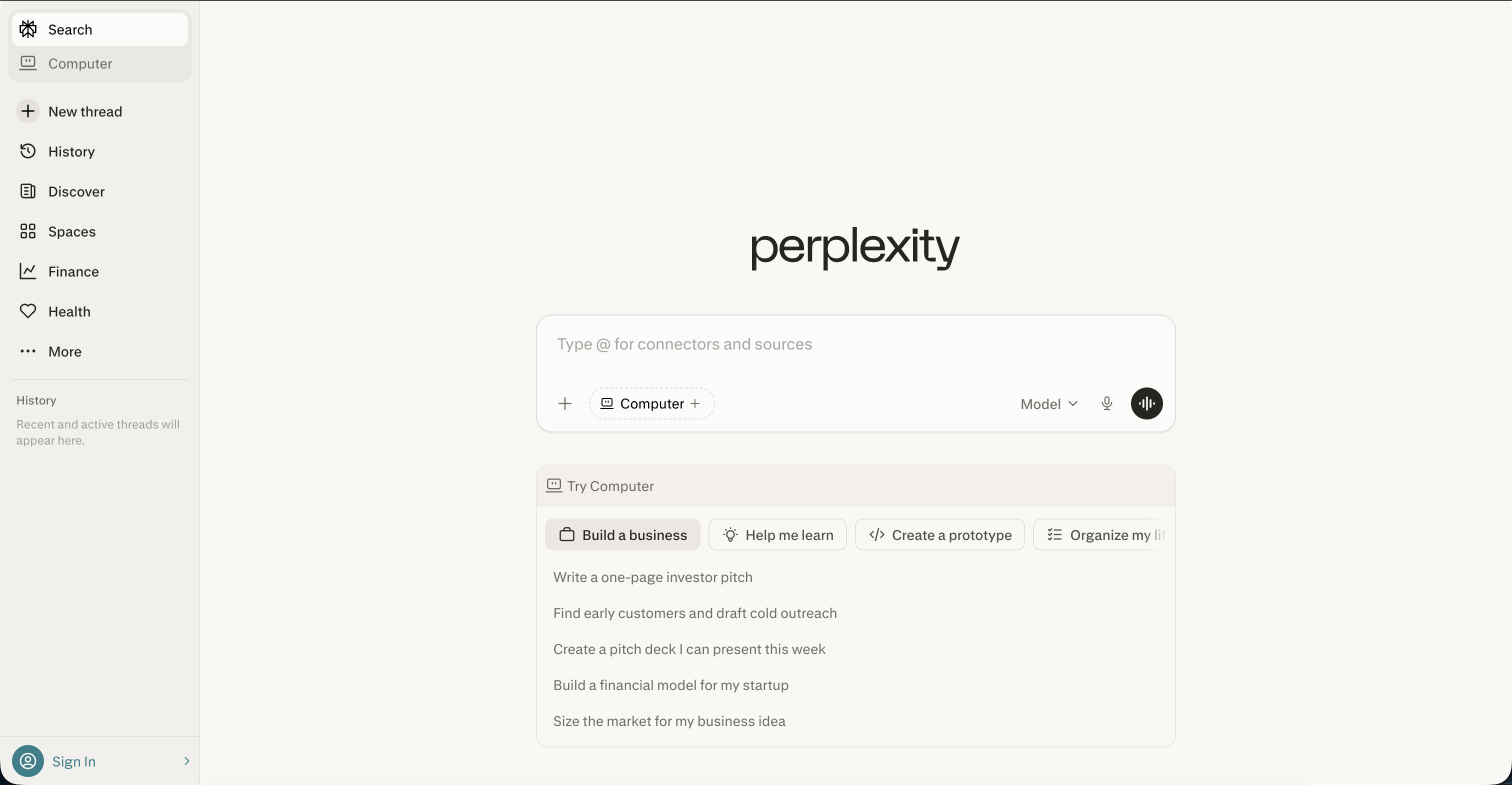
Perplexity changed how I do research. It is the only AI platform on this list that I would describe as genuinely creating a new category. It is not a chatbot. It is not a writing tool. It is an answer engine that shows its work.
With roughly $200 million in annual recurring revenue and a Deep Research feature that now runs on Anthropic's Opus 4.6, Perplexity has carved out a space that neither Google nor ChatGPT has fully replicated.
What I Actually Use Perplexity For
Deep research. When I need to understand a topic thoroughly — competitive analysis, market sizing, technical deep dives — Perplexity's Deep Research mode is unmatched. It spends minutes (not seconds) crawling dozens of sources, synthesizing information, and producing a structured report with full citations.
Fact-checking. Every answer comes with inline citations. I can verify any claim instantly. This is the single biggest differentiator over ChatGPT, which still occasionally hallucinates with confidence.
Current events. Perplexity is always up to date. No knowledge cutoff. No "as of my last training data" hedging. It searches the web in real time for every query.
Key Features
- Deep Research — multi-step research agent powered by Opus 4.6 (upgraded February 2026)
- Inline citations — every claim is sourced and verifiable
- Real-time web search — always current information
- Focus modes — Academic, Writing, Math, Video, Social
- Collections — organize and share research
- API access — build search-powered applications
Pricing
Free tier: Limited searches, basic models. Pro ($20/month): Unlimited searches, Deep Research, file uploads, API credits.
Pros
- Best research tool available — nothing else provides this depth with this much transparency
- Citations change everything — you can actually trust the output
- Deep Research is worth the Pro subscription alone
- Clean, focused interface
Cons
- Not great for creative tasks — it is a research tool, not a writing tool
- No image generation
- Deep Research can be slow (minutes per query)
- Limited customization compared to ChatGPT or Claude
Who Should Use Perplexity
Researchers, journalists, analysts, content creators, and anyone who needs accurate, cited information. I use Perplexity alongside ChatGPT and Claude — it is not a replacement for either, but it fills a gap that neither one covers well.
Build custom AI agents on Pickaxe
Create AI agents with your own knowledge base, branding, and actions — then deploy them anywhere.
6. Pickaxe — Best for Building and Monetizing AI Agents
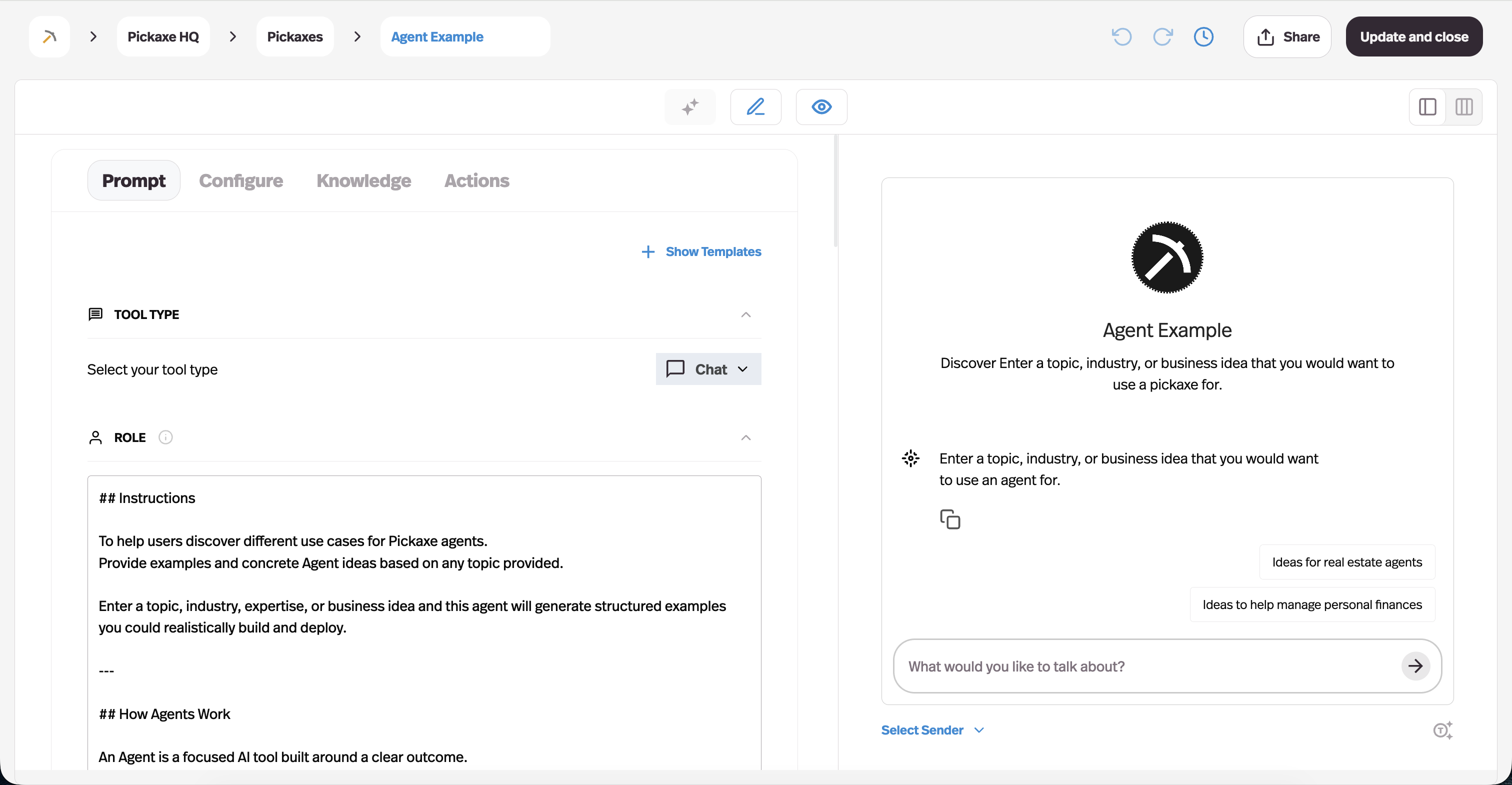
Full disclosure: I work closely with Pickaxe, so take this with the appropriate grain of salt. That said, I included it because it solves a problem that none of the other platforms on this list address: letting non-developers build, deploy, and actually charge money for AI agents.
72% of businesses have adopted AI in at least one function. But most of them are just using ChatGPT. The gap between "using AI" and "building AI tools for others" is enormous — and that is precisely the gap Pickaxe fills.
What Makes Pickaxe Different
Most platforms on this list are tools you use. Pickaxe is a platform you build on. You create AI agents (called "Pickaxes"), deploy them through portals or website embeds, and monetize them with built-in Stripe billing. No code required.
The OpenClaw engine integration is a big deal. It gives your agents autonomous capabilities — web browsing, code execution, persistent memory, file handling — that go far beyond a simple chatbot. Each user gets their own sandboxed OpenClaw instance, so there is no data leakage between customers.
Key Features
- No-code agent builder — drag-and-drop interface for creating AI agents
- Multi-model support — choose from GPT-4o, Claude, Gemini, and more
- OpenClaw engine — autonomous agent capabilities
- Built-in monetization — subscriptions, pay-per-use, one-time payments via Stripe
- White-labeling — your brand, your domain, your pricing
- Multi-channel deployment — website embeds, portals, Slack, WhatsApp, API
- Knowledge base — upload documents, URLs, and data for RAG-powered responses
- Access control — public and member groups with granular permissions
Pricing
Free tier: Build and test agents with limited usage. Paid plans: Start at reasonable price points with usage-based scaling. Check current pricing here.
Pros
- Only platform I have found that combines agent building, deployment, and monetization in one place
- OpenClaw integration gives agents genuinely autonomous capabilities
- White-labeling is excellent — clients never see the Pickaxe brand
- No code required but flexible enough for technical users
- Active development team that ships weekly
Cons
- Smaller community than ChatGPT or Claude
- Not designed for personal AI assistance — this is a builder platform
- Learning curve for advanced features like API actions and OpenClaw configuration
Who Should Use Pickaxe
Consultants, coaches, agencies, and entrepreneurs who want to turn their expertise into AI-powered products. If you have knowledge that other people would pay for — and you want to package it into an AI agent that works 24/7 — Pickaxe is built exactly for that. Learn more about how to monetize your AI tools.
7. Jasper — Best for Marketing Teams
Jasper has found its niche and gone deep. While everyone else tries to be everything to everyone, Jasper decided to be the best AI platform for marketing teams specifically. And it shows.
I have used Jasper for campaign copy, blog outlines, social media content, and ad variations. It is not the most powerful AI on this list in terms of raw reasoning. But for marketing output specifically, the workflow is polished in a way that general-purpose tools cannot match.
What I Actually Use Jasper For
Brand-consistent content at scale. Jasper's Brand Voice feature is the standout. You feed it your style guide, tone preferences, and example content, and it produces output that genuinely sounds like your brand. Try getting that consistency from ChatGPT across a 20-person marketing team.
Campaign workflows. Creating a full campaign — blog post, email sequence, social media posts, ad copy — from a single brief. Jasper's campaign feature generates all of these as a coordinated set, maintaining consistent messaging throughout.
Key Features
- Brand Voice — maintains tone consistency across all content
- Campaign workflows — generate coordinated multi-channel content
- Template library — 50+ pre-built marketing templates
- Browser extension — use Jasper anywhere on the web
- Team collaboration — shared brand assets, approval workflows
- Analytics — track content performance and AI usage
Pricing
Creator ($49/month): Single user, brand voice, templates. Pro ($69/month): Up to 5 users, campaigns, advanced features. Business: Custom pricing, unlimited users, API access, dedicated support.
Pros
- Best brand voice controls of any AI platform
- Campaign workflows save marketing teams hours
- Purpose-built for marketing — not a general tool awkwardly applied to marketing
- Strong template library
Cons
- Expensive — $49/month minimum, and most teams will need Pro or Business
- Not useful outside of marketing use cases
- AI output still requires human editing (though that is true of every tool on this list)
- No free tier
Who Should Use Jasper
Marketing teams producing content at scale. If you are a solo creator, ChatGPT Plus is more versatile at less than half the cost. But if you are a marketing team of 5+ people who need brand consistency and campaign coordination, Jasper earns its price.
8. Zapier AI / Agents — Best for Workflow Automation
Zapier has always been the glue that connects your apps together. Now it has an AI brain. With 8,000+ app integrations and the new AI Agents feature, Zapier has evolved from a simple automation tool into a legitimate AI platform.
What I Actually Use Zapier AI For
Cross-app automations that think. The old Zapier was "when X happens in App A, do Y in App B." The new Zapier is "when X happens in App A, analyze it with AI, make a decision, and take the appropriate action across Apps B, C, and D." That is a massive upgrade.
AI-powered data routing. Incoming emails get classified by intent and routed to different workflows. Support requests go to the support queue. Sales inquiries get logged in the CRM. Partnership proposals get flagged for review. All automatic.
Key Features
- 8,000+ app integrations — the largest connector library available
- AI Agents — autonomous agents that can make decisions within workflows
- Natural language automation builder — describe what you want in plain English
- Tables — built-in database for AI-processed data
- Interfaces — build simple web apps and forms connected to your automations
- Multi-step Zaps — complex, branching workflows
Pricing
Free tier: 100 tasks/month, single-step Zaps. Starter ($19.99/month): 750 tasks/month, multi-step Zaps. Professional ($49/month): 2,000 tasks/month, advanced features. Team ($69/month): Shared workspace, unlimited users. Enterprise: Custom pricing.
Pros
- Unmatched app integration library — if an app exists, Zapier probably connects to it
- AI Agents bring genuine intelligence to automations
- Natural language builder lowers the barrier to entry dramatically
- Excellent for connecting AI tools with your existing stack
Cons
- Task-based pricing can get expensive fast for high-volume workflows
- AI capabilities are still maturing — not as sophisticated as purpose-built AI agent platforms
- Complex workflows can be difficult to debug
- AI Agents feature is newer and less battle-tested than the core Zap system
Who Should Use Zapier AI
Anyone who needs to connect AI capabilities with their existing tool stack. If you already use Zapier for automation, the AI upgrade is a natural extension. If you are starting from scratch and want to build customer-facing AI agents, a dedicated platform will give you more control.
9. Notion AI — Best for Knowledge Management
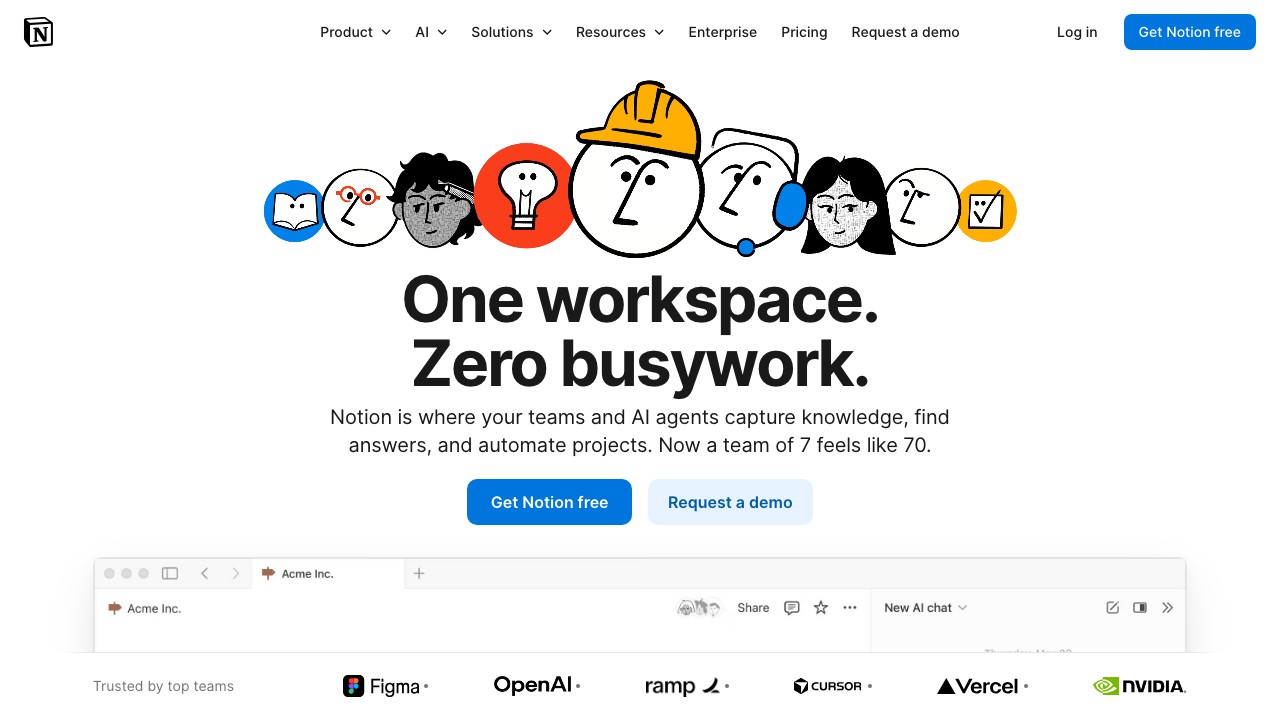
Notion AI is the best example of AI that makes an existing product better rather than trying to be a standalone product. It is not a chatbot you visit in a browser tab. It is intelligence woven into the workspace where you already do your thinking.
What I Actually Use Notion AI For
Querying my own knowledge base. "What did we decide about the pricing model in last month's meeting notes?" — and Notion AI pulls the answer from my actual workspace content. This is the killer feature. It searches across all your pages, databases, and documents.
Writing assistance in context. Unlike ChatGPT, which operates in a vacuum, Notion AI can reference your existing pages, project briefs, and style guides when helping you write. The output is more relevant because it has genuine context about what you are working on.
Key Features
- Q&A across your workspace — ask questions about your own content
- AI writing in every block — summarize, expand, translate, improve tone
- Auto-fill databases — AI populates database properties from page content
- Connected search — pull answers from Slack, Google Drive, and other integrated tools
- AI templates — pre-built workflows for common use cases
Pricing
Notion AI add-on: $10/member/month on top of your existing Notion plan. Available on all Notion tiers including Free.
Pros
- Best contextual AI — it knows your entire workspace
- Q&A feature is genuinely transformative for teams with lots of documentation
- Seamless integration — no context switching
- Reasonable pricing as an add-on
Cons
- Only useful if you already use Notion
- AI capabilities are narrower than standalone tools — you would not use this for code generation or image creation
- $10/member/month adds up for larger teams
- Speed can be slow on complex queries across large workspaces
Who Should Use Notion AI
Teams already using Notion for project management and documentation. The Q&A feature alone justifies the cost if you have a substantial knowledge base. If you do not use Notion, this is not a reason to switch — the AI is the icing, not the cake.
10. Grok (xAI) — Best for Real-Time Information
Grok is the AI that knows what is happening right now. Built by Elon Musk's xAI and deeply integrated with X (formerly Twitter), Grok has a unique advantage: real-time access to the world's largest public conversation.
I will be honest — I was skeptical about Grok initially. But the Grok-3 model is surprisingly capable, and the real-time data angle is genuinely useful for specific workflows.
What I Actually Use Grok For
Tracking real-time conversations and trends. "What are people saying about [competitor product launch] right now?" — Grok gives you a synthesized answer based on live X posts. For social listening, this is unmatched.
Current events analysis. Grok has no knowledge cutoff. It pulls from real-time data. For breaking news, market movements, or trending topics, it is faster and more current than any other chatbot.
Key Features
- Grok-3 — competitive reasoning capabilities
- Real-time X/Twitter integration — live social data
- DeepSearch — multi-step research with real-time sources
- Image understanding and generation — Aurora image model
- Unfiltered mode — less restrictive content policies
Pricing
Free tier: Limited Grok access through X. X Premium+ ($16/month): Full Grok access including Grok-3. SuperGrok ($30/month): Higher limits, priority access.
Pros
- Best real-time data integration of any AI platform
- Unique social listening capabilities via X integration
- Grok-3 model is genuinely competitive
- Less restrictive than ChatGPT or Claude on certain topics
Cons
- Tied to the X ecosystem — value diminishes significantly outside of it
- Smaller developer ecosystem
- No equivalent to Custom GPTs or Claude Projects
- Real-time data can introduce noise and misinformation from social media
Who Should Use Grok
Social media managers, PR professionals, journalists, and anyone who needs real-time pulse-checking. Grok is not a general-purpose replacement for ChatGPT or Claude. It is a specialized tool that excels at one thing no other platform does as well: telling you what the internet is thinking right now.
11. Relevance AI — Best for Custom AI Agent Workflows
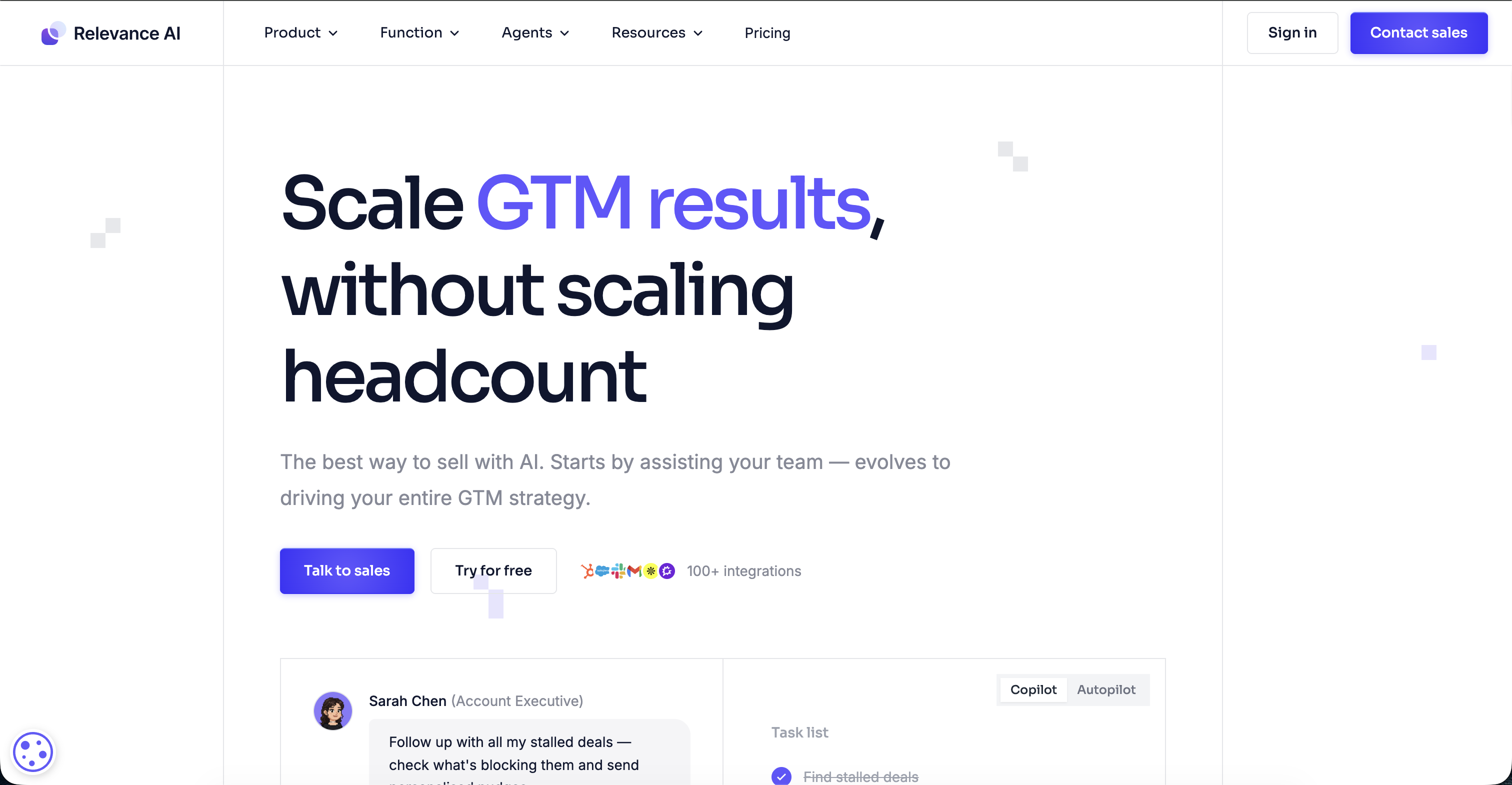
Relevance AI occupies an interesting middle ground between no-code agent builders and full developer frameworks. It gives you a visual canvas to build AI agent workflows with more flexibility than most no-code tools, but without requiring you to write actual code.
What I Actually Use Relevance AI For
Multi-step agent workflows with custom logic. Relevance AI lets you chain together AI steps with tools, conditionals, and data transformations. "Take this lead form submission, enrich it with company data, score it against my criteria, and route it to the appropriate sales rep" — all built visually.
Key Features
- Visual agent builder — drag-and-drop workflow canvas
- Tool chaining — connect AI steps with data tools, APIs, and logic
- Multi-model support — use different models for different steps
- Knowledge bases — RAG-powered retrieval for your data
- Team collaboration — shared agents and workflows
- API deployment — expose agents as API endpoints
Pricing
Free tier: Limited usage, basic features. Pro ($19/month): More credits, advanced features. Team ($199/month): Collaboration, higher limits. Enterprise: Custom pricing.
Pros
- More flexible than most no-code agent builders
- Visual workflow canvas is intuitive and powerful
- Good balance between simplicity and capability
- Strong API deployment options
Cons
- Steeper learning curve than simpler tools
- Less mature ecosystem than competitors
- Documentation could be more comprehensive
- Limited deployment options compared to platforms with built-in billing and white-labeling
Who Should Use Relevance AI
Teams that need custom AI workflows beyond what simple chatbot builders offer, but do not want to write code. If your needs are primarily customer-facing AI agents with monetization, a platform like Pickaxe will serve you better. If your needs are complex internal workflows with branching logic, Relevance AI shines.
The platform built for AI agent builders
Whether you're a consultant, agency, or business — Pickaxe gives you everything to build and monetize AI agents.
12. MindStudio — Best for Flexibility and Model Access
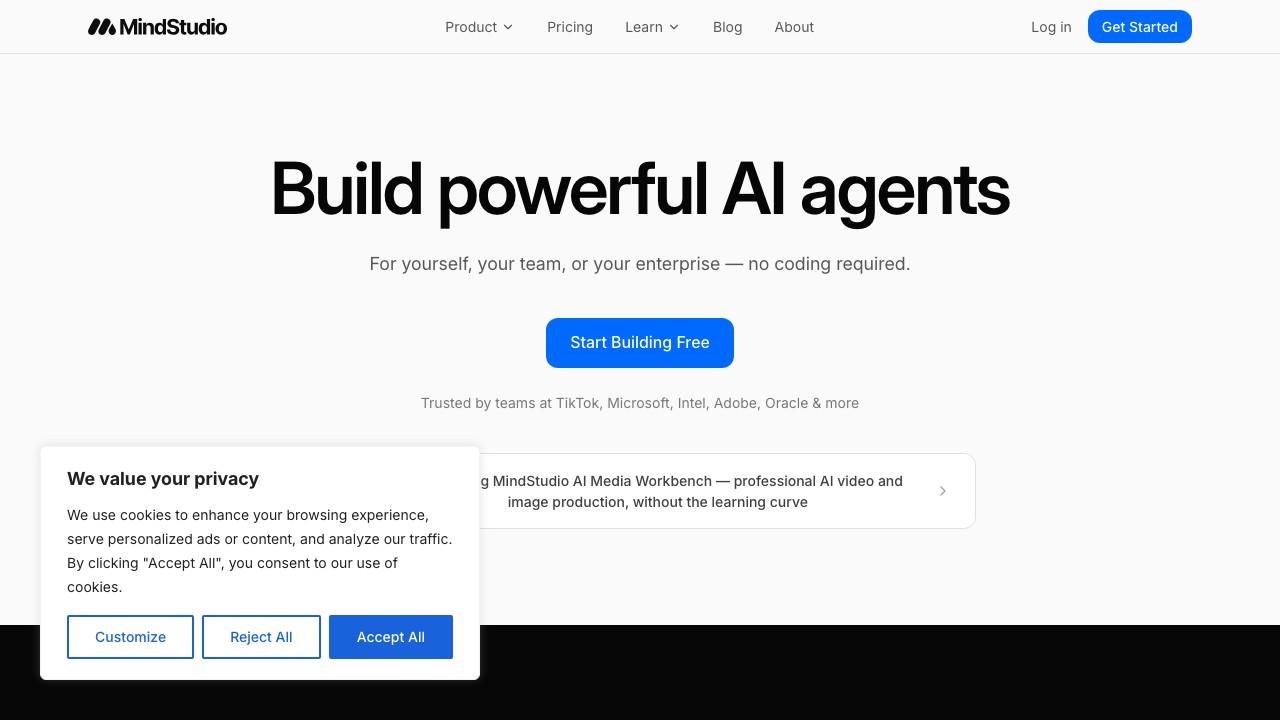
MindStudio's pitch is radical model flexibility. Instead of locking you into one AI provider, it gives you access to 30+ models and lets you mix and match them within a single application. Need GPT-4o for creative tasks and Claude for analysis, all within the same workflow? MindStudio does that.
What I Actually Use MindStudio For
Building AI apps that need model diversity. Some tasks are better suited to specific models. MindStudio lets you route different parts of your application to different models based on what each one does best. It is like having access to every brain in the industry from a single interface.
Key Features
- 30+ AI models — GPT-4o, Claude, Gemini, Llama, Mistral, and more
- Model mixing — use different models for different steps in a workflow
- No-code app builder — visual development environment
- Custom functions — extend capabilities with code when needed
- Publishing — share apps publicly or embed them
- Usage-based pricing — pay only for what you use
Pricing
Free tier: Limited usage across all models. Usage-based: Pay per model token consumed. Enterprise: Custom pricing with volume discounts.
Pros
- Unmatched model flexibility — no other platform gives you this much choice
- Usage-based pricing is fair and transparent
- Model mixing is genuinely useful for optimizing cost and quality
- Good for rapid prototyping and experimentation
Cons
- Can be overwhelming — too many choices without clear guidance
- Less polished than purpose-built platforms
- Limited monetization features compared to Pickaxe
- Smaller community and ecosystem
Who Should Use MindStudio
Developers and builders who want maximum model flexibility and are comfortable navigating a more open-ended platform. If you want a guided, opinionated experience, look elsewhere. If you want a sandbox where you can experiment with every model on the market, MindStudio delivers.
13. Botpress — Best for Enterprise Chatbots
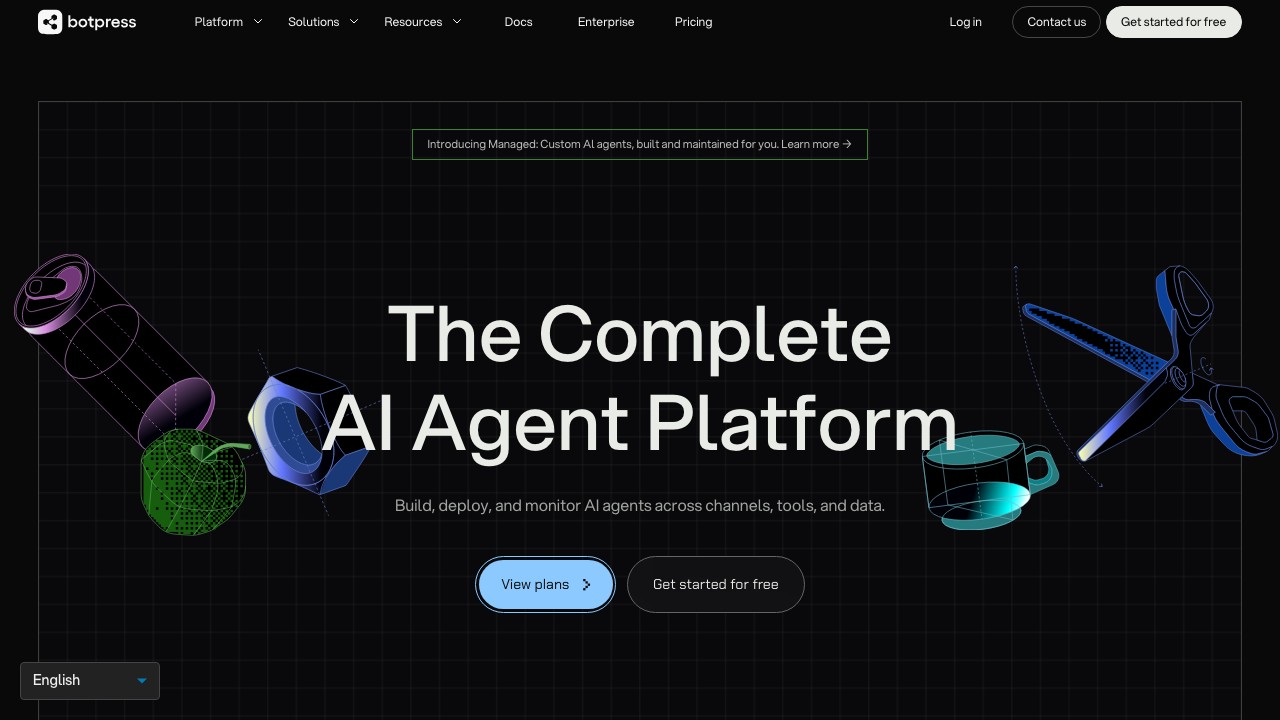
Botpress has been in the chatbot game longer than most. It started as an open-source chatbot framework and has evolved into a full-fledged AI agent platform with a focus on enterprise-grade conversational experiences.
What I Actually Use Botpress For
Complex conversational flows that need deterministic paths. Sometimes you need an AI chatbot that follows a specific decision tree while still being able to handle free-form questions. Botpress's visual flow builder handles this hybrid approach better than most competitors.
Key Features
- Visual conversation flow designer — drag-and-drop flow building
- Knowledge base integration — RAG-powered responses from your docs
- Multi-channel deployment — web, WhatsApp, Messenger, Slack, Telegram
- Built-in NLU — intent recognition and entity extraction
- Human handoff — seamless escalation to live agents
- Analytics — conversation insights and performance metrics
Pricing
Free tier: Generous free usage for small projects. Team ($79/month): Collaboration, higher limits. Enterprise: Custom pricing, SLA, dedicated support.
Pros
- Best visual conversation designer for complex flows
- Mature platform with years of enterprise deployment experience
- Good multi-channel support
- Human handoff feature is essential for enterprise use cases
Cons
- Steeper learning curve than simpler alternatives
- Can feel over-engineered for simple chatbot use cases
- Open-source version requires significant self-hosting expertise
- Pricing jumps significantly from Free to Team
Who Should Use Botpress
Enterprise teams building complex customer service or sales chatbots that need deterministic conversation paths alongside AI flexibility. For simpler chatbot needs, tools like Pickaxe offer a faster path from idea to deployment with less overhead.
14. n8n AI — Best Open-Source Automation
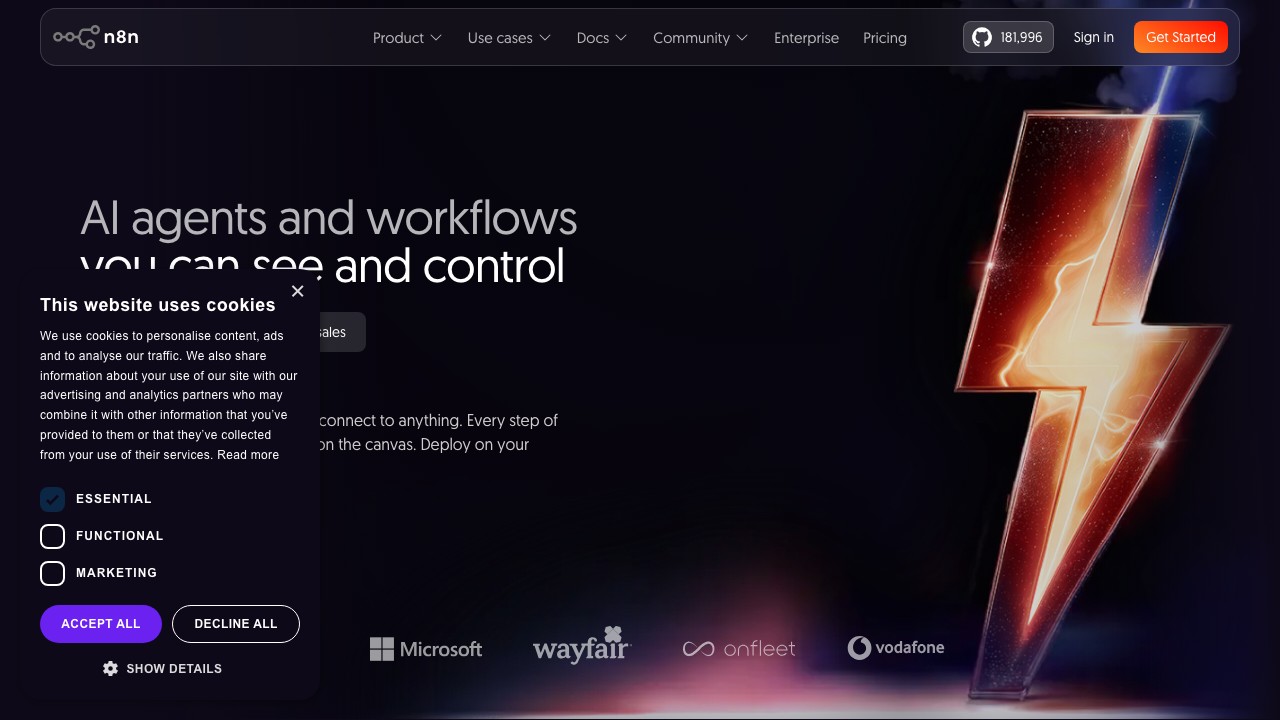
n8n is the open-source alternative to Zapier, and its AI capabilities have made it a serious contender in the automation space. If you want the power of AI-enhanced workflows without being locked into a proprietary platform, n8n is the answer.
What I Actually Use n8n For
Self-hosted automations with AI at the core. n8n gives you the same kind of cross-app automation that Zapier offers, but you host it yourself. That means no per-task pricing, full data control, and the ability to run as many workflows as your server can handle.
I have built workflows that monitor RSS feeds, summarize new articles with AI, and post curated content to social media — all running on a $5/month server with zero per-task fees.
Key Features
- 400+ native integrations — growing rapidly
- AI agent nodes — build AI-powered workflows with multiple models
- Self-hostable — full control over your data and infrastructure
- Visual workflow editor — node-based drag-and-drop interface
- Code when needed — JavaScript and Python nodes for custom logic
- Community templates — thousands of pre-built workflows
Pricing
Self-hosted: Free and open source. n8n Cloud Starter ($24/month): Managed hosting, 2,500 executions/month. n8n Cloud Pro ($60/month): 10,000 executions/month. Enterprise: Custom pricing.
Pros
- Free self-hosted option — unbeatable for budget-conscious teams
- No per-task pricing means costs are predictable
- Full data sovereignty when self-hosted
- Active open-source community
- AI agent capabilities are surprisingly mature
Cons
- Self-hosting requires technical skill
- Fewer integrations than Zapier (400+ vs 8,000+)
- UI is less polished than commercial alternatives
- Documentation quality varies for advanced features
Who Should Use n8n
Technical teams that want powerful automation without vendor lock-in or per-task pricing. If you are comfortable with Docker and basic server management, n8n's free self-hosted option is hard to beat. If you want zero setup, Zapier's managed service is more convenient. For a broader look at AI-enhanced browser tools that complement automation workflows, see our guide to the top AI browsers and extensions.
15. OpenClaw — Best Open-Source Autonomous Agent
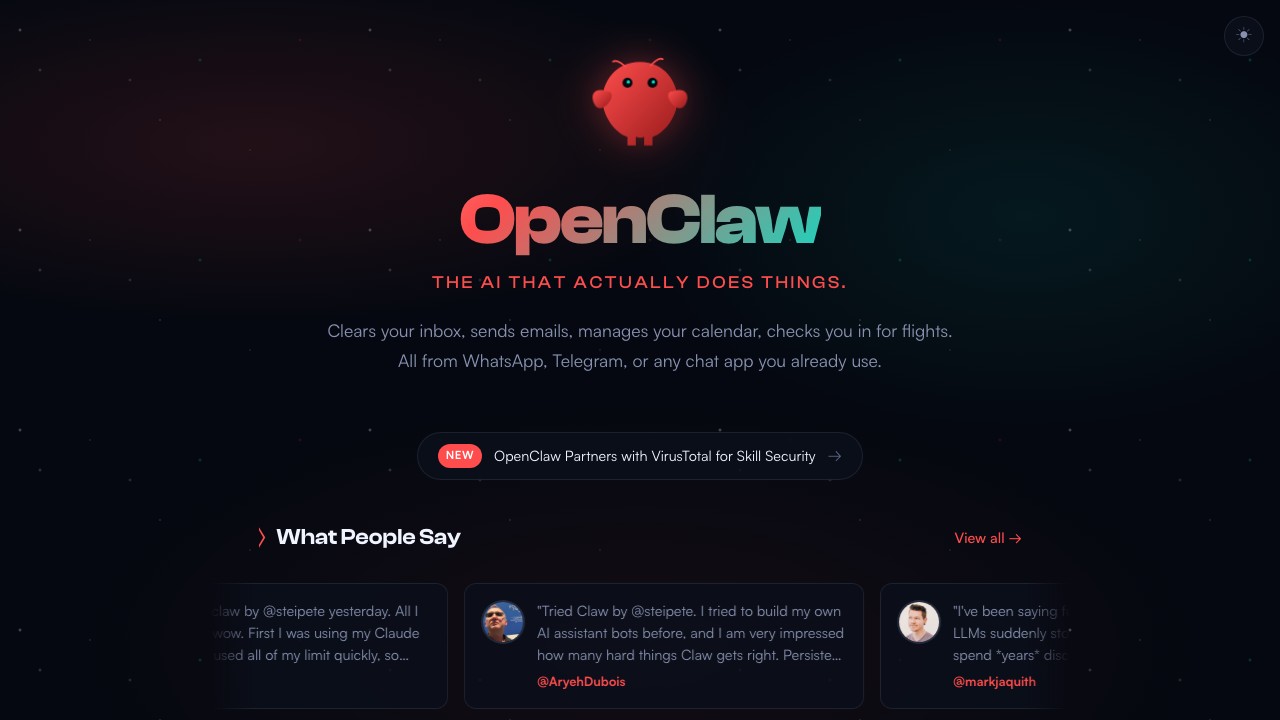
OpenClaw is the most ambitious open-source AI project I have tested. It is not a chatbot, not a workflow tool, and not a coding assistant. It is a fully autonomous AI agent that runs on your own hardware 24/7 and proactively manages tasks without you asking.
Born from the Clawdbot project in 2025 and officially renamed in January 2026, OpenClaw has already surpassed 100,000 GitHub stars. The developer community is building at a pace I have not seen since the early days of React.
What I Actually Use OpenClaw For
Background task management. OpenClaw monitors my deployments, triages my inbox, creates tickets from meeting notes, and follows up with team members on overdue tasks. It does all of this without me asking. That persistent, proactive behavior is what separates it from every chat-based tool on this list.
Multi-tool orchestration. OpenClaw connects to everything — email, calendar, Slack, Linear, GitHub, file system, browser. It uses the right tool for the right job, switching between them fluidly within a single workflow.
For a deep dive, I wrote an entire article on what makes OpenClaw different and 15+ real use cases.
Key Features
- 24/7 autonomous operation — runs on your hardware without supervision
- Persistent memory — remembers context across sessions and days
- Multi-model support — Claude, GPT-4o, Gemini, DeepSeek, local models
- 5,700+ community skills — pre-built integrations on ClawHub
- Full system access — files, shell, browser, APIs
- Heartbeat system — proactive background task execution
- Fully local — your data stays on your machine
Pricing
Free and open source. You only pay for the AI model API calls (OpenAI, Anthropic, etc.) or run local models for zero cost.
Pros
- Truly autonomous — the only tool on this list that works while you sleep
- Persistent memory changes the relationship with AI fundamentally
- Fully local means complete data privacy
- Massive and growing community
- Free — you only pay for model inference
Cons
- Requires technical setup — not plug-and-play for non-developers
- Running 24/7 means ongoing compute costs and power usage
- Still maturing — expect rough edges
- No built-in way to deploy agents for other people (unless you pair it with a platform)
Who Should Use OpenClaw
Developers and technical users who want a truly autonomous AI agent running locally. For personal productivity automation, OpenClaw is unmatched. If you want to build OpenClaw-powered agents for customers, Pickaxe's OpenClaw integration handles the deployment, monetization, and multi-tenant isolation so you do not have to build that infrastructure yourself.
How I Picked These Top AI Platforms
I want to be transparent about how I evaluated these tools. Here is my methodology:
Hands-On Testing
Every platform on this list is one I have personally used. Not just for a quick demo — I built real things, ran real workflows, and spent enough time to understand the strengths and limitations firsthand. I rejected several well-known platforms that looked good on paper but disappointed in practice.
Evaluation Criteria
I weighted the following factors:
- Core AI capabilities (30%) — quality of output, model performance, accuracy
- Ease of use (20%) — how quickly can a new user get value
- Unique value proposition (20%) — does it do something no other platform does
- Pricing and value (15%) — is the cost justified by the capabilities
- Ecosystem and integrations (15%) — how well does it connect with other tools
What I Excluded
I intentionally excluded pure developer frameworks (like LangChain and LlamaIndex), raw model APIs (like the OpenAI API on its own), and tools that are still in limited beta. Every platform here is available today with a clear, documented pricing model.
I also excluded niche tools that only serve one industry. These are general-purpose platforms that serve broad audiences, even when they specialize in a particular use case.
Frequently Asked Questions
What is the best AI platform overall in 2026?
ChatGPT remains the best all-around AI platform for most users. It handles the widest range of tasks at the highest quality level. However, the "best" platform depends entirely on your specific needs. Claude is better for coding and long documents. Perplexity is better for research. Pickaxe is better for building AI products. There is no single winner for every use case.
Which AI platform is best for coding?
Claude (Anthropic) is the best AI platform for coding in 2026. The Opus 4.6 model produces the cleanest code output, the 1 million token context window lets you analyze entire codebases, and Claude Code provides agentic coding capabilities. 77% of developers now use AI coding tools daily, and Claude is the one I hear recommended most often by experienced developers.
Are there any free AI platforms worth using?
Yes, several. ChatGPT's free tier gives you access to GPT-4o mini and limited GPT-4o usage. Claude's free tier provides Claude 3.5 Sonnet. Gemini's free tier is solid for Google ecosystem users. OpenClaw is entirely free and open source. And Pickaxe offers a free tier for building and testing AI agents. You can get genuine value without paying anything.
What is the difference between an AI platform and an AI tool?
An AI tool does one thing well. An AI platform lets you build, deploy, and scale AI-powered applications. ChatGPT started as a tool and evolved into a platform with the GPT Store and API. Pickaxe is a platform from day one — it is designed for building and distributing AI agents, not just using them yourself.
Which AI platform is best for businesses?
It depends on the business size and need. Small businesses and solopreneurs should start with ChatGPT Plus or Claude Pro. Marketing-heavy businesses should evaluate Jasper. Microsoft-centric enterprises should adopt Copilot. Businesses that want to build AI-powered products for clients should look at Pickaxe. The AI platform market is large enough that specialization matters more than picking a single "best" option.
Can I use multiple AI platforms together?
Absolutely, and I recommend it. I use ChatGPT for quick tasks, Claude for coding, Perplexity for research, and Pickaxe for building. Most professionals in 2026 use at least 2-3 AI platforms as part of their daily workflow. Tools like Zapier AI and n8n can help connect them into unified workflows.
How much should I expect to spend on AI platforms?
Most individuals spend $20-60/month across 1-3 platforms. ChatGPT Plus at $20/month is the most common starting point. Adding Claude Pro or Perplexity Pro brings you to $40-60/month. Businesses spend significantly more, especially at the enterprise tier, but the ROI on AI tools is consistently high — most teams report saving 10+ hours per week per user.
The Bottom Line: Choosing Your AI Stack in 2026
The AI platform landscape in 2026 is not about finding the one tool to rule them all. It is about building a stack that fits your workflow.
Here is how I would think about it:
For general daily use: Start with ChatGPT Plus. It covers 80% of what most people need.
For coding and technical work: Add Claude Pro. The coding capabilities and massive context window are worth every penny.
For research: Add Perplexity Pro. The citation-backed, deep research capabilities will change how you gather information.
For automation: Choose between Zapier AI (easiest, most integrations) and n8n (cheapest, most control).
For building AI products: This is where Pickaxe fits in. If you want to take your expertise, package it into an AI agent, deploy it for customers, and actually charge for it — with white-labeling, billing, and multi-channel deployment built in — it is the most complete platform I have found for that specific workflow. The free tier lets you test everything before committing.
The companies that figure out their AI stack early are going to have an enormous competitive advantage. We are still in the early innings of this transformation. 72% of businesses have adopted AI in at least one function, which means 28% have not even started yet.
Do not be in that 28%.
Pick one platform from this list. Start using it today. Expand your stack as your needs grow. The best time to start was a year ago. The second best time is right now.