
Here's a stat that surprised me: 92% of nonprofits have adopted AI in some form, according to the 2026 Nonprofit AI Adoption Report. But only 7% say it's actually expanded what their team can accomplish.
That's a massive gap. And having talked to nonprofit directors and church leaders about how they're using AI, I think I know why.
Most organizations start with ChatGPT. Someone on staff uses it to draft an email or brainstorm a sermon series. It's useful, but it stays in that one person's workflow. It doesn't become an organizational capability — it stays a personal productivity hack.
The nonprofits and churches that are actually seeing results with AI have done something different. They've built custom AI agents that handle specific workflows for their organization — trained on their own content, connected to their own tools, and available to their entire team (or their community) 24/7.
This guide walks through the practical use cases where AI agents for nonprofits and churches make the biggest difference, how to build them without writing code, and why this approach works better than buying more software subscriptions you'll barely use.
Why Generic AI Tools Fall Short for Mission-Driven Organizations
Nonprofits and churches have a problem that most AI tools aren't designed to solve: they need AI that knows their specific context.
A food bank doesn't need a generic chatbot. It needs an agent that knows its service area, eligibility requirements, hours, intake process, and partner agencies. A church doesn't need another subscription tool. It needs something that knows its service times, beliefs, small group schedule, childcare policies, and parking situation.
This is where general-purpose AI hits a wall. ChatGPT can write a decent donor appeal letter, but it doesn't know your donors, your impact data, or your voice. It produces generic output that still requires heavy editing.
Custom AI agents flip this equation. Instead of adapting your workflow to fit a tool, you build an agent that fits your workflow. You give it your knowledge base, connect it to your existing tools, and deploy it where your team and community can use it.
The 2026 adoption data backs this up: 65% of nonprofits describe their AI use as reactive and individual — one-off prompts and personal experimentation. Only 4% have documented, repeatable workflows. Custom agents are how you get from the first camp to the second.
8 AI Agent Use Cases for Nonprofits and Churches
Here are the use cases where I've seen custom AI agents make the biggest practical difference for mission-driven organizations. Each one is something you can build today with a no-code platform like Pickaxe — no developers required.
1. New Visitor Welcome Agent (Churches)
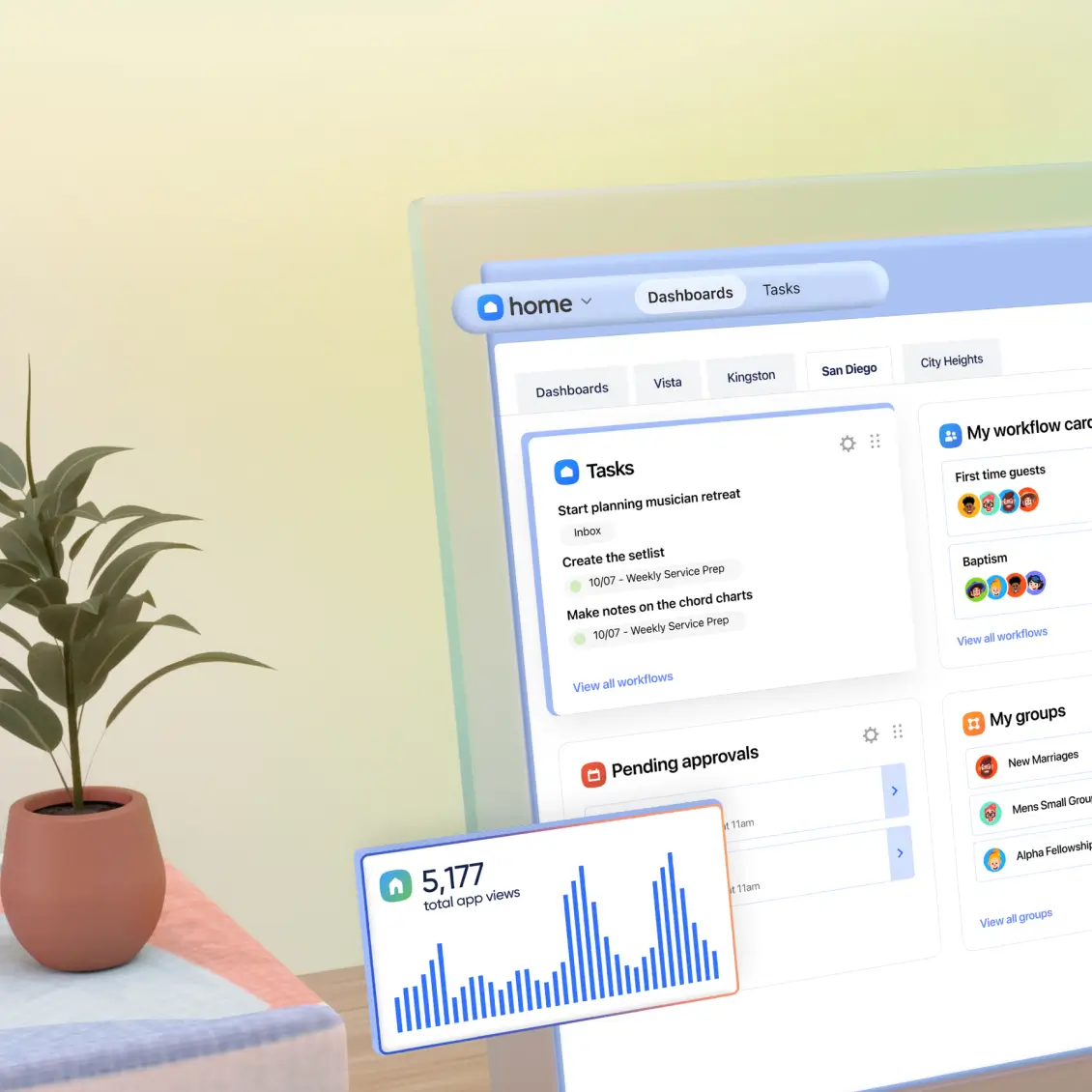
Every church website gets the same questions: What time are services? Is there childcare? What should I wear? What do you believe? Where do I park?
Most church websites bury this information across multiple pages. A visitor has to click around, and if they can't find what they need in 30 seconds, they move on. Research shows over 77% of people research a church online before visiting in person, so the website experience directly impacts whether someone walks through your doors.
A visitor welcome agent changes this entirely. You upload your church's website content, beliefs statement, service schedule, childcare policies, small group info, and parking details to the agent's knowledge base. Then embed it on your website as a chat widget.
Now visitors get instant, accurate answers — at 2am on a Saturday night when they're deciding where to go Sunday morning. The agent knows your church's specific details because it's trained on your content, not generic church information.
With Pickaxe, you'd set this up using the Agent Builder: write instructions that set a warm, welcoming tone, upload your church documents to the knowledge base, and deploy as a website embed. The whole process takes about an hour.
You can also connect Actions to capture visitor information — when someone asks about visiting, the agent can collect their name and email and send it to a Google Sheet or your church management system for follow-up.
2. Client Intake and Screening Agent (Nonprofits)
Nonprofits that provide direct services — food banks, housing assistance, legal aid, health clinics — spend enormous amounts of staff time on intake screening. It's repetitive, it's procedural, and it's often the bottleneck that limits how many people you can serve.
An intake screening agent walks potential clients through your eligibility questions, collects required information, and determines which programs they qualify for — all without staff involvement. It's available 24/7, works in multiple languages (critical for many service organizations), and gives consistent, accurate answers every time.
Here's the key difference from a simple web form: the agent is conversational. It can explain what a question means, clarify confusing eligibility criteria, and adapt based on the client's responses. If someone doesn't qualify for one program, the agent can suggest alternatives. If their situation is complex, it can flag the case for staff review.
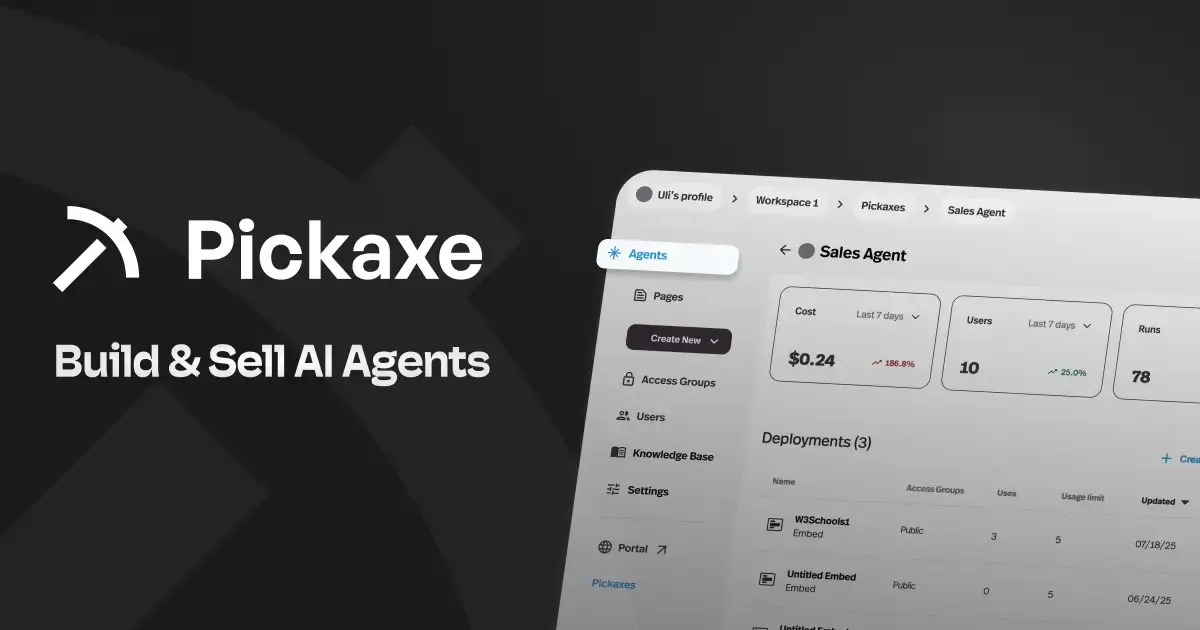
In Pickaxe, you'd build this by uploading your eligibility guidelines, program descriptions, and intake procedures to the knowledge base. Then connect Actions to save completed intake data to Google Sheets, send notification emails to case managers, or trigger a Zapier workflow that creates a record in your case management system. We've written a full walkthrough on building an AI agent for client onboarding that covers this exact pattern.
The agent can be deployed as a website embed, WhatsApp bot, or standalone page — meeting clients where they already are. For organizations serving populations with limited tech access, the WhatsApp deployment is especially powerful since it works on any phone.
3. Donor Engagement and FAQ Agent
Donors have questions that go beyond what your annual report covers. How exactly is my money being used? What happened with that specific program I funded? How many people did you serve last quarter? What's your overhead ratio?
These questions often sit in a development director's inbox for days because answering them properly requires digging through program reports, financial statements, and impact data. A donor FAQ agent trained on your organization's impact data, annual reports, financial summaries, and program updates can answer these questions instantly.
This isn't about replacing human relationships with donors — it's about making your team more responsive. The agent handles the factual questions so your development staff can focus on the relational work that actually drives major gifts.
You can even deploy the agent through a branded portal using Pickaxe's monetization and deployment features — a dedicated space where your major donors can access impact information, program updates, and organizational data anytime. Give it your organization's branding, connect it to a member access group so only donors can use it, and you've created a premium donor experience that costs a fraction of building a custom donor portal.
This directly addresses one of the biggest challenges in fundraising: donor retention. According to the Bloomerang research team, the average nonprofit donor retention rate hovers around 45%. Giving donors instant access to the information they care about is one concrete way to improve that number.
4. Volunteer Onboarding and Training Agent

Every nonprofit and church has a volunteer onboarding problem. New volunteers need to learn your policies, procedures, safety protocols, role-specific responsibilities, and organizational culture. This usually means scheduling training sessions, creating printed manuals that nobody reads, or having experienced volunteers spend hours bringing new people up to speed.
A volunteer training agent puts all of this knowledge into a conversational format that new volunteers can access on their own time. Upload your volunteer handbook, safety procedures, role descriptions, FAQs from past trainings, and organizational policies. The agent becomes a 24/7 training resource that answers questions, explains procedures, and helps volunteers find information without tying up staff.
This is especially valuable for churches with rotating volunteer teams. A children's ministry volunteer can ask about check-in procedures, allergies protocols, and curriculum plans on Saturday night before their Sunday shift. A hospitality team member can review greeting procedures, accessibility accommodations, and emergency protocols right before service.
The ongoing value is even greater than the initial onboarding. Volunteers forget things. Situations come up that weren't covered in training. Having an agent that knows your organizational knowledge and is always available turns a one-time training event into a persistent knowledge resource.
In Pickaxe, you'd deploy this through a portal that your volunteers access with a login. You can organize multiple agents in one place — separate agents for different volunteer roles, each trained on role-specific content. A children's ministry agent, a worship team agent, a hospitality agent, all in one branded portal.
5. Grant Research Assistant
Grant writing is one of the most time-intensive activities in the nonprofit world. But before you can write a proposal, you need to find the right funders — and that research phase often takes longer than the writing itself.
A grant research assistant agent can dramatically speed up funder identification. Load it with your organization's mission statement, program descriptions, financial data, geographic focus, and past grant history. Then use it as a research partner — describe a program you need funding for, and the agent can help you articulate what makes it fundable, identify the language that resonates with different funder categories, and draft initial narrative sections based on your actual program data.
This agent doesn't replace dedicated grant platforms — tools like Grantable are excellent for the full grant lifecycle, from funder discovery using 990 data to pipeline management. But a custom agent fills the gap between "we have programs that need funding" and "we have a polished proposal," using your organization's specific context to produce first drafts that are much closer to final than anything a generic AI would generate.
For organizations under $500K in annual revenue, this is particularly impactful. You likely can't afford a dedicated grant writer, and Grantable offers a nonprofit discount at $25/month for their Starter plan. Pair that with a Pickaxe agent loaded with your organizational knowledge, and you've got a grant development workflow that punches well above your budget.
Build AI agents for your nonprofit
Pickaxe makes it easy for nonprofits to create AI-powered tools for donor engagement, volunteer coordination, and community support.
6. Event Information and Registration Agent
Nonprofits and churches run events constantly — fundraising galas, community dinners, vacation bible school, mission trips, conferences, volunteer drives. Each one generates a flood of the same questions: What's the schedule? What should I bring? Is there parking? Can I bring my kids? How do I register? What's the cost?
Instead of answering the same questions in 50 separate emails, an event information agent handles all of it. Upload the event details, schedule, logistics, FAQs, and registration instructions. Deploy it as a chat widget on the event page or share it via a direct link in your email campaigns.
The agent can also handle registration itself. Connect an Action to your registration system — Google Forms, Google Sheets, or your CRM — and the agent collects registrant information conversationally and submits it automatically. This is especially useful for older congregants or community members who struggle with traditional online forms.
The beauty of this approach is that you can spin up a new event agent in 30 minutes. Duplicate a previous event agent, swap in the new event details, and deploy. For organizations running multiple events per month, this saves significant staff time over the course of a year.
For the actual fundraising and donation processing side of events, platforms like Givebutter (free, tip-based) and Zeffy (100% zero-fee) handle online giving, event ticketing, and auctions. Your AI agent handles the questions and engagement; these platforms handle the transactions.
7. Sermon Prep and Scripture Research Agent (Pastors)
Ask any pastor what eats up their week and sermon preparation is near the top of the list. Not the writing itself — the research. Finding the right supporting scriptures, tracing a theme across the Old and New Testaments, pulling in historical context, cross-referencing commentaries, and connecting it all to a modern application. That's hours of work before a single word of the sermon gets written.
A sermon prep agent trained on your preferred theological resources changes the workflow entirely. Upload your church's statement of faith, your preferred Bible translations, commentary excerpts, past sermon transcripts, and any theological reference material you regularly use. The agent becomes a research partner that knows your theological framework and preaching style.
Here's what this looks like in practice. You tell the agent: "I'm preaching on forgiveness next Sunday. I want to anchor it in the parable of the prodigal son but also pull in Old Testament parallels and a Pauline epistle connection." The agent surfaces relevant passages, suggests thematic connections you might not have considered, and drafts a rough outline — all grounded in your knowledge base, not generic internet theology.
Other practical uses for a sermon prep agent:
- Scripture search by theme: "Find passages about perseverance during suffering" returns curated results from your uploaded translations and commentaries, not a generic Google search.
- Illustration brainstorming: Describe the point you're making and the agent suggests illustration angles based on your past sermons and preaching style.
- Series planning: Map out a multi-week series with suggested texts, themes, and progression — the agent can reference what you've preached before to avoid repetition.
- Devotional content: Generate first drafts of daily devotionals, small group discussion questions, or bulletin inserts that tie back to Sunday's message.
The key here is the custom knowledge base. A general AI will give you surface-level theology from whatever it scraped off the internet. An agent trained on your commentaries, your denominational resources, and your own sermon archive gives you research that's actually aligned with how you teach and what your congregation expects.
In Pickaxe, you'd build this as a private agent — either behind a member access group for just your pastoral staff or as a personal tool. Upload your Bible translations as PDFs, your commentary library, past sermon manuscripts, and your church's doctrinal standards. Set the instructions to always cite specific chapter and verse, stay within your theological guardrails, and present itself as a research assistant (not a replacement for the pastor's own study and prayer).
8. Internal Knowledge Base Agent
This might be the highest-impact use case that the fewest organizations think about: making your own organizational knowledge searchable and accessible.
Every nonprofit and church has institutional knowledge scattered across Google Drive folders, shared documents, email threads, meeting notes, board minutes, policy manuals, and the heads of long-tenured staff. When someone needs an answer — "What's our policy on accepting in-kind donations?" or "How did we handle that situation three years ago?" — finding it usually means asking the one person who remembers.
An internal knowledge base agent consolidates all of this into a single, conversational interface. Upload your policy documents, board minutes, operational procedures, HR handbook, financial guidelines, strategic plan, and any other organizational documents. Staff can then ask questions in natural language and get answers grounded in your actual organizational documentation.
This is particularly valuable during staff transitions. When your office manager of 15 years retires, their institutional knowledge doesn't have to walk out the door with them if it's been loaded into an agent. New hires can onboard faster because they have a resource that knows the organization's history, policies, and precedents. Larger teams tend to formalize this as a portal, and we ranked the options in employee portal software.
In Pickaxe, you'd build this as a private agent behind a member access group — only staff can access it. Connect it to your Google Drive or Notion workspace through the knowledge base integrations so it stays current as documents are updated.
How to Build Your First AI Agent (The Practical Steps)
If one of the use cases above resonated with your organization, here's how to actually make it happen. I'll use Pickaxe as the example since it's purpose-built for this, but the general principles apply regardless of platform.
Step 1: Pick Your Highest-Impact Use Case
Don't try to build five agents at once. Choose the one workflow that consumes the most staff time relative to its complexity. For most churches, that's answering visitor questions. For most service nonprofits, it's client intake. For development-heavy organizations, it's donor FAQs.
Step 2: Gather Your Knowledge
Collect the documents, web pages, and content that your agent needs to know about. This is usually easier than you think — your website, your FAQ page, your policy documents, and your program descriptions already contain most of what the agent needs. Pickaxe accepts PDFs, Word docs, text files, URLs, audio, video, and can connect directly to Google Drive, Notion, OneNote, and OneDrive.
Step 3: Build the Agent
In Pickaxe's Agent Builder, you have three tabs: an AI Helper that walks you through setup conversationally, an Editor for direct control, and a Preview for testing. Write clear instructions that define the agent's role, tone, and boundaries. Upload your knowledge. Choose a model (Pickaxe is model-agnostic — you can switch between models anytime at pickaxe.co/models).
Step 4: Connect Actions
If your agent needs to do more than answer questions — like saving intake data, sending emails, or triggering workflows — connect Actions. These are integrations with external tools: Gmail, Google Sheets, Slack, Notion, or any automation platform like Zapier, Make, or n8n. Keep it to 4 or fewer actions per agent for best results; for more complex workflows, chain agents together. If you're new to the concept of AI agents, our guide on no-code AI agent builders covers the landscape.
Step 5: Deploy
Choose where your agent lives: a website embed for public-facing agents, a portal for member or staff access, WhatsApp for mobile-first communities, Slack for internal tools, or a direct link for sharing in emails and newsletters. You can deploy to multiple channels simultaneously.
Step 6: Test With Real Users
Before rolling out broadly, have 5-10 people actually use the agent. Watch what questions they ask that the agent can't answer — those gaps tell you what to add to the knowledge base. Refine the instructions based on where the agent's tone or behavior feels off.
Pickaxe is SOC 2, GDPR, and CCPA compliant, so your donor data, client information, and congregant details are handled securely. This matters especially for nonprofits subject to ethical scrutiny around AI use and organizations handling sensitive client data.
The Governance Question: Before You Deploy Anything
One thing the research made clear: nearly half of nonprofits have no formal AI governance policy, and 76% don't have an AI policy at all. Before deploying any AI agent — even an internal one — your organization should address a few basics:
- What data can the agent access? Donor SSNs, counseling session notes, and medical information should never be in an AI knowledge base. Define clear boundaries.
- Who approves new AI deployments? Shadow AI — where individual staff members adopt tools without organizational knowledge — is a growing problem. Have a simple approval process.
- How is AI-generated content reviewed? AI makes things up. Every public-facing response, donor communication, and client interaction needs appropriate oversight.
- Where is the human handoff? Define when the agent should stop and route to a person. For churches, this is especially important around pastoral care — AI can handle logistics, but spiritual guidance and counseling require human connection.
As one church tech leader noted on X: most churches are drastically underspending on AI. But underspending without governance is how problems happen. Get the policy in place first, then deploy confidently.
What About Other AI Tools?
Custom agents handle your unique workflows, but there are a few other tools worth mentioning that cover specific functions no agent can replace:
For fundraising and giving, Zeffy offers 100% zero-fee donation processing (no credit card fees, no platform fees, nothing) — over 100,000 nonprofits have raised $2B+ on it. Givebutter provides free all-in-one fundraising with donation forms, events, auctions, and CRM. And Fundraise Up uses behavioral AI to optimize donation amounts in real time, generating 10-15% more revenue on average.
For donor management, Virtuous (from $199/month) offers AI-powered prospect identification and automated outreach for mid-sized nonprofits, while Bloomerang (from $125/month) focuses on donor retention with the only built-in AI writing assistant in the giving CRM space.
For church management, Planning Center remains the gold standard — modular, modern, and loved by churches of all sizes (free tier available). Tithe.ly bundles giving, ChMS, church app, and website into one platform starting at $72/month.
For grant writing, Grantable covers the full lifecycle — funder discovery, proposal writing, and pipeline management — with a nonprofit discount at $25/month for organizations under $500K revenue.
And Canva for Nonprofits gives 501(c)(3) organizations the full premium design suite — including all AI features — completely free for up to 50 users. If your nonprofit isn't using this, sign up today.
Getting Started: A 30-Day Plan
Here's what a realistic first month with AI looks like for a nonprofit or church:
Week 1: Sign up for Canva for Nonprofits (free) and start using ChatGPT for daily content tasks. Get your team comfortable with AI as a drafting tool, not a final product.
Week 2: Identify your highest-impact use case from the list above. Gather the documents and content your agent will need. Draft a one-page AI use policy for your board.
Week 3: Build your first agent on Pickaxe. Upload your knowledge base, write clear instructions, connect any Actions you need, and deploy. Test with a small group — 5-10 staff or trusted volunteers.
Week 4: Refine based on testing feedback. Fill knowledge gaps. Adjust the agent's tone and behavior. Then launch to your full audience — embed on your website, share in your newsletter, or deploy to WhatsApp.
The organizations seeing real results with AI aren't the ones using the most tools. They're the ones that built the right agent for their specific context and made it part of their actual workflow.
That's the gap between the 92% who've tried AI and the 7% who've made it work. Don't try everything — start with one agent that solves your biggest problem, and build from there.
Frequently Asked Questions
How much does it cost to build a custom AI agent for a nonprofit?
Pickaxe starts at $29/month (Gold plan), which includes white-labeling, custom domains, and Actions for connecting to external tools. The Pro plan at $99/month adds API access, unlimited portals, and unlimited Actions. See our guide to AI agent pricing models for more on how pricing works. Combined with free tools like Canva and Zeffy, a complete AI stack for a small nonprofit can cost under $50/month.
Can I build an agent without any technical skills?
Yes. Pickaxe is completely no-code. The Agent Builder includes an AI Helper that walks you through the setup process conversationally — you describe what you want the agent to do, and it helps you configure it. If you can write an email, you can build an agent.
Is it safe to use AI with donor or client data?
Pickaxe is SOC 2, GDPR, and CCPA compliant. For the knowledge base, only include data that's appropriate for AI processing — program descriptions, policies, public impact data, and organizational documents. Never include raw donor SSNs, credit card numbers, medical records, or counseling notes. The agent's instructions can explicitly define what information it should and shouldn't discuss.
Should a church use AI for spiritual guidance or pastoral care?
I'd keep AI focused on informational and administrative tasks — service times, event details, volunteer logistics, parking, beliefs overview, small group information. Using AI for spiritual counseling, confession, or pastoral care raises serious ethical questions about the role of human connection in ministry. Each church should make this decision based on their theology and pastoral philosophy, but the safest approach is to use AI for logistics and humans for care.
What if our organization has no AI experience at all?
That's actually the majority. TechSoup's research shows that 40% of nonprofits say no one in their organization is educated in AI. Start small: one agent, one use case, one person championing it. The tools are designed for non-technical users, and the learning curve is shorter than you'd expect.