
New featureAccess ·
Invite people with a QR code
Open workspaces
Choose the workspace you want to configure, then follow the steps below.
What it does
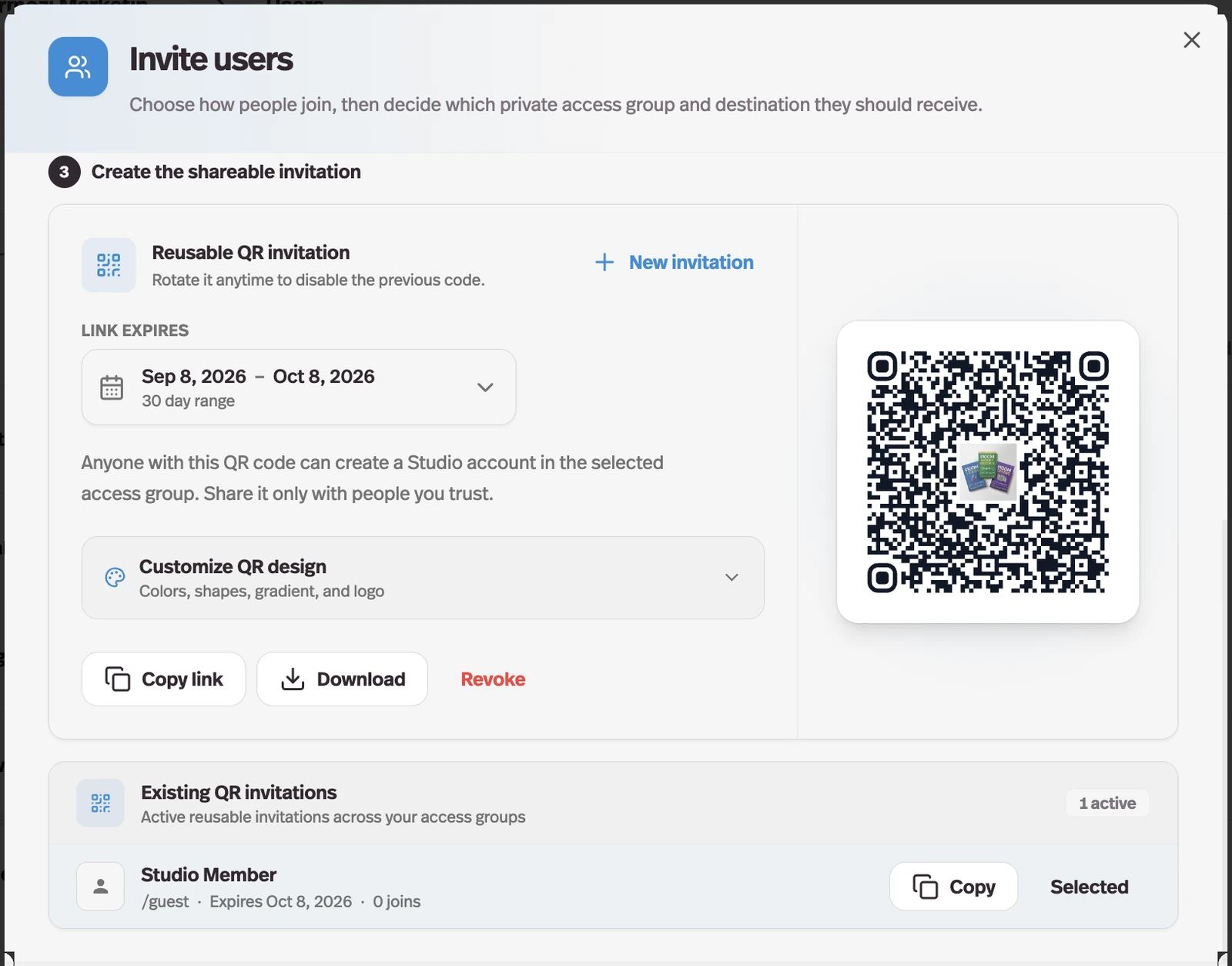
The invite flow can issue a reusable, scannable join link that drops whoever uses it straight into the access group you chose.
Why it matters
Emailed invitations need a list of addresses, and a room full of people at an event is not a list.
How it works
Choosing Share a QR code replaces the email box with a single code for the group, so this is the path for an audience you cannot enumerate in advance — an event, a workshop, a community. It is available to workspace owners, on member and invite-only groups.
- Expiry
- 30 days by default, any date up to ten years out, or No expiration.
- Design
- Four presets plus colors, module and corner shapes, a gradient, and your studio logo in the middle.
- Sharing
- Download exports an SVG for print; Copy link shares the same invitation as a plain URL.
- Control
- One live code per group. Rotate QR link replaces it and kills the old one, Revoke turns it off, and Existing QR invitations lists what is active with its destination, expiry, and join count.
Anyone holding the code can create an account in that group until it is rotated, revoked, or expires, which makes it closer to a shared password than to a personal invitation.