
ImprovementDeploy ·
Use one wallpaper across your portal
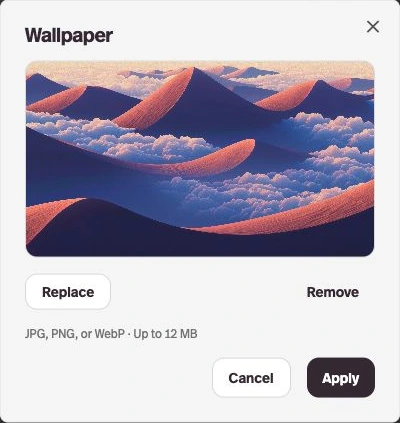
What it does
Upload one image to give your portal’s chats and profiles the same background.
Before this
New. A shared wallpaper previously required custom CSS.
Why it matters
In Content → Portal Design → Wallpaper, choose Add image, then Apply to preview it before publishing.
How it works
Choose Save Portal to publish the wallpaper. Custom-code pages keep their own backgrounds.