
New featureDeploy ·
Dark theme and dynamic glass for portals
Open workspaces
Choose the workspace you want to configure, then follow the steps below.
What it does
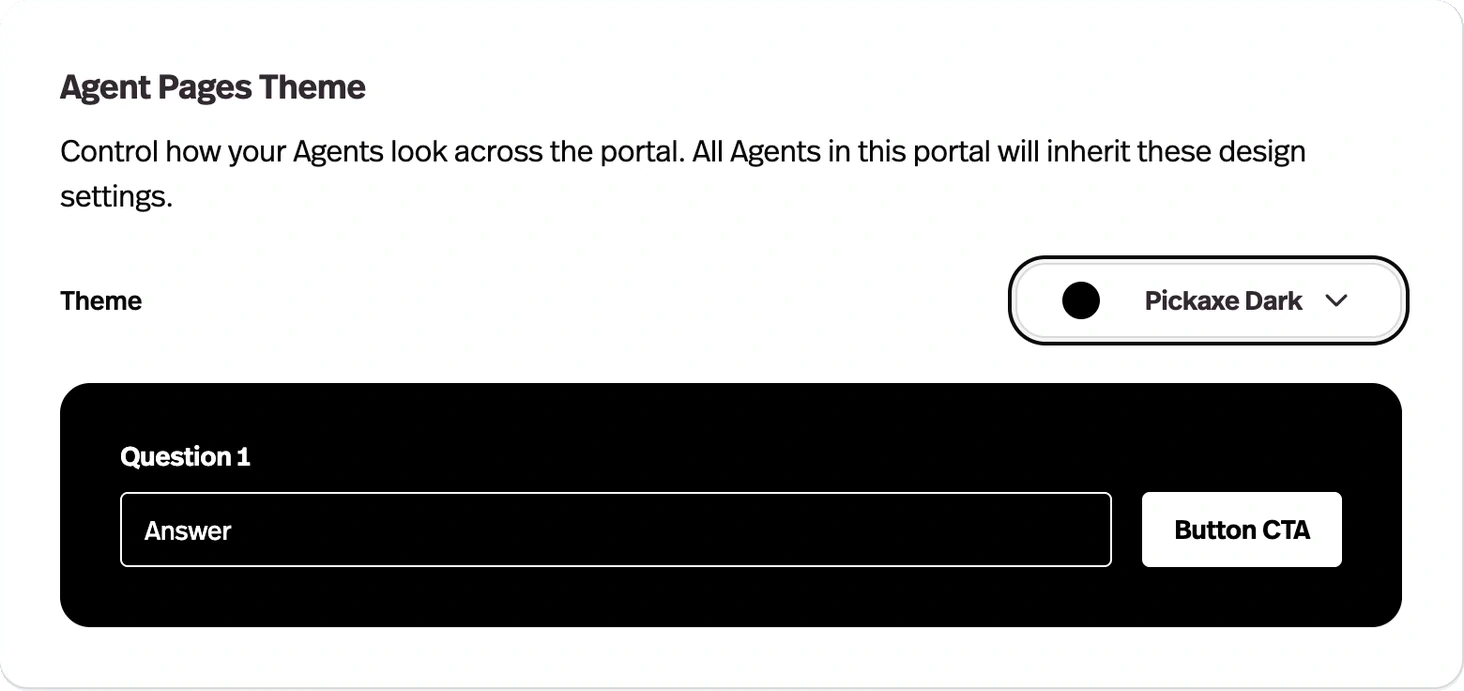
Portals gained dark theme support and a dynamic glass treatment that adapts to the background behind it.
Before this
An expansion. Portals were already themeable, in light only.
Why it matters
A portal that matches your brand's dark palette stops looking like a third-party tool bolted onto your site.
How it works
A theme setting on the portal itself, in the portal editor's Design tab — separate from the dark mode you set for your own dashboard, which only affects what you see.
The dynamic glass treatment adapts to whatever sits behind it, so panels stay legible over a background image instead of needing a flat panel colour picked to match.