
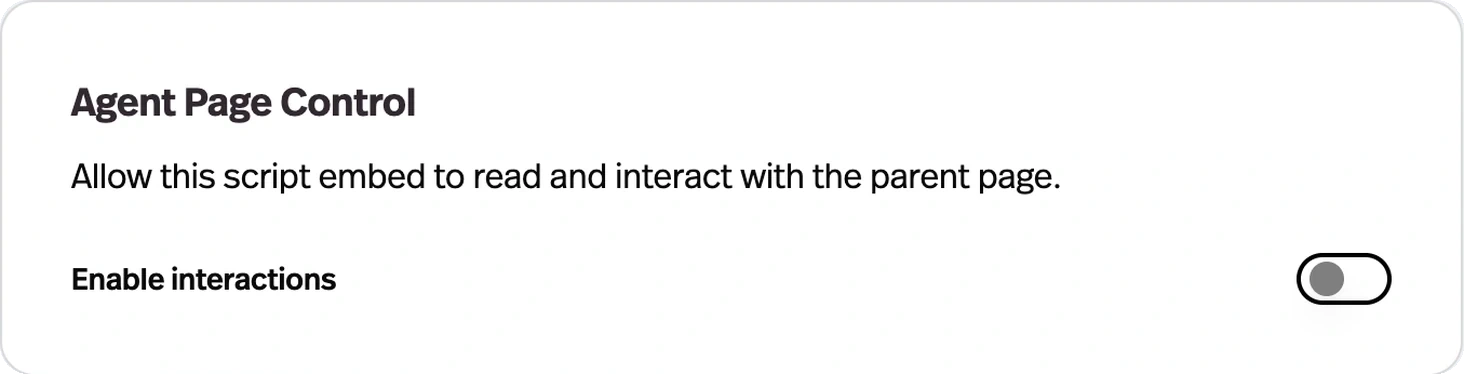
Agent Page Control
What it does
An embedded agent can read the structure of the page it's on and act on it — clicking buttons, links, and toggles, scrolling, refreshing, and running multi-step sequences from instructions in its prompt. Works on every embed type except iframe.
Before this
An expansion of embeds. An embedded agent could talk about the page it sat on but not touch it — every action it described was one the user then had to perform.
Why it matters
This is the difference between an agent that explains where the setting is and one that goes and changes it for the user.
How it works
Switched on per deployment, under Design → Agent Page Control → Enable interactions. It works on every script embed — inline flex, FAB, popup, chat input — and not on the iframe embed, which is isolated from the host page by design.
- Reading
- The agent receives the structure of the page it is embedded in as context.
- Acting
- click, fill, select, check, uncheck, scroll, reload, and navigate.
- Out of the box
- click, scroll, and reload are the default allowed actions; the rest are opened up deliberately.
- Sequences
- Up to 20 actions in one run, so a multi-step flow is a single instruction rather than a conversation.
What you write in the agent's prompt is what it will do with this, which makes the prompt a permissions surface. An agent that can fill and navigate on your checkout page is a different risk from one that can scroll your docs.