To get a Claude API key, sign in to the Claude Console, select the correct organization, open Settings → API keys, and choose Create key. Save the key securely and check the organization's billing before making a request.
I would do the first test with a small request and a modest spending limit. An API key authenticates an application; it does not provide unlimited usage.
Get a Claude API key: the quick checklist
- Open the Claude Console and sign in or create an account.
- Check the organization and workspace you intend to use.
- Open Settings → API keys → Create key.
- Give the key a name that identifies its application.
- Copy the displayed key into a secure store.
- Confirm billing, available credits, and spending limits.
- Connect it through the application's server-side credential setting and run a small test.
The Console navigation can change. Anthropic's authentication documentation is the current reference for key creation and authentication options.
What a Claude API key does
A key allows an application to make authenticated requests to Anthropic's API under an organization and its permissions. The organization is responsible for the usage those requests create.
I would use a clearly named key for each application so I can identify and revoke the right credential later. For a shared production service, I would review Anthropic's service-account options rather than depend on a developer's personal key.
A Claude key and a Pickaxe key are different credentials. A provider key connects to Anthropic. A Pickaxe workspace or personal API key authenticates calls to Pickaxe's own API.
Step 1: open the Console and select the right account
I would start from the official Console. If I belong to several organizations, I would check which one is selected before creating a credential or adding credits.
That avoids a common setup error: the application uses a key from one organization while I check the billing balance of another. I would also confirm that my role allows me to create the kind of key I need.
Step 2: create and name the key
In Settings → API keys, choose Create key. I would give it an application-specific name, such as client-support-production, so its purpose is clear during maintenance.
I would keep development and production credentials separate. When someone leaves a project or an integration changes, that makes the cleanup much easier.
Step 3: save the Claude API key securely
Copy the key when the Console displays it and place it in the application's protected credential setting or a secret manager. I would not paste it into a public page, a chat transcript, an example screenshot, or a code repository.
For a website integration, the key belongs on the server. A key included in browser JavaScript or an HTML embed can be read by visitors.
If the full key is no longer available, I would create a replacement and revoke the old credential after updating the application. A display name is useful for identification but is not the secret used for authentication.
Step 4: check API billing, credits, and limits
For standard self-service Console usage, Anthropic describes prepaid API credits. I would check the balance and the organization's spending settings before testing.
Do not assume a chat subscription covers every API call. API usage has its own billing and limits. Anthropic also offers plan-specific monthly API credit benefits for eligible Max and Team accounts, with a claim and organization-linking flow.
I would confirm that any benefit has actually been claimed and applied to the organization behind my key. Eligibility, unused subscription capacity, and a balance available to the API are different things.
I would not rely on a general promise of free starter credits. The balance and offers shown in the account are what matter.
Usage cost depends on the model, input, output, and any paid features. The current model pricing and rate-limit documentation explain the relevant charges and restrictions.
Step 5: connect the application and run a small test
I would follow the application's provider-key instructions and verify that it is connecting to Anthropic, not to another service with a similarly named API setting.
For a custom application, the official quickstart gives the current SDK and request examples. I would use the model specified by current documentation or the application's supported model list.
I would send one short prompt, confirm that an answer returns, and check the corresponding usage in the Console. Then I would test a typical request with the actual instructions and documents the application will use.
A working key verifies authentication. It does not establish that the model follows the workflow reliably; that needs its own tests.
Using Claude in Pickaxe
To use an Anthropic model in Pickaxe, I would start with the model picker in the Agent Builder and choose from the supported models. The model help page and model directory explain the current choices.
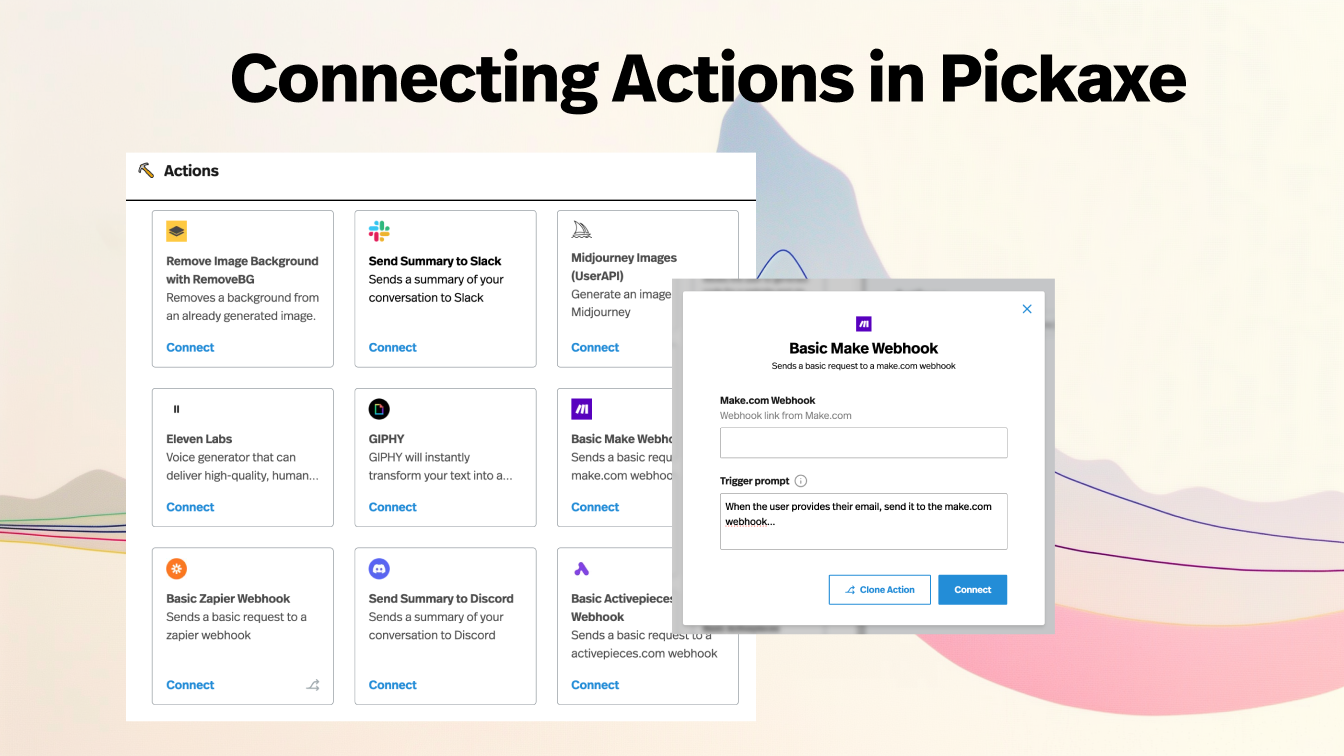
Custom provider-key availability and the settings shown can depend on the account and deployment. I would use the provider-key option shown in my workspace, if available, and check the billing rules for that setup. The historical “Studio” screenshots are not a reliable guide to the current interface.
Even with my own provider key, Anthropic's credits, spend limits, and rate limits still apply. Platform access and usage rules also need to be checked separately.
For the rest of the setup, our knowledge base guide, document upload walkthrough, and client onboarding example show how to make the agent useful beyond connecting a model.
Claude API key errors: what I would check first
Anthropic's error reference is the source for current codes. I would diagnose the returned message before rotating keys or repeatedly retrying the same request.
| Error | First check |
|---|---|
| 401 authentication error | Is the key complete, active, and connected to the intended organization? |
| 402 billing error | Are the account's payment details and API balance valid? |
| 403 permission error | Can the key access the selected resource and workspace? |
| 400 invalid request | Read the message: check request format, model support, and configured spend limits. |
| 429 rate limit | Check rate limits and spend caps; follow retry guidance when applicable. |
| 529 overloaded | Retry a transient provider overload with appropriate backoff. |
I would save a request ID for a support investigation while keeping the key and private input out of the report. The error message and request ID are more useful than a screenshot containing credentials.
Rotate or revoke a Claude API key
For a routine rotation, I would create a replacement, update the protected application setting, verify a small request, and then revoke the old key in the Console.
If the key has been exposed, I would revoke it promptly and inspect usage. I would also remove the exposed value from wherever it was published; creating another key does not make the first one harmless.
Frequently asked questions
Is a Claude API key free?
Creating a credential and paying for requests are separate steps. I would check my organization's available credits and current billing terms before using it.
Does Claude Pro include unlimited API usage?
No. API requests are subject to billing, spending controls, and rate limits. I would separately check any plan-specific API credit benefit that applies to my account.
Can I put the key in a website embed?
I would keep the provider key in the server-side or platform credential setting. A secret embedded in public browser code is exposed to visitors.
Why does my key work in one tool but not another?
I would compare the provider, selected model, organization permissions, billing balance, and request format. An application can fail because it uses an unsupported option even when the key itself is valid.
Once the first request works, I would move on to the agent's instructions, sources, and tests. Our model selection guide helps with that next decision.



.png)