
Put Wingman in read-only mode
Choose a workspace or use your account navigation to follow the steps below.
What it does
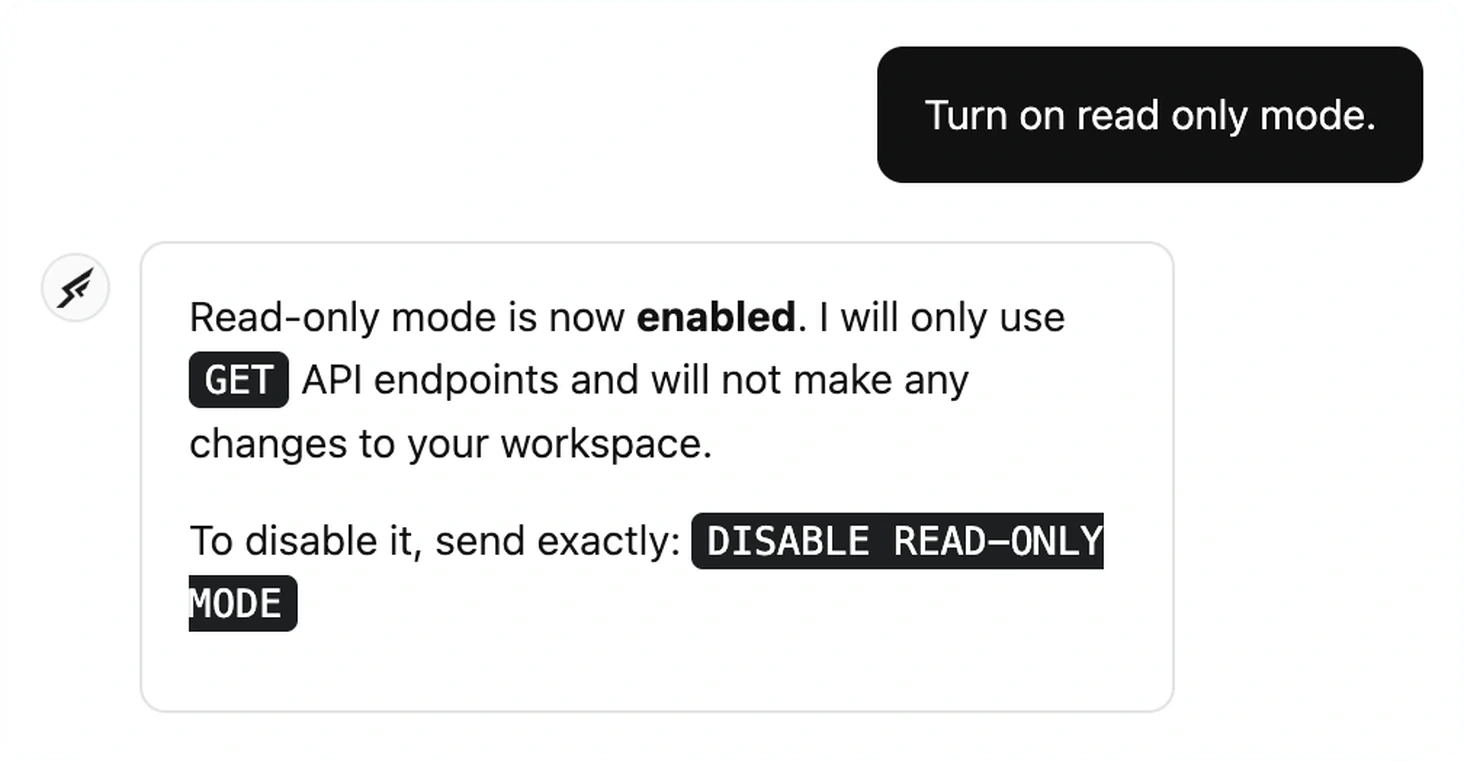
Telling Wingman "turn on read only mode" restricts it to GET endpoints, so it can still answer questions and review how a workspace is put together but cannot change anything in it.
Before this
You could already ask Wingman to explain or review a workspace, but nothing separated looking from acting — "have a look at this" and "go and change it" carried the same permissions.
Why it matters
Asking the assistant to look at your workspace should not carry a risk that it edits something while it is in there.
How it works
The switch is a sentence rather than a setting: say "turn on read only mode" to restrict it, and "disable read-only mode" to hand the write endpoints back.
It is a capability limit rather than a different assistant. Wingman keeps its full view of the workspace, so answers, reviews and recommendations are unchanged — only the endpoints that would modify something are withheld.