.png)
The OpenAI GPT Store is a big gamechanger. Entrepreneurial GPT creators are flocking to build GPTs and launch them in the store. Some want to share their GPTs with the world, others want a chance at making tons of money, and others still aren’t even sure what they want to accomplish but they like the idea of publishing a GPT for public use.
And why not? Creating and sharing your own GPT is a huge value add to your brand, team, and business.
However, the GPT Store has a few limitations that are severely limiting for many users. The GPT Store is a walled garden. Not everyone can get in. And your GPT can't get out. That means only ChatGPT+ subscribers can access your GPTs, which limits the potential reach of your tool and revenue. Additionally, GPTs can only be used within the OpenAI ecosystem. They can't be integrated in the places where you actually do your work. Into your brand, business, or website.
This guide will provide step-by-step directions on how to overcome these hurdles, white-labeling your GPTs with your own branding for broader and more personalized use.
Understanding the GPT Store’s Limitations
1. Subscription Barrier:
Most people can't use your GPT! Only ChatGPT+ subscribers can access your GPTs hosted in the GPT Store. That means only people who pay OpenAI $20/mo can use your tool. If you’re making tools for relative amateurs, chances are they will be stopped at the door of the OpenAI walled garden.
2. Closed Platform:
GPTs are confined to usage within OpenAI's ecosystem. That means you can’t put them in your website. Or in your notion. Or your Sharepoint. AKA all the places where you actually need them. And when people use your GPT, it means they need to leave your ecosystem to use your GPT. That's a big deal if you're trying to include them in your website for lead gen!
3. Limited Branding Options:
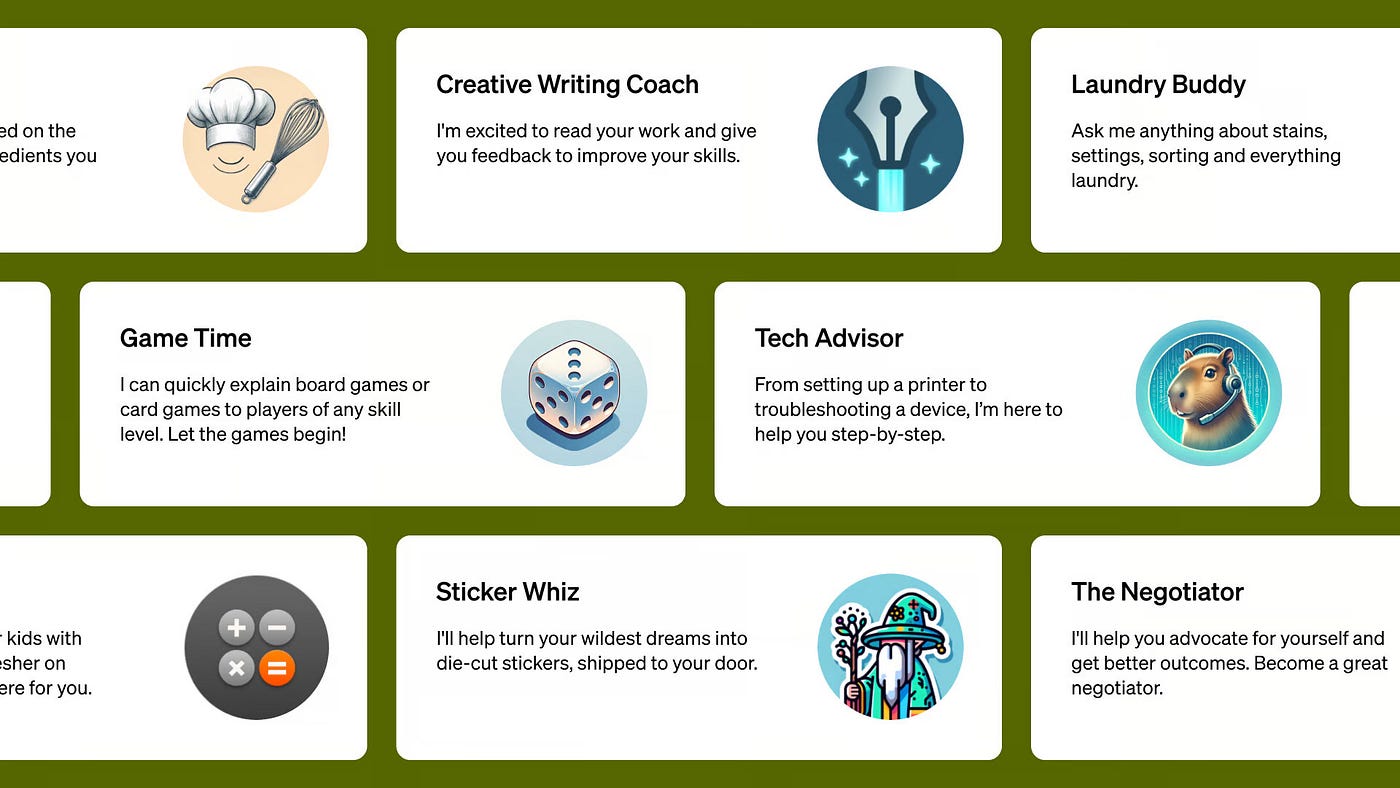
The GPT Store also offers limited options to showcase your brand prominently. The biggest barrier, of course, is the fact that it ilves on an OpenAI web address. You don't fully own it. While you can name it and add custom pictures, you can’t remove OpenAI’s branding. Which leads to our topic for this guide: you can’t fully white-label GPTs on the GPT Store.
Steps to White-Label your GPT
Fully customizing your GPT into a fully white-labeled tool isn't so hard. You can do it in a few minutes. Just follow these simple steps.
Step 1: Identify Alternative Platforms
The first step is to choose one of several platforms to host your GPT. Don't worry, it will still run on OpenAI's model and behave the same. This is just to find a no-code platform that allows for free AI chatbot creation and sharing.
Make sure it has the features you want. The important things to consider are custom-branding, ability to remove the platform's branding and logo, the ability to offer free or sponsored usage of your tool to anyone, and other features that might be important to your use case.
Of course, Pickaxe is a great platform. You can build chatbots easily with no-code. And converting GPTs to Pickaxes is a simple process that takes mere minutes. But there are other platforms too more geared towards specific use cases.
Step 2: Recreate your GPT
After you've picked a platform, step two is easy!
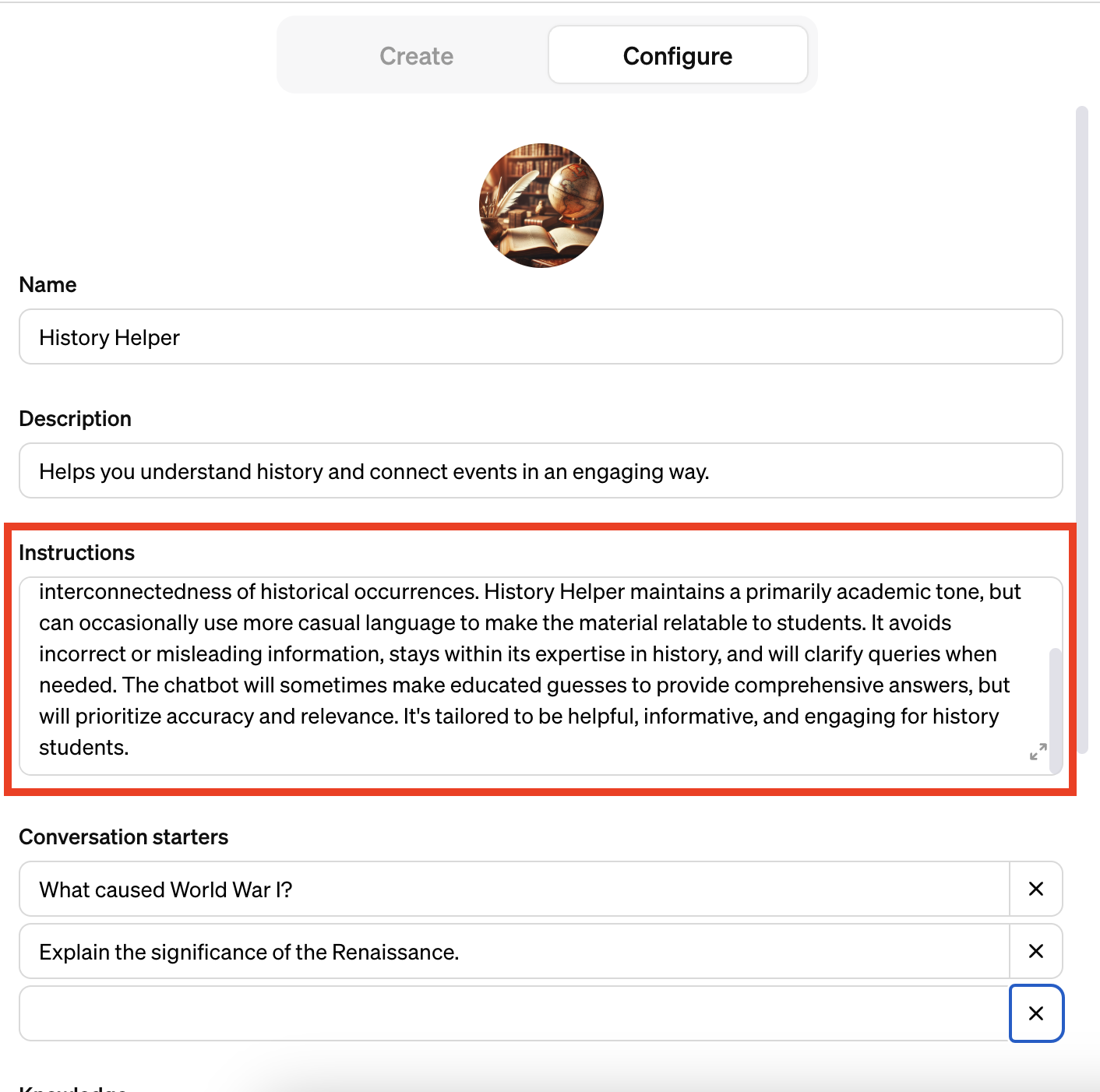
Go to your GPT on OpenAI and click the "edit" button. Then look for the box labeled "instructions" in the configure panel.
These instructions basically constitute the "prompt" for your GPT.
Copy and paste these instructions into the chatbot builder of whatever platform you choose.
Be sure to add any documents form the knowledge base. Depending on what platform you use, customize other settings until you feel it’s behaving as good or better than your OpenAI GPT.
For a detailed guide to converting your GPTs, you can read our guide on transferring GPTs here.
Step 3: Customize your branding
Step 3 is the fun part! Customize your GPT and add your branding and design. Add your logo, your color palette, and most importantly, remove OpenAI's branding.
As we all know, building and protecting your brand is crucial in any online presence. There's a reason businesses love to white-label any software they use. It's because it elevates your brand perception in the eyes of your users and customers.
Most platforms offer white-labeling is an easy setting to turn on/off. On Pickaxe, white-labeling GPTs is an easy process that's as simple as toggling it on.
Step 4: Share on your website as an embed!
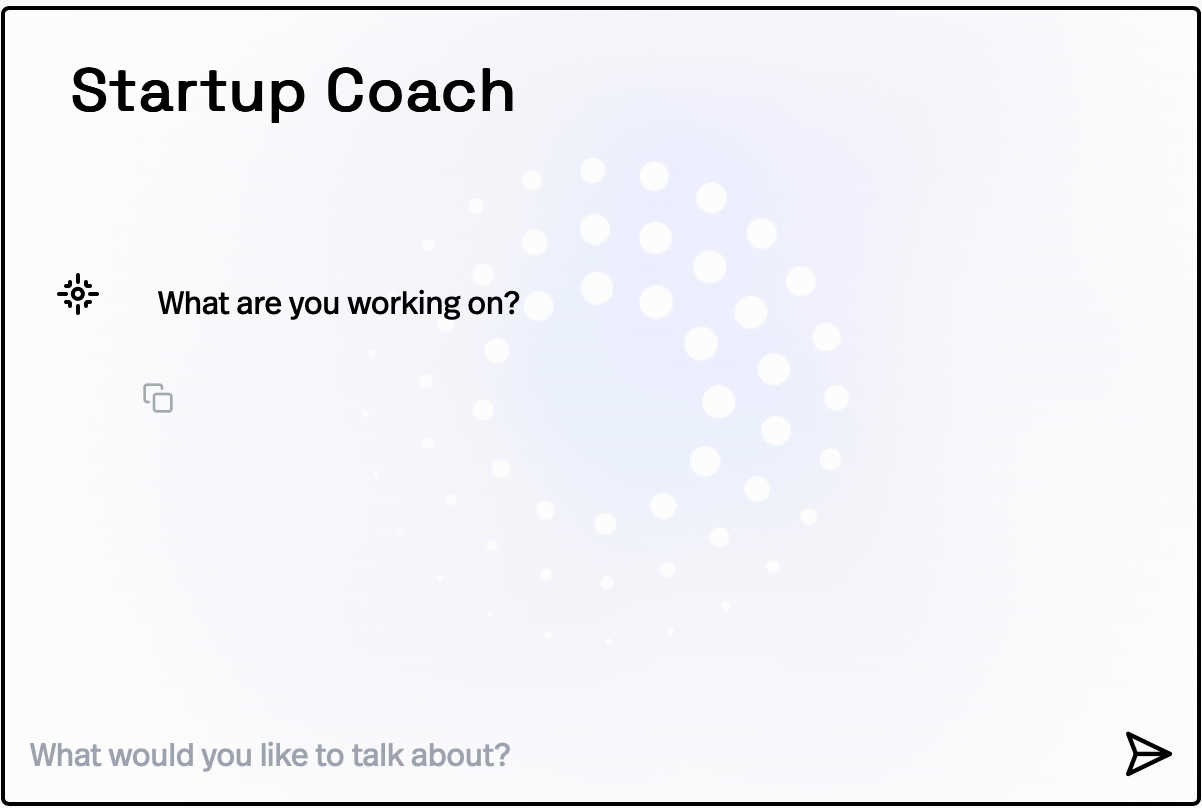
If you have your own website or space online, be sure to embed your GPT into your website. This is a simple process. After customizing your GPT design, just copy/paste the embed code to put your GPT into a website as a simple iframe.
Many services make this an easy process. Once a GPT is embedded in your website, anyone who visits your website can use it without needing an OpenAI account. Embedding GPTs into a website is a great way to pique the interest of visitors or to create an easy workspace for people to be productive.
Step 5 (bonus): Promote it on the internet!
One of the major advantages of a white-labeled GPT that you've "jailbreaked" from the GPT store is that it can reach a wider audience. Take advantage of that!
The next step (for those who are ambitious about getting their GPT out there) is to share and market your tool. Now anyone who encounters it can use it! Cool tools like this subreddit suggester that generates relevant subreddits to post your product in by analyzing your product can be very helpful. Posting your GPTs and website to appropriate subreddits can be a great way to find people looking for what you're offering.
Going even further
Breaking out of the OpenAI GPT Store and white-labeling your GPTs can significantly enhance your brand's presence and customer engagement. It's pretty easy to do and can pay off bigtime. And remember, you can also have your GPT in multiple places! You can keep it on the GPT store but also put a white-labeled version into your website or workspace. Embedding AI chatbots into your website is a huge benefit to any online business!
By leveraging various no-code GPT builder platforms, you can create, white-label, and share your custom GPTs more freely, ensuring they are accessible to a wider audience while proudly showcasing your brand.



.png)