Mistral is a popular AI model from France. It's a great model to use to power GPTs, chatbots, tools, and other AI apps you want to build and sell.
To build an AI chatbot with Mistral, you'll likely want to a Mistral API key.
In this post we show you how to get a Mistral API key, step by step.
Let's jump into it.
Step 1 - Go to Mistral & create an account
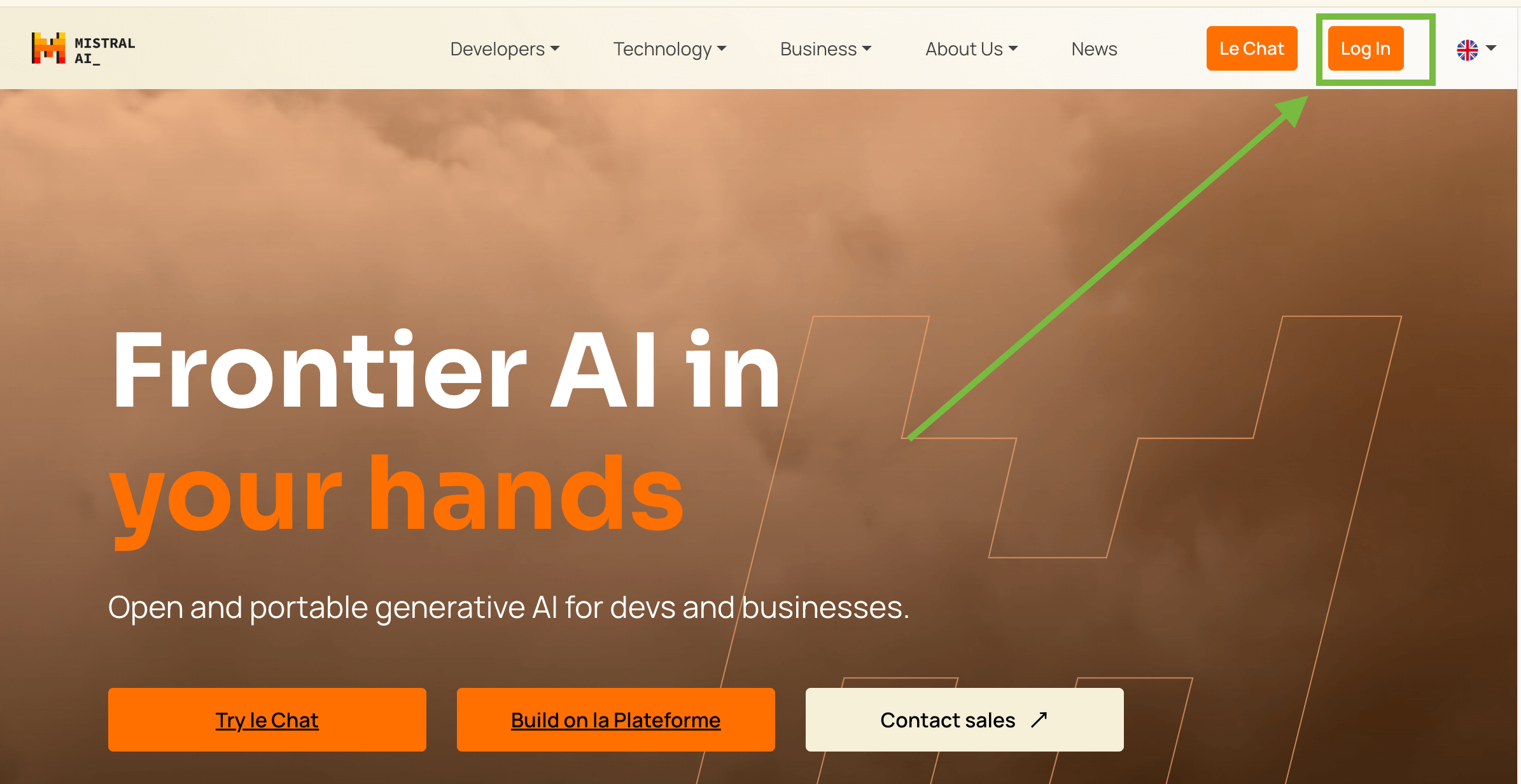
Go to https://mistral.ai/. Then click log in or create an account. You'll be prompted to crete an account and setup a workspace. This is fairly straight forward.
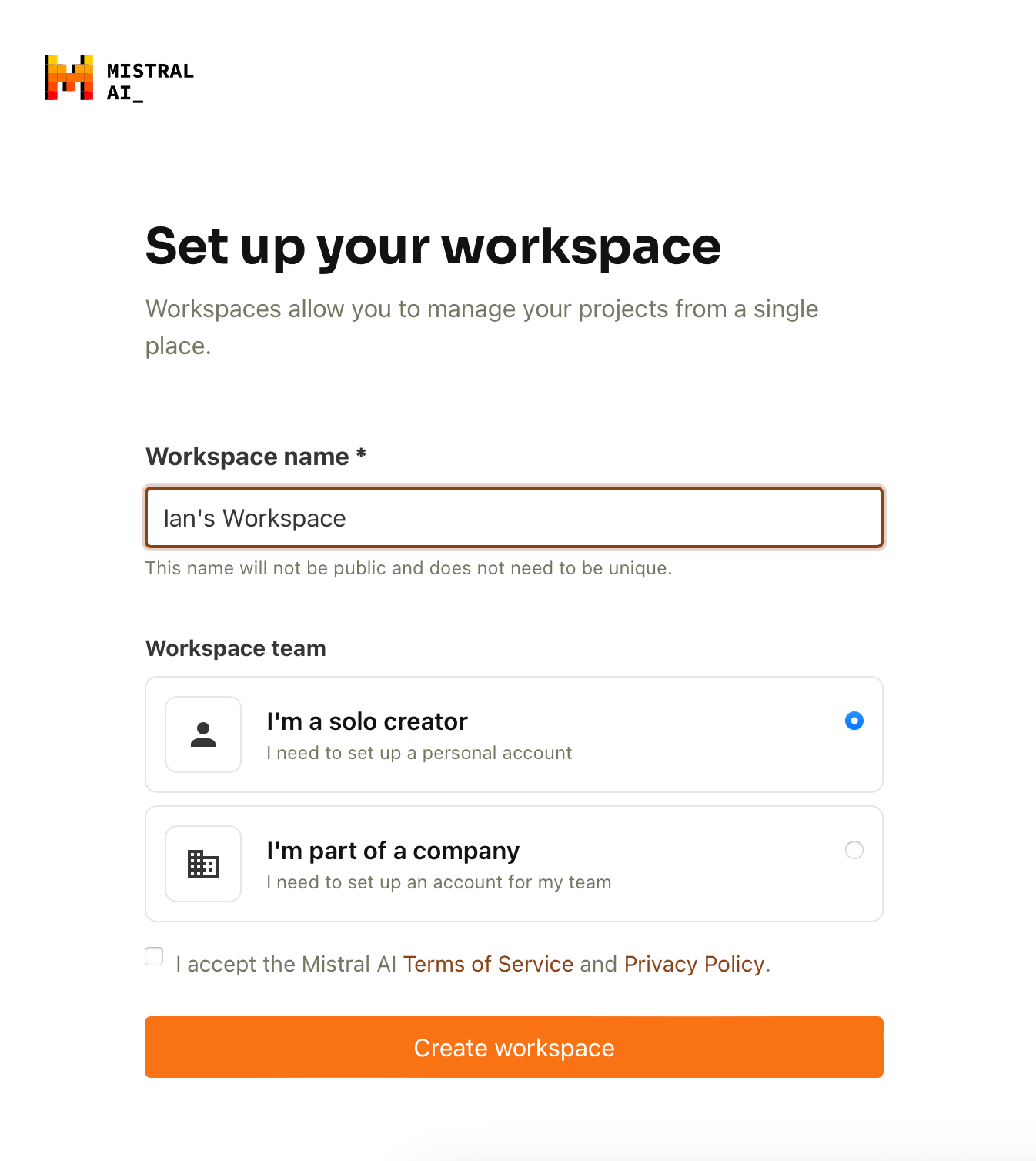
You'll then be redirected to https://console.mistral.ai/ Next we'll want to add some billing information so we can get an API key!
Step 2 - Setup Billing Information
In order to use Mistral via API, you'll need to add some billing information. Within the console page, click on the "Billing" tab.
Here you'll want to add some billing information!
Step 3 - Choose a plan
Next, you’ll want to make an API account. Go over the the Limits tab of the side nav. Click on it!
Then click on choose a plan.
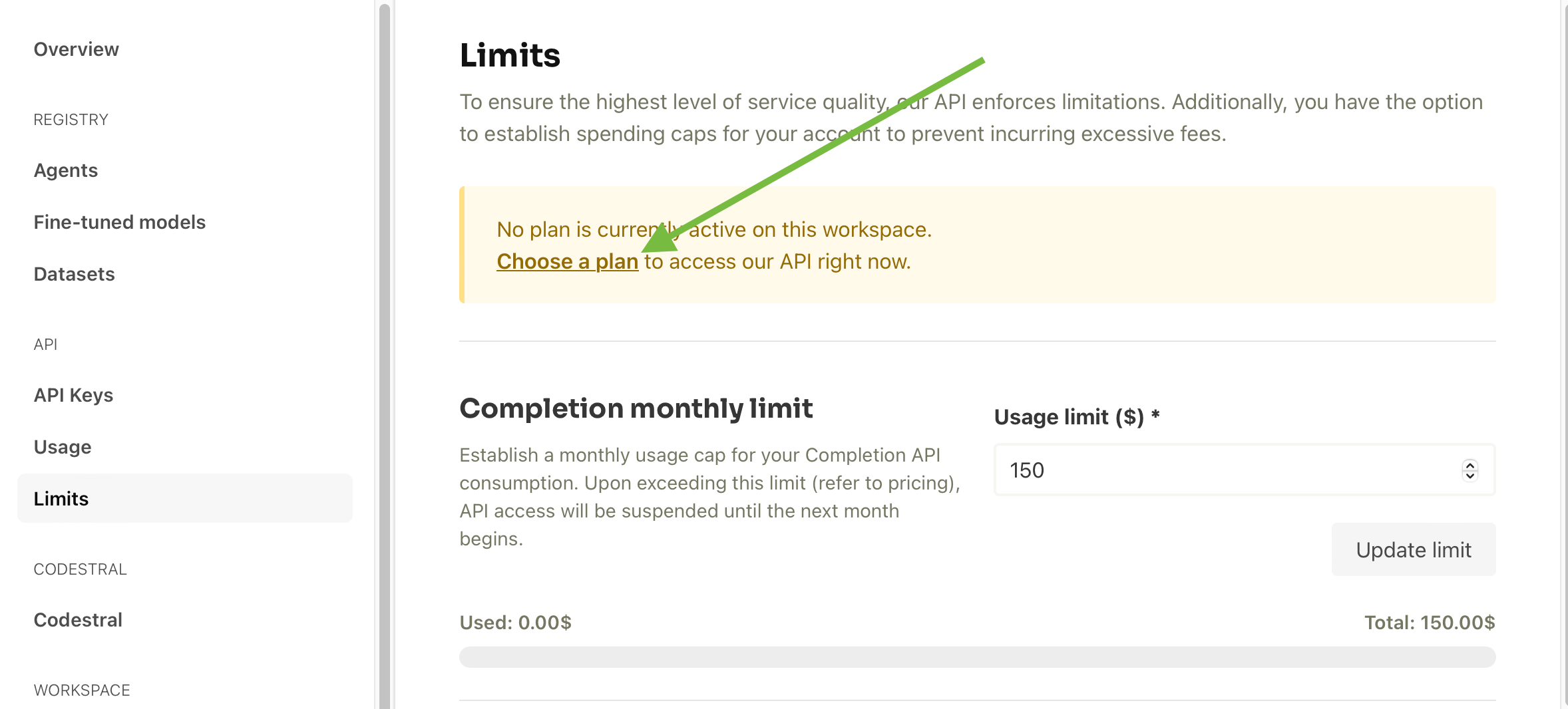
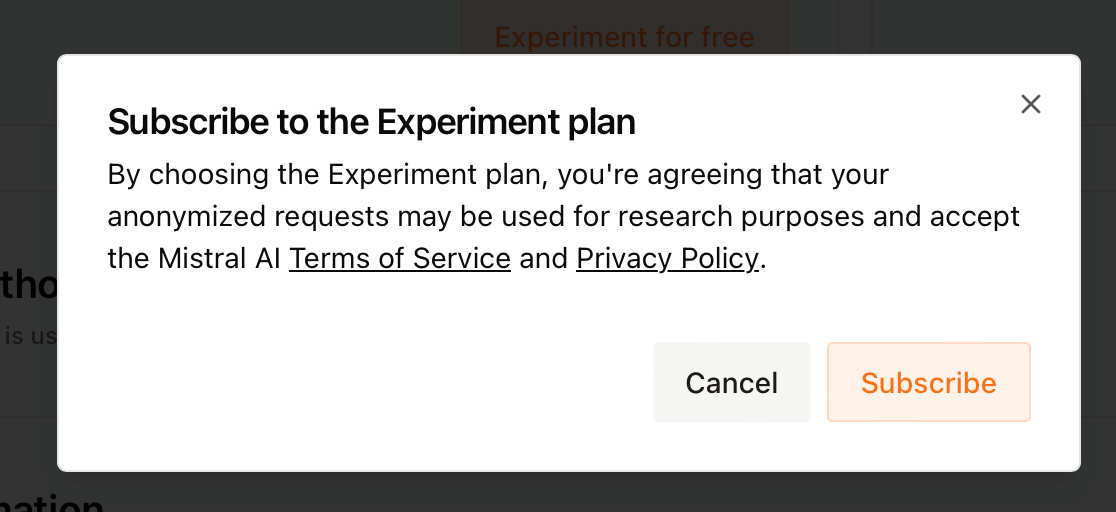
You can subscribe to the Experiment plan (free) or the pay as you go. The Scale plan has higher limits, but will require billing information to be filled out.
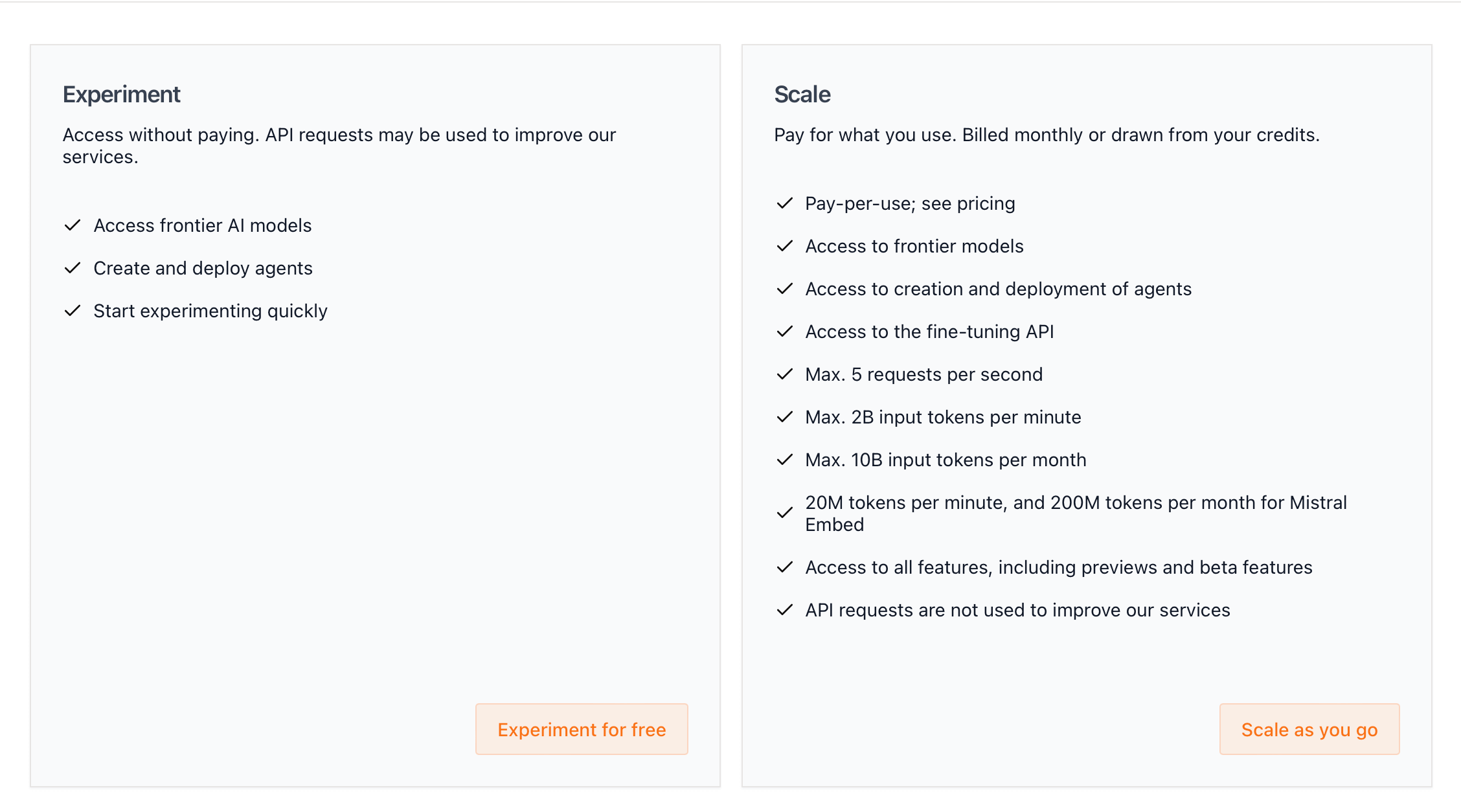
When you sign up for a plan, you'll be asked to verify your phone number. When you enter a phone number, Mistral will send you a verification code via SMS.
Step 4 - Create a new Mistral API key
Now that we've created an account and added some basic billing information, we get to the fun stuff. Creating our very own Mistral API key!
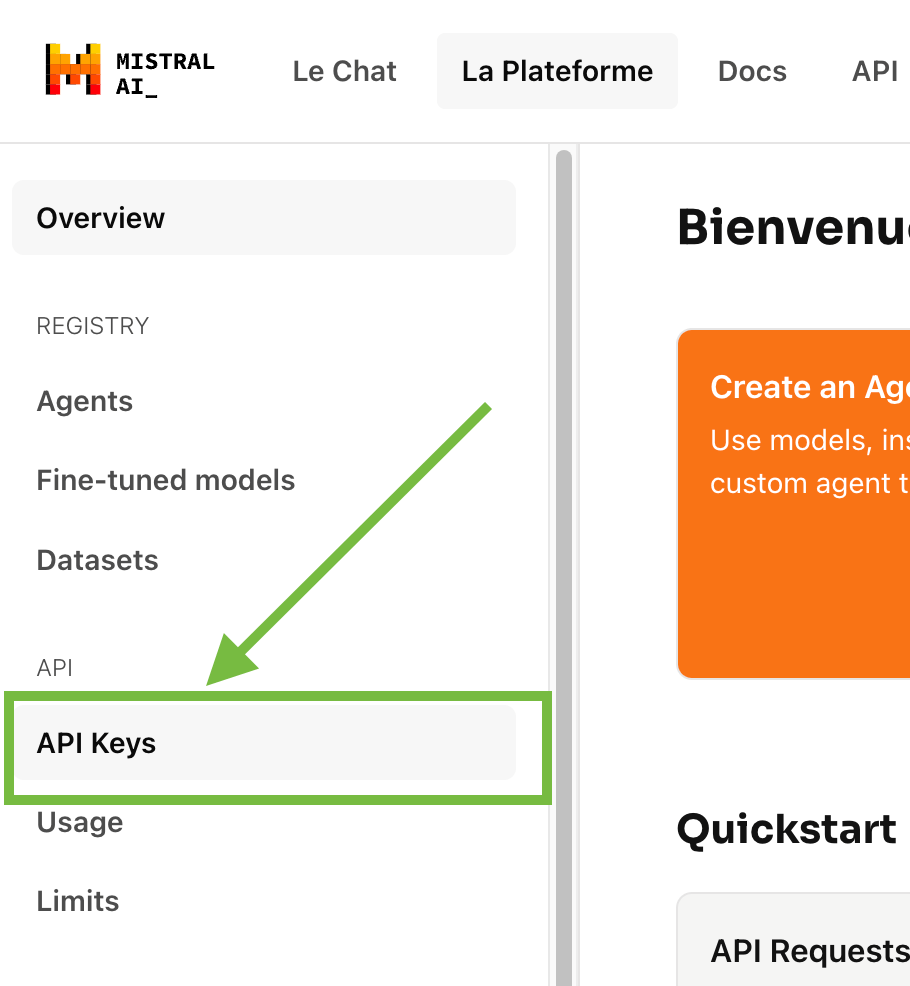
In the left-hand nav bar, click on the API Keys
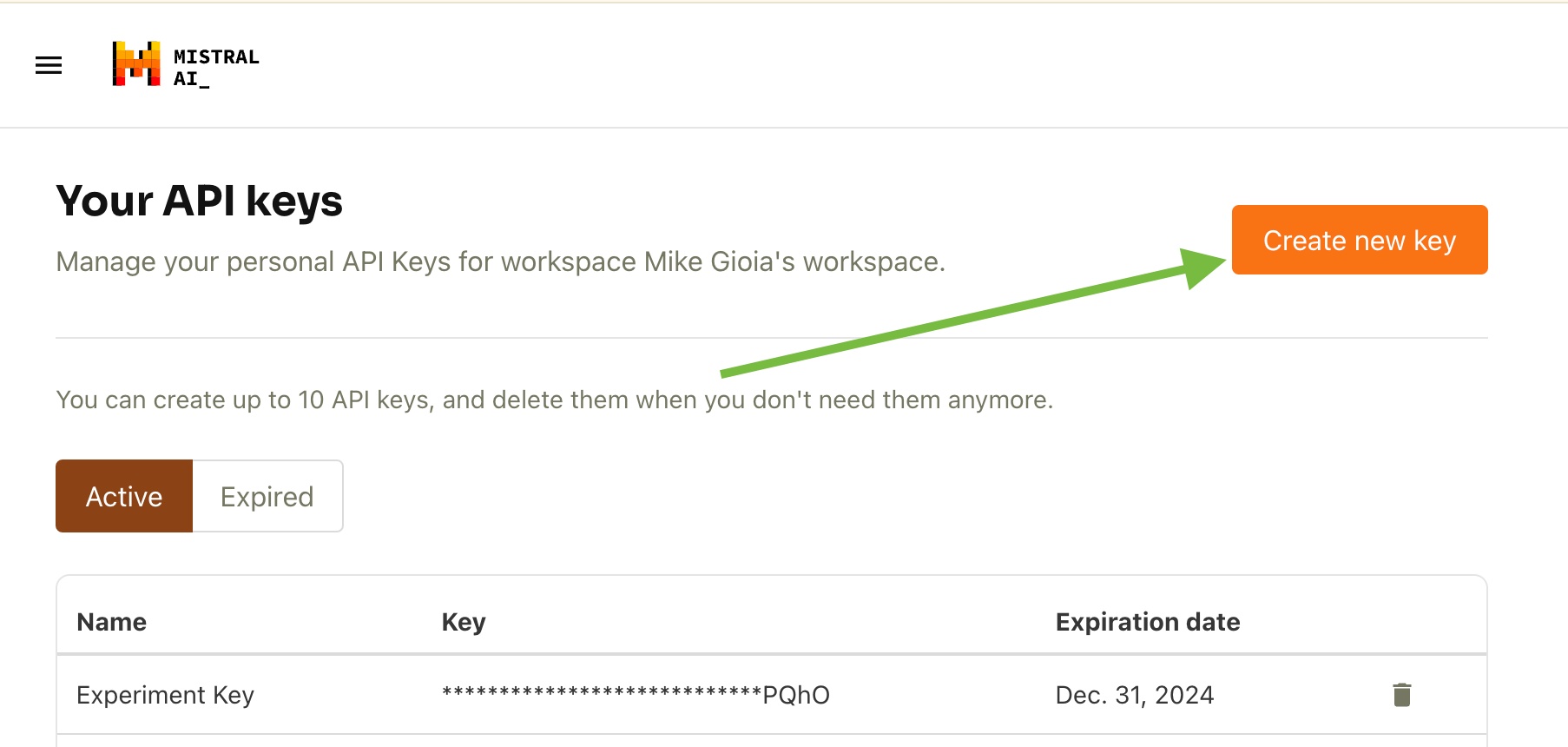
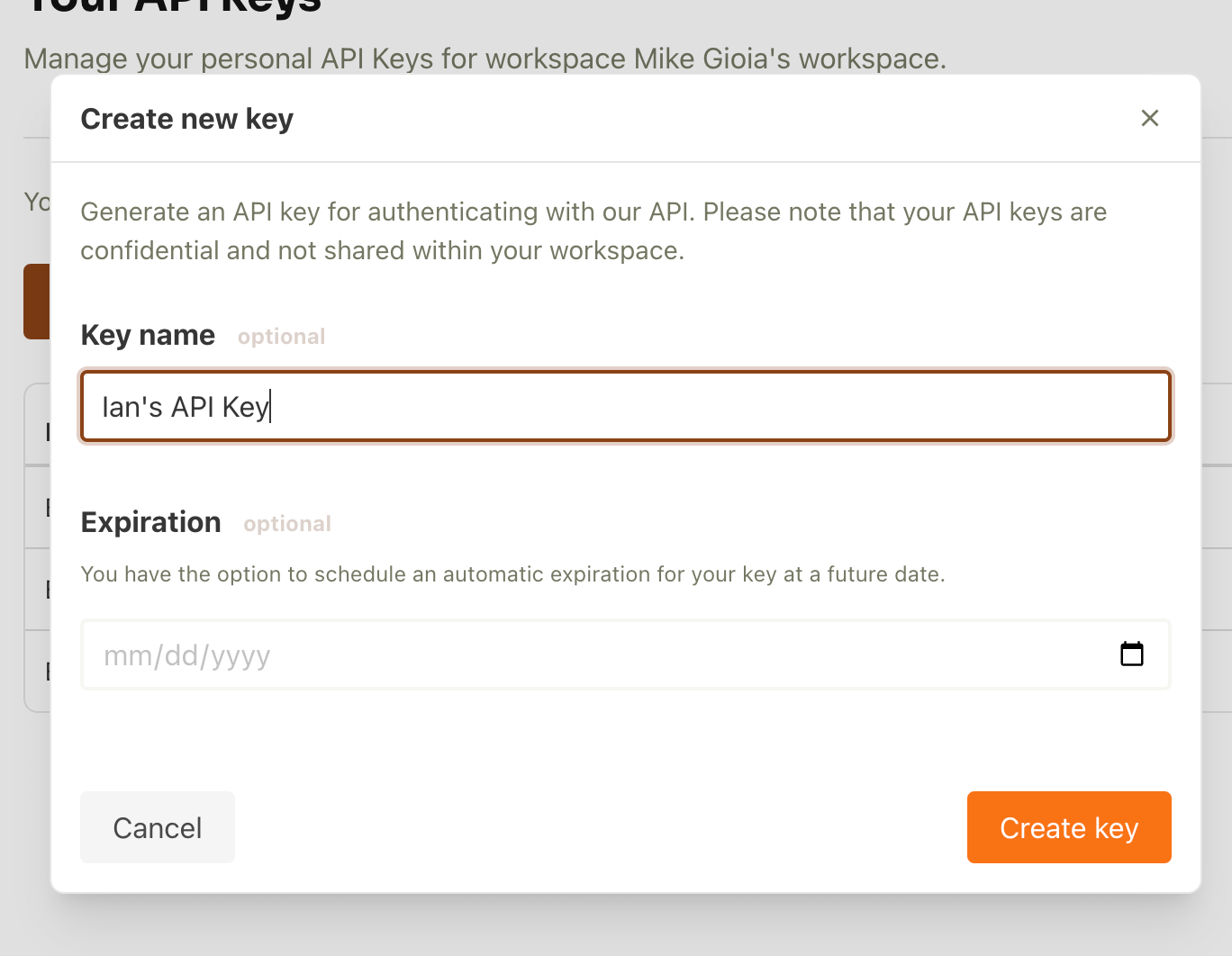
Then look for a big orange button that says "Create new key". Click this button!
Then you'll have the opportunity to fill out some optional such as a nickname for the API key (to help you keep track of multiple Mistral API keys) as well as an expiration date. Perhaps you're working with a collaborator and want to create an API key for the lifespan of the project, but no longer. Again, these fields are both optional. When you're done click "Create key".
Step 5 - Copy your key!
This is very important. As soon as your Mistral API key is generated, COPY IT down somewhere! You will not be able to see your API key again once it's generated Store it someplace secure where you won't forget it. And don't share it with anyone else!
Step 6 - Enter your Mistral API key into Pickaxe
Now that you have your API key, enter it in your chatbot, smart form, or other tool. If you're using Pickaxe to create no-code AI bots, then entering your API key is very simple.
Here's a video walkthrough of how to get a Mistral API key as well.


.png)
.png)